
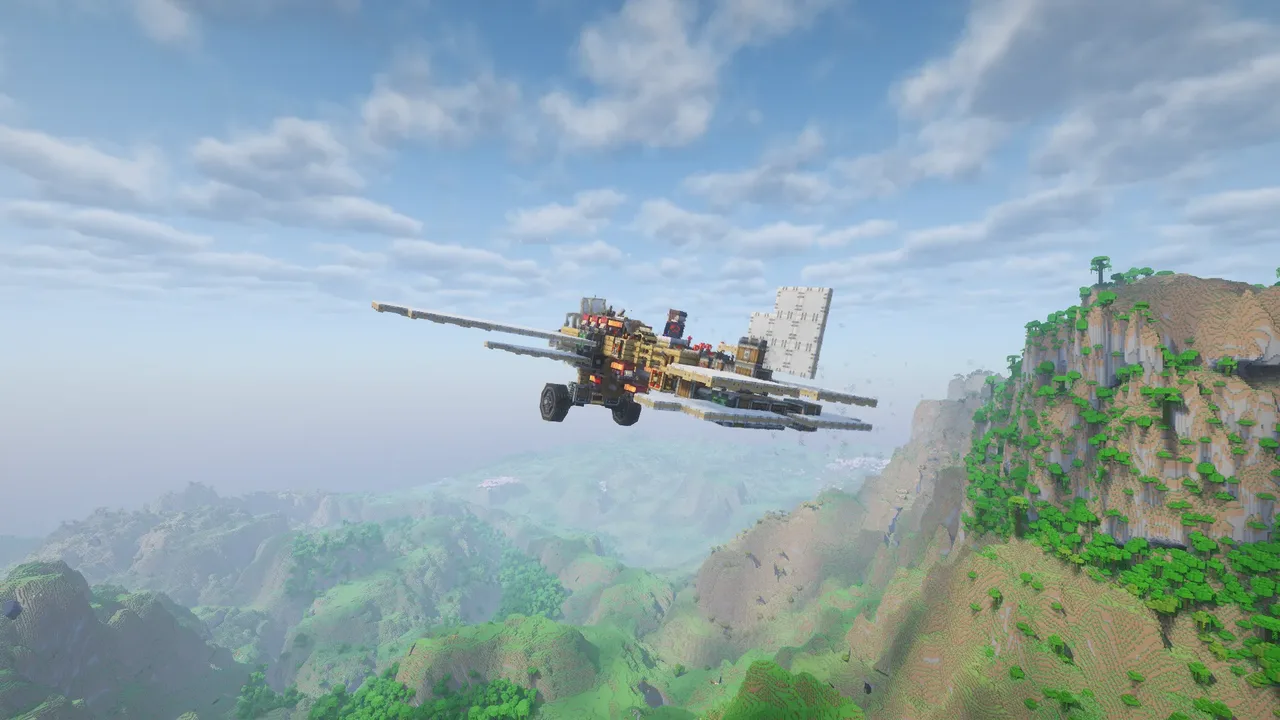
![[1.21.1] (UPDATE) "Saturn M3 v1.1" - Explorer Wooden Airship Base](/a/0a/0a858bb1e1fd14b.webp)
| Creator | Koba |
|---|---|
| Category | Flying Machines |
| Size | 51 × 36 × 74 blocks |
| Blocks | 15,575 |
| Minecraft | 1.21.X |
| Create | 6.0.10 |
| Mods | Woodworks, Dndecor, Aeronautics, Create, Bits n bobs, Simulated, Quark, Supplementaries, Copycats, Farmersdelight, Interiors, Railways, Createtransmission, Amendments, Createdeco, Createcasing, Another furniture, Suppsquared |
| Downloads | 3,063 |
| Added | 2026-05-17 |
Schematic by Koba, published on CreateMod.com. This page lists what it contains; download the file from the creator’s page.
The airship was designed more as a means of transportation than a base and to fly at high altitudes. But that doesn't mean it can't serve as a base; it's just unfortunately not self-sufficient. It's a type of airship that can be built in survival mode.
max speed: 16m/s. With the new propellers: 27m/s
max height: 291
-----------------------------------------------
Long description notice below
-----------------------------------------------
===== UPDATE notes: =====
v1.1:
- Minor design changes, nothing significant.
- Changing redstone magnet to docking connector
v1:
- The ship now has 3 steam engines.
- Significant external changes; it now has six new propellers that provide more thrust and speed. They will always rotate at maximum speed and can be activated or deactivated by pressing 'left alt'.
- Internal changes: better organization of the engine room and the addition of a new library.
- New commands: the rope elevator can now be remotely controlled by the typewriter with the following commands:
> 'H' >> locks and unlocks the elevator
> 'J' and 'K' raise and lower the elevator
- Due to the instability and very steep tilt of the ship, I recommend adding heavy blocks to the compartment at the bottom of the ship's tip, where the two safes are located.
-----------------------------------------------
Note:
I recommend using the following mods:
- Aeronautics Camera Sync
- Copycats+ aeronautics weight (optional, although rarely used)
Check the direction of the propellers; sometimes two of them can rotate in opposite directions, causing the ship to go very slowly.
On the side of the ship, there are two ladders that descend when the button is pressed (or activated on the typewriter by pressing 'C' and 'V'). Check the direction of the ladders; sometimes they can rotate inwards. Because of this, there are levers inside the ship that, when activated, change the direction of the ladder. Activate only if necessary.
-----------------------------------------------
Basic setup:
- Instead of using portable engines, I used windmills on the two rear sides to generate kinetic energy that will be used for two steam engines (A and B). So, to function, it needs to be manually activated.
- Inside the ship, there are signs indicating where to fill with water (blue sign) and where to put fuel in the barrels (red sign).
Other configurations (not necessary to function):
- Inside, there are signs indicating where the display links should be configured. The cockpit has nixie tubes that show RPM, stress used, and total lift values.
- There are two frogports, one on each steam engine ('A port' and 'B port'). They are used to refuel the pilot's cabin engines (a blaze located under the seat), without needing to leave the seat; it pulls fuel from vault 'A' and supplies it to the two engines.
-----------------------------------------------
Basic Controls:
Navigation:
- 'A' >> (hold) turn to left
- 'D' >> (hold) turn to right
- 'W' >> propels the ship forward (usually already configured)
- 'S' >> propels the ship backward
- 'Q' >> (hold) increases propeller RPM (holding too long [11 redstone power] will stop the engines)
- 'E' >> (hold) decreases propeller RPM
- 'Spacebar' >> stops and starts the propellers
- 'up arrow' (hold) >> raises the ship
- 'down arrow' (hold) >> lowers the ship
Other functions:
- 'C' opens and closes the door on the left side of the ship (front view)
- 'V' opens and closes the door on the right side of the ship (Front view)
- 'Z' opens and retracts the landing gear (possible conflict with Xaero map mod)
- 'X' locks and unlocks the landing gear with the docking connector
- 'Enter' opens and closes the hatch in the center of the airship
- 'End' locks and unlocks the rope winch (must be attached to the docking connector which will probably be lying on the ground when you attach the structure)
- (probably reversed) 'Page up' and 'Page down' lower and raise the redstone magnet
- 'Shift' activates and deactivates the docking connector
(new) - 'H' locks and unlocks the elevator
(new) - 'J' and 'K' raise and lower the elevator
(new) - 'Left Alt' turns the new propellers on and off (note: they will always spin at maximum speed, in their case: 228 RPM)
and 252 more block types
![[ FIXED ] Large Aircraft](/a/82/82fc7d58f563b56.webp) [ FIXED ] Large Aircraft10,979 blocks · Bluetb
[ FIXED ] Large Aircraft10,979 blocks · Bluetb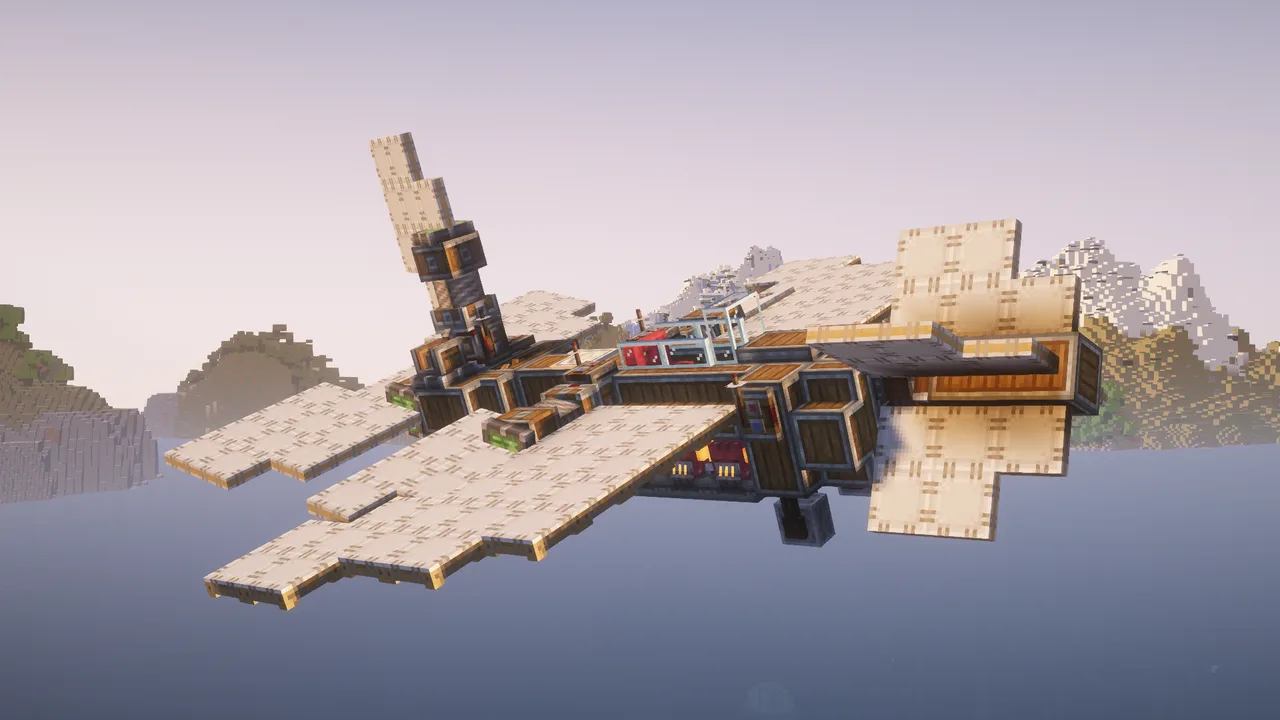 plane201 blocks · Qe4ank
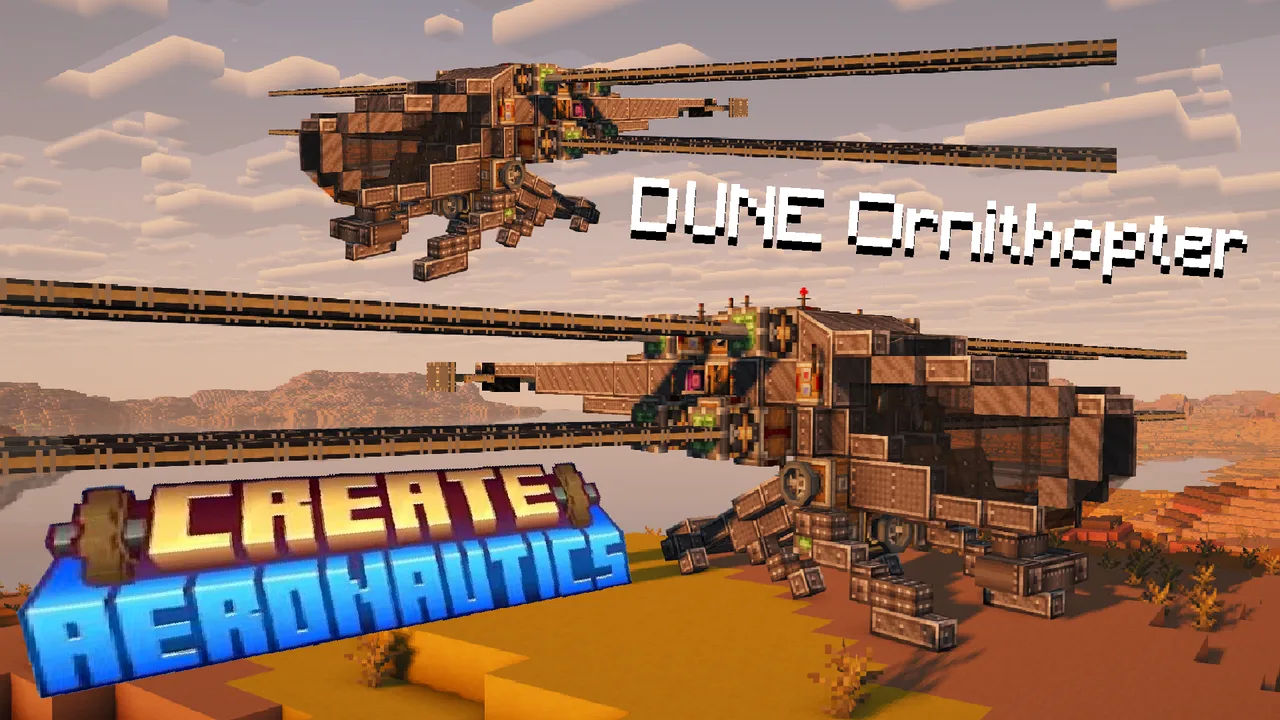 DUNE Ornithopter (Magnusthopter) / Creative friendly315 blocks · Niko Beniko
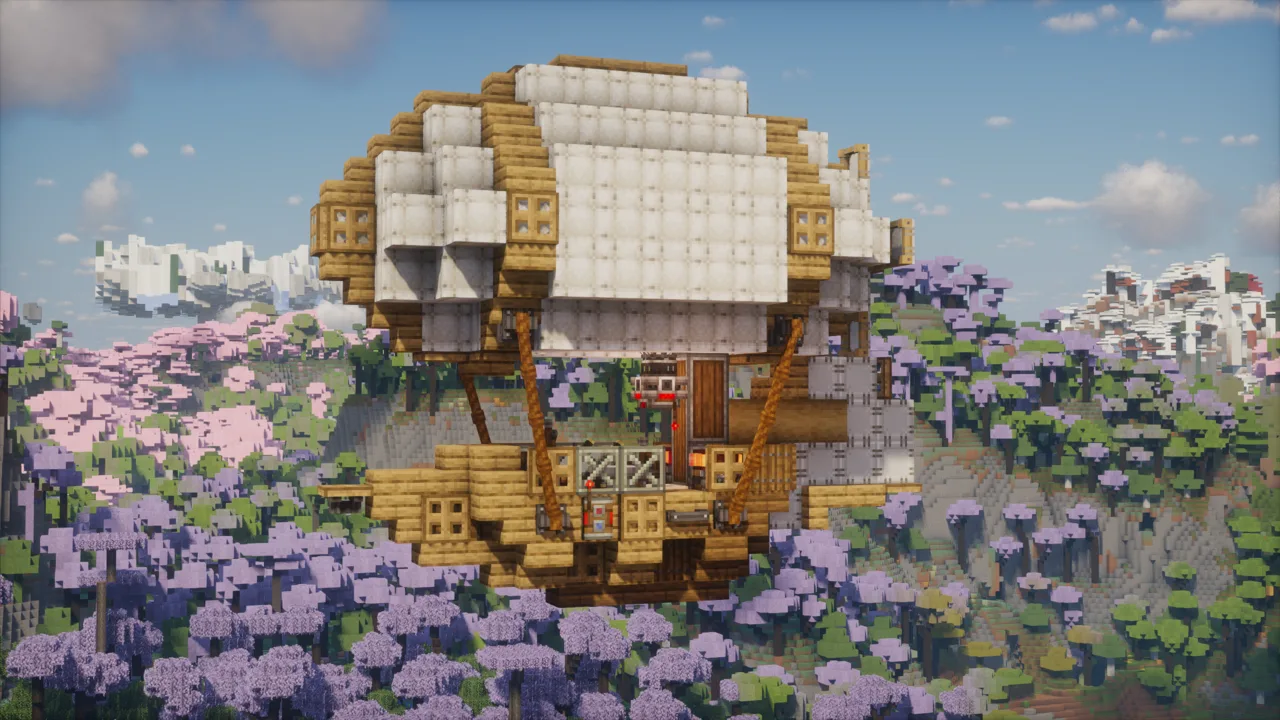 Simple starter airship325 blocks · Bartuszek
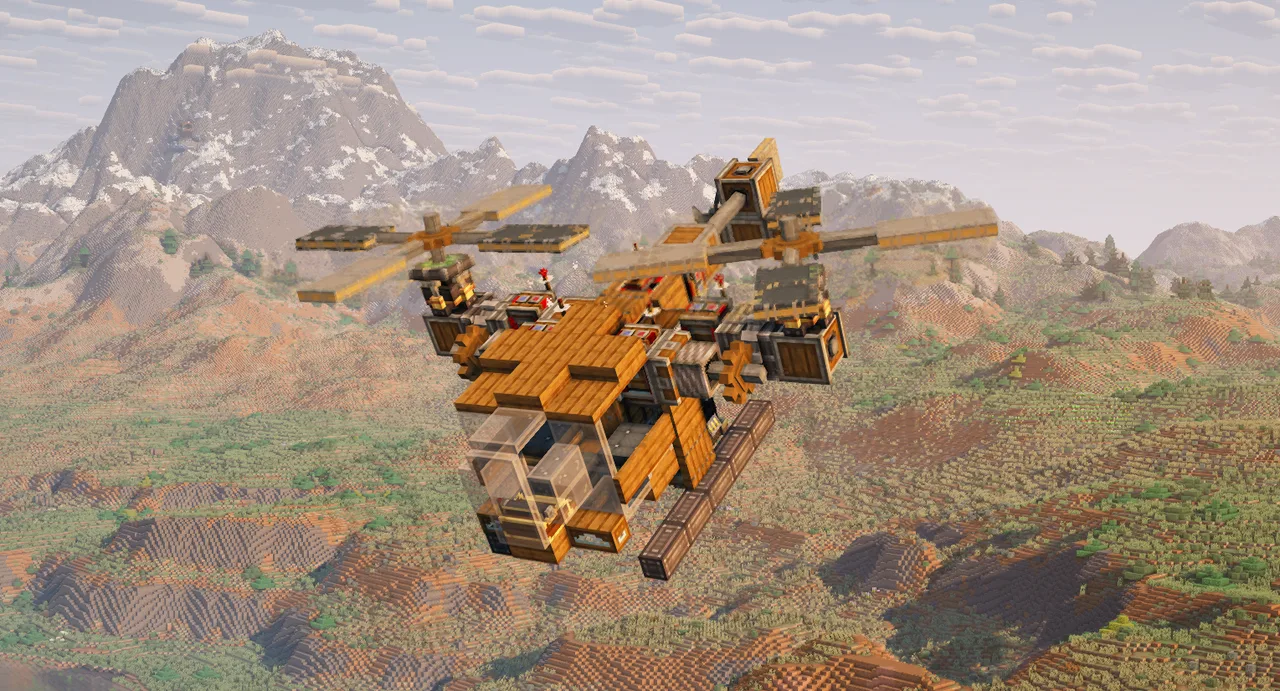 Mini Twin Tilt Rotorcraft (Survival Friendly)136 blocks · _Lsants_
 Propeller plane (Ready to fly!)276 blocks · 77Amsi
 Airplane from Aeronautics Trailer213 blocks · Lac7om
 B-2 spirit2,215 blocks · E11_1even
 The Hyperion2,894 blocks · Glu99
 F-22 Raptor Aerial Superiority Fighter Jet668 blocks · Rekt_38998
 C-17 Globemaster III5,448 blocks · Skulk Works
 Base create Vanilla Plane263 blocks · Iwhbyd