
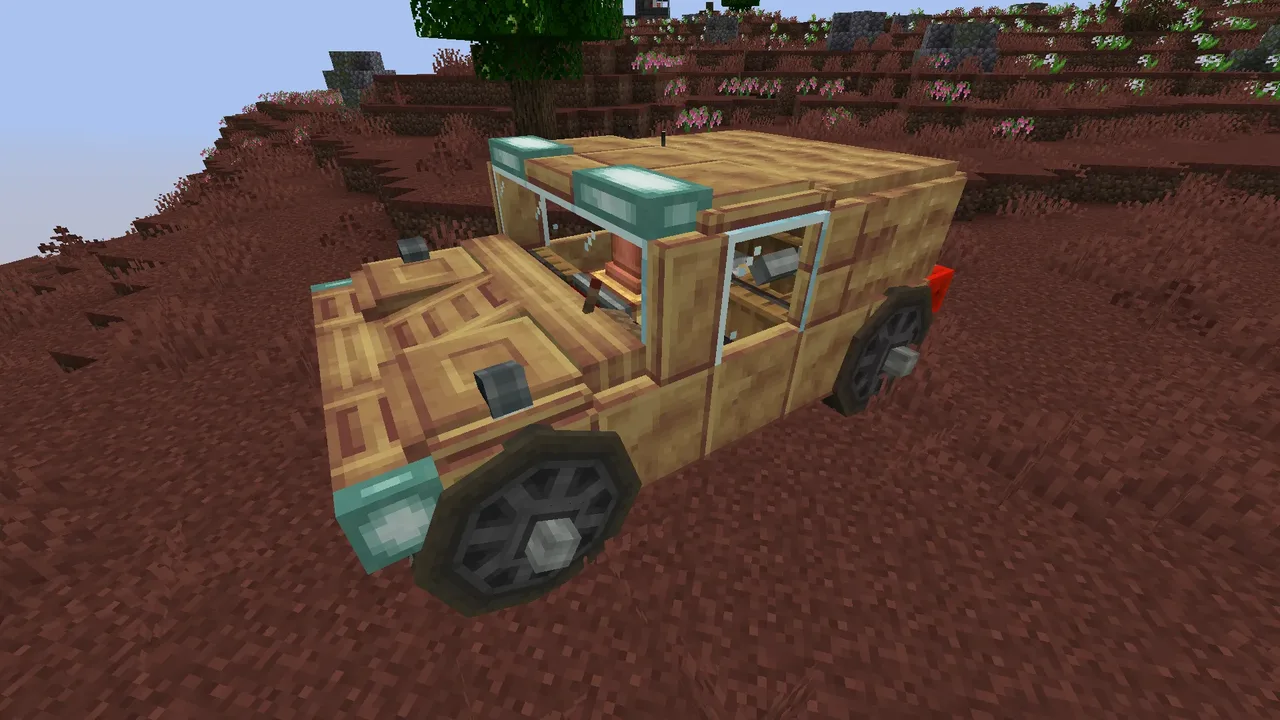
Everyone born after 1985 saw a HMWV platform vehicle atleast once in their life, be that in game or a movie or even irl, half of those people tried to recreate it with lego, sand, wood, in minecraft, besiege and all that. I made those statistics up but whats a fact is that's an iconic vehicle, so have my take on it.
This entry is however more focused on teaching you how to use Drive By Wire mod since i'll be using that a lot in future vehicles of mine. You can also watch a youtube tutorial on that one, there are plenty.
HOW TO USE DRIVE BY WIRE:
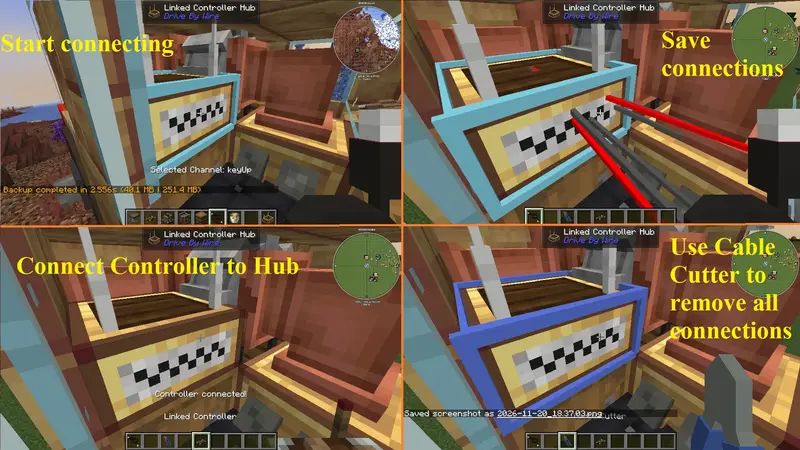
Get yourself Linked Controller Hub, Cable and Cable Cutter, these are the tools (and block) you need
Click with Right mouse button with Cable in hand on placed (in your vehicle) Linked Controller Hub, should light up with light blue, then it says above your toolbar "Selected Channel:keyUp"
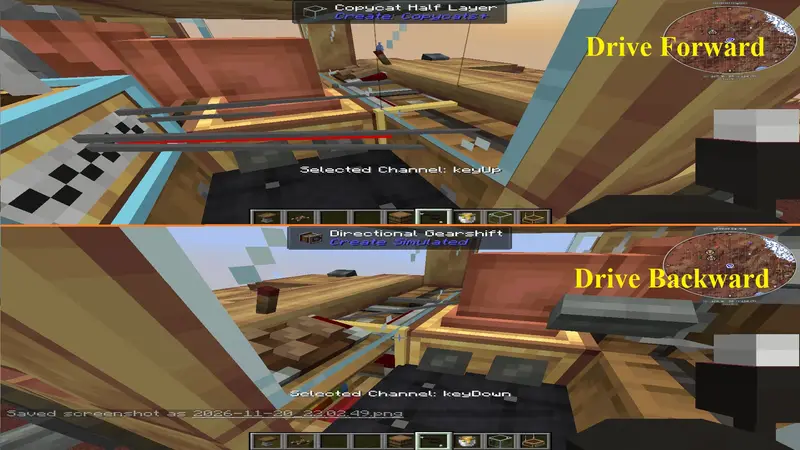
Selected Channel is coresponding key to linked controller from vanilla create mod, REMEMBER: keyUp is W, keyDown is S, keyRight is D, keyLeft is A, keyShift is Left Shift and keyJump is SPACE, cycle between them using mouse scroll and when you find your needed channel, aim to surface you need its redstone signal outcome to be and Right mouse click it. Choosen surface should have yellow borders and red string between itself and Linked Control Hub, that means selected key channel will send redstone signal to this surface, to remove connection, click on this surface with Right mouse buttton again. (while in connecting, Left mouse button bvreaks block as normally)
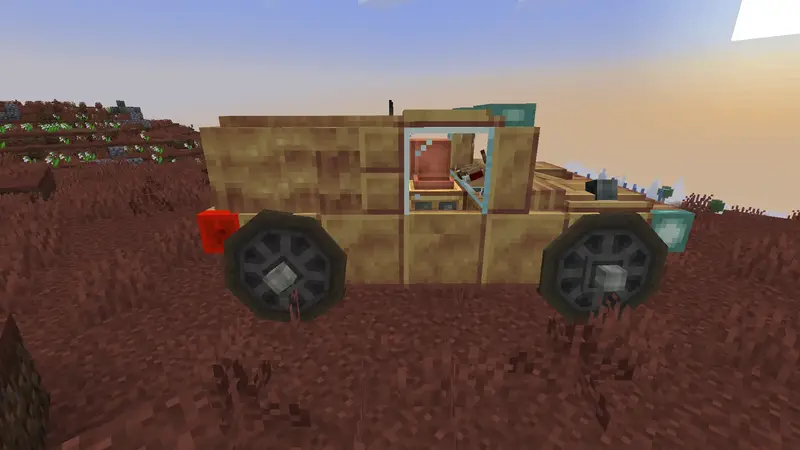
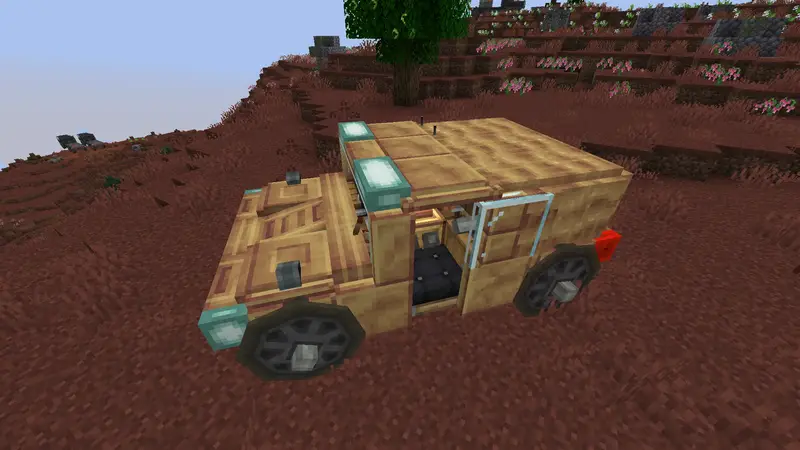
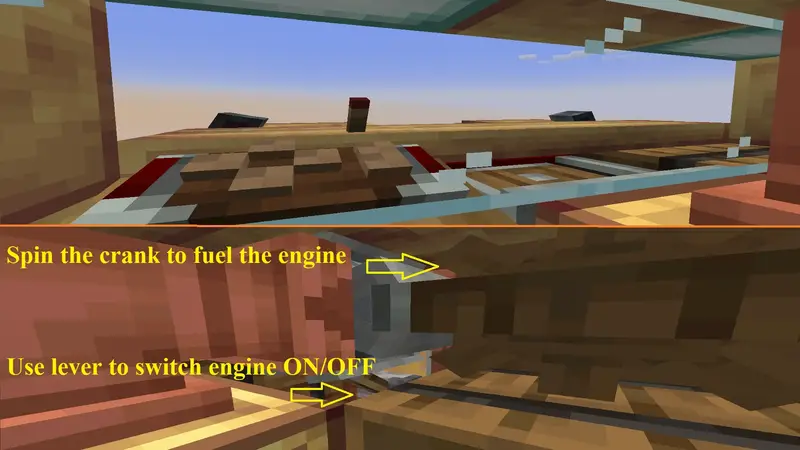
Directional Gearshift from Create: Aeronautics simulated is used to change spinning direction of wheels so you can drive it forward and backward by sending redstone signal to its left or right side. Depending on how you place it in your vehicle build, keyUp and keyDown sides maybe diffrent, keep that in mind and look in pictures above for refrence how it looks
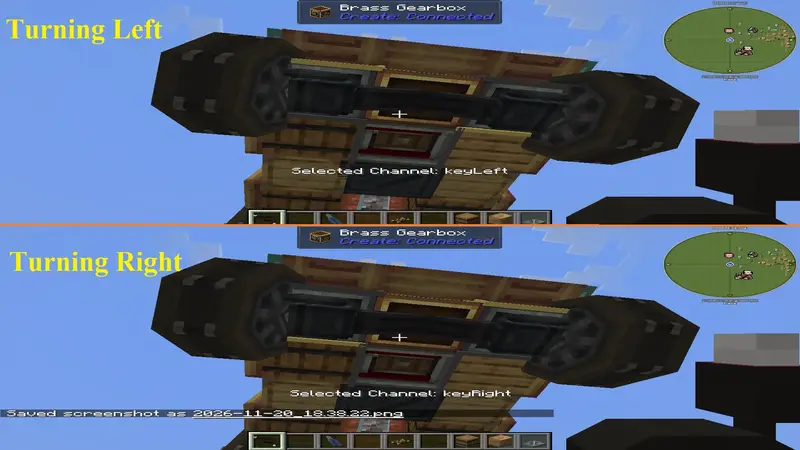
Wheel Mounts from Create: Aeronautics simulated work similary to Directional Gearshift, they turn the wheel to their "redstone signal ON surface", that means for steering mechanism you have to connect surfaces diagnoally on both sides. Connect keyLeft to Left wheel mount BEHIND IT and IN FRONT on Right wheel mount (now both wheels turn left). Then connect keyRight to Right wheel mount BEHIND IT and IN FRONT on Left wheel mount (now both wheels turn right), See that in pictures above
You can connect one channel to many surfaces
After all connecting is complete, Right mouse button click on Linked Controler Hub with this same Cable in hand to save it (if you drop it or remove from your hand during connecting without saving you have to start all over again)
Right mouse button click with Linked Controller (from vanilla create mod) in hand on Linked Controller Hub to asign linked controller to this exact configuration of channels and their surfaces, should say "Controller Connected" by presing W,S,A,D, Left Shift and Space you turn redstone signal ON on their connections steering the vehicle, contraption or mechanism. You can place this Linked Controller in lectern for it to be "driving wheel" or control terminal.
To remove all connections from Linked Controller Hub Right mouse button click it with Cable Cutter in hand
Now you know how to use Drive by Wire mod, keep in mind that in some vehicles of mine you will have to break a block or open a trapdor to gain acces to certain surfaces and blocks needing a connection, do that before starting connecting.
KNOWN ISSUES:
Report issues in comments
Tell me if i missed something
ApexTech - Innovate Discover Conquer
 Engine Module24 blocks · Baborcra
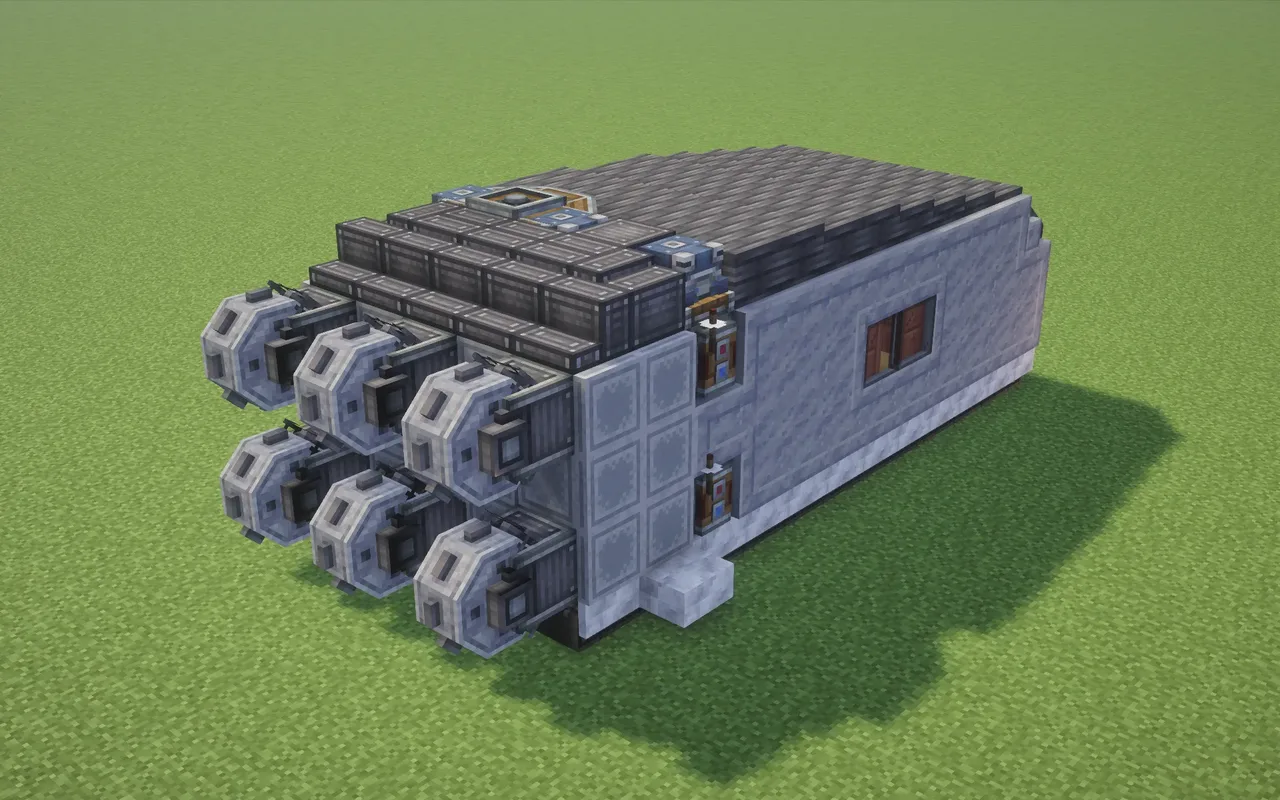 Tunnel Boring Machine364 blocks · Buzzibuzz_the_one
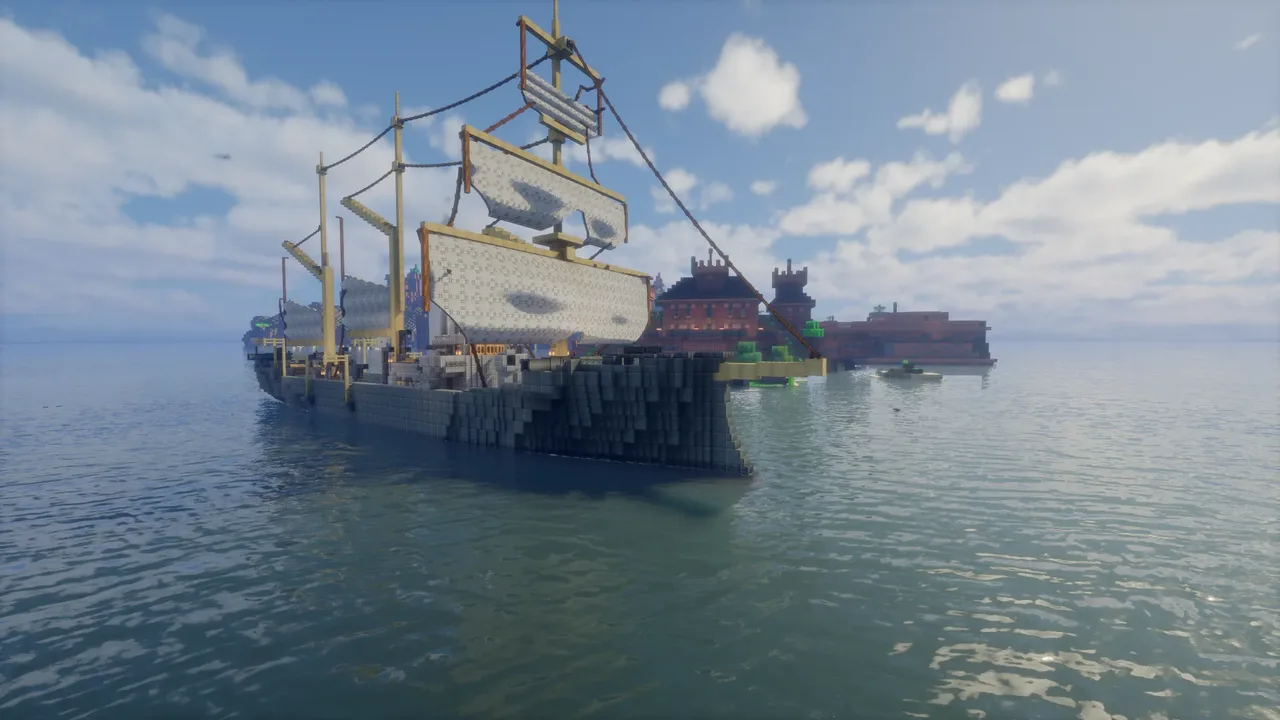 USS Schurz / SMS Geier11,529 blocks · Huzuni.html
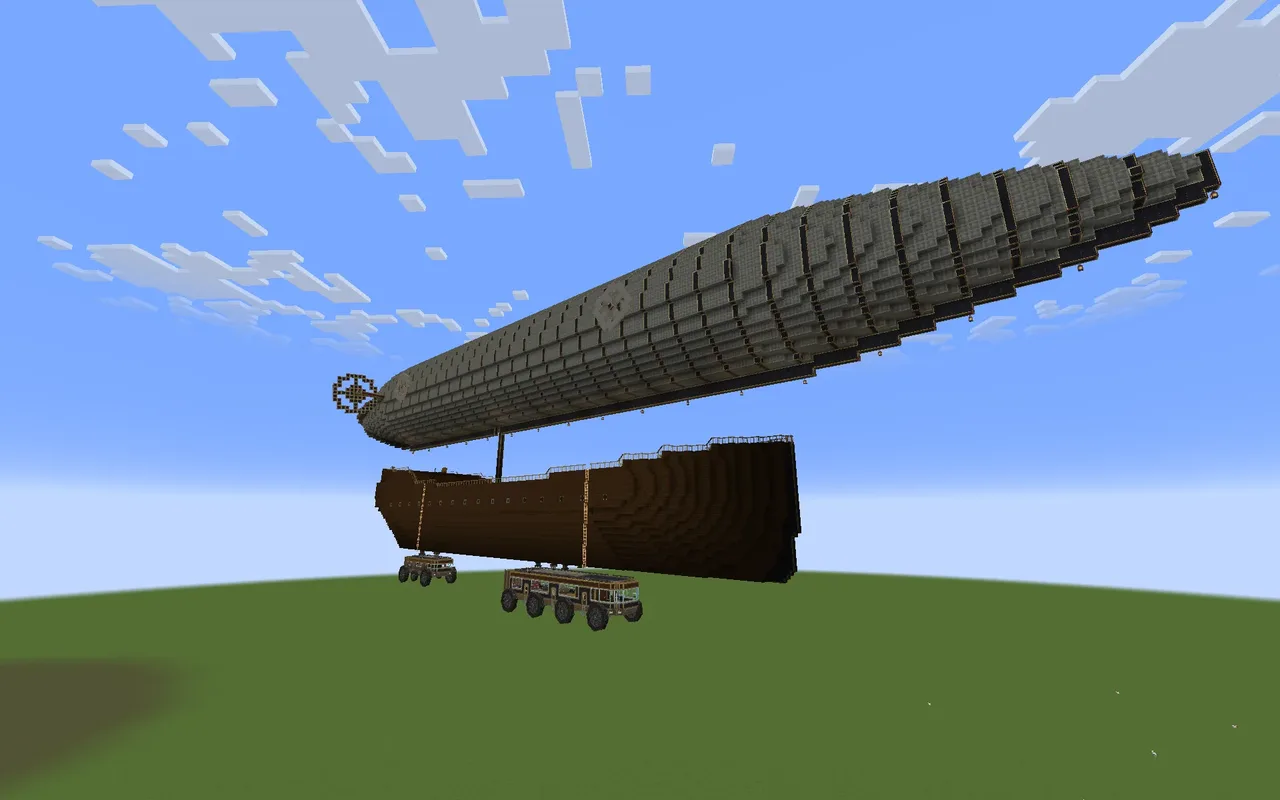 E.F.B. Test (Expeditionary Flyable Base)26,131 blocks · Kit385
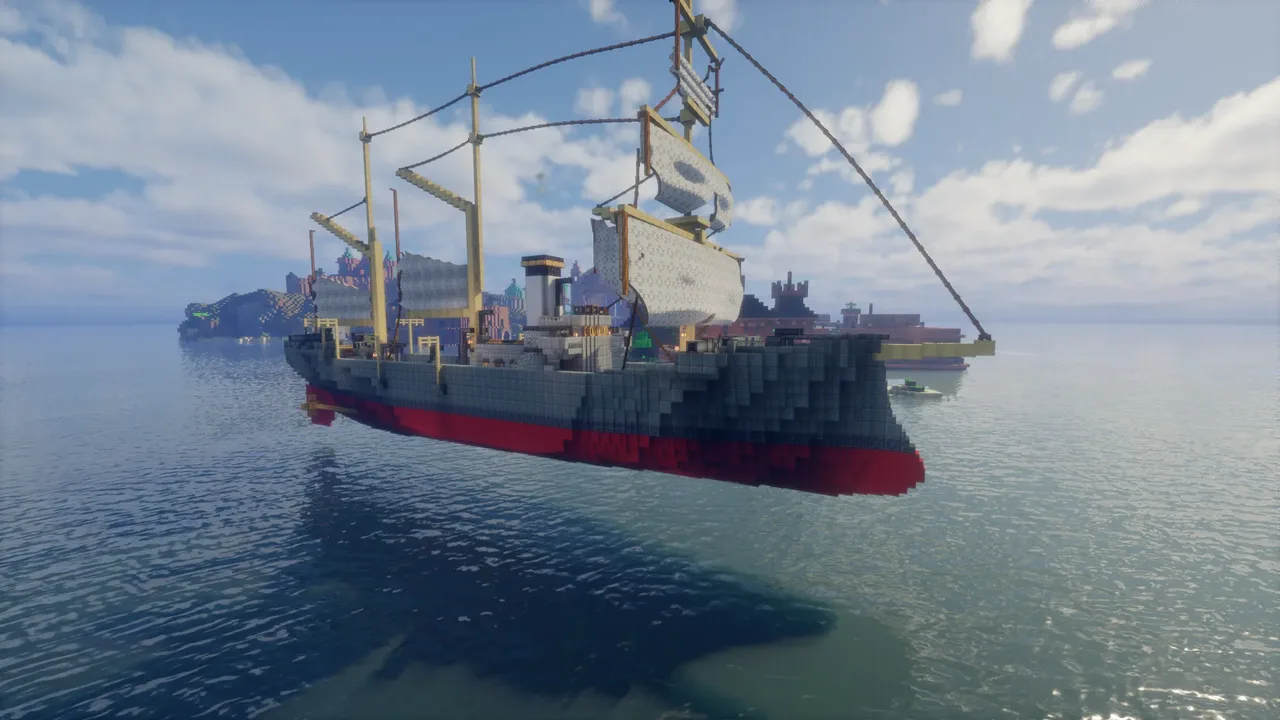 Uss Schurz11,529 blocks · Huzuni.html
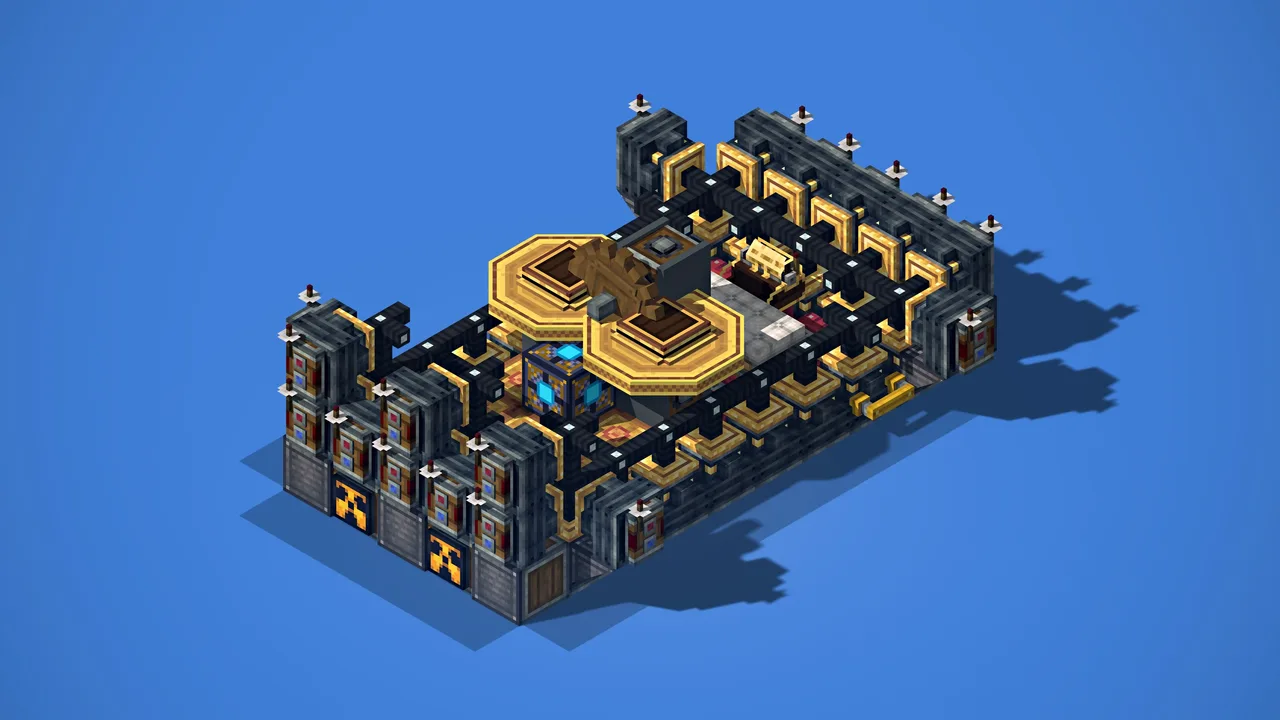 Ion Mobile171 blocks · Pushyro
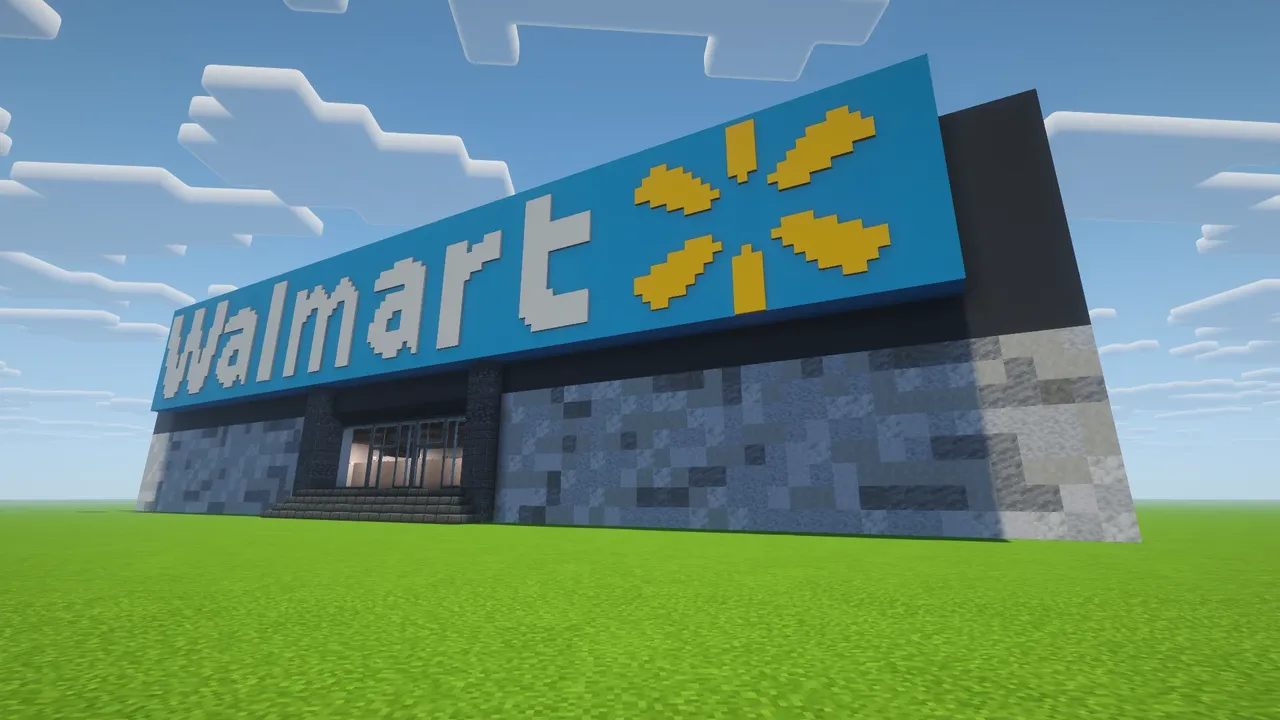 The ULTIMATE Walmart Airship30,394 blocks · Ondras_god
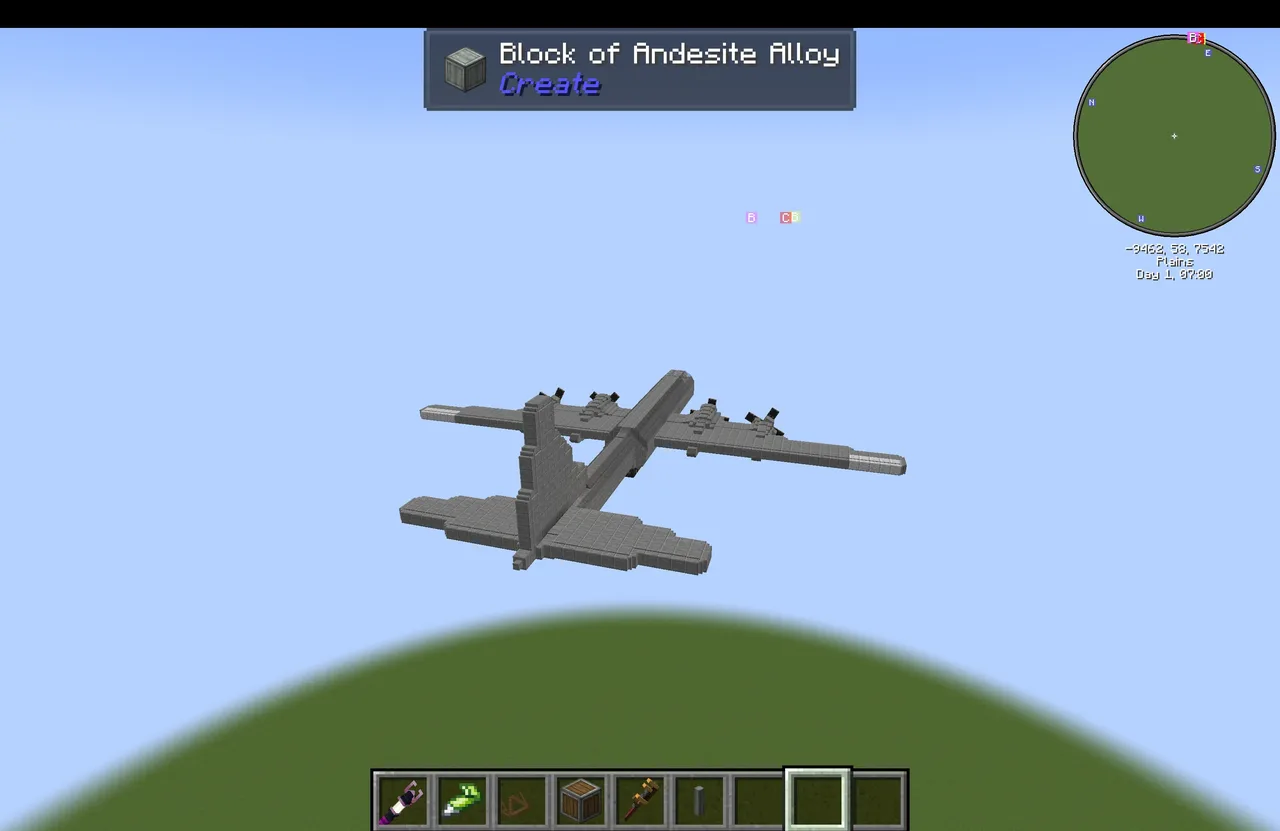 B29 Superfortress3,051 blocks · Enterprise
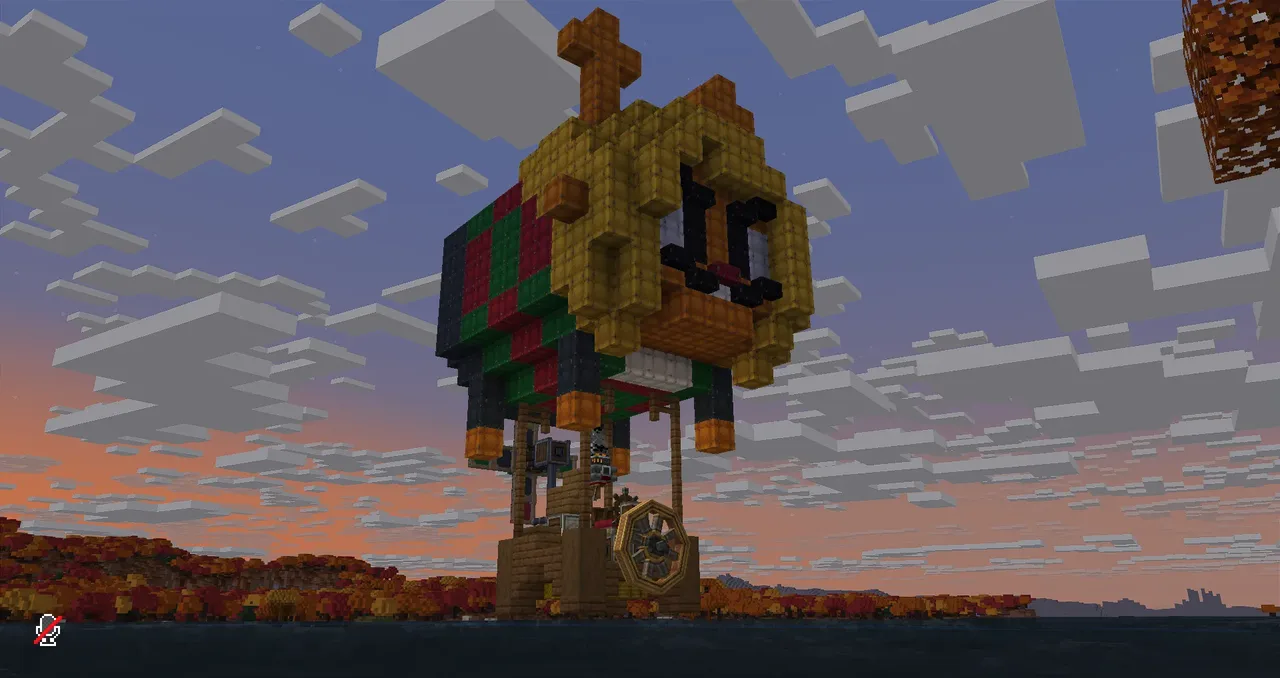 Noelle Deltarune Airship (The Noellepellin)486 blocks · Stone_redskye
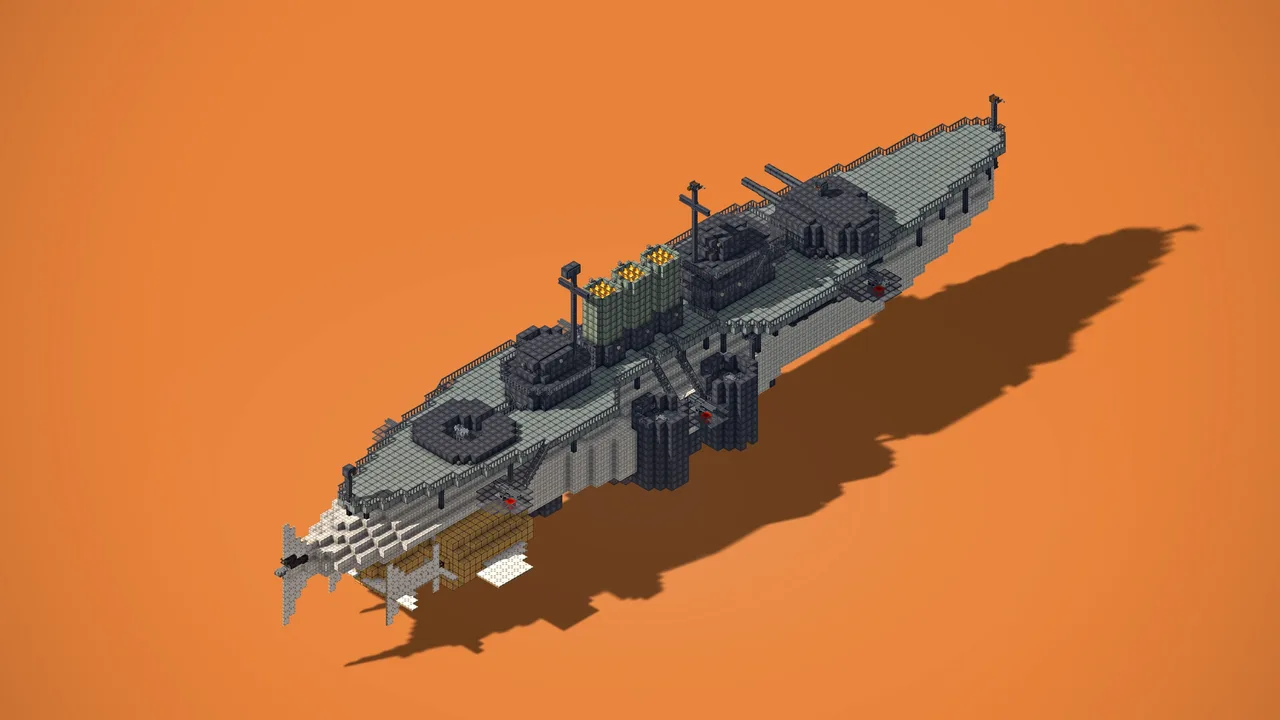 Dreadnought47,304 blocks · Dreadnoughtauthor
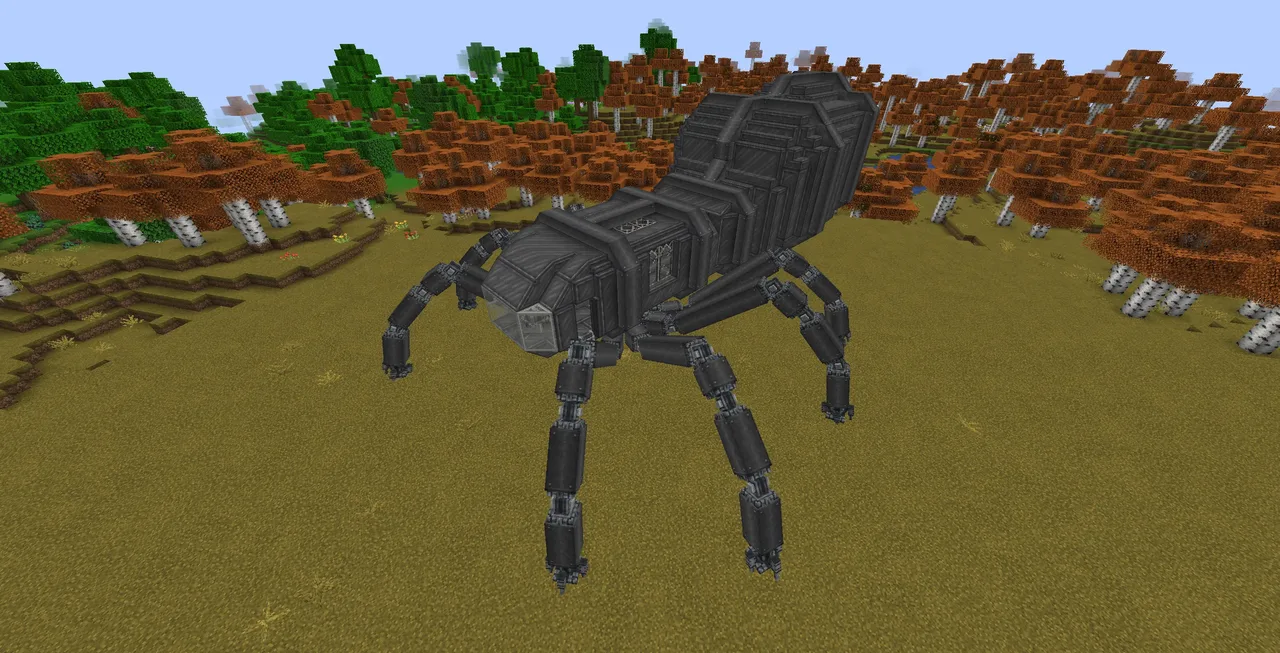 Spider-Strider767 blocks · Jayjay08
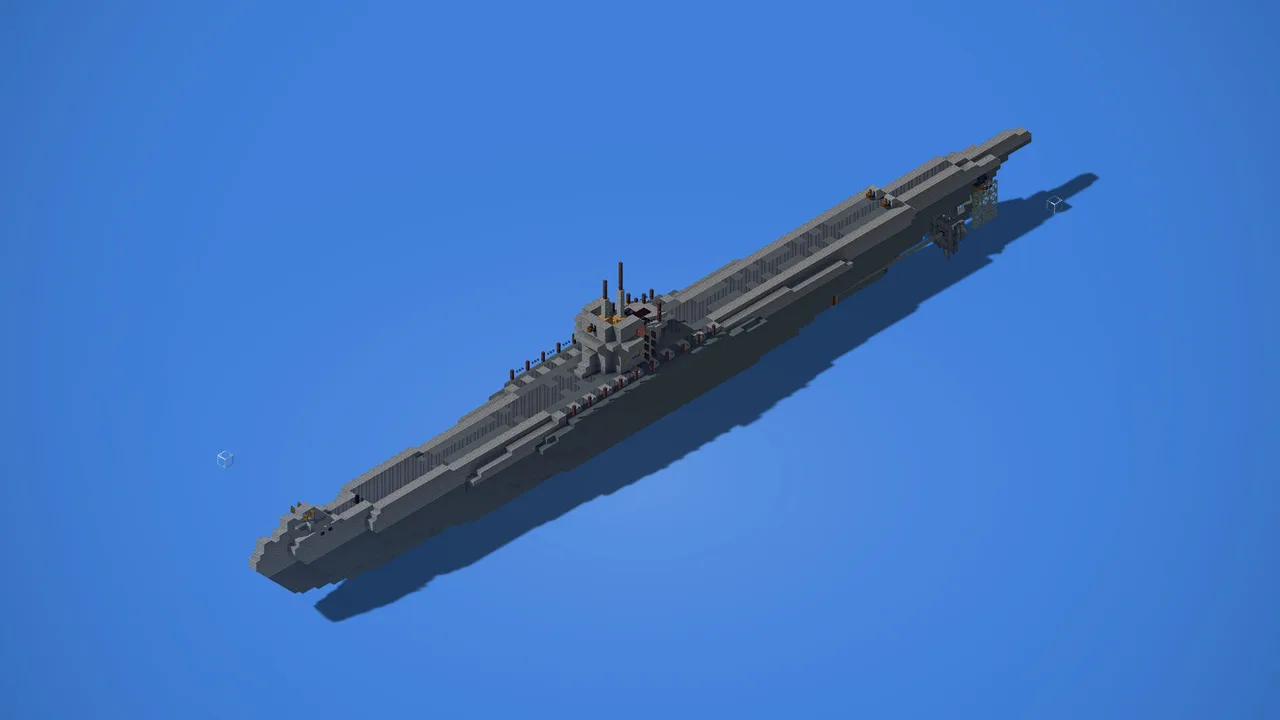 Type VIIC German U Boat2,459 blocks · Peppo_the_aviator