
| Creator | Apextech Systems |
|---|---|
| Category | Flying Machines |
| Size | 17 × 7 × 15 blocks |
| Blocks | 175 |
| Minecraft | 1.20.X |
| Create | 6.0.10 |
| Mods | Warium extras, Valkyrien warium, Crusty chunks |
| Downloads | 164 |
| Added | 2026-05-30 |
Schematic by Apextech Systems, published on CreateMod.com. This page lists what it contains; download the file from the creator’s page.
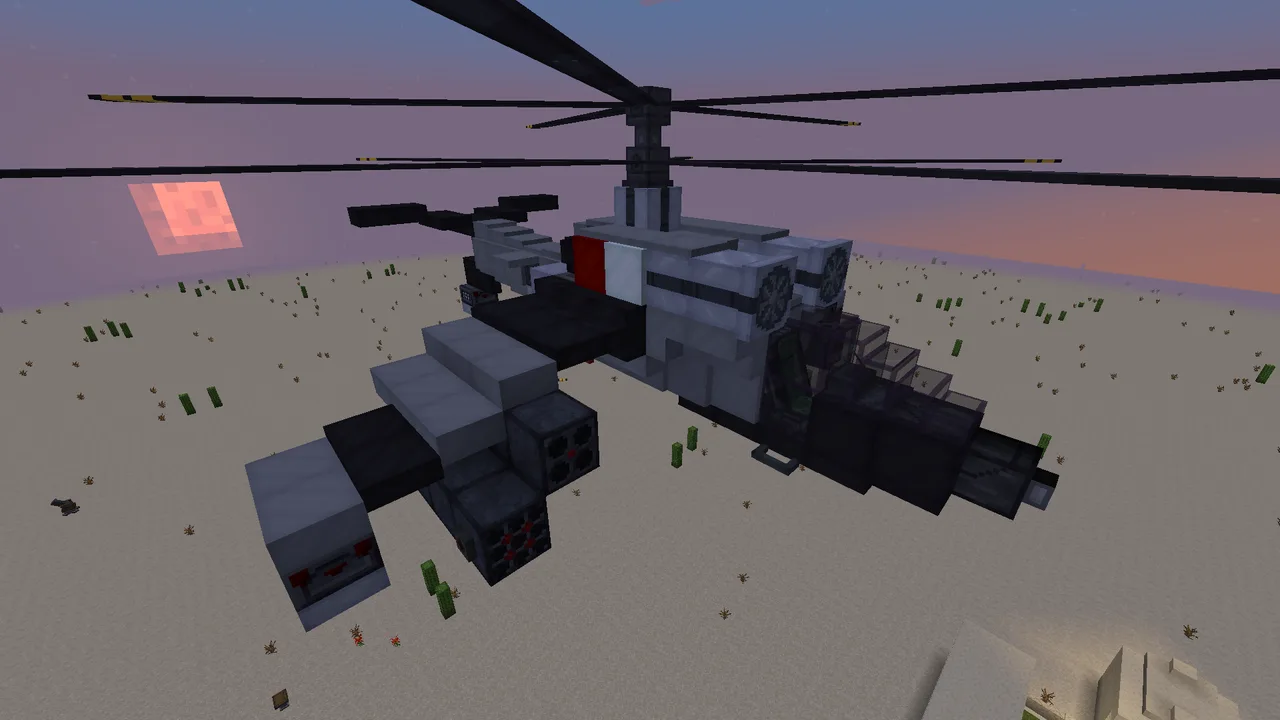
Medium attack helicopter armed with rocket pods, protected by countermeasures and equiped with radar and autogyroscope propelled by 2 kerosene fuel jet engines connected to 2 light helicopter rotors. Made entirely with Warium and it's addons, forgiving steering, flies like wind but yaws like plastik brick. Every block that needs configuration is easily accesable behind trapdoor to avoid bulkybuilding or breaking blocks to reach them. To complete set up you will need 6 helicopter blades, vehicular wrench, vehicular screwdriver and 2 fuel hoses. I recommendd placing schematic one block above ground before building.
NOTE:
Light propellers are missing 3 helicopter blades each, it is because schematicannon doesnt want to place modified propellers, you have to add 6 helicopter blades yourself
SETUP GUIDE IN STEPS TO FOLLOW:
Use eureka shit helm by placing it anywhere on the machine and assemble it as an physical unit (this is first step because creating physics entity removes all the warium links and connections)
Use trapdoors on the sides behind pilot seat to enter by seating in. Behind the seat is aluminum plating trapdoor, behind it, an control node. Use vehicular wrench to Shift + Right click on it, than on pilot seat (should say "connection succesfull" everytime)
Open roof trapdoor above control node trapdoor and use it to get to propellers on top of helicopter, open another trapdoor by the propellers (as shown on pictures) and Shift R click them both as well, then jet turbines on the sides (see pictures). Add 3 heli blades to bottom one and 3 to upper one (you can remove blades using vehicular crowbar). Use vehicular screwdriver to shift + R click and set lower propeller to Orientation UP, spin CLOCKWISE (both to the left, see picture) and upper one to orientation DOWN spin COUNTERCLOCKWISE (both to the right).
Use vehicular wrench to shift R click all 3 landing gears on wings and tail, as well as 2 countermeasures behind jet engines and control toggle in tail between them, also connect control triggers on rocket pods and 2 rocket hardpoints under wings. Then, lastly, connect radar on the front (aim on the block behind the nose under glass)
Use vehicular screwdriver to Shift R click control triggers and rocket hardpoints under wings, and control toggle in tail (this is autogyro) to set their key bind, these numbers are digits of numpad on your keyboard, bind them as you like
open 3 trapddoors under helicopter, and use 2 hoses to first shift R click on jet turbine and shift R click on RED fuel tank (its fuel connector, start with turbine otherwise it wont link), do the same with second turbine but use second fuel connector (otherwise first will unlink). BLUE fuel input in the middle is where you fuel up kerosene with buckets. Close the trapdoors.
STEERING:
all by default, you can change keybinds by keybind setting in Valkyrien Warium
Throttle up/down - HOME/END
Roll +/- - C/Z
Pitch up/down - W/S
Yaw +/- - D/A
Landing gear - B
Radar cycle target - I
I recommend changing landing gear to =, roll +/- to PageDown/delete
also usefull:
throtle 4 - rotors start to spin, throttle 9: lift off, throttle 8: remain altitude, throttle 7 and 8: attack mode
KNOWN ISSUES:
Report issues in comments, if i forgor something also tell me
Apextech Systems - Innovate Discover Conquer
 The great bigade air ship7,554 blocks · Rcvibes
 shipwreck airship1,387 blocks · Gtplayer123
 MY first airship227 blocks · Duckotophat
 Jenny Airship2,626 blocks · Attocorrect
 The Swordfish153 blocks · Wukipookie
 AT-99 Scorpion gunship169 blocks · Husky5410
 F-35 lighting II (survival friendly)628 blocks · Itszerxx
 bomber v122 blocks · Aximka
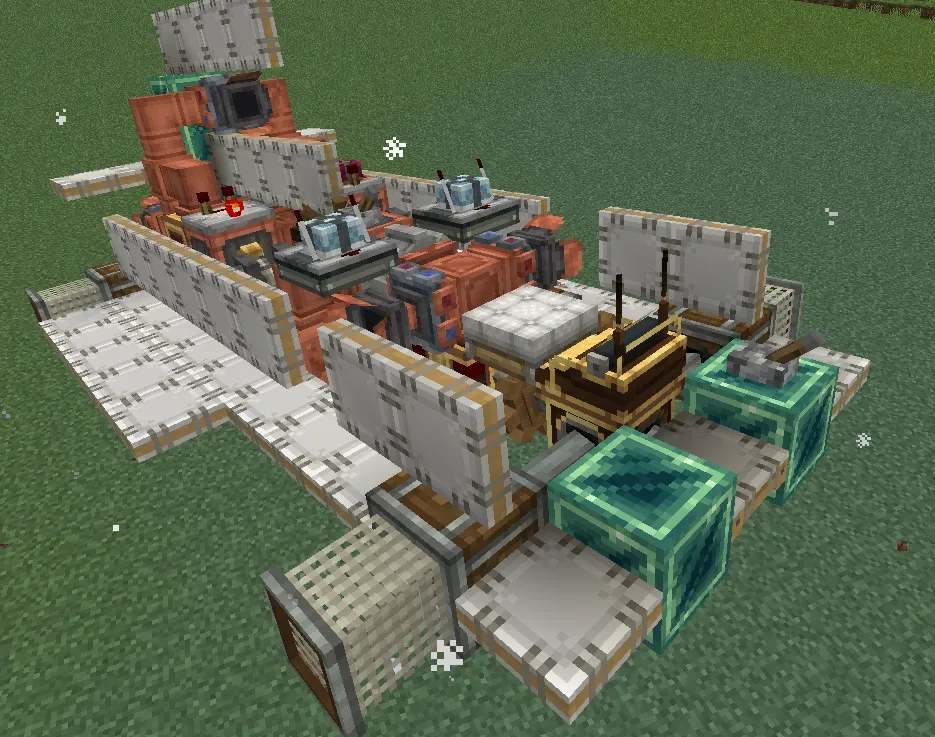 The Rocket134 blocks · Samu239
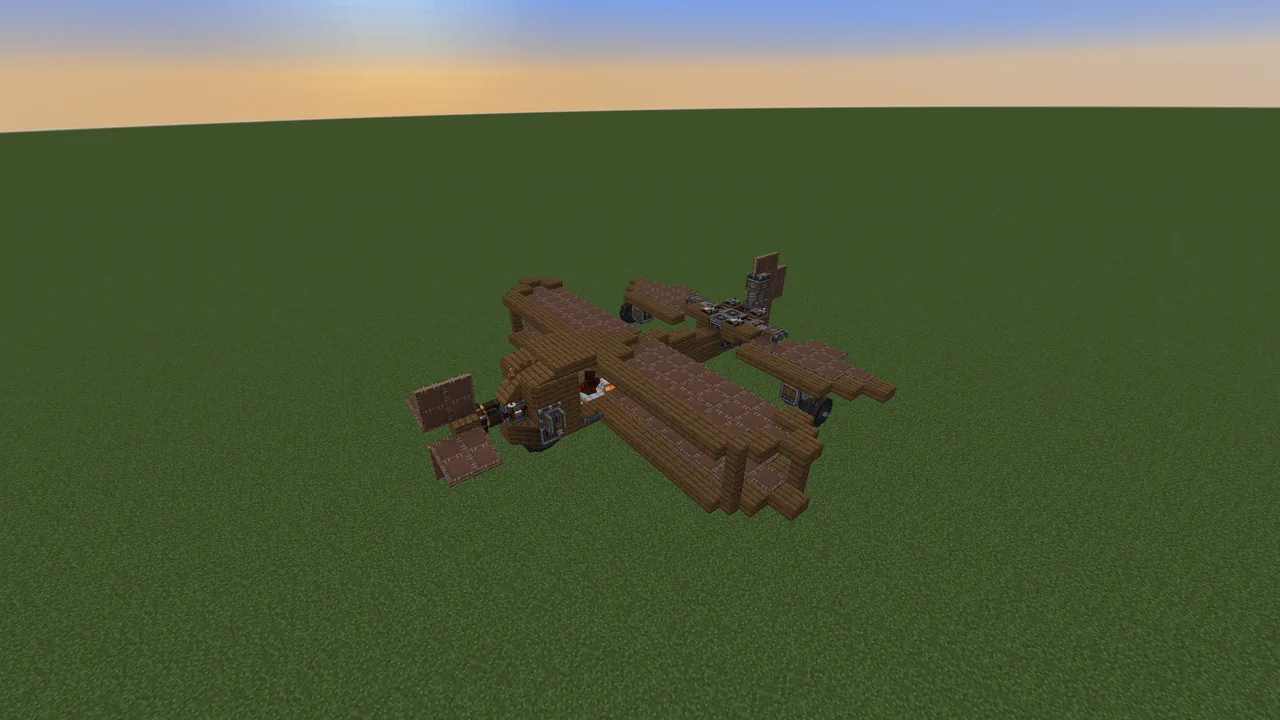 Simple Airplane342 blocks · Paris
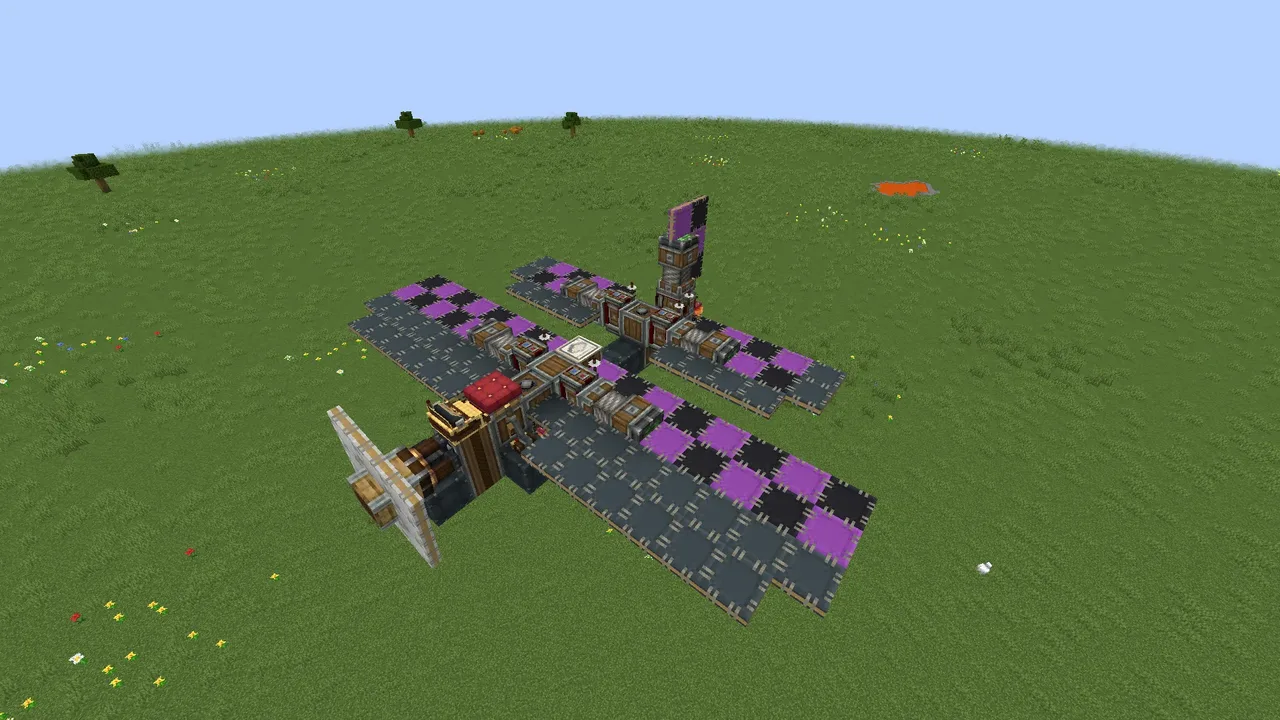 Василёк-2.1 "Кроха"142 blocks · Ugryys
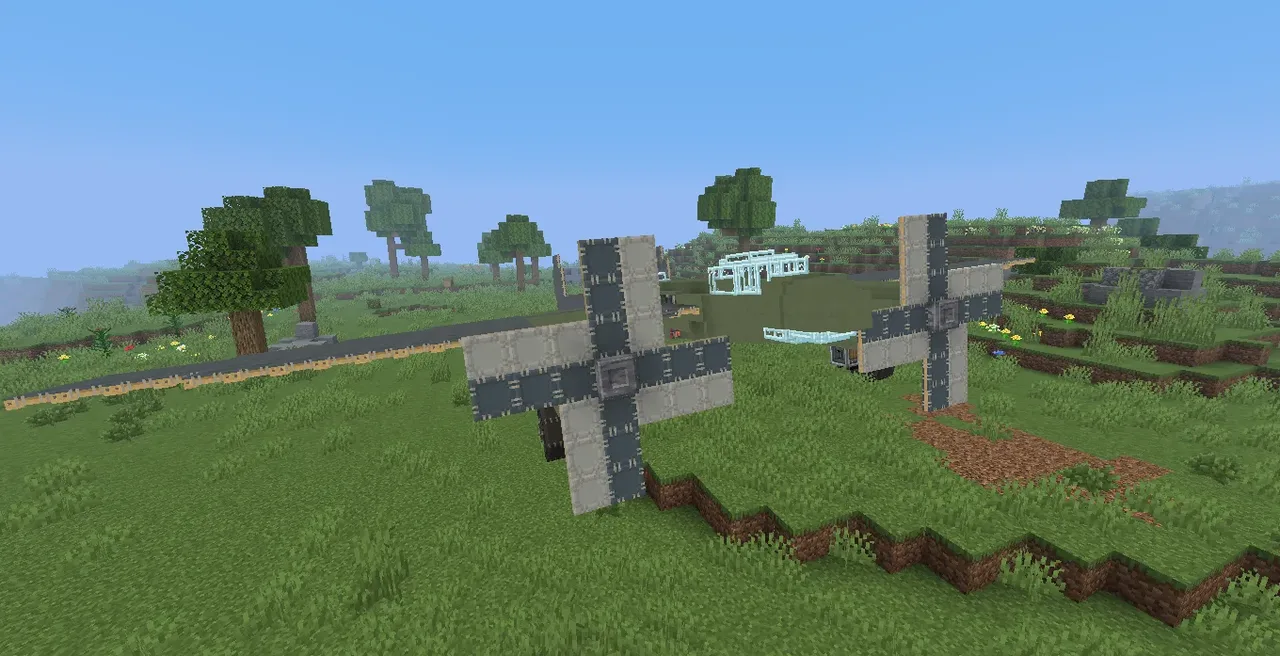 Tu-2 front-line bomber735 blocks · The_goy