
| Creator | Edgeworthmuzzry |
|---|---|
| Category | Flying Machines |
| Size | 25 × 13 × 32 blocks |
| Blocks | 564 |
| Minecraft | 1.21.X |
| Create | 6.0.10 |
| Mods | Copycats, Simulated, Createbigcannons, Aeronautics, Offroad, Create |
| Downloads | 450 |
| Added | 2026-10-08 |
Schematic by Edgeworthmuzzry, published on CreateMod.com. This page lists what it contains; download the file from the creator’s page.
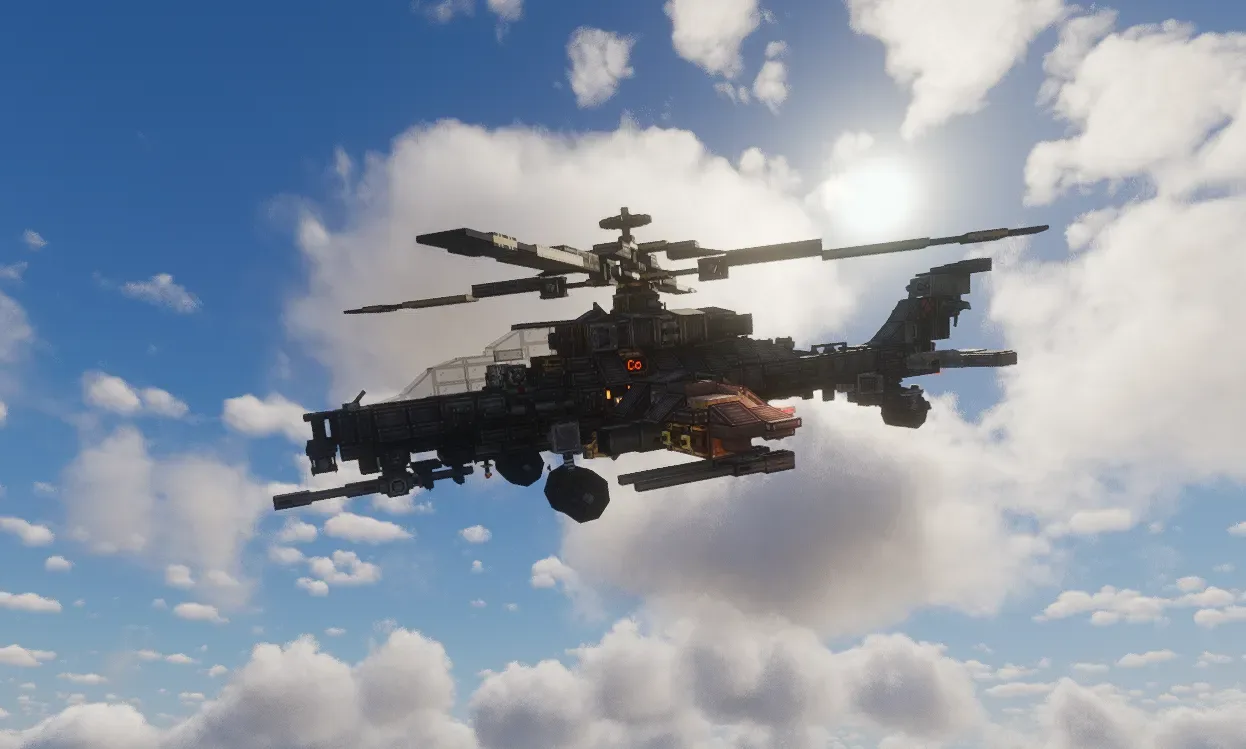
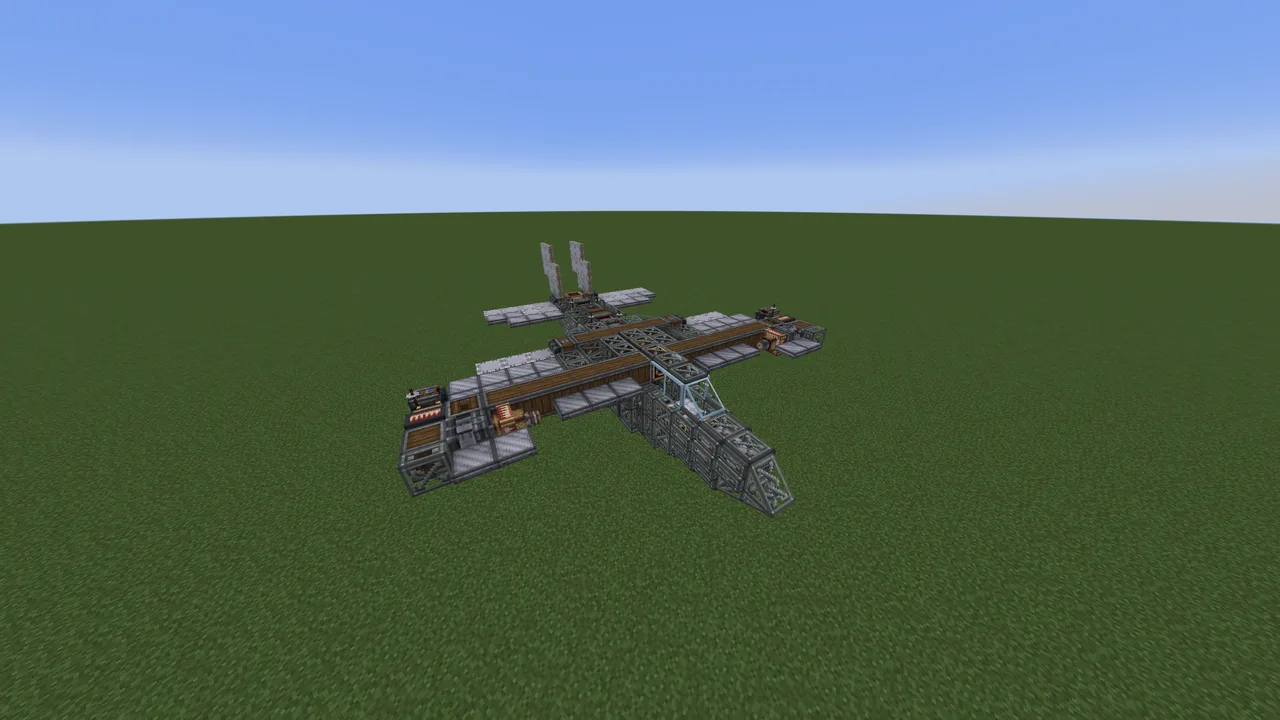
这是一架武装直升机, 原型为中国的 直-10武装直升机【CAIC Z-10】。我根据create的动力系统调整了一些操控性能与部件结构, 并加上了独属于minecraft的美学点缀。
它使用现代直升机的主旋翼倾斜的方式来实现运动与机动, 配备一门机头下颌机炮炮塔、两对交替开火的翼挂机枪以及两门翼挂火炮。 支持燃料与弹药的自动装填。
下载与部署
copycat+ 模组是必须的(第17次无法摆脱这个模组, 不过我喜欢17这个数字), create:connected的伪装方块无法完全替代;
如果你有 photomancy 模组, 可以下载附加文件 “cvz.nbt-assembled version“, 拖入sable-schematics文件夹,直接加载物理化组装、燃料与弹药装填均已完成的版本;
如果有修改驾驶键位的需求, 可以下载附加文件 ”cvz_keybinding.nbt“ 。 由于我的驾驶习惯很诡异, 建议大家都额外下载它来方便键位修改。
启动与进入
以下说明在默认原理图文件中也有告示牌指引, 可以在遇到困难时再回来阅读。
可以先进行后面的步骤, 或者先用机身上的组装器将其物理化组装; 不过建议先进行后续步骤, 否则你需要像修车工一样躺在地板上操作它的底部;
关于燃料: 燃料输入口在主驾驶位两侧的漏斗, 往里面投入煤炭(专一的化石燃料), 记得先往其一裸露的引擎投入煤炭以激活自动装填。
关于进入: 抓住机身侧边的铁把手, 将自己撑上去(没有体面一点的方式吗? 不,锻炼身体没什么丢人的!), 舱盖是顶部的几个copycat活板门, 驾驶位是在后上方那个视野更为宽阔的位置 —— 当然你也可以在前面的机炮位驾驶, 但在那里的视野就像那些心高气傲的人一般狭隘。
关于驾驶
驾驶键位在原理图中有剪贴板说明。 再次提一嘴, 我的个人驾驶键位很诡异(S是前进,W是后退), 大家可以下载”cvz_keybinding.nbt“ 来方便键位修改。
I/K:主螺旋桨 加速/减速
J/L:左/右 偏航(旋转)
W/S:上仰/俯冲(后退/前进)
A/D:左/右 翻滚
space:翼挂机枪开火
Q/E:左/右 火炮开火
shift(按住):反转螺旋桨推力方向(在直升机失控或卡住时很有用)
F:开关螺旋桨陀螺仪稳定功能
在驾驶位与尾翼下均有一个 辉光管【nixie tube】, 它反映主旋翼的转速, 在信号值为0时转速达到最大值, 信号值为5时达到y=70时的最低起飞速度。
尾翼上有一个指示灯, 当它亮起时表示螺旋桨的陀螺仪稳定功能被关闭, 在按下F或进行主旋翼倾斜操作时都会亮起。
关于武器
此载具配备一门机头下颌机炮炮塔、两对交替开火的翼挂机枪以及两门翼挂火炮。 在部署原理图后记得使用拉杆将所有火炮底座加载。
其中, 翼挂武器由主驾驶操控。
翼挂机枪: 可由机翼上的漏斗或弹匣供弹, 可使用机炮弹药或机枪弹药。如果使用漏斗供弹, 容量更高, 但超过一定时间的连续发射会因供弹速度限制而导致射速下降(有点像射击游戏中的武器过热)。 当然也可以弹匣与漏斗双路供弹, 这样你的前200次开火就能一直全射速扫射。
翼挂火炮: 在直升机底部的漏斗中输入 炮弹【shell】与 带壳发射药【cartridges】, 两个机械臂分别负责两门火炮的自动装填, 发射后的空弹壳会被放入底下的一个 桶【barrel】内。
机头下颌机炮炮塔由前方的副驾驶位控制。
在拉下拉杆后, 机炮就能加载 —— 当你想重置它的炮口朝向时可以反复开关它。 这门机炮使用弹匣供弹, 在副驾驶位上可以直接右键操控。 不过放心, 按下shift时你会回到直升机里而不是掉下去。
这是一个标题
祝你玩得开心, 如果有任何问题请随时留言。
This is an armed helicopter, based on the Chinese CAIC Z-10 attack helicopter. I adapted some control characteristics and structural components to fit the Create mod's power logic, and added unique Minecraft aesthetic touches.
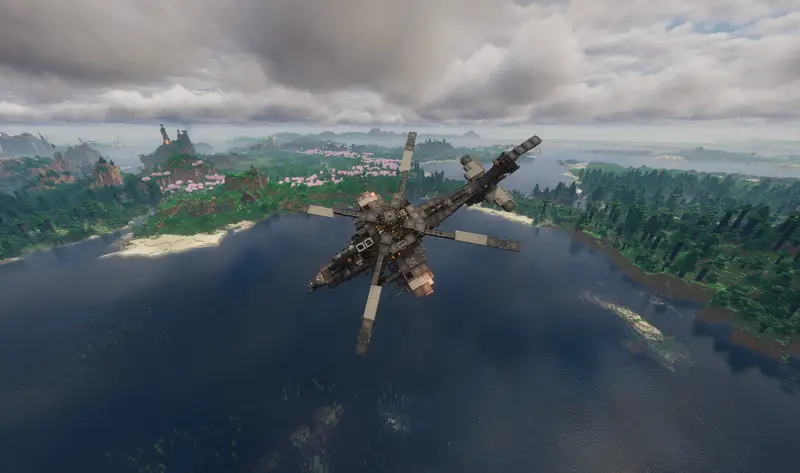
It uses a modern helicopter's tilting main rotor to achieve movement and maneuverability. It is equipped with a chin-mounted machine gun turret, two pairs of alternating-fire wing-mounted machine guns, and two wing-mounted cannons. It supports automatic loading of both fuel and ammunition.
Download & Deployment
The Copycats+ mod is required (The 17th time I can't escape this mod, but I like the number 17). The copycat blocks provided by Create: Connected cannot fully replace them.
If you have the Photomancy mod, you can download the add-on file cvz.nbt-assembled version, drop it into the sable-schematics folder, and directly load the fully assembled, fuel and ammo pre-loaded physicalized version.
If you want to modify the driving keybinds, you can download the add-on file cvz_keybinding.nbt. Since my driving habits are quite strange, I recommend everyone download this to make keybind modification easier.
Startup & Entry
The following instructions are also on signs in the default schematic. You can come back and read them if you get stuck.
You can either do the following steps first, or physicalize/assemble it with the assembler on the hull first—but I suggest doing the following steps first, otherwise you'll need to lie on the floor like a mechanic to operate its underside.
About Fuel: The fuel input ports are the hoppers on both sides of the main pilot seat. Insert coal (dedicated fossil fuel). Remember to first throw coal into one of the exposed engines to activate auto-loading.
About Entry: Grab the iron handle on the side of the fuselage and pull yourself up (Is there no more dignified way? No, exercising isn't shameful!). The hatches are the Copycat trapdoors on top. The pilot seat is the upper rear position with a wider view—of course, you can also drive from the front gunner position, but the view there is as narrow as those arrogant people.
About Driving
The keybinds are on a clipboard in the schematic. Again, my personal keybinds are very strange (S is forward, W is backward). You can download cvz_keybinding.nbt to easily modify them.
I / K – Main rotor: Accelerate / Decelerate
J / L – Yaw left / right (Rotate)
W / S – Pitch up / down (Backward / Forward)
A / D – Roll left / right
Space – Fire wing-mounted machine guns
Q / E – Fire left / right cannons
Shift (Hold) – Reverse rotor thrust direction (Very useful when the helicopter is out of control or stuck)
F – Toggle rotor gyroscope stabilization
There is a Nixie tube at both the pilot seat and under the tail. It reflects the main rotor speed. When the signal value is 0, the rotor reaches maximum speed. When the signal value is 5, it reaches the minimum takeoff speed at y=70.
There is also an indicator light on the tail. When it lights up, it means the rotor gyroscope stabilization is turned off. It will light up when pressing F or tilting the main rotor.
About Weapons
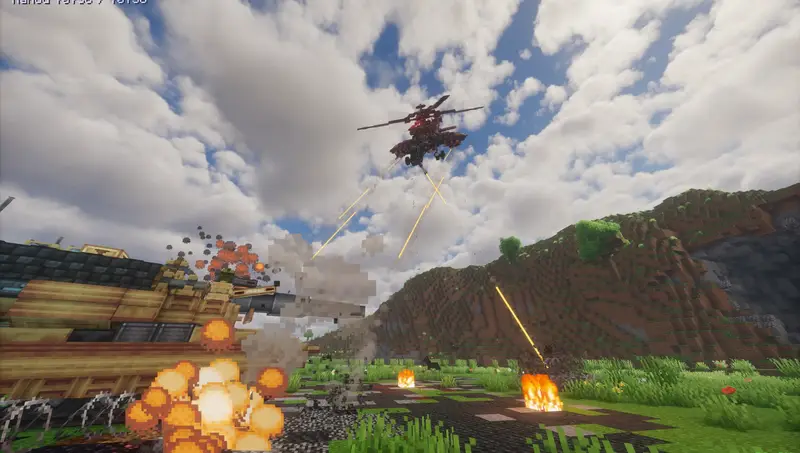
This vehicle is equipped with a chin-mounted machine gun turret, two pairs of alternating-fire wing-mounted machine guns, and two wing-mounted cannons. After deploying the schematic, remember to use the levers to load all cannon mounts.
The wing-mounted weapons are controlled by the main pilot.
Wing-mounted machine guns: Can be fed by hoppers on the wings or magazines. Can use autocannon or machine gun ammunition. If fed by hopper, capacity is higher, but continuous firing over a certain period will cause the fire rate to drop due to feed speed limits (kind of like weapon overheating in shooter games). Of course, you can also dual-feed with both magazines and hoppers, so your first 200 shots can continuously fire at full speed.
Wing-mounted cannons: Input shells and cartridges into the hoppers at the bottom of the helicopter. Two mechanical arms handle the automatic loading of the two cannons respectively. Empty cartridges after firing will be placed into a barrel underneath.
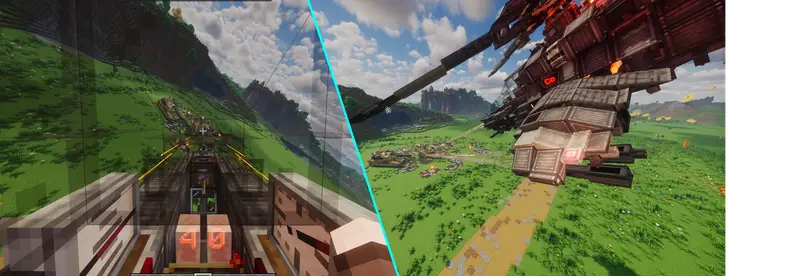
The chin-mounted machine gun turret is controlled by the front co-pilot seat.
After pulling the lever, the machine gun can be loaded—you can toggle it repeatedly when you want to reset its barrel orientation. This machine gun uses magazine feeding and can be controlled directly by right-clicking from the co-pilot seat. But don't worry, pressing Shift will return you inside the helicopter instead of dropping you out.
This is A Title
Have fun, and feel free to leave a comment if you have any questions.
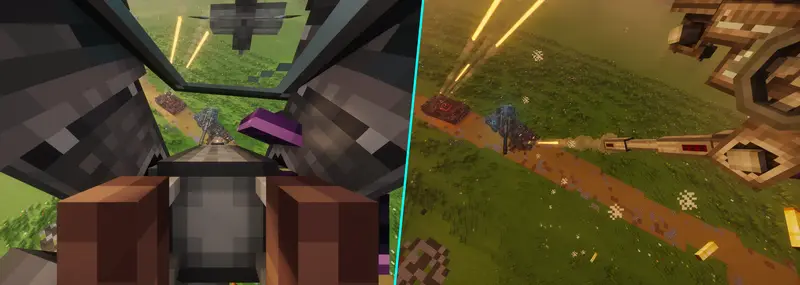
and 37 more block types
 Star Destroyer (Звёздный разрушитель)216,312 blocks · Heal4ik
 Huge Flying Base4,245 blocks · Leeeyum
 Fire Nation - War Balloon2,820 blocks · Cosmoisasleep
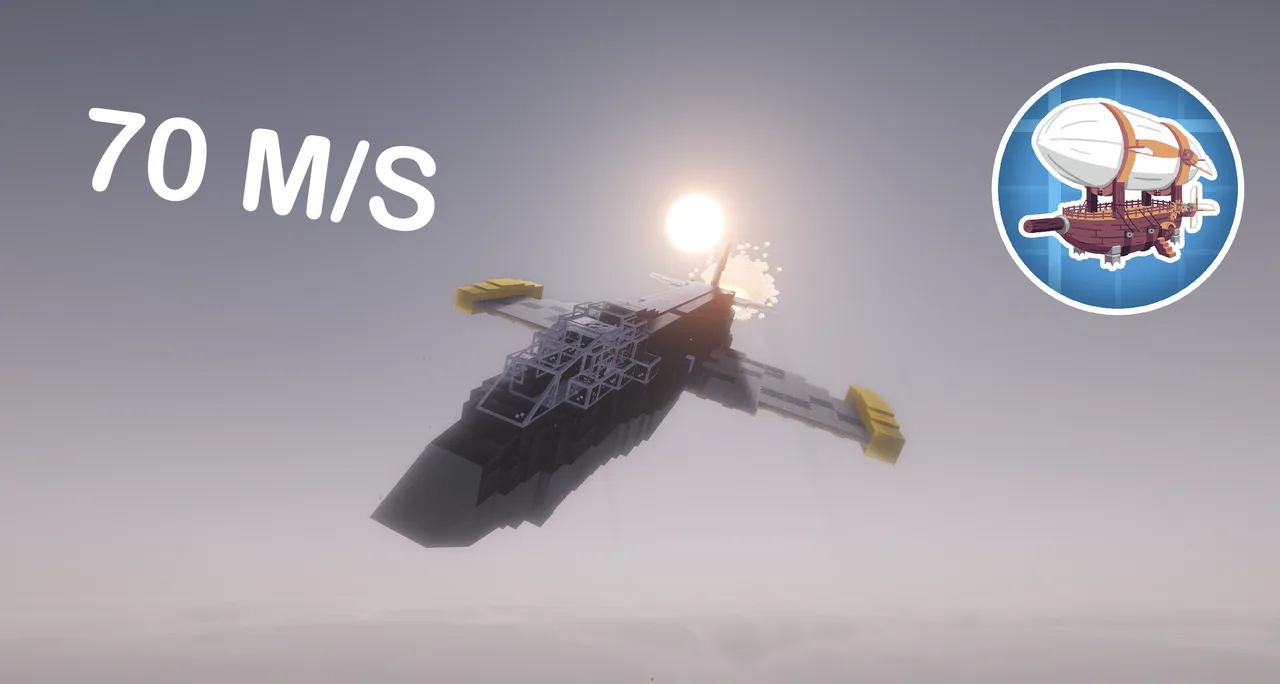 ALBATROS - ULTRA FAST JET475 blocks · Attention
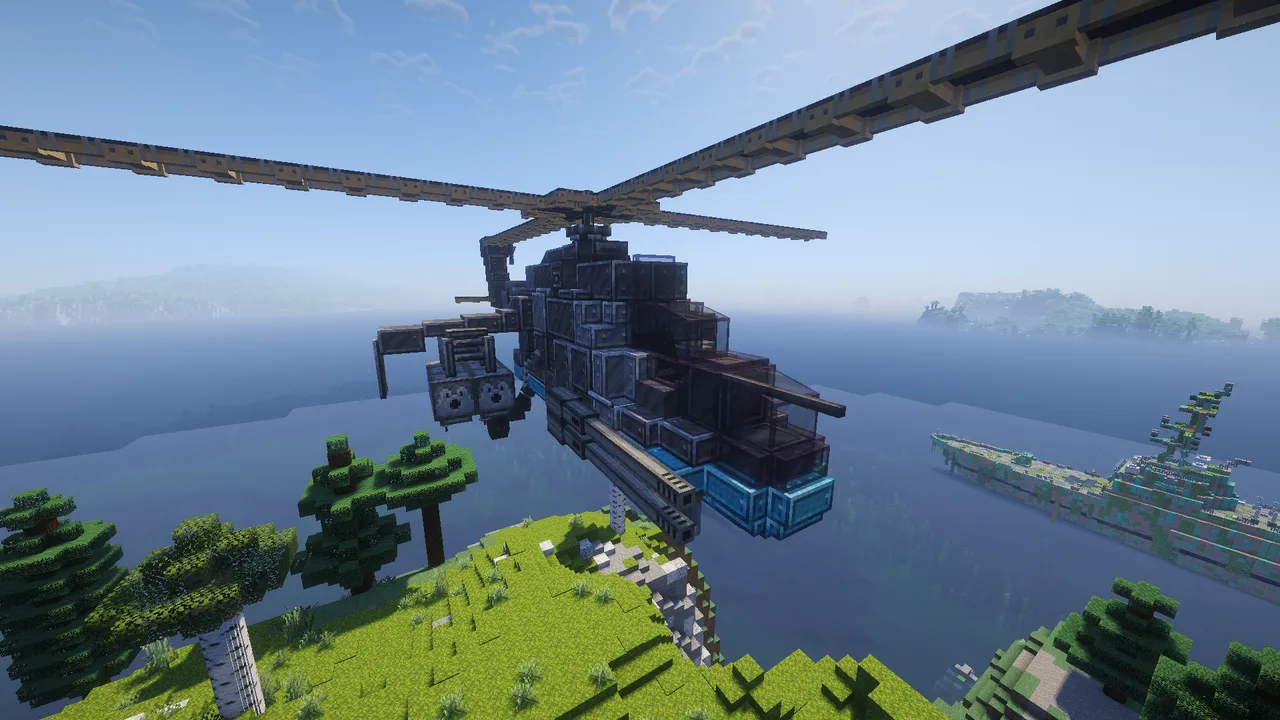 Mi-24 Hind Jet, Improved Design Version: by Nico Benico386 blocks · Sloy79
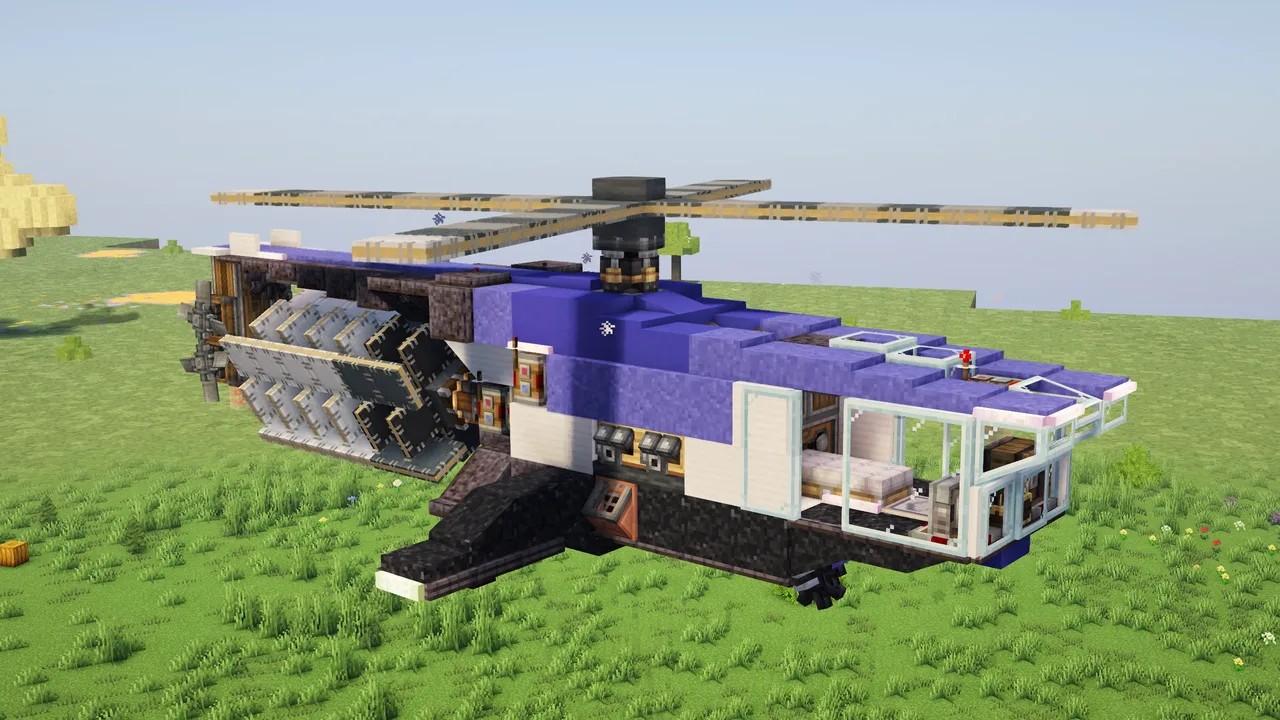 The Hermes MAJOR | Minimal Mods Helicopter Version410 blocks · Jackatac98
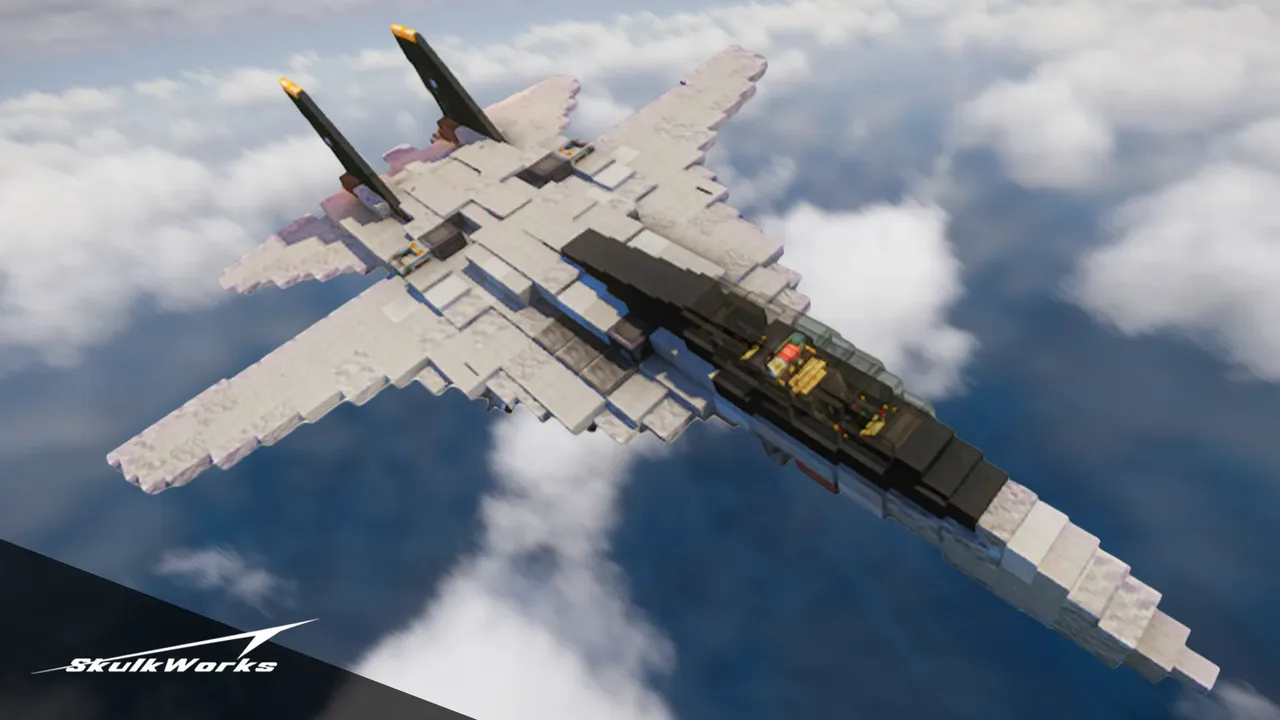 F-14 Tomcat V2566 blocks · Skulk Works
 Aichi D3A293 blocks · Saurolab
 ALBATROS V2- FAST PLANE WITH GUNS487 blocks · Attention
 SCAT HP Hovercraft (Survival Friendly / No Addons)109 blocks · Maxpowa
 Death Star (Some custom, can fly)75,476 blocks · Onix
 VTOL Jet284 blocks · Dplumpkin