
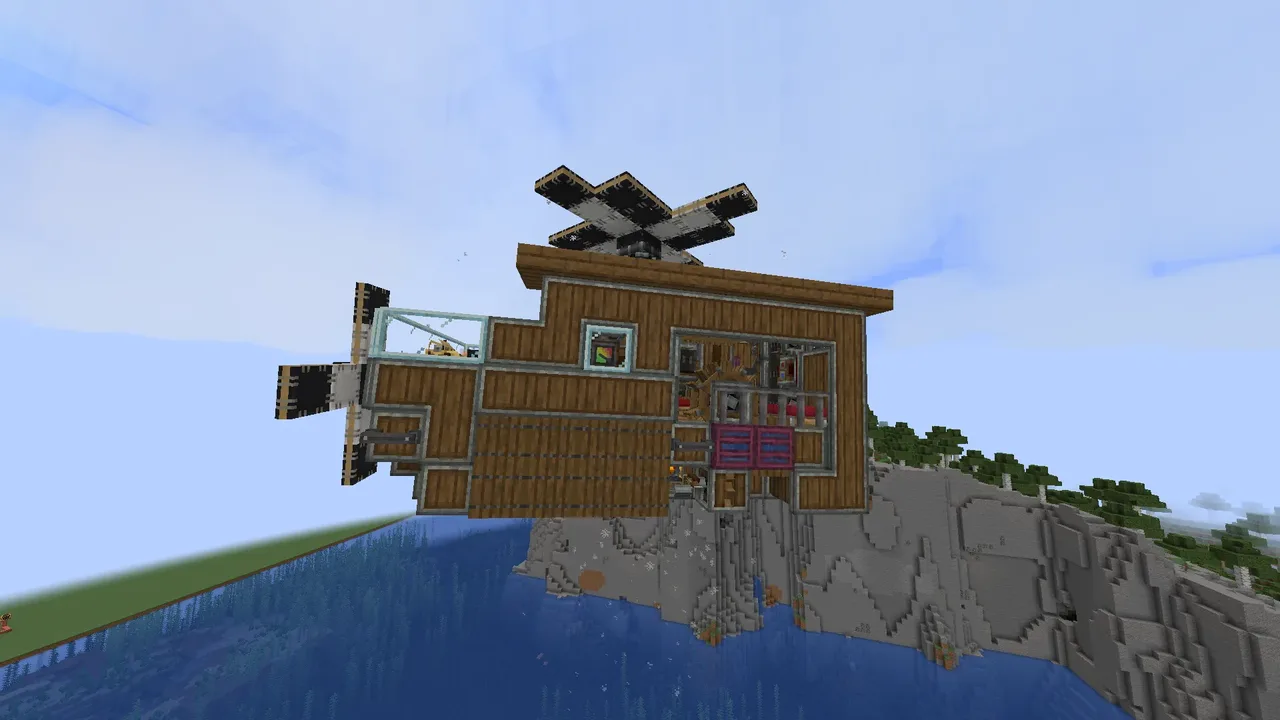
| Creator | Kolbofty |
|---|---|
| Category | Flying Machines |
| Size | 14 × 8 × 7 blocks |
| Blocks | 396 |
| Minecraft | 1.21.X |
| Create | 6.0.10 |
| Mods | Createdeco, Aeronautics, Create connected, Create, Simulated, Copycats |
| Downloads | 26 |
| Added | 2026-08-26 |
Schematic by Kolbofty, published on CreateMod.com. This page lists what it contains; download the file from the creator’s page.
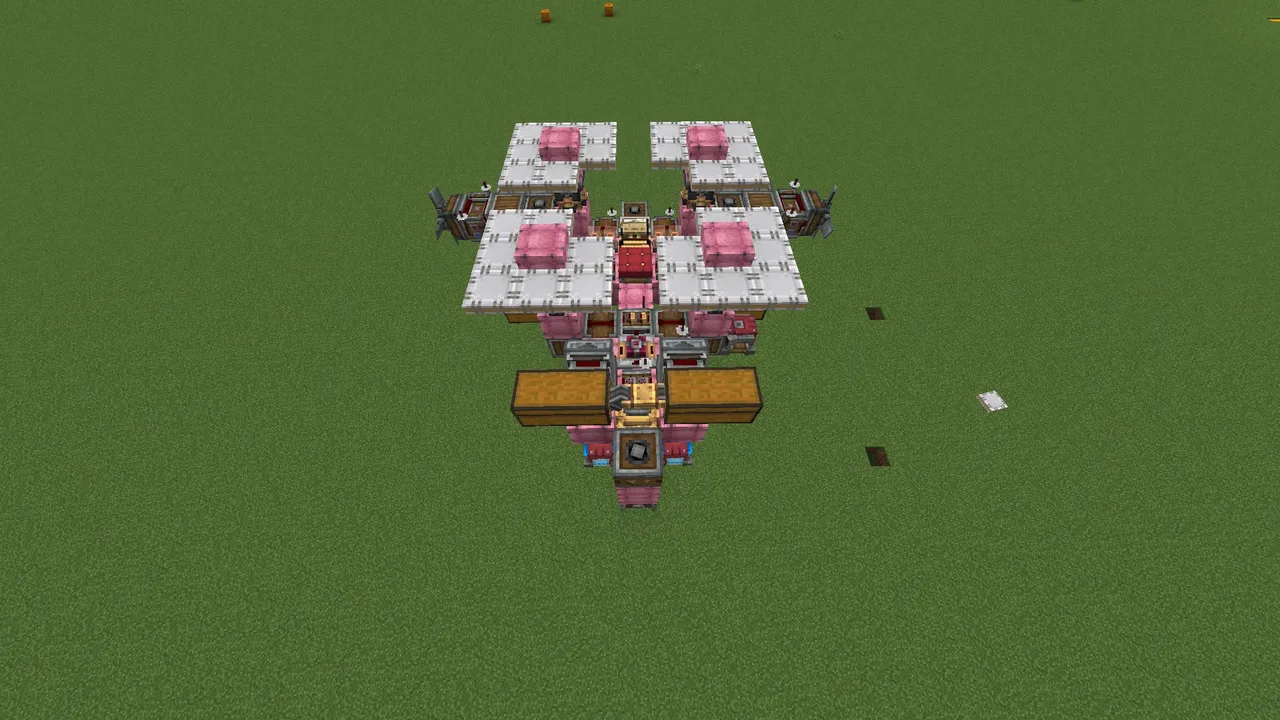
A small and simple survival helicopter base for early game Create! It features 2 beds, 4 seats, and 8 barrels. There are furnaces and an ender chest. Their number can be expanded, as the space in the engine room and on the roof allows for it. A rope winch is also provided at the bottom. The helicopter runs on a level 1 steam engine, which is powered by 2 lava cauldrons, so stopping due to a lack of fuel is very unlikely.
Specs:
Total mass: 166 kpg
Max flight altitude: 283~284
Max speed: 21~22 m/s
How to set up:
Break one of the fluid tanks of the steam engine and place it back. This is a schematic bug and I can't figure out how to fix it :(
Under the cauldrons in the engine room, pour lava into the container enclosed by trapdoors.
Turn (without holding Shift!) the fluid valve to supply lava to the Spout. It is located to the right of the boilers. You can also see it if you go down to the lower level; there it will be on the left.
Place a bucket / lava bucket on the depot.
If the steam engine is missing a shaft, place one vertically.
Go into the engine room and open the trapdoors near the water wheel. Place an infinite water source under trapdoors in the floor. Make sure there is no water source directly underneath the wheel, otherwise it won't work (place the water to the left and in front of the block where the seat is located).
Go to the linked typewriter. If the tube on the right does not show a value of 15, do what is described in this step. If it does, do nothing. At the back left, remove the Display Link and reconfigure it so that it transmits the value from the top lamps to the bottom lamps (take it in your hand, Right-Click on the bottom lamps, and place it on the top lamps. Go into its UI and click the checkmark).
There is a lever at the back of the engine room. Flick it and turn it on (pull it down) if you want to double the turning speed.
When the Blaze Burner lights up, turn the Hand Crank located outside on the left.
CONTROLS:
W - Move forward
S - Move backward
A - Turn left
D - Turn right
Q - Ascend (Move up)
E - Descend (Move down)
R - Increase movement speed
F - Decrease movement speed
and 16 more block types
 Coch Helicopter | SURVIVAL FRIENDLY213 blocks · Matvamatva
 balon na gorące powietrze/hot air ballon230 blocks · Poland:)
 cool airship471 blocks · Pinkpurplecat55
 Personal drone with airbase anchorage336 blocks · Defelipediaz
 flying wailord5,168 blocks · Wailord12
 Transport airship19,903 blocks · T.h.
 Diesel aircraft237 blocks · Yorshi
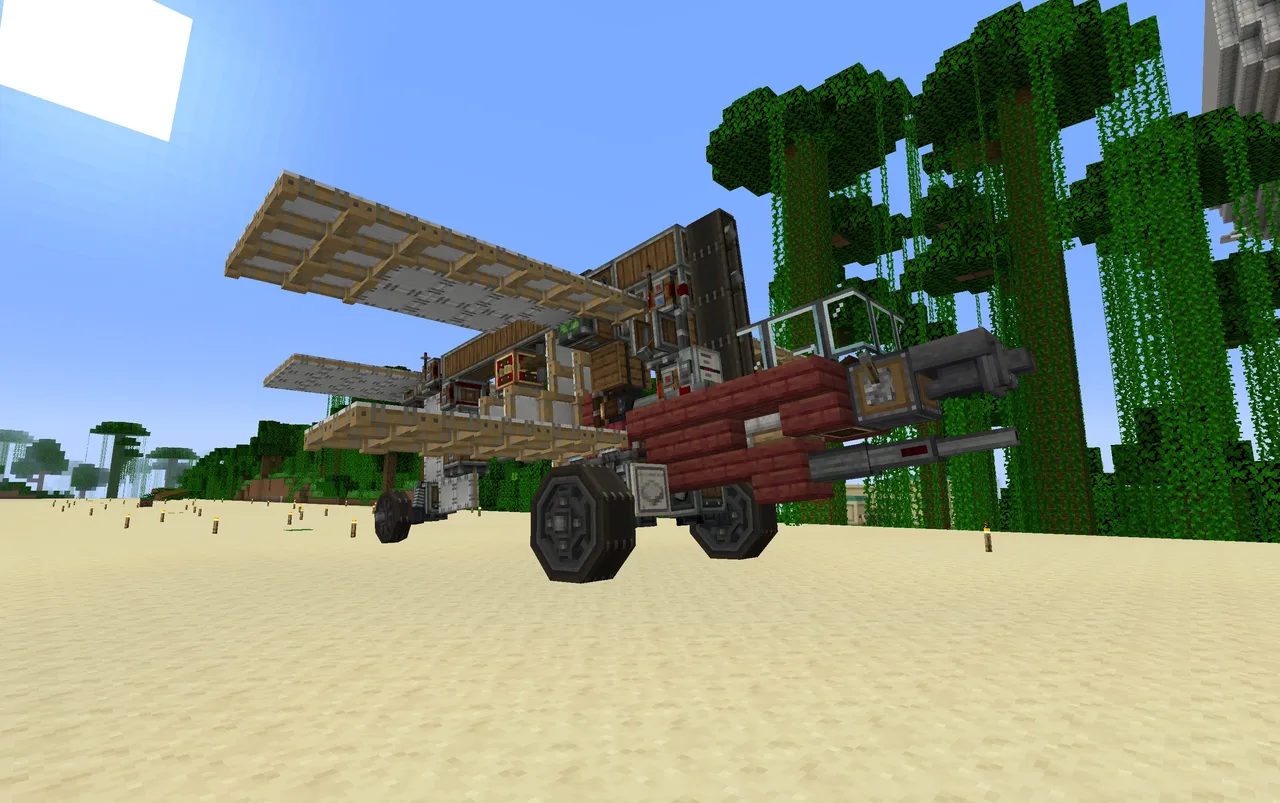 Tzitzimimeh Fighter (Survival Friendly)199 blocks · Captvalentine
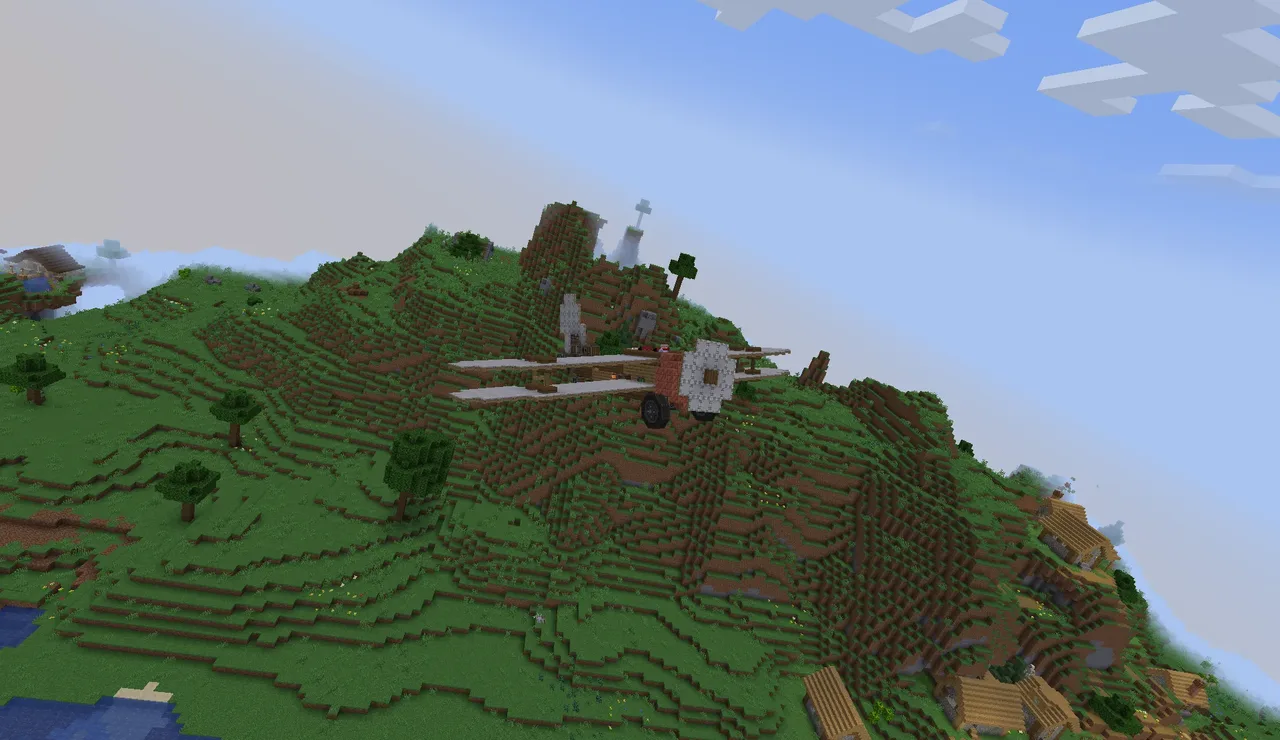 Kite560 blocks · Antity06_57056
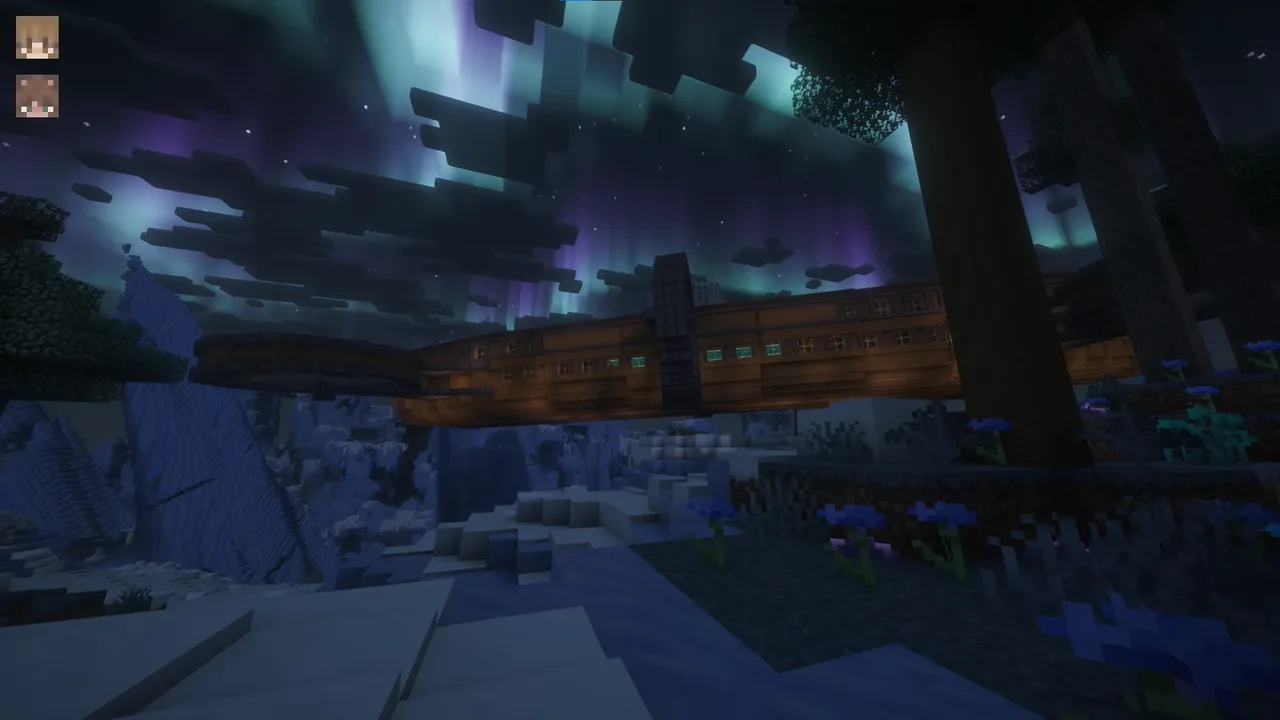 Alice and Hazel's Big Airship18,488 blocks · Notchie
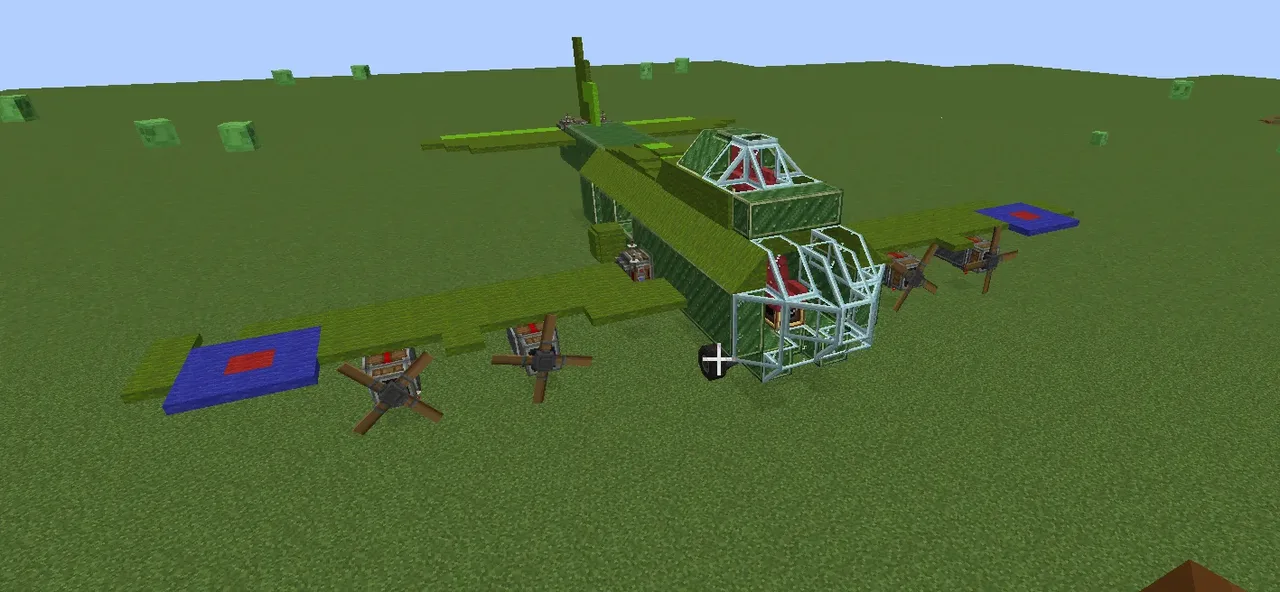 B-17 flying fortress503 blocks · Kingbricks25
 Квадрокоптер167 blocks · Matvey_krutoi52