
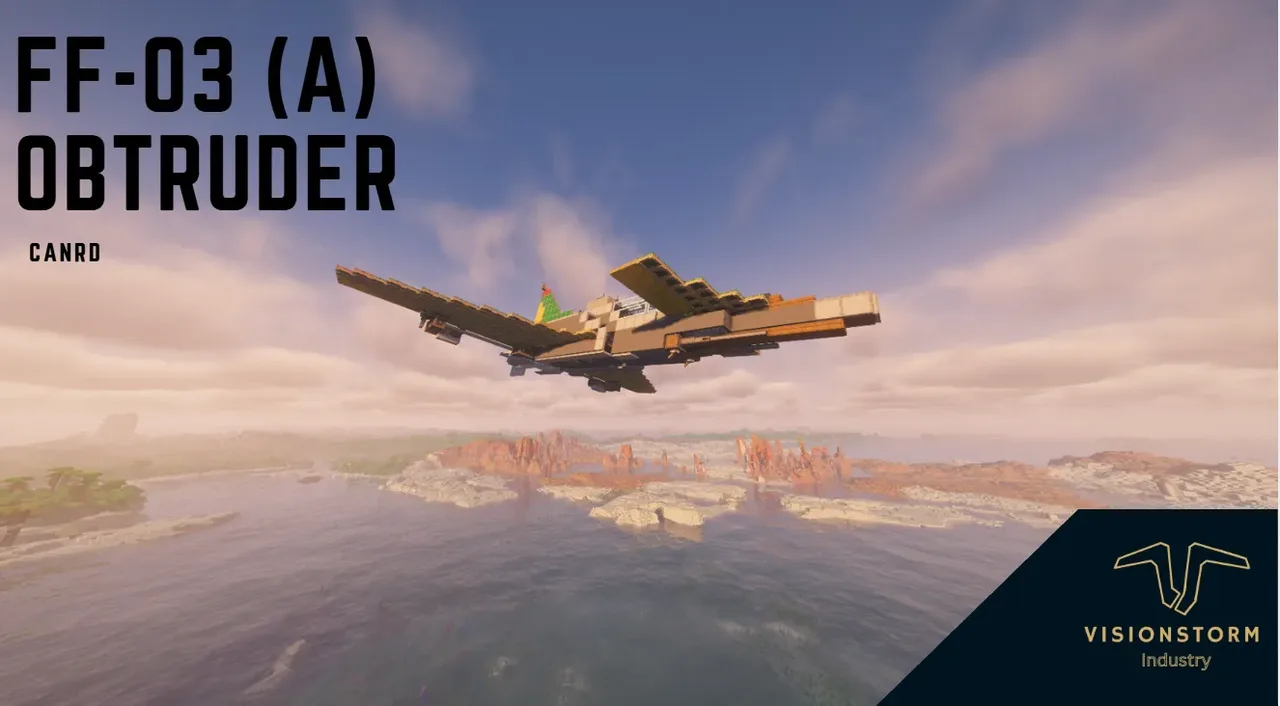
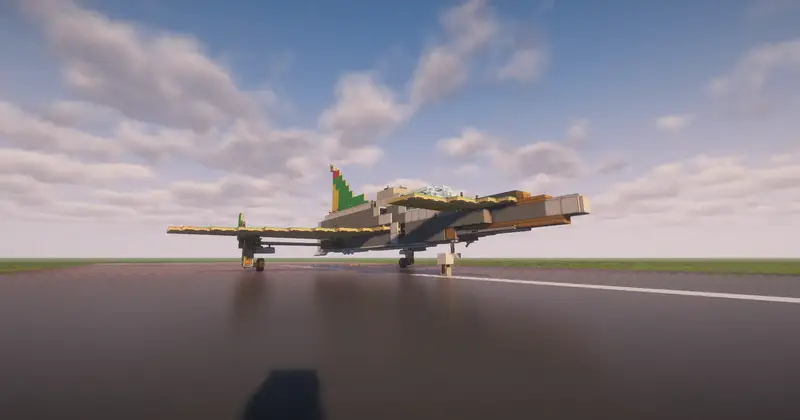
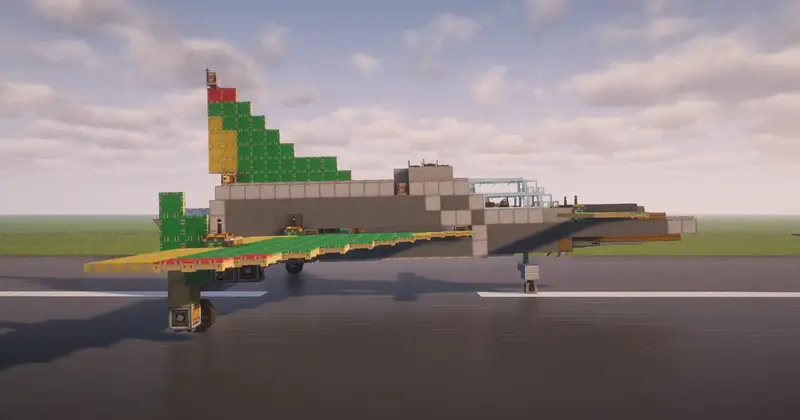
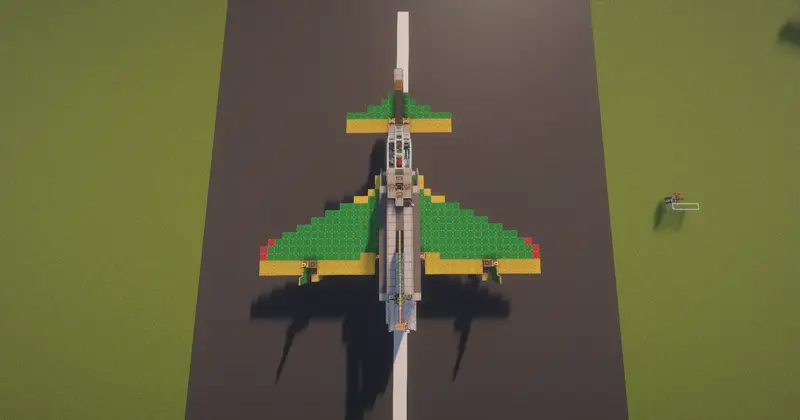
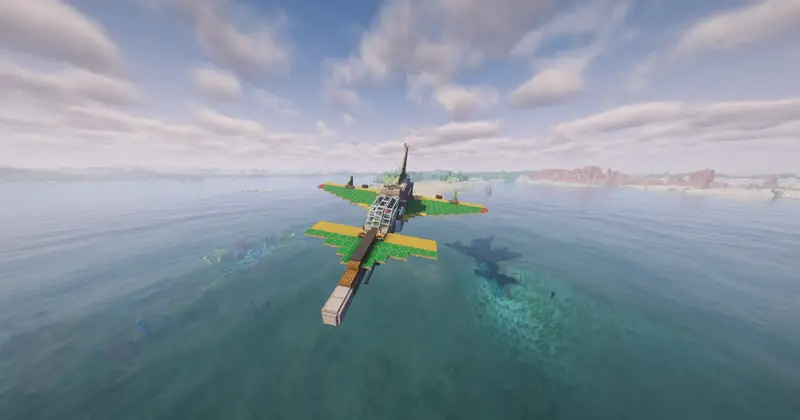
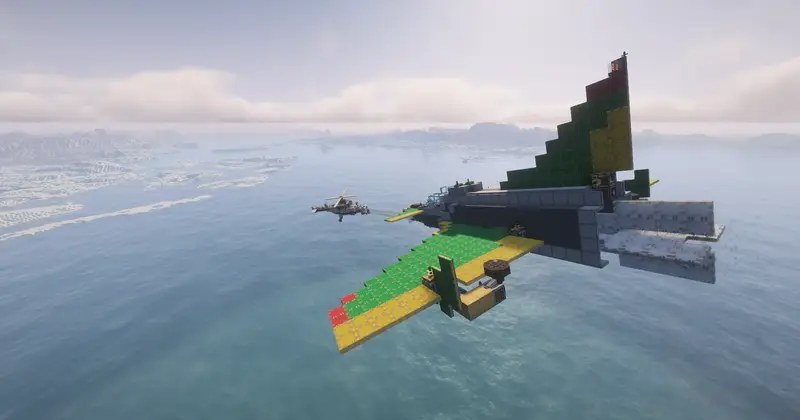
FF-03 model A Fighter Aircraft project featuring canard configuration.
Specification:
Top speed: 92m/s
Dive Speed: 102 m/s
Cruise Speed: 44-66 m/s (best for normal flying)
Max Height: normal world height (base minecraft)/ >10% air pressure
Mass: 361kpg
Engine: 11 engine
Controls:
W - pitch down
S - pitch up
A - rol left
D - roll right
Q - yaw left
E - yaw right
I - Toggle engine off & idle
L shift - increase throttle (0-11)
L cntr - decrease throttle (0-11)
G - toggle gear up/down
M - auto stabliser/ flight assist
Space - Fire cannon
Setting it up:
Load without changing direction
Fuel up but don't press any buttons yet.
Destroy sails around the rudder marked yellow and activate it by (Q/E), then place the sails back or else the entire vertical stabaliser will move together.
Make sure the auto stabliser (gimble) is retracted first by pressing (M).
See if all the flaps are working and that is it.
Both coal and blaze cake works, but coal could only reach 44 m/s max.
How to fly effectively:
during high speed flight (throttle lv 10-11), the aircraft has a tendancy to pitch up, this is useful if you are trying to out climb or out turn other aircraft, but for normal stable flight it is best to stay at (throttle lv7-9) for cruising.
landing can be done are very low speed and idel mode could provide enough power for a smooth landing.
You DON'T HAVE TO always keep pressing (W/S) to turn, the strong turning performance could sometimes meant that you can over adjust. Testing when to let go at the proper time and using the rudder is beneficial for flying this aircraft.
The Aircraft has strong instantaneous turn performance but dumps a lot of speed in the first turn or two. So keep that in mind.
Remark:
if you need to add more payload options, please make sure that you keep the balance of the aircraft.
Not everything can be covered in this post alone. Therefore, if any question or problem arises, do feel free to leave a comment and I will try to answer to the best of ability. test flying will give the user a better idea on the handling of the aircraft as it can't be said that it is easy to fly it.
Good luck and happy flying.

 My Restaurant1,603 blocks · Overockk
 Airship V18,094 blocks · Art_xg
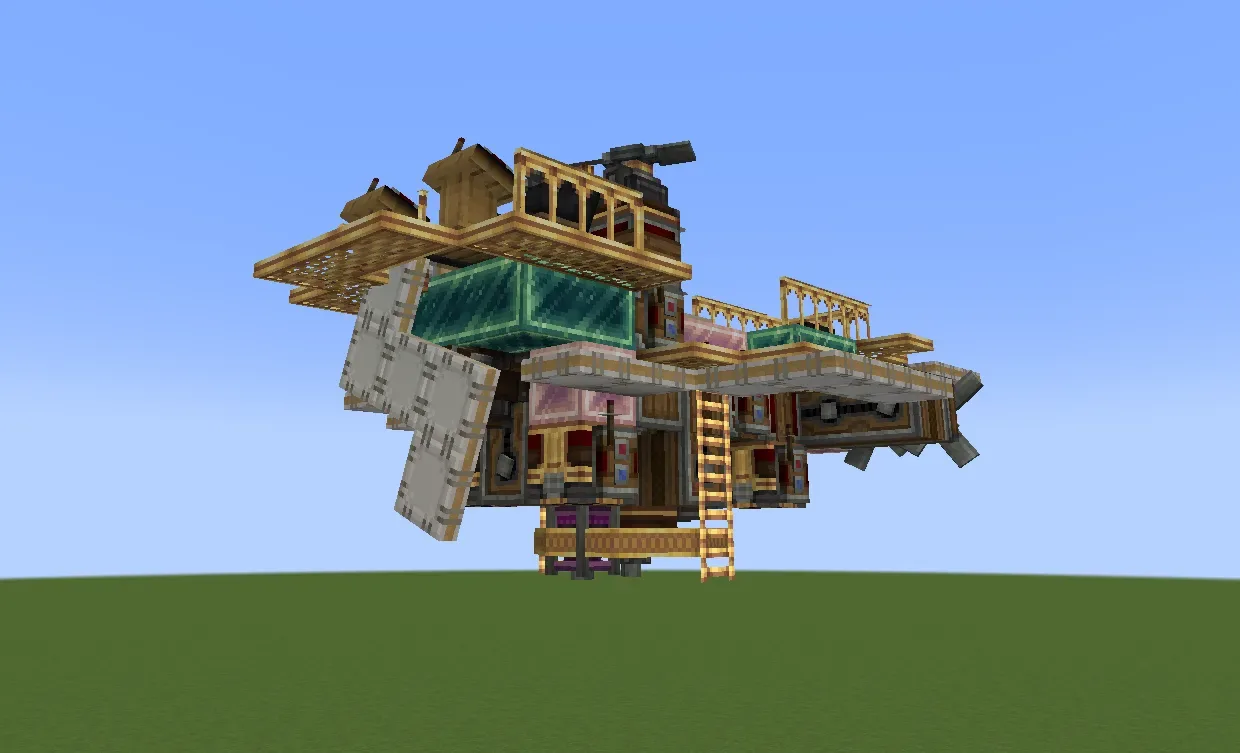 Advanced Hovercar163 blocks · Accordingtoc's Schematics
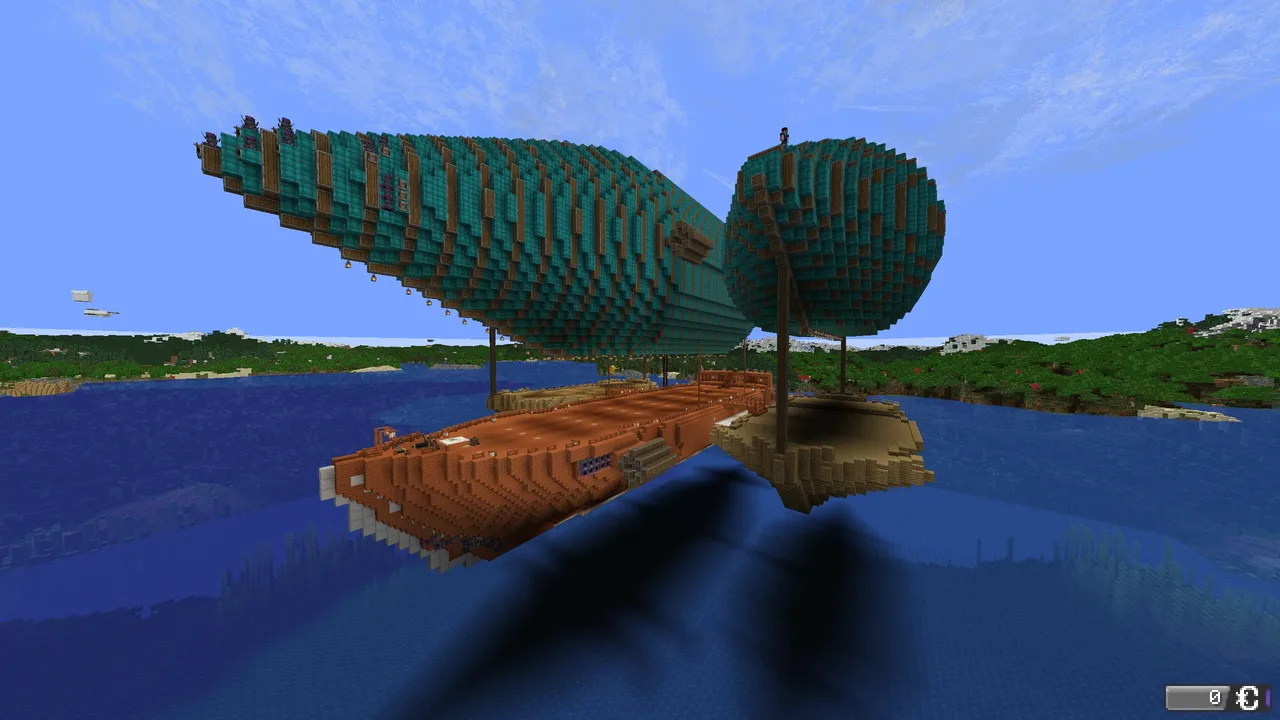 The High-Speed Flying Airship42,094 blocks · Gubatron
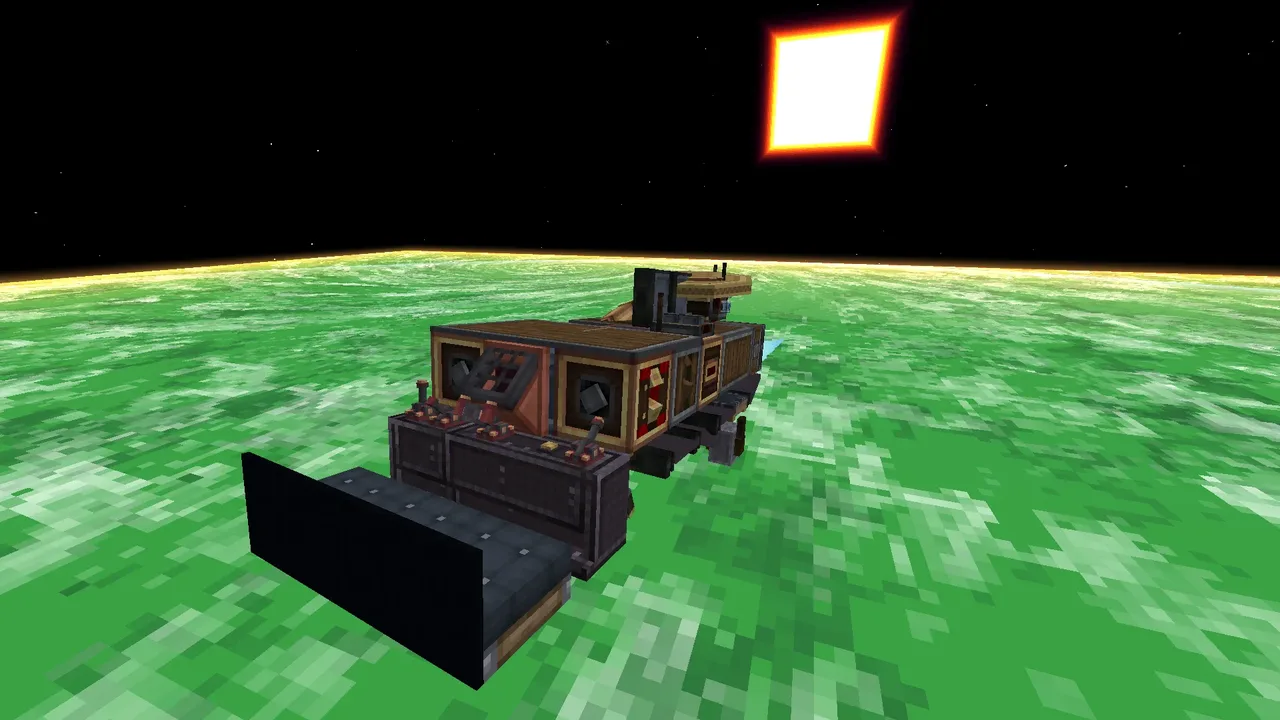 FastJet - Compact Bomber/Fastest Jet (Mach 2-3)68 blocks · Phlip24
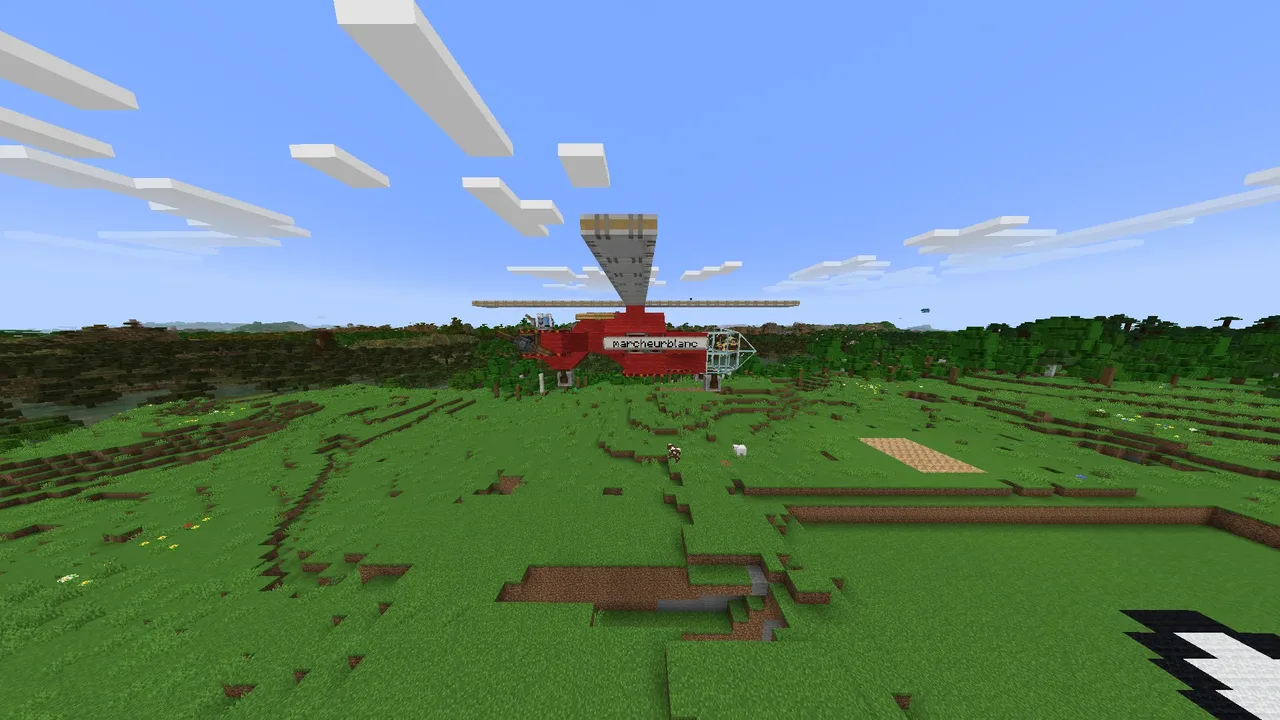 Tetsuo V1 Helicopter178 blocks · Tetsuo
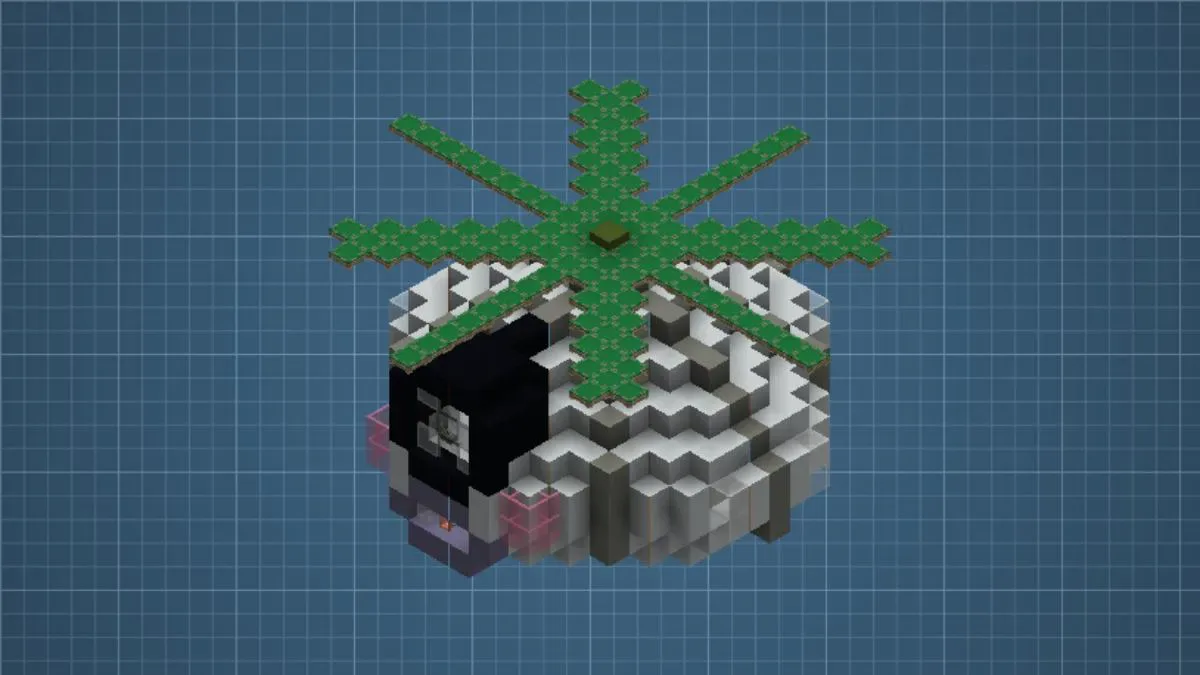 Garlic Drone+832 blocks · Homyakfovov
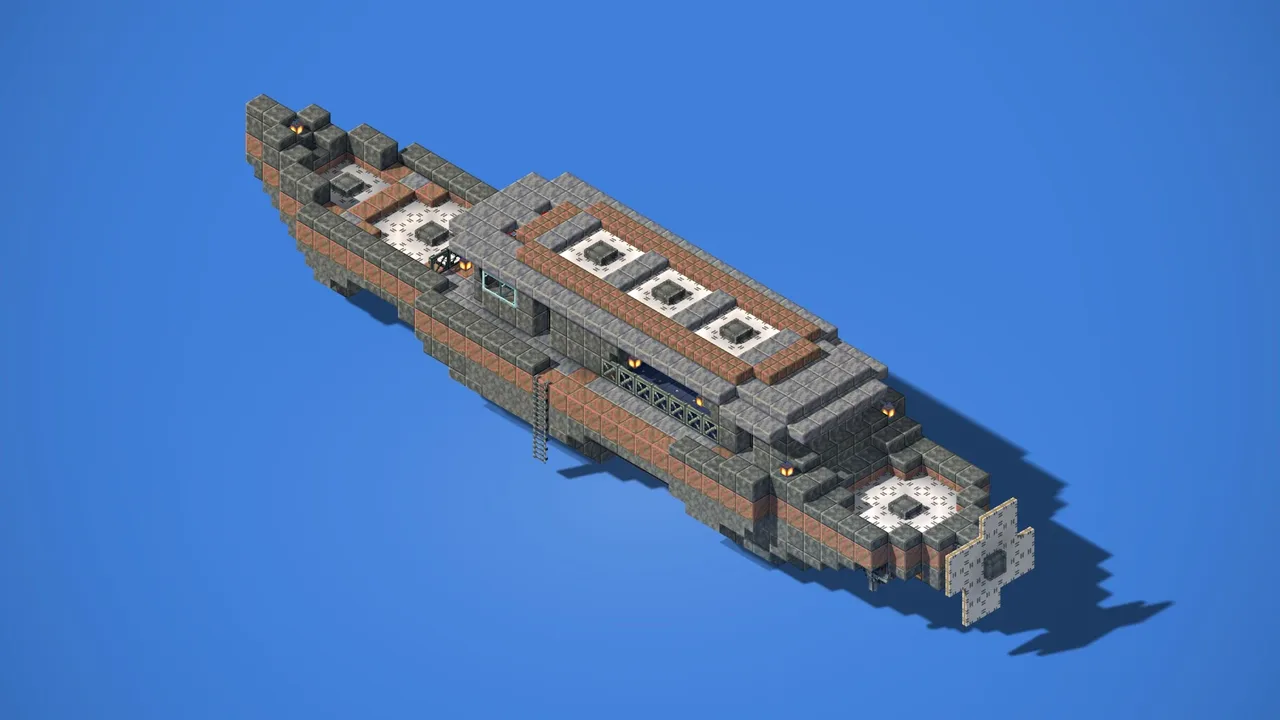 Spear - Small/Fast Heavyweight Cargo Ship1,323 blocks · Playukyo
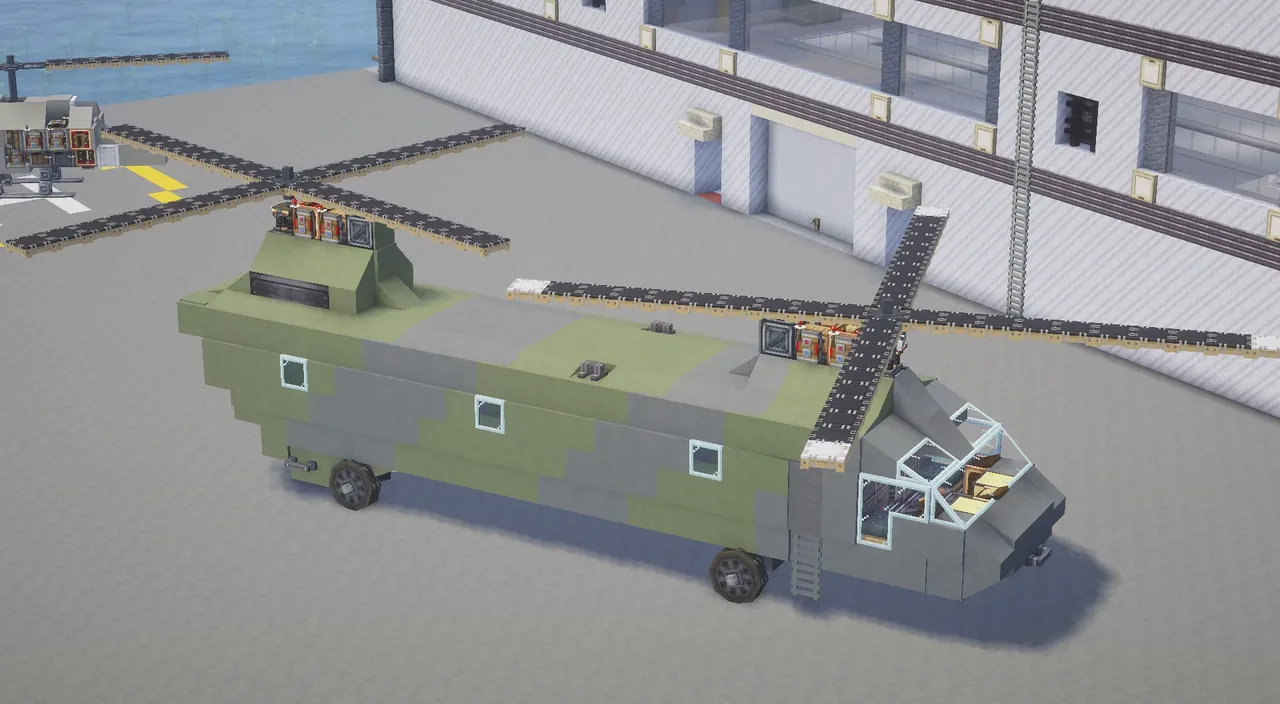 Boeing Chinook16 blocks · Skillich
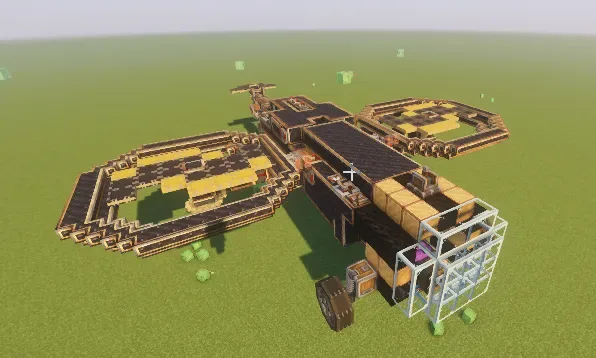 Scorpital Vtol Survival Friendly645 blocks · Iggy04
 A Very Controllable Helicopter468 blocks · Nik111sss_60126
 Doom12,664 blocks · Reed