
| Creator | Presentinho |
|---|---|
| Category | Other Contraptions |
| Size | 23 × 36 × 12 blocks |
| Blocks | 1,528 |
| Minecraft | 1.21.X |
| Create | 6.0.10 |
| Mods | Create, Aeronautics, Simulated, Aeroworks, Create connected, Copycats |
| Downloads | 1,291 |
| Added | 2026-06-10 |
Schematic by Presentinho, published on CreateMod.com. This page lists what it contains; download the file from the creator’s page.
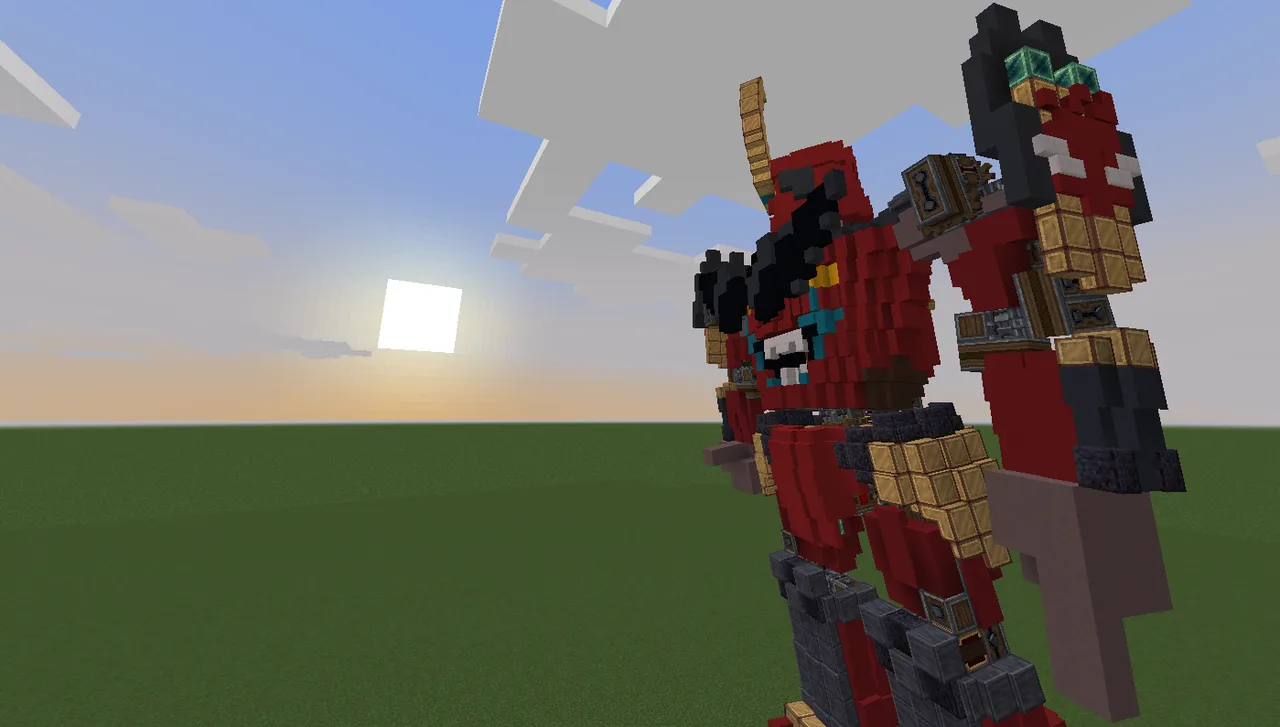
Gurren Lagann is a Gunmen/Mech/Robot, whatever you call it, doesn't change the fact the he's a cool ass robot, and obviously, based on the show of the same name.
Addons Used:
create + aeronautics
Create: Connected
Create: Copycats+
Create: Aeroworks
Vista (optional)
Gurren Lagann Assembly Manual:
Load him on the world
Overheat ALL engines, 6 on the waist and 2 on the control room (inside the torso)
Use the physics assembler (it is somewhat hidden down behind the main seat on control room)
Right click the swivel bearings in this order: forefoot, heel, knee, thigh (do for both legs), and the waist (the lower one), (not doing this is this order may cause some copycats to fall over, even if they were glued on for some bug or unkown reason)
Pick the controller of the head and things and press SHIFT or SPACE
Activate both shoulder shields (optional)
Pick the arm controller and press in this order: W>D>A>S (do for both arms, you might as well see the robot from outside to see them moving)
Now Gurren Lagann was assembled! If anything gone terribly wrong, you can reload him and try again.
Controls:
Legs/Torso/Head -
A & D to activate the legs
W & S to tilt the torso
SHIFT & SPACE tilt the head
Arms -
W spin the arm foward
D to extend the shoulder
A to contract the forearm
S to spin the hand
Hold SHIFT to rotate it on the opposite way
You can try pressing keys at the same time to do more fluid movements! Yes, i know the controls of the arms are atrocious, and even then it cannot do all the movements an actual arm can do, at least its not as hard like hand simulator, you can save the SPACE key for an hand interaction.
Be careful of the arms curling up, if they do, Gurren Lagann can use his spiral energy and fly away very far! You can control the arm speed on the speed controller next to the physics assembler, the recommended speed is 16.
How do i walk?
Pressing A and D alternately you can move the legs, press the opposite key when the other leg is almost on the ground to do a short step, or press it early to do a large step, the more early more unstable Gurren Lagann will walk, confused? You just need to will! Eventually you'll get the hang of it.
How do i turn?
Tilt the torso to the direction you want to turn and do large steps with the opposite leg. Example: To turn to the right, turn the torso to the right and do large steps with the left leg.
Gurren Lagann is too unstable/feels too hard while walking?
Try activating the swivel bearing right down the seat on the control room, this will make the torso of Gurren Lagann move way less solidly, but also wobbly a bit, try testing it to see if you like it with the bearing activated or not, it may also help you turning the robot more effectively too.
Some part looks strange/The feet, arm or leg is on a strange angle
Try resetting the bearing of that specific member right clicking it two times, beware, it can jump.
Extra Hints:
You can activate both legs at the same time and Gurren Lagann will go down for a bit.
You can replace the hands with whatever you fell like it, like a drill... (as you can modify the entire robot he's on your hands)
Its extremely recommended to rename the linked controllers, use the anvil and break it after.
The variant without vista just replace the screens with green ones (and remove de cameras)
If you try to disassemble Gurren Lagann into non-simulated blocks again the copycats can get blank.
The forefoot bearing is optional and does not need to be activated in order to Gurren Lagann walk, test it and see if you like with or not.
The shoulder shield and forefoot bearing are not needed to be activated in order to Gurren Lagann to work, i just made them for flexing (you as might as well remove the two blocks of levitite on the shoulder shields if you prefer so.)
Even if you activate bearings on the right order, some copycats can still fall out, even tough they were correctly glued, just because aeronautics said so.
 Mil Mi-6 (survival-friendly)2,413 blocks · Matigamer1400
 Vault Door 2 (NO DIRT)591 blocks · Clockworkuser
 Rob-Co. Head Quarters Arm Helper533 blocks · Wob-Rotson
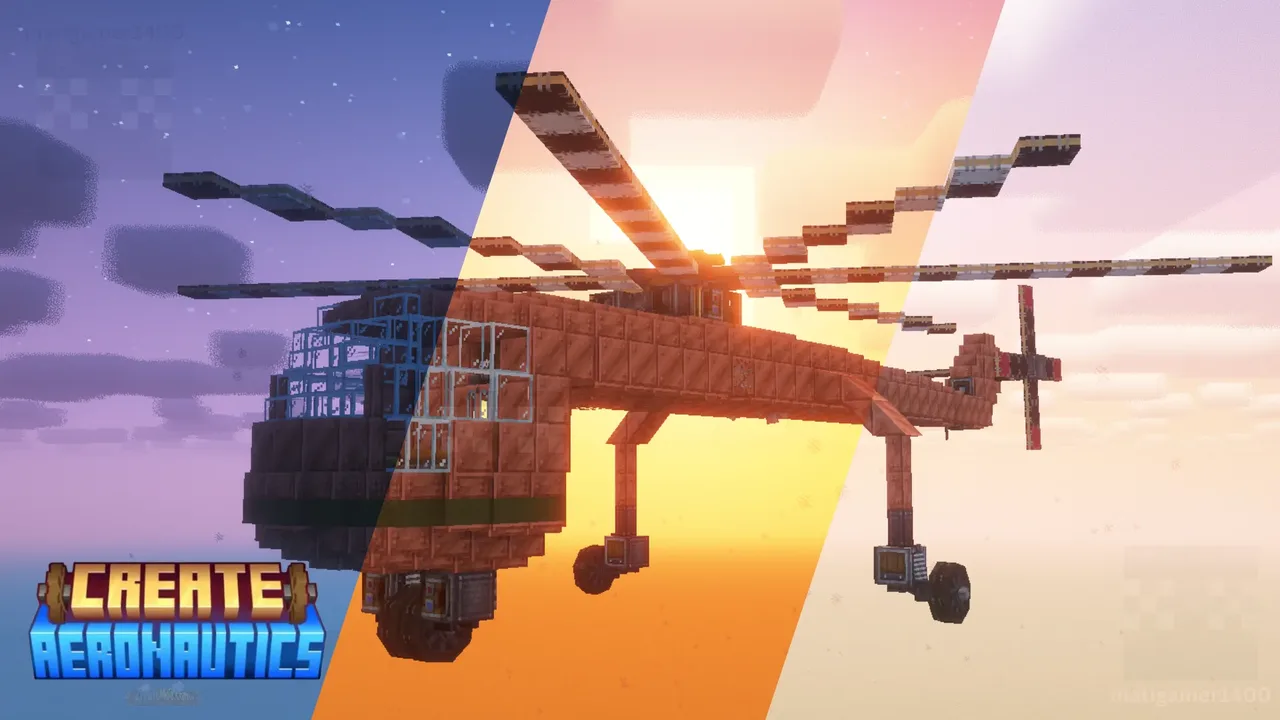 Sikorsky S-64 Skycrane (Heavy Lift Version)698 blocks · Matigamer1400
![Guided Missile 2nd-GEN 1V [By KRALICEK999]](/a/1c/1cbbbd99fdd824f.webp) Guided Missile 2nd-GEN 1V [By KRALICEK999]39 blocks · Dafoscz_39272
Guided Missile 2nd-GEN 1V [By KRALICEK999]39 blocks · Dafoscz_39272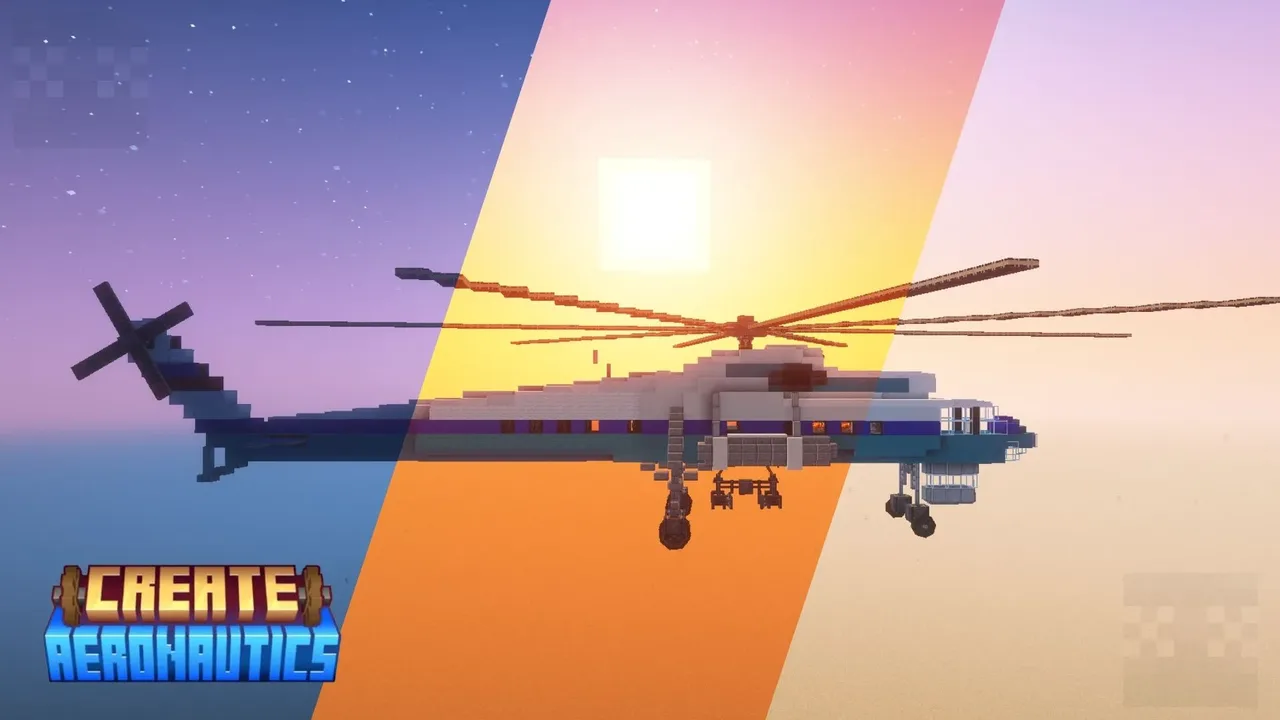 mil mi-10 "harke" (survival-friendly)1,860 blocks · Matigamer1400
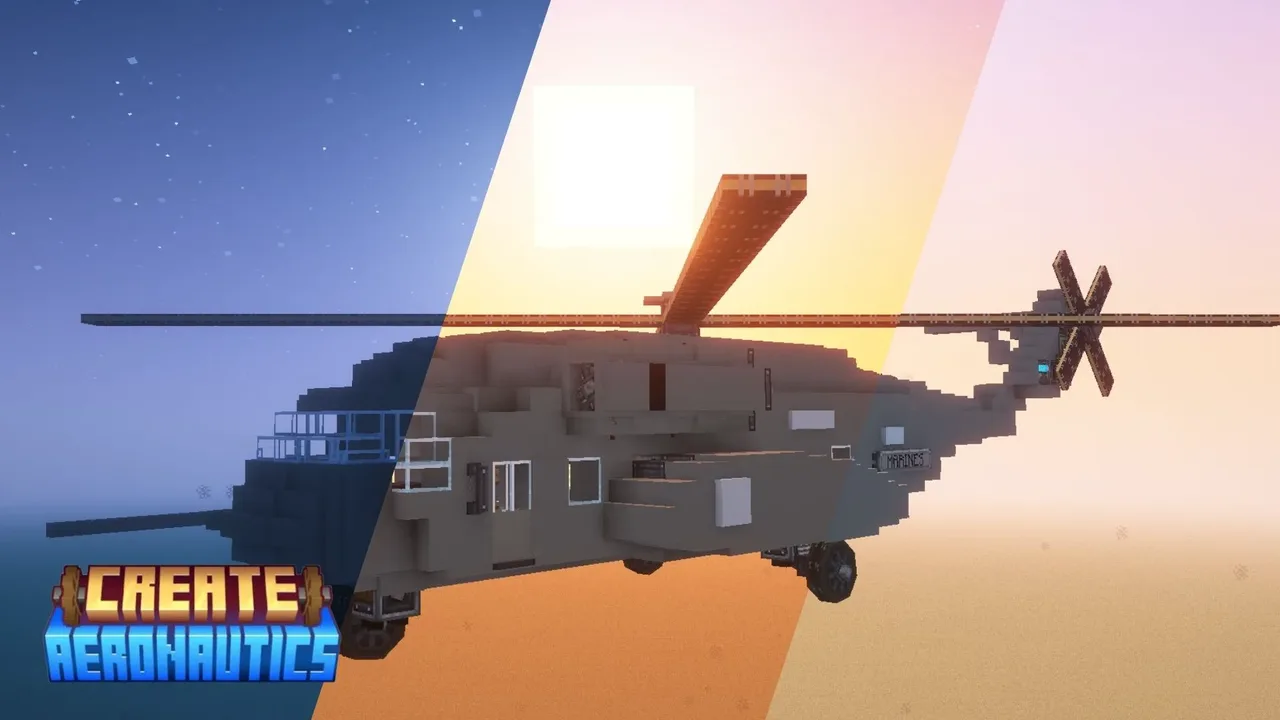 CH-53K King Stallion (survival-friendly)863 blocks · Matigamer1400
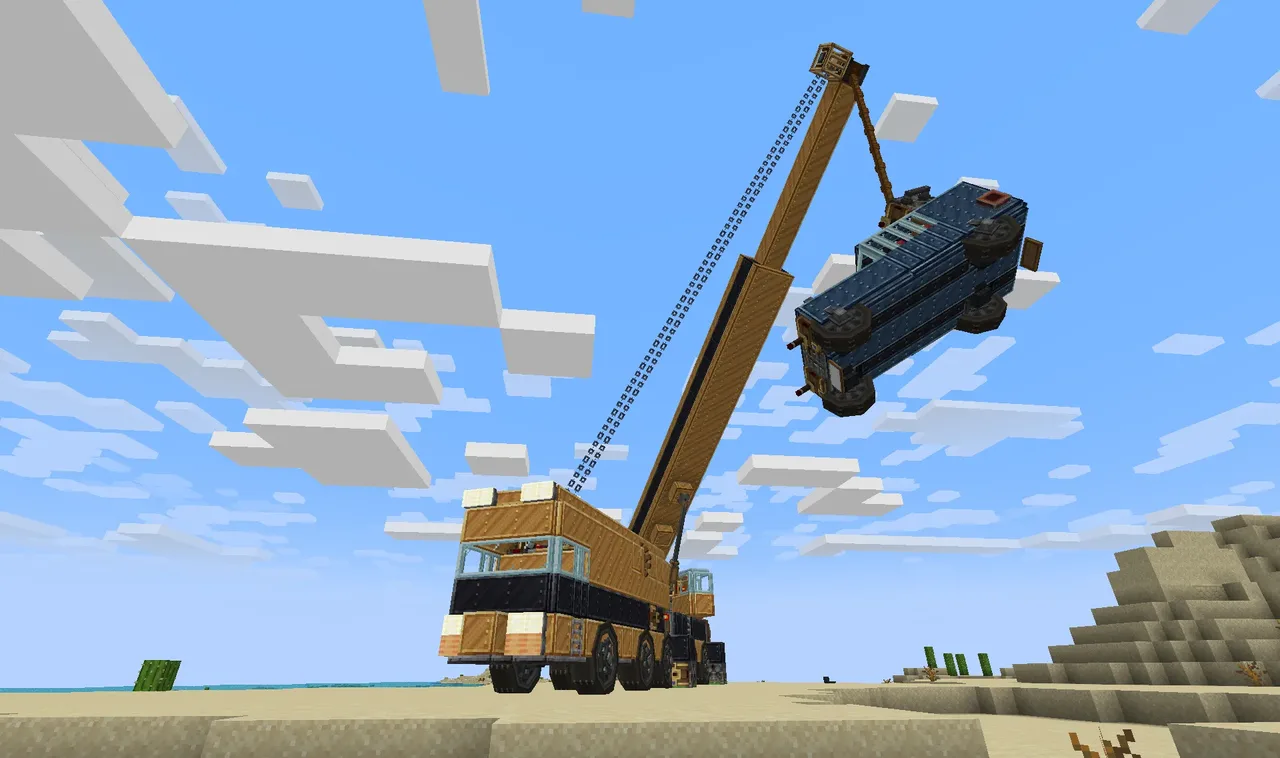 Mobile Crane634 blocks · Industrial Dragon
 Bomber_ Junkers 2881,870 blocks · 4Motynoe
 Railgun222 blocks · Aboba5385
 Realistic Garage Door314 blocks · Mcpicklesandwich
 SM-13 from Iron Lung1,617 blocks · Trlxt3r