

The Helicarrier from The Avengers
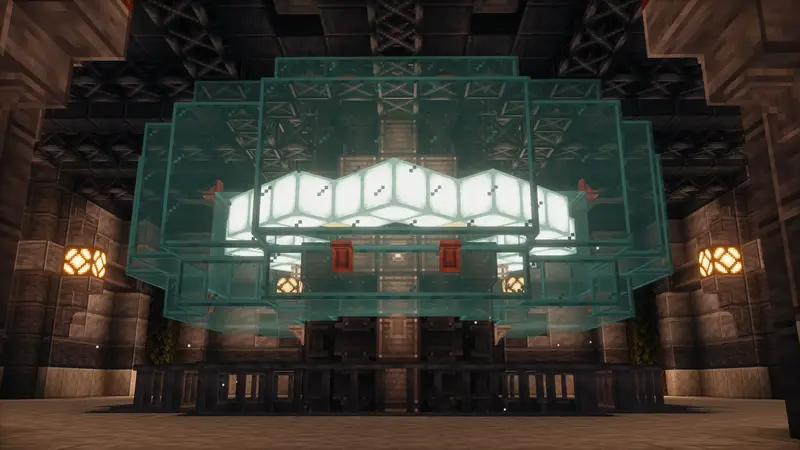
A massive, fully functional flying aircraft carrier, packed with features and a detailed interior!
Features
Two runways.
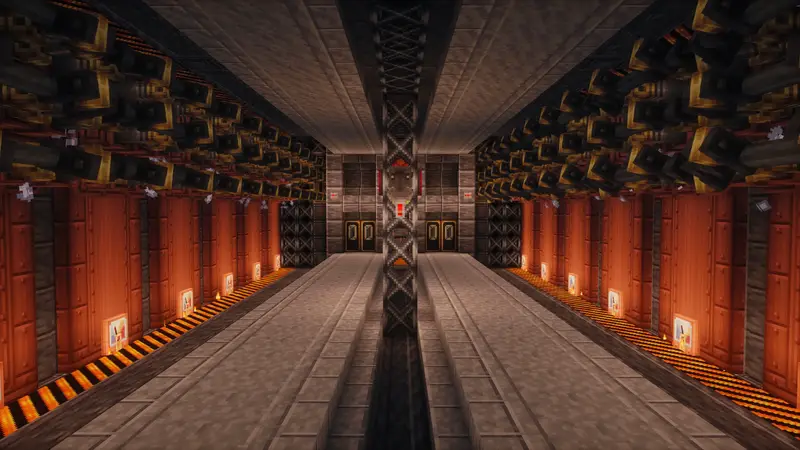
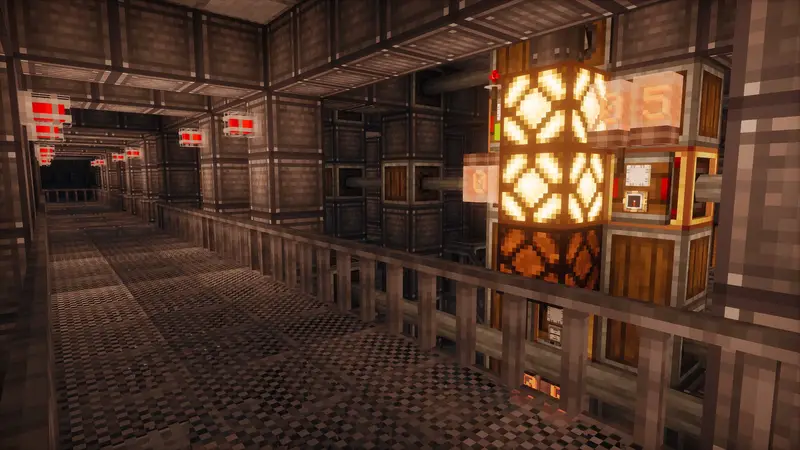
Arc reactor, technical decks, boiler room, fuel bay, and control room.
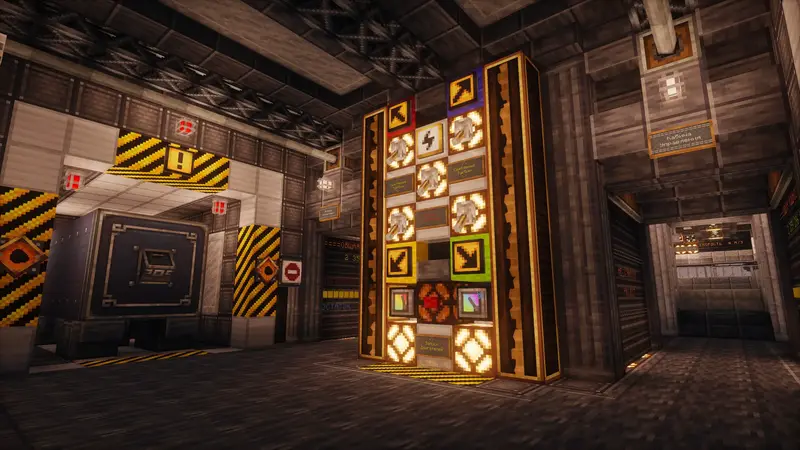
Functional elevators.
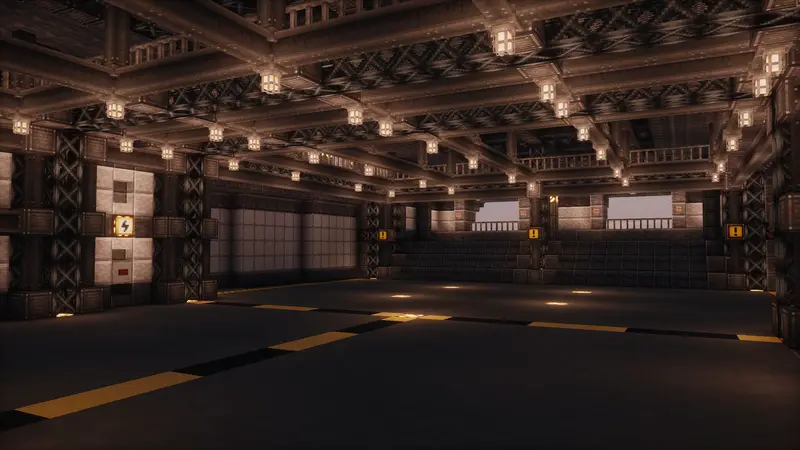
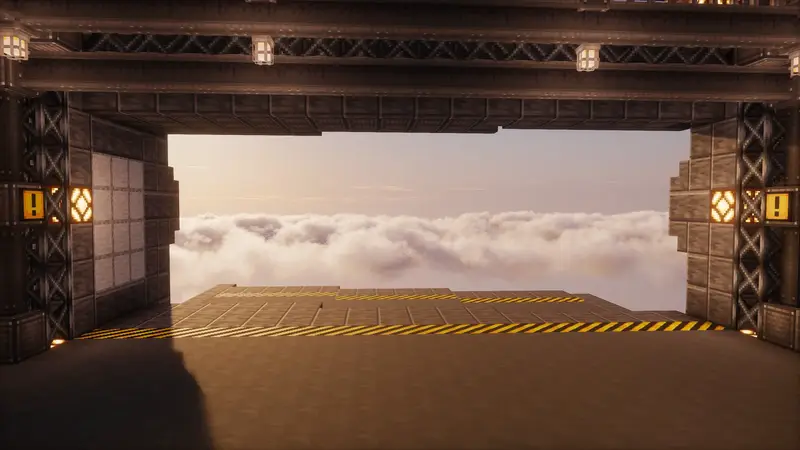
Internal hangar with automated doors and a retractable platform.
Autopilot navigation using a lodestone compass or a banner-marked map.
Flight Controls
The Linked Typewriter is located on the white ceiling platform inside the control room.
W / S — Forward / Backward
A / D — Left / Right
E — Toggle continuous forward flight
R — Toggle turbine reverse
Space / Shift — Increase / Decrease turbine power (Ascend / Descend)
1 — Toggle steering propellers
3 — Toggle stabilization propellers
Tab — Remotely open/close hangar doors
Schematic Installation & Requirements
To easily place the schematic, enable physics, and keep this massive structure loaded, make sure to adjust the following settings:
Simulation Distance: Set to at least 16 chunks, or install the Sable: Far and Wide mod. (or /sable forceload)
Create Config: Navigate to create > server > Schematics and set Max Total Schematic Size to at least 1024.
Simulated Config: Navigate to simulated > server > Assembly and set Max Blocks Moved to at least 1024000.
If you're playing on a server where you can't change these settings... May God help you.
Engine Startup
Go to the fuel loading bay and fill both large storage containers with coal until the indicator lights stop flashing.
Enter the side door marked with a warning sign, climb the staircase marked with liquid signs, and waterlog every stair block all the way to the end.
Press the "Engine Start" button.
Once the power output exceeds 2,000,000 SU, engage all the clutch levers on the upper level.
The Helicarrier is now ready for takeoff!
Known Issues & Troubleshooting
Display Boards
Display Boards may lose their text colors when the schematic is pasted, and their Display Links become disconnected when physics is enabled.
You'll need to manually reconnect them. Most Display Links are located nearby, either above or directly behind their Display Boards. The navigation Display Link is an exception — it's located behind the coordinate input depot.
No-Levitite Version
The version without Levitite is less stable and may not be able to reach the same altitude. However, it can be faster and more maneuverable.
You may also experience a pendulum-like swinging effect during takeoff due to gyroscopic stabilization. To fix this:
Enter the room behind the coordinate input depot.
Find the Gyroscopic Sensor.
Change all its values from 1 to 16. (If the swinging persists, try experimenting with other values.)
Performance
This massive structure can be a serious FPS killer, but it can also heavily impact server TPS when touching the terrain.
Once the Helicarrier is completely airborne and no longer in contact with the world, the performance impact should be significantly lower.
Behind the Build
I originally built this Helicarrier back in May, shortly after Create Aeronautics was released. Since then, I've rebuilt it on two different servers, but only managed to get it successfully flying on one of them.
There are probably still plenty of flaws, questionable design choices, and things that could've been done much better. But back then, I honestly didn't care. I was simply obsessed with the idea of building this thing and actually getting it to fly.
To recreate the Helicarrier as accurately as possible, I rewatched its first takeoff scene from The Avengers countless times (I even recreated that scene myself in the attached video). I also used the 3D model by Harikrishnan R on Sketchfab as a reference, along with various renders of the original CG model used in the movie.
Of course, there are still some differences from the original Helicarrier, and I'd love to go back and fix them someday.




and 132 more block types
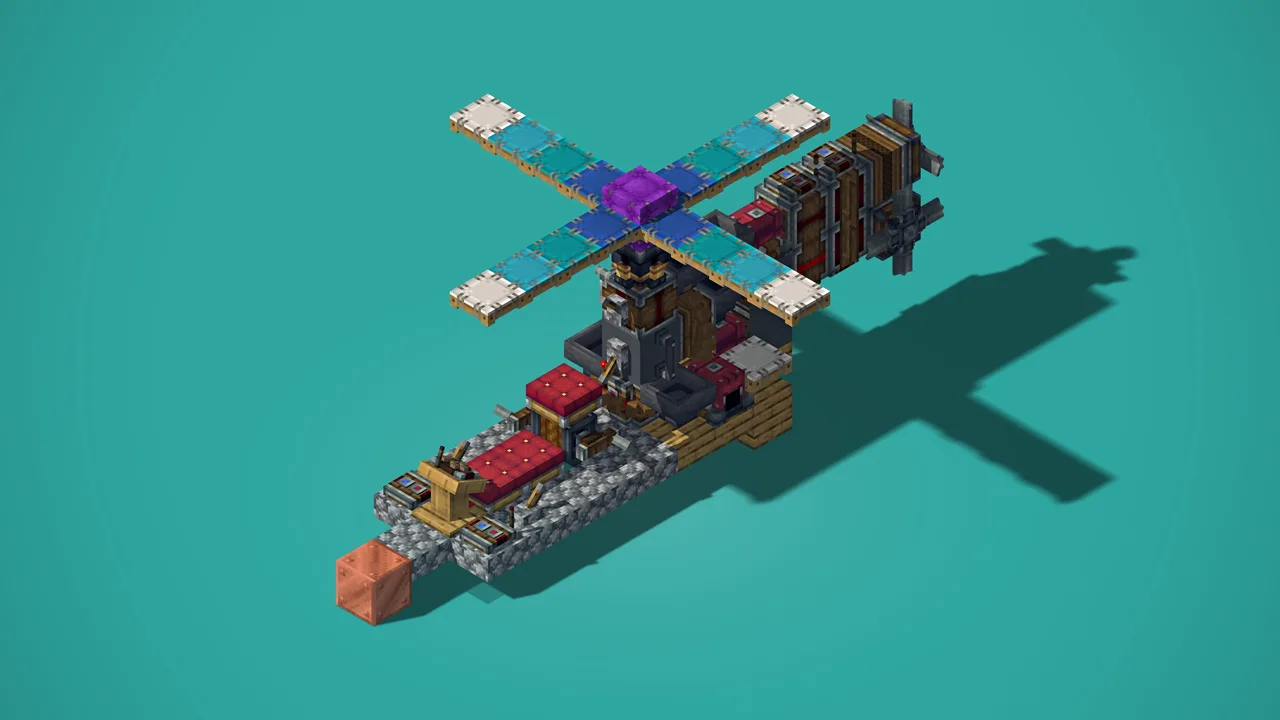 Dragonfly90 blocks · Makar_xuilo_63003
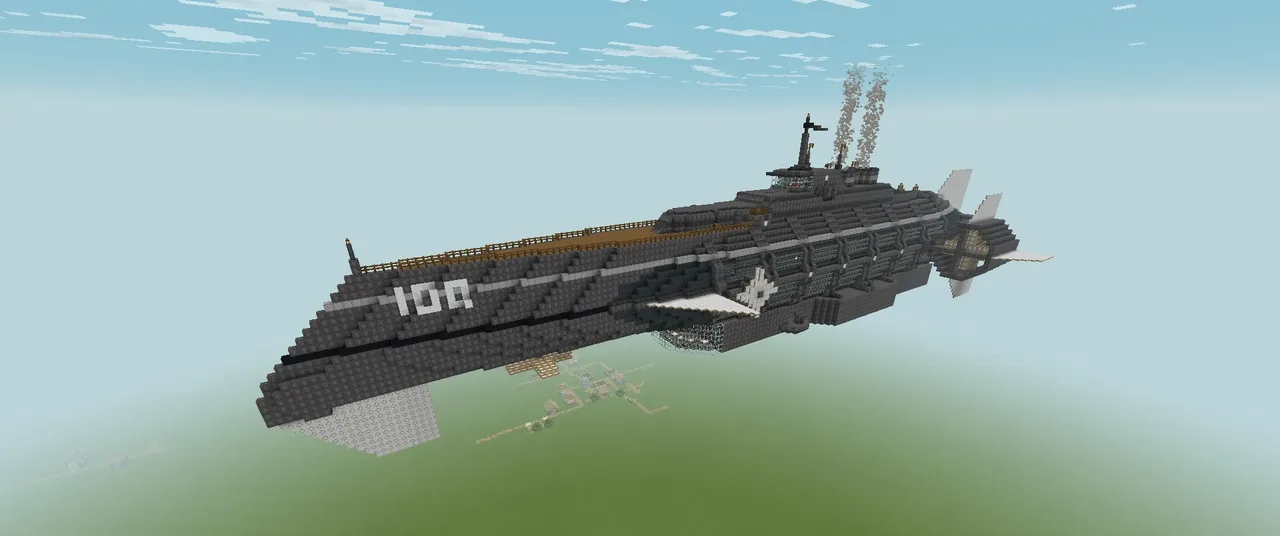 KKM Balaputra Dewa Heavy Air Cruiser(Unarmed)25,788 blocks · Javasura9c9f
 Diesel Loconautics Plane (DLP)1,208 blocks · Yu71n4ra
 Japan's Most Famous Plane252 blocks · Utoka_desu
 VTOL Ornithopter Vyl'Shyx576 blocks · Decofox
 Tiny Plane126 blocks · Utoka_desu
 VTOL Ornithopter Kyth'rah285 blocks · Decofox
 Flying Island 239,430 blocks · Be3uh4uk
 Fully Functional Mining Airship7,786 blocks · Ladendieb
 V22 Osprey-Modified FINAL932 blocks · Craftatom
 Dionis16,008 blocks · Texnounits
 Helicopner U-22C1,708 blocks · -Impi-
