
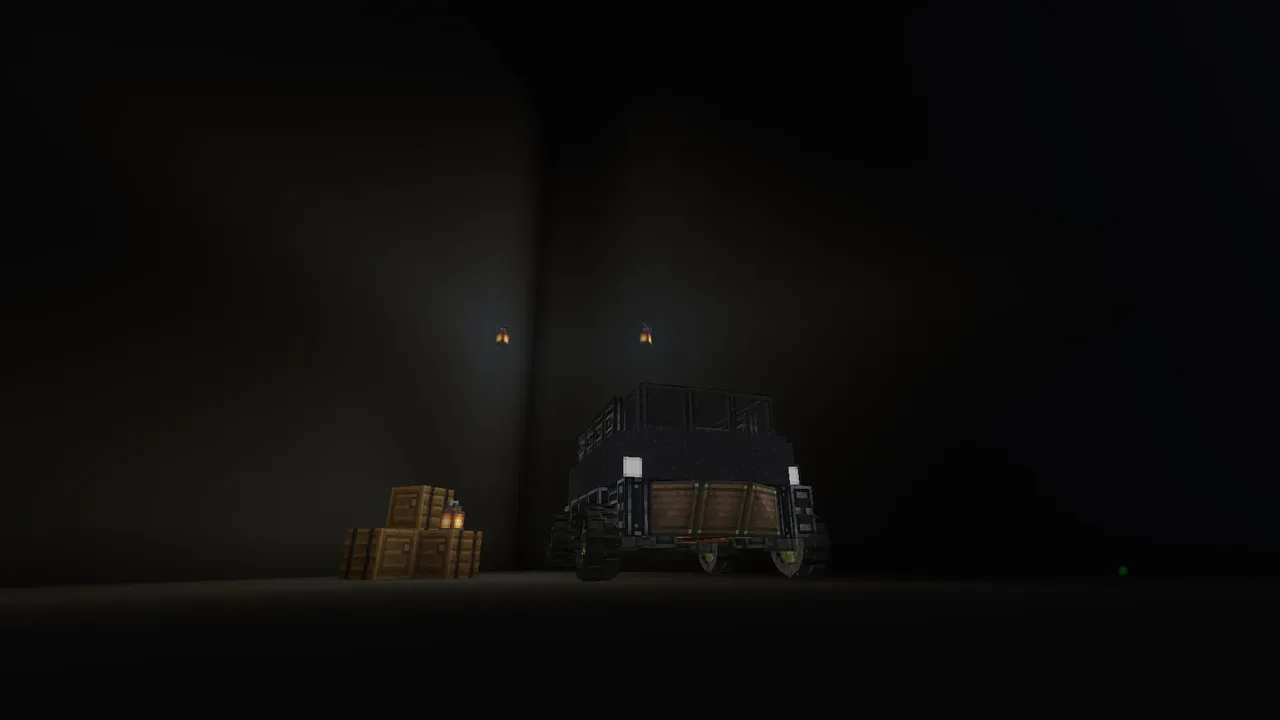
Take the Linker Tool in your hand. Follow these steps:
1. Link Engine to Steering Wheel:
· Select the Engine - Steering Wheel mode.
· Click on the Engine, then click on the Steering Wheel.
2. Link Fuel Tank to Engine:
· Select the Gas Tank - Engine mode.
· Click on the Fuel Tank, then click on the Engine.
3. Link Wheels to Engine (Wheel by Wheel):
· Select the Smart Mount - Engine mode.
· Click on the Wheel Mount, then click on the Engine.
· Repeat this for every single wheel you want to be driven (e.g., Wheel 1 -> Engine, Wheel 2 -> Engine, Wheel 3 -> Engine, Wheel 4 -> Engine).
4. Start the Engine:
· Press R to turn on the ignition.
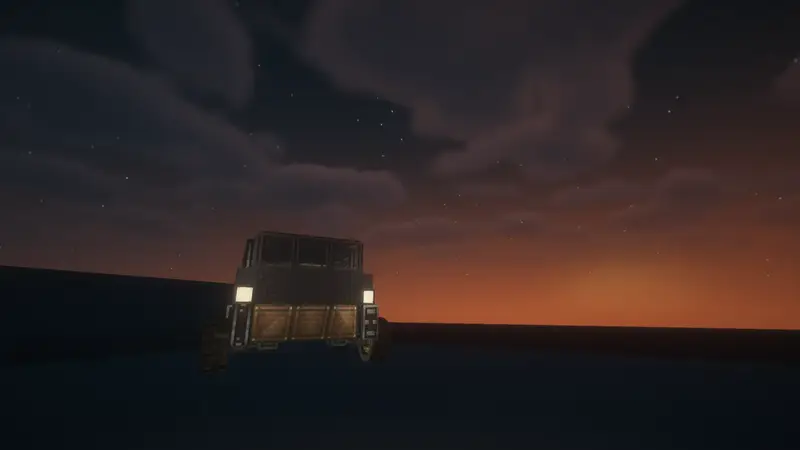
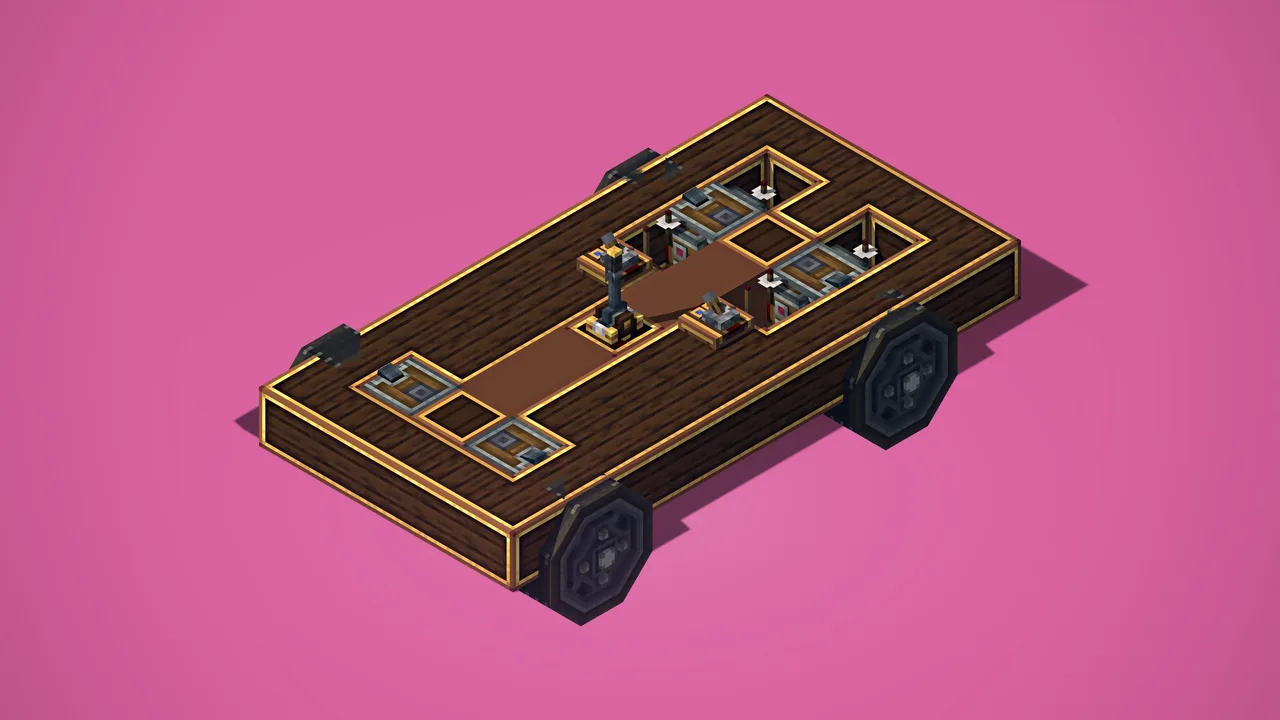 Car53 blocks · Redjupiter93
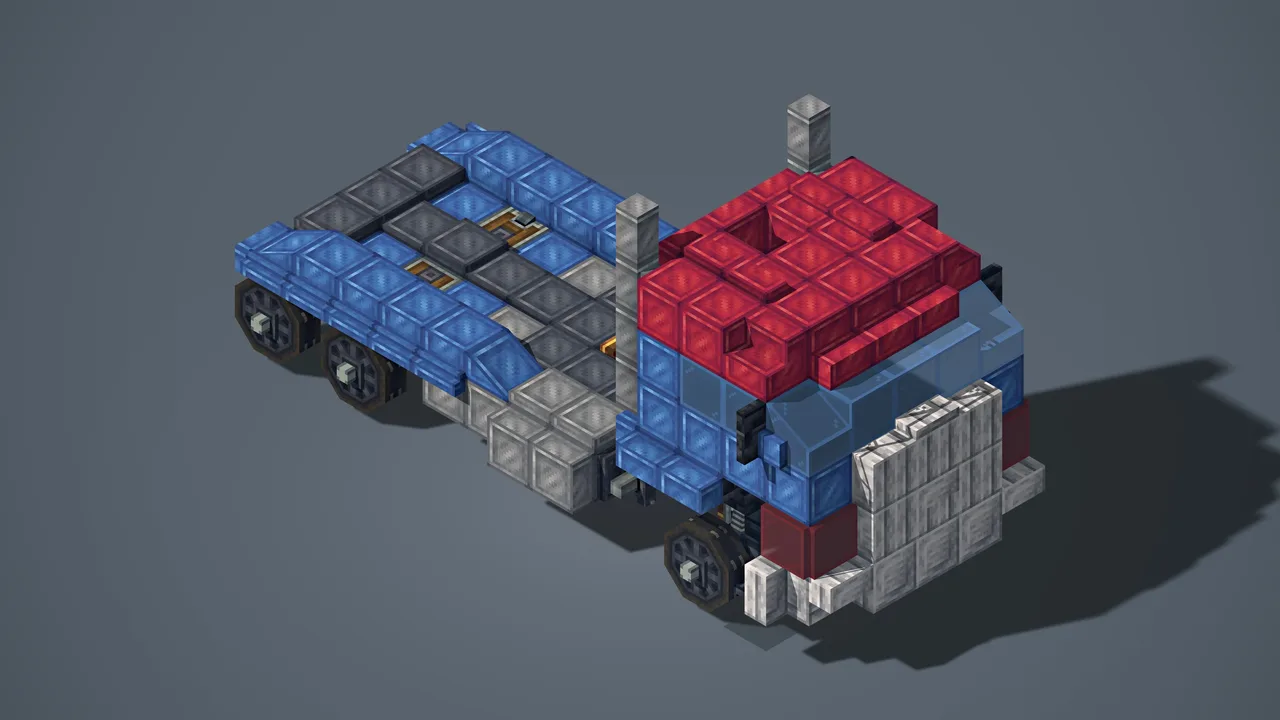 Pepsi Convoy Based off the Optimus Prime Remold for Pepsi Convoy247 blocks · 3_Gr33n_l00nt3rn_3
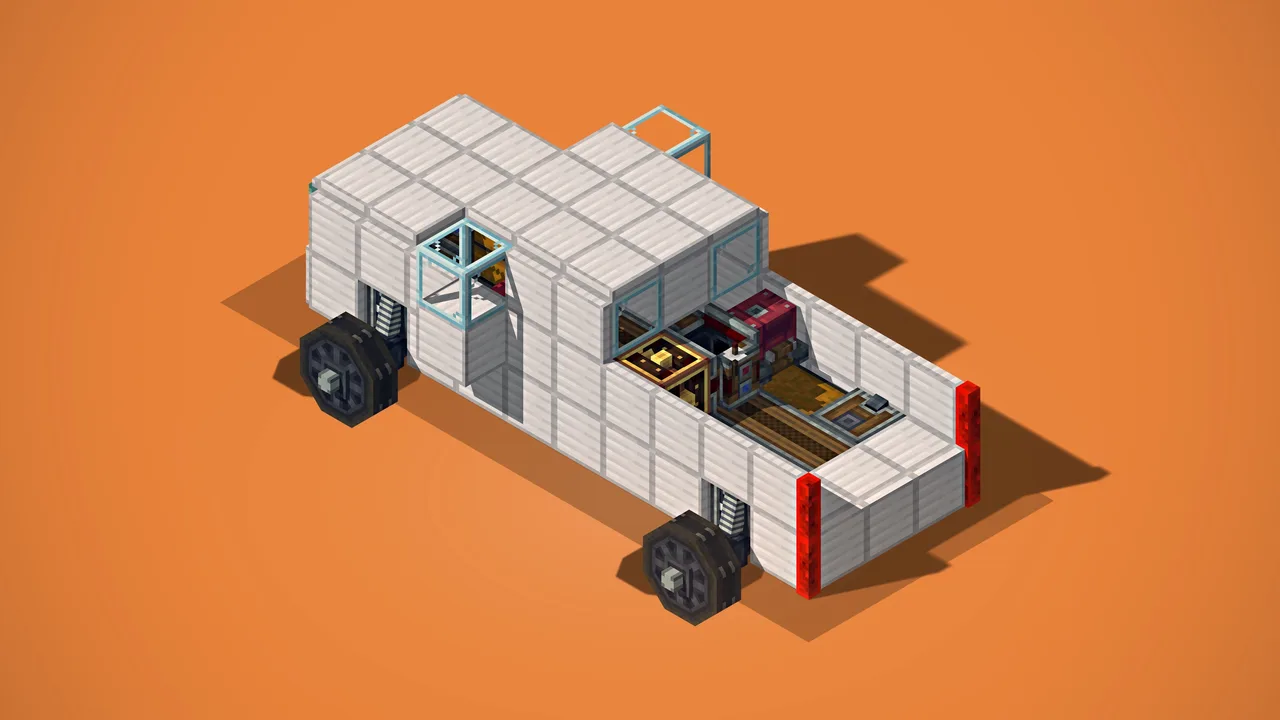 A Car124 blocks · Memitoxd123
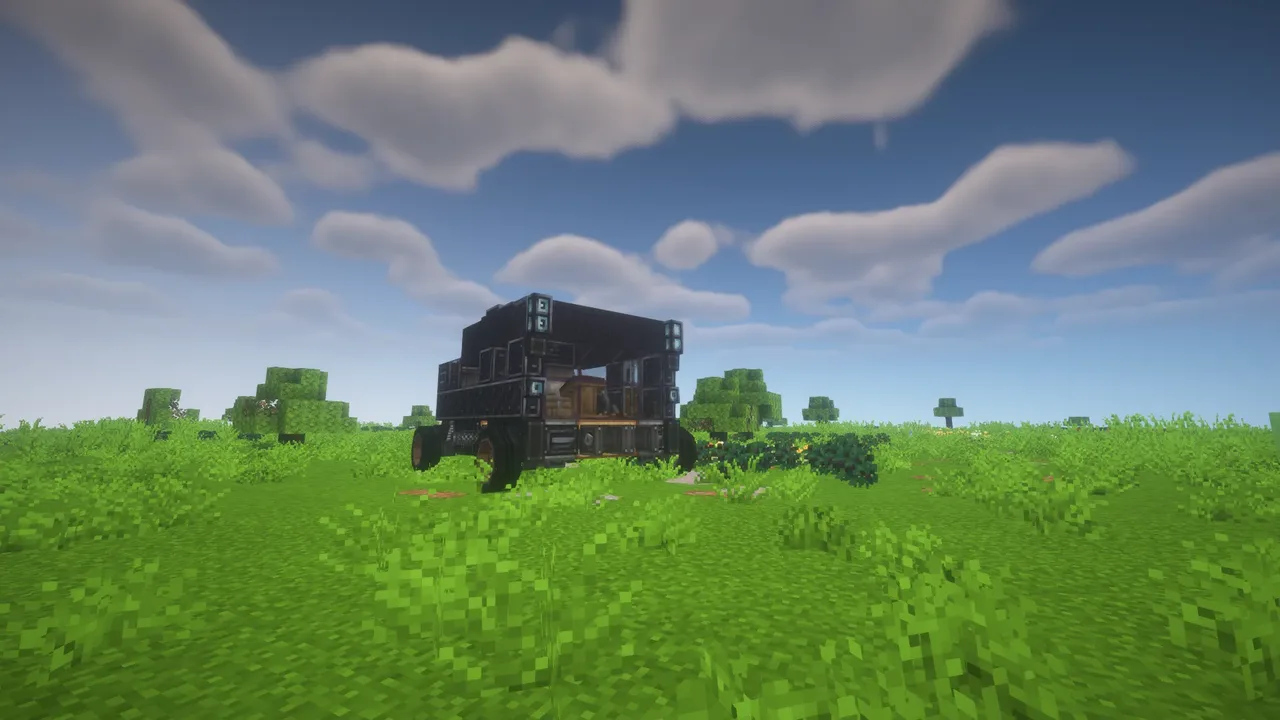 ScrapHeap Offroader189 blocks · Boss
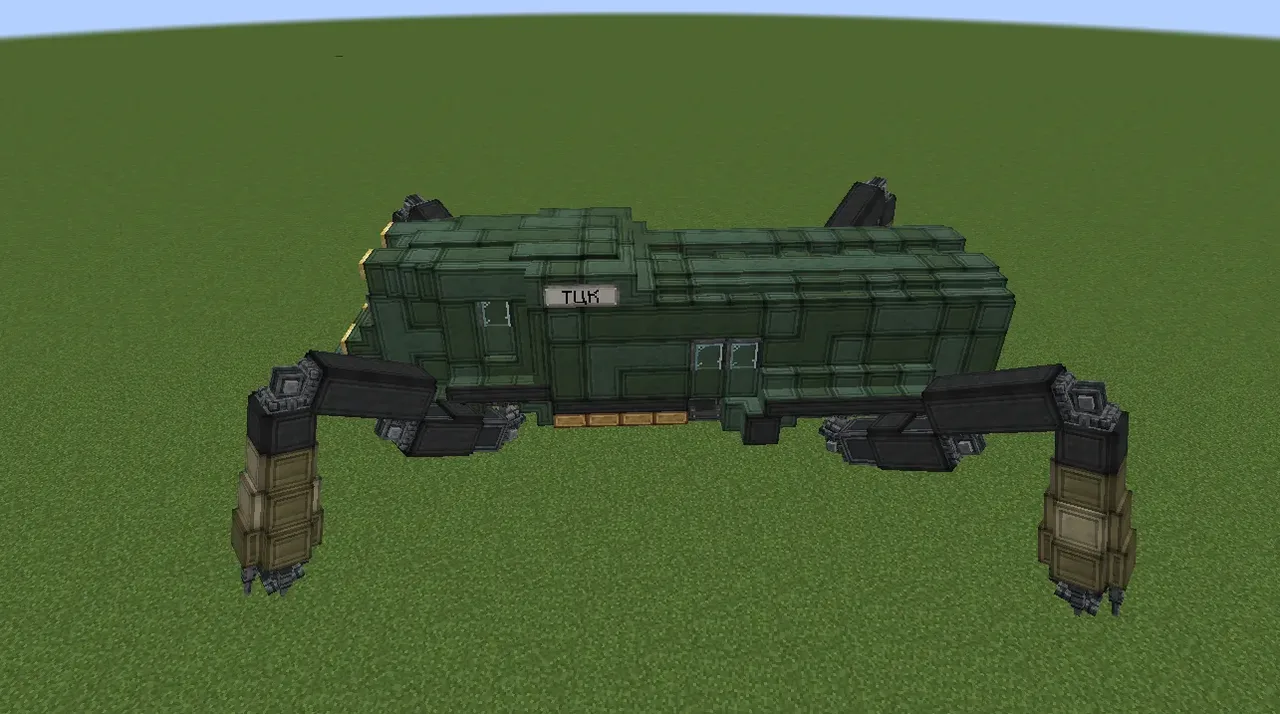 r3_ubox_TCC625 blocks · Rolenyr1
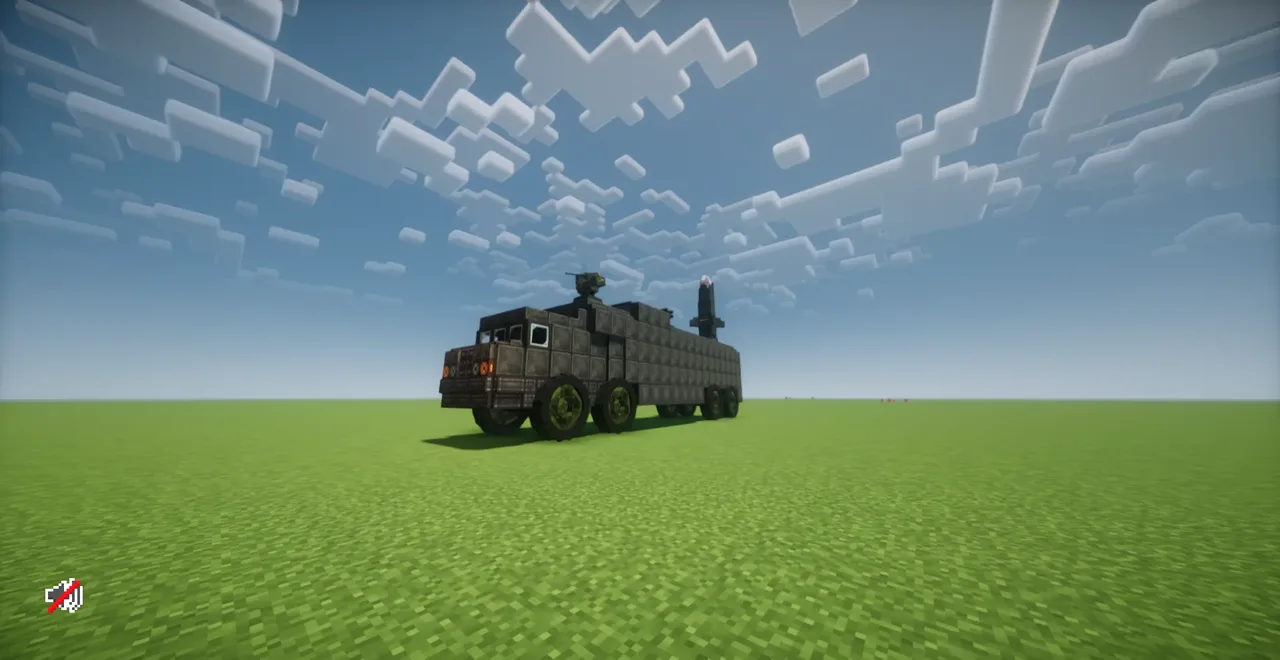 SRBM Missile Truck479 blocks · Msrtech
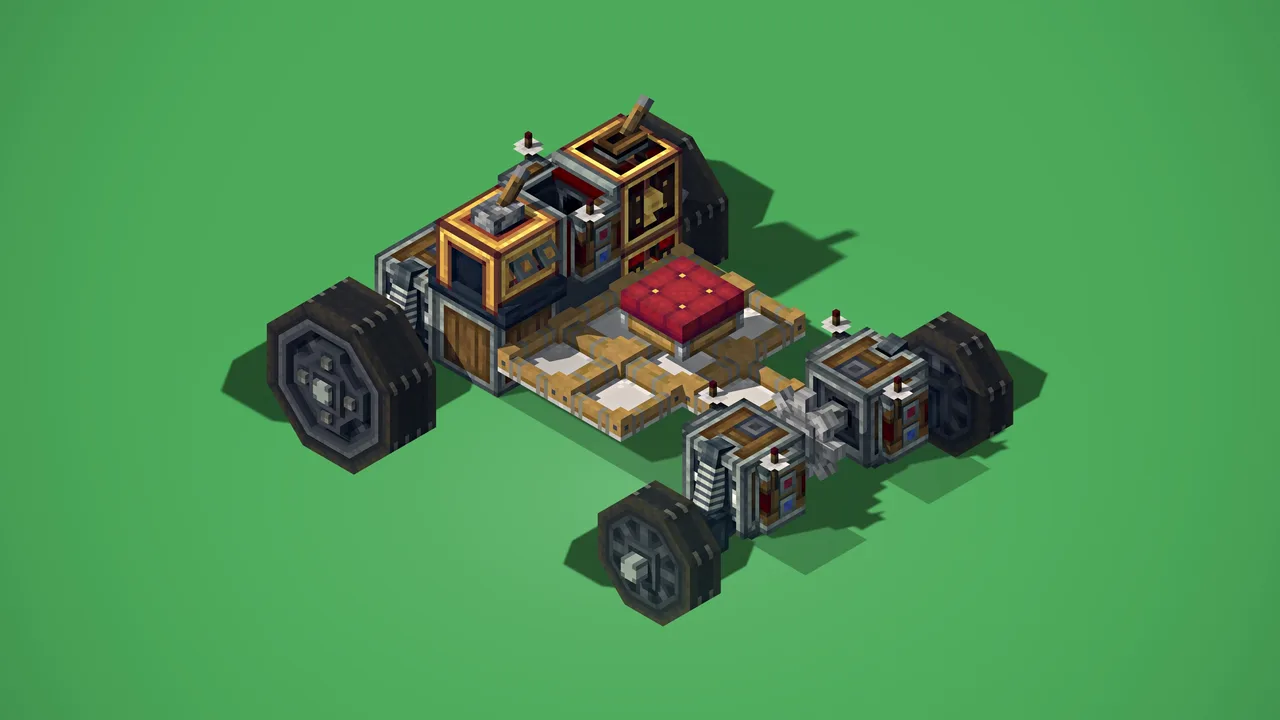 (82m/S ULTRAFAST, ULTRA LIGHT RACECAR) The Mantis Mk I30 blocks · Swishta
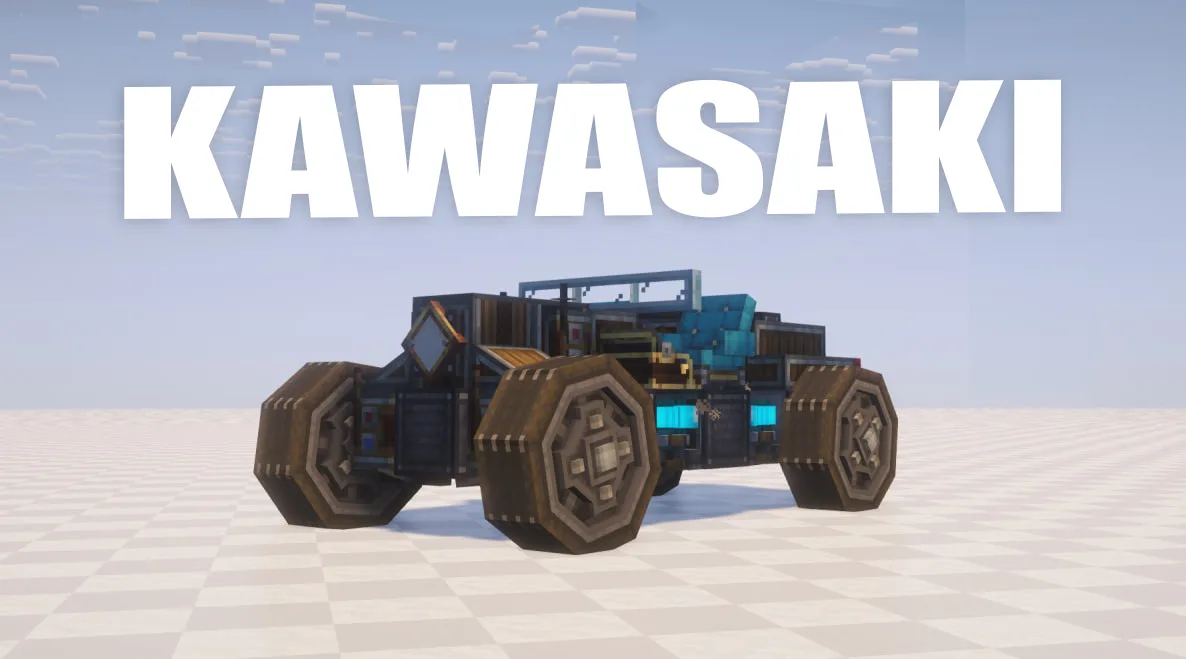 Race Car "Kawasaki"65 blocks · Mikasher
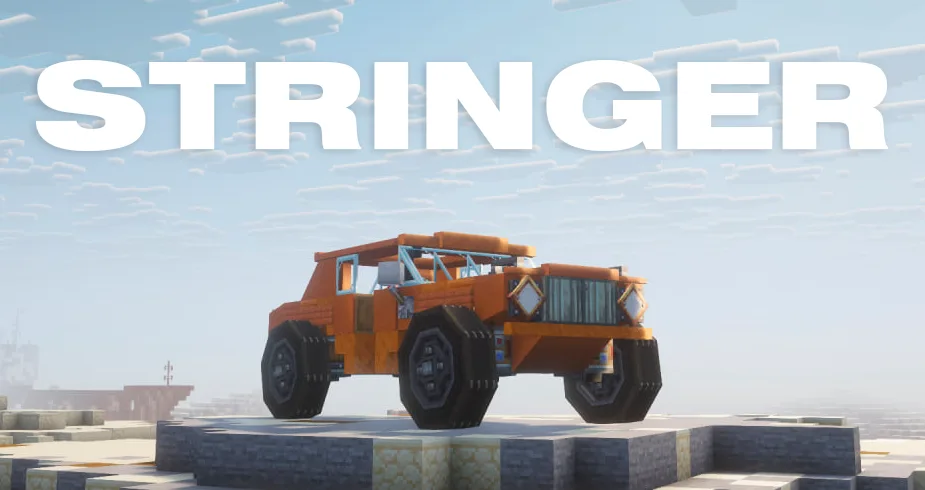 Off-Road Scout "Stringer"166 blocks · Mikasher
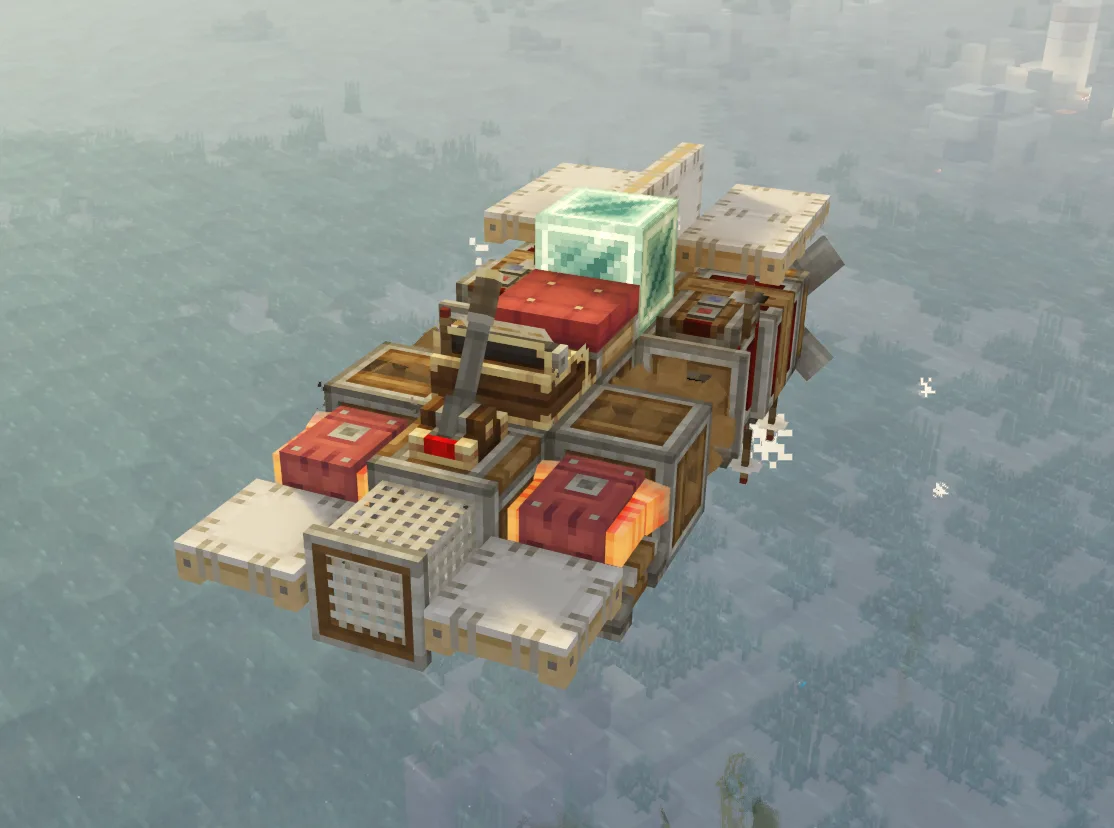 Mini Hover (No Addons, Survival Friendly)37 blocks · _Lsants_
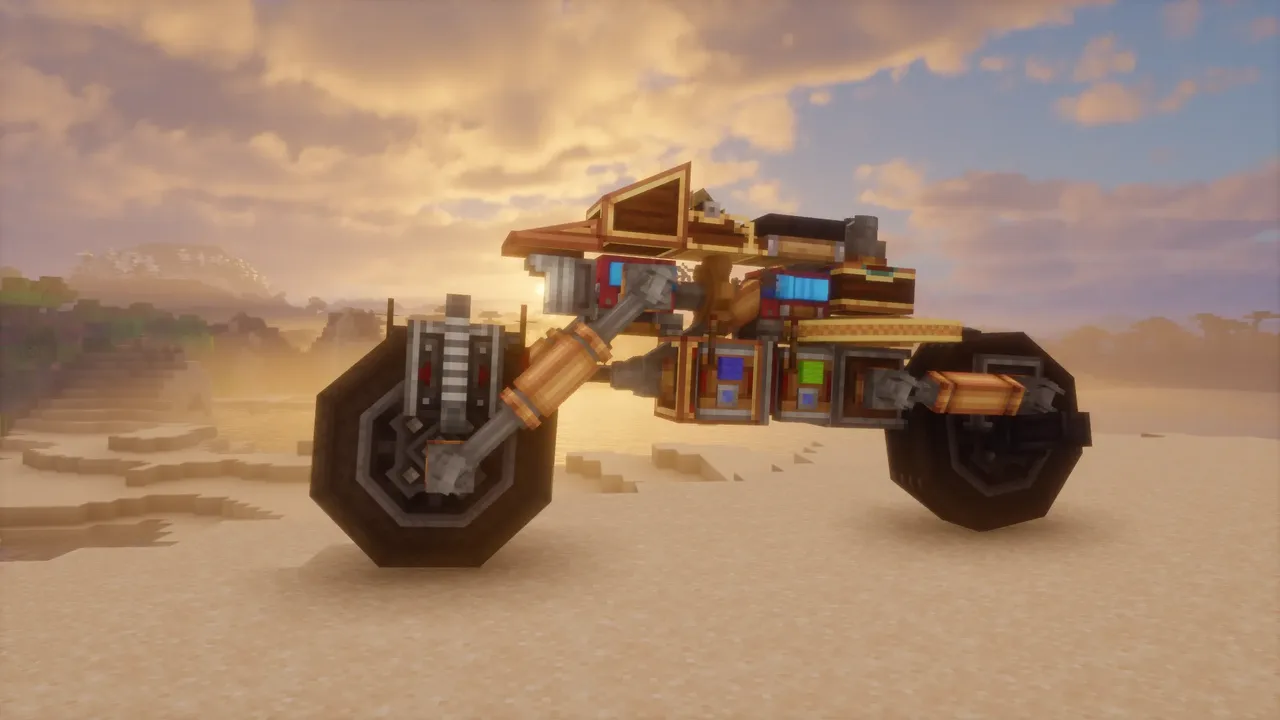 Easy Survival Friendly Bike34 blocks · Smokeyblade
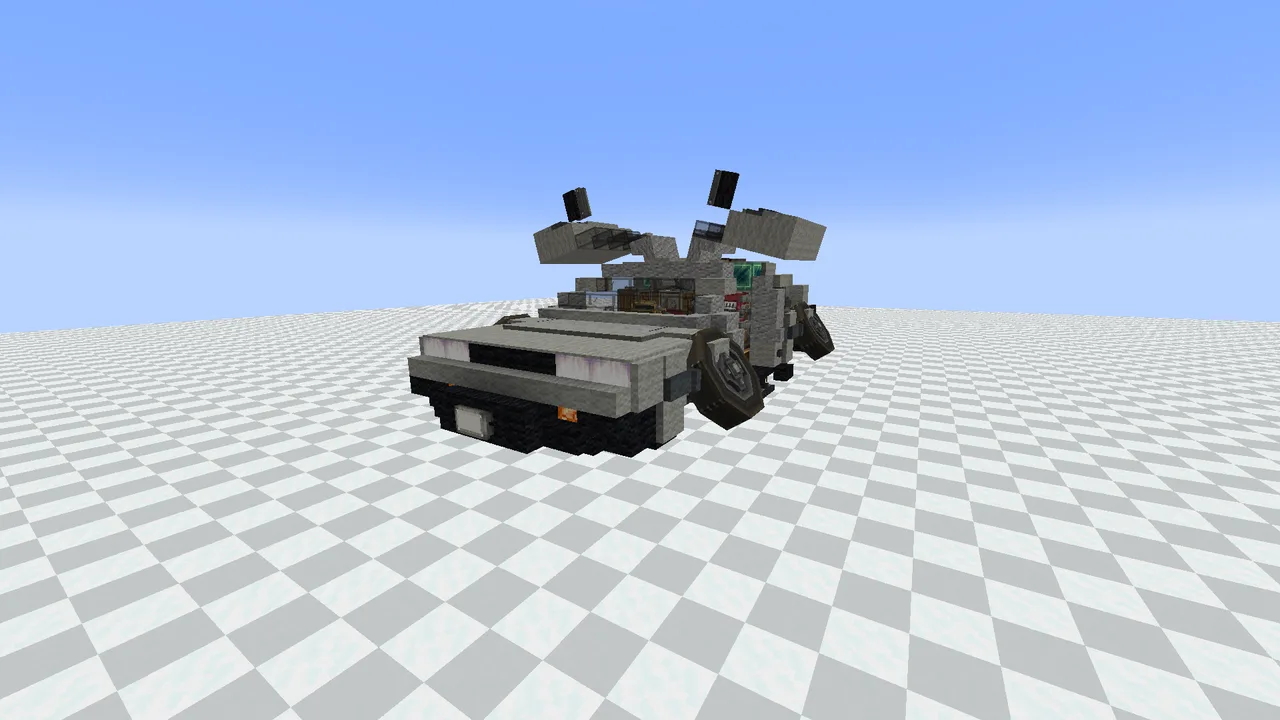 DeLorean V2 / Flying Car510 blocks · Xuxuk