
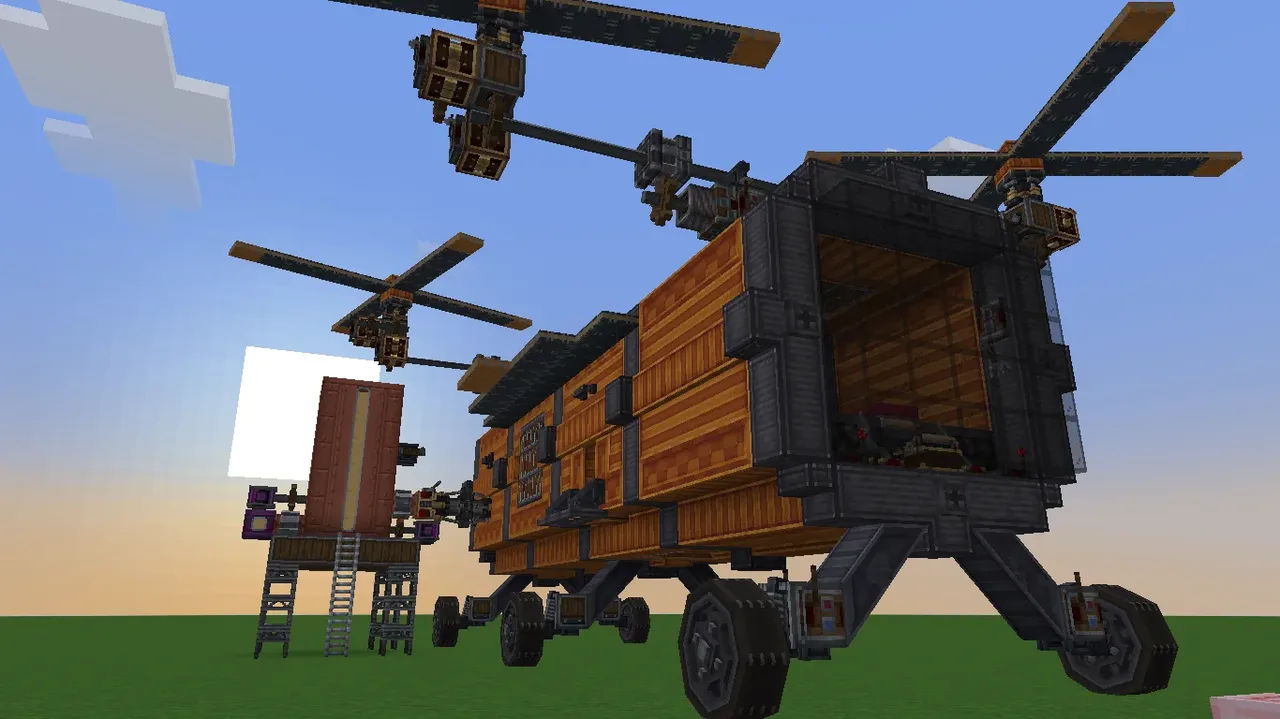
| Creator | Eatpastafordinner |
|---|---|
| Category | Flying Machines |
| Size | 29 × 14 × 31 blocks |
| Blocks | 1,208 |
| Minecraft | 1.21.X |
| Create | 6.0.10 |
| Mods | Create, Copycats, Offroad, Ballastmod, Dndecor, Simulated, Aeronautics, Createdieselgenerators, Createdeco |
| Downloads | 49 |
| Added | 2026-09-14 |
Schematic by Eatpastafordinner, published on CreateMod.com. This page lists what it contains; download the file from the creator’s page.
Overview:
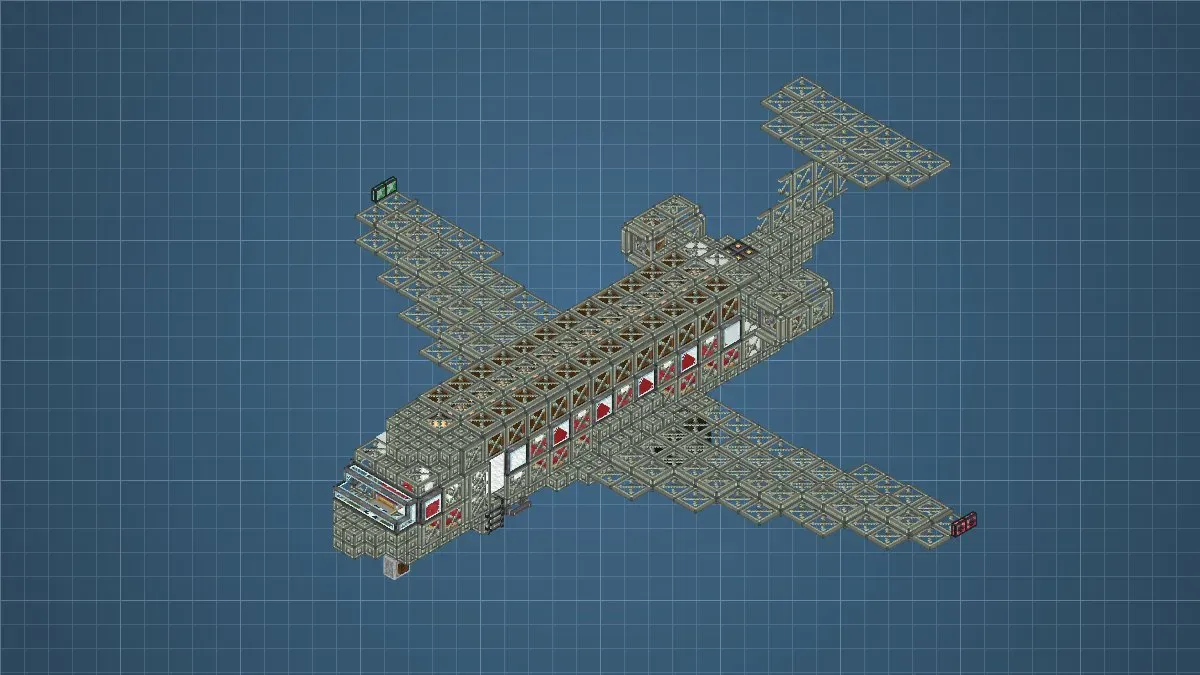
Its a survival friendly Tilt-Trotor Quadcopter that goes about 24-25 blocks per second but accelerates slowly or 20 blocks per second using the back propeller but it accelerates faster.
It features a empty interior to fit everything you need in survival, a docking connector to fuel the 4 diesel engines and a gimbal sensor balancing the aircraft
Controls:
W - Tilt 4 rotors forwards
A - Tilt 2 rotors forward and 2 rotors backward to rotate in place to the left
S - Tilt 4 rotors backwards
D - Tilt 2 rotors backward and 2 rotors forward to rotate in place to the right
Up Arrow - Move back propeller forwards
Down Arrow - Move back propeller backwards
Left Arrow - Move front wheels left
Right Arrow - Move front wheels right
G - Toggle Rotor rotation
Left Throttle lever - Controls rotation speed on the Tilt-Rotors (Set to atleast 14 to use the back propeller)
Right Throttle lever - Controls rotation speed of the back propeller
Top Button - Toggles front lights
Notes:
When moving forward using the Tilting Rotors keep in mind that it gradually nosedives downwards so for long distance travel use the back propeller.
To start fueling using the docking connector, use the portable engine at the top of the fuel tank and power it to start the pump. (You also need to pump fuel from the other docking connector too)
The gimbal sensor might stop the rotors at maximum RPM because it tries to go beyond the maximum RPM
If the aircraft is unusally wobbly, check the siwvel bearings if they are tilted and right click the tilted swivel bearings to fix it. (No idea how to fix this, it seems like a bug, if anyone has a solution pls tell me in the comments)
Schematic Paste setup:
Check if the honey glue and super glue are actually applied and assemble with a physics assembler
Fuel the fluid tank with Diesel or Gasoline (I havent tested Gasoline yet so preferably Diesel)
And your ready to go
Required Mods:
Create
Create Aeronautics
Create Ballasts
Create: Design n Decor
Create: Diesel Generators
Create Deco
Create: Copycats+
and 5 more block types
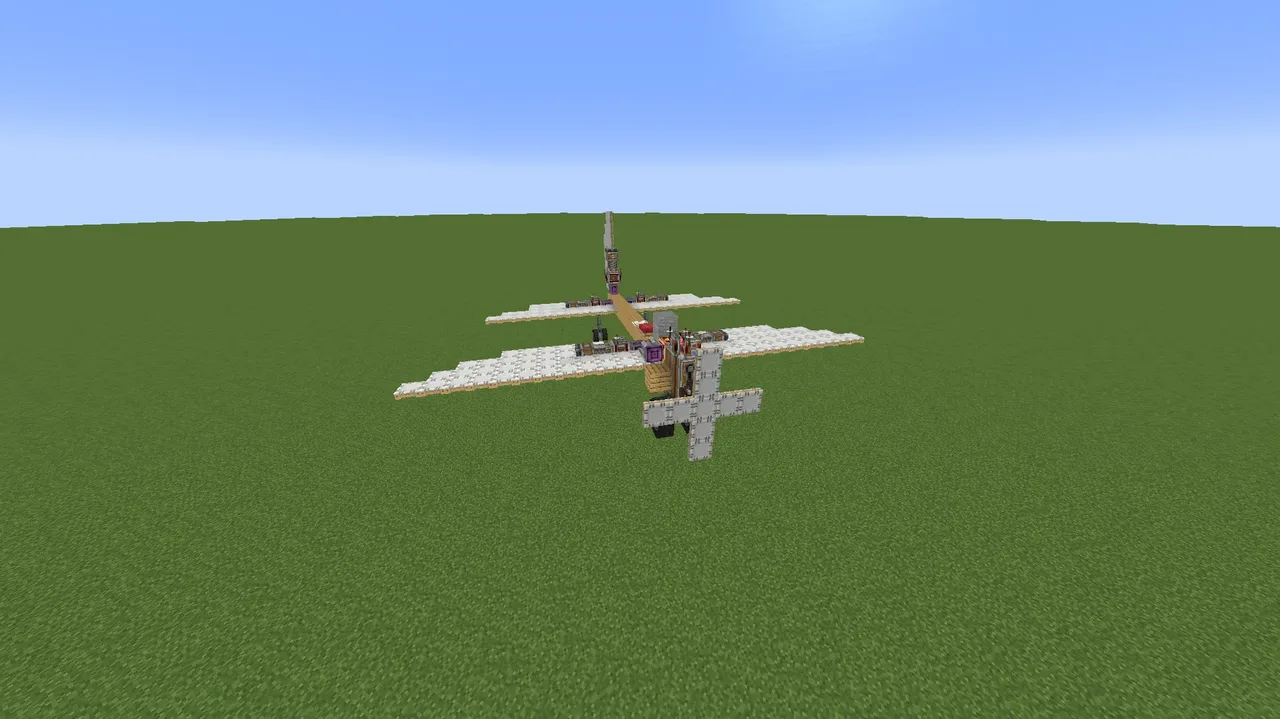 smoothy plane157 blocks · Shayan
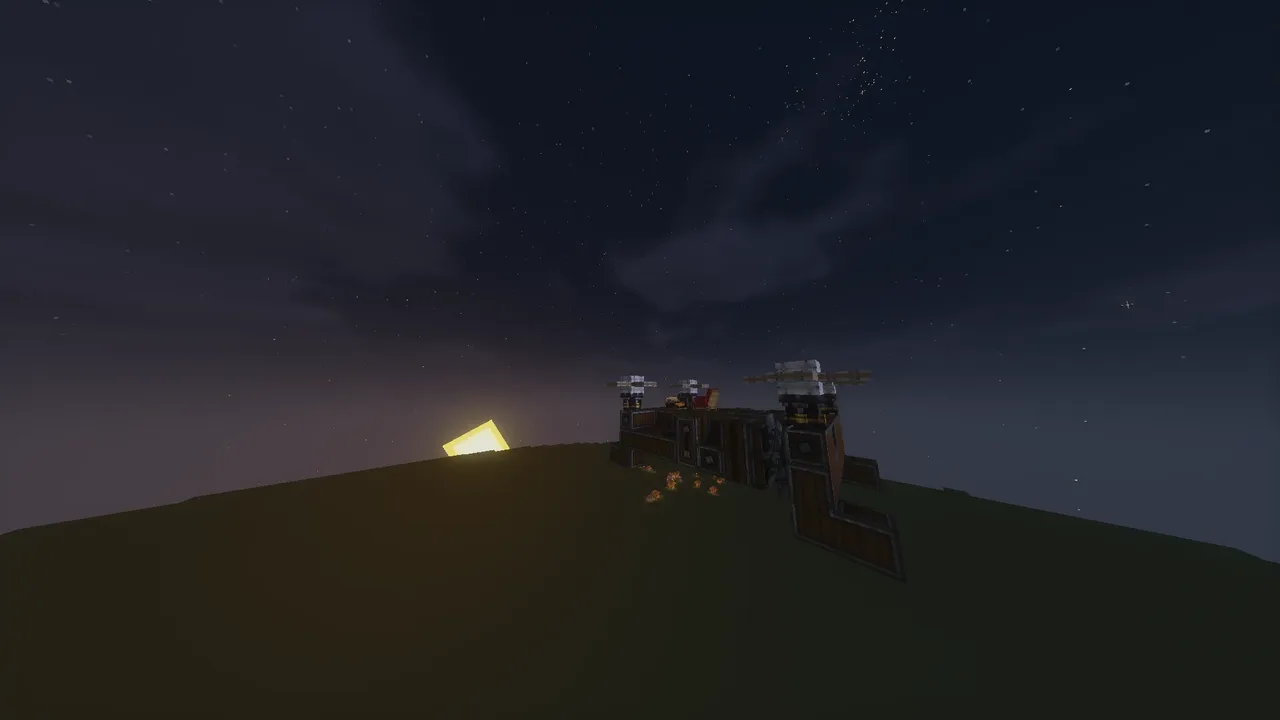 Quadcopter - Kalibre150 blocks · Jabberwocky_1382
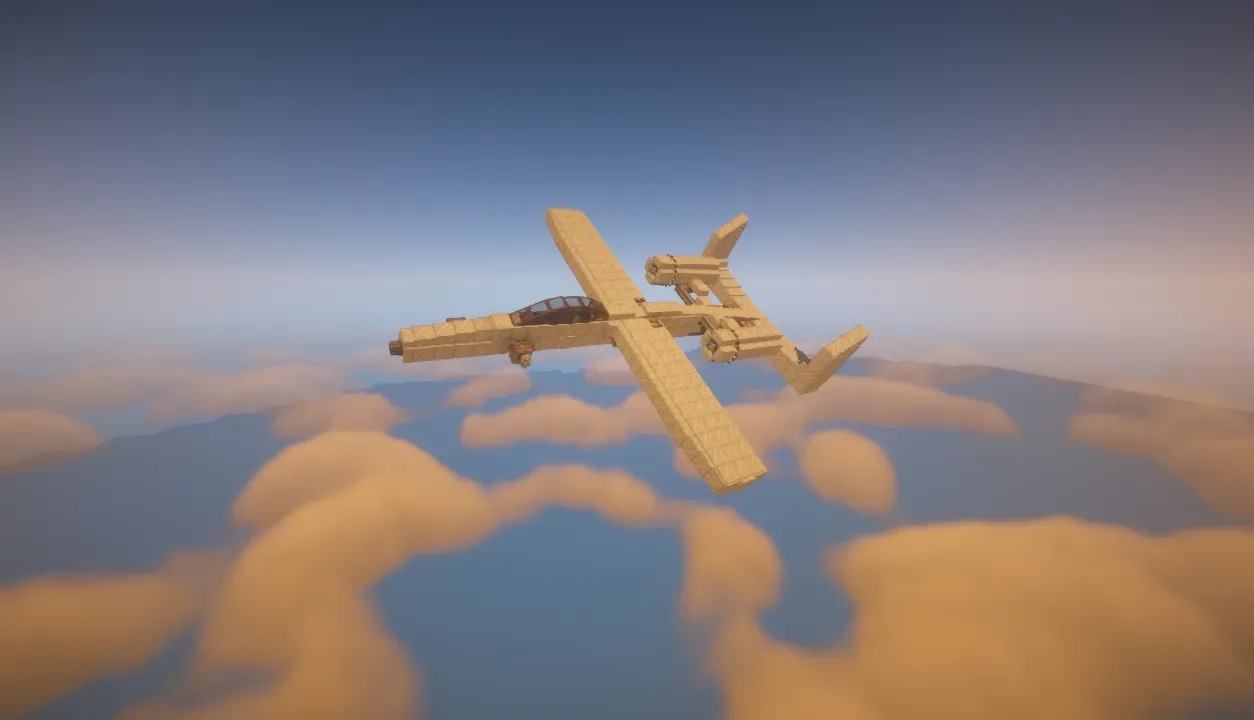 A10 Warthog Redesign798 blocks · Unlicensed_pilot2317
 Ironclad11,160 blocks · T.h.
 golden scout347 blocks · Raijin_mc
 Create Aeronautics mini-helicopter. Minimal resources. Compact size. Fast.49 blocks · Miskam1235
 Quadro463 blocks · Optix
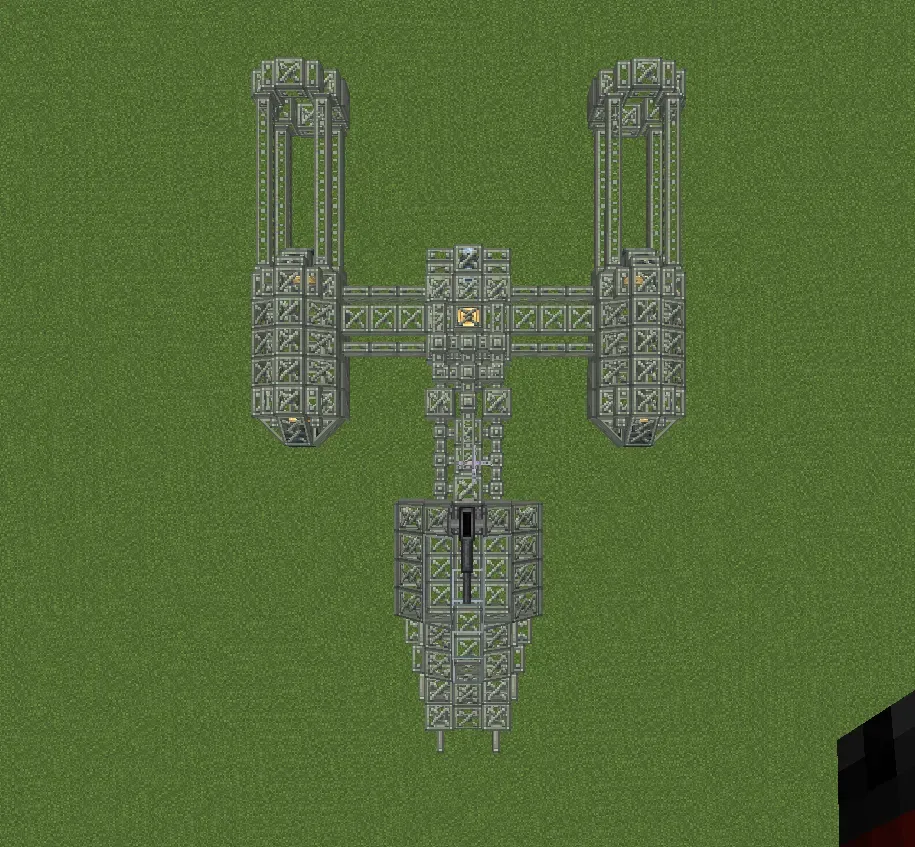 Star Wars Y Wing Skeleton Create Aeronautics359 blocks · Laytonistan
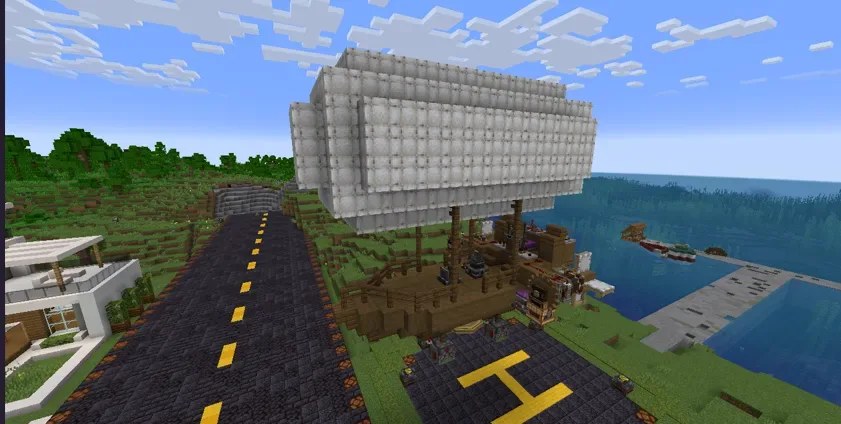 dirigibile survival friendly444 blocks · Diegocelestini1414
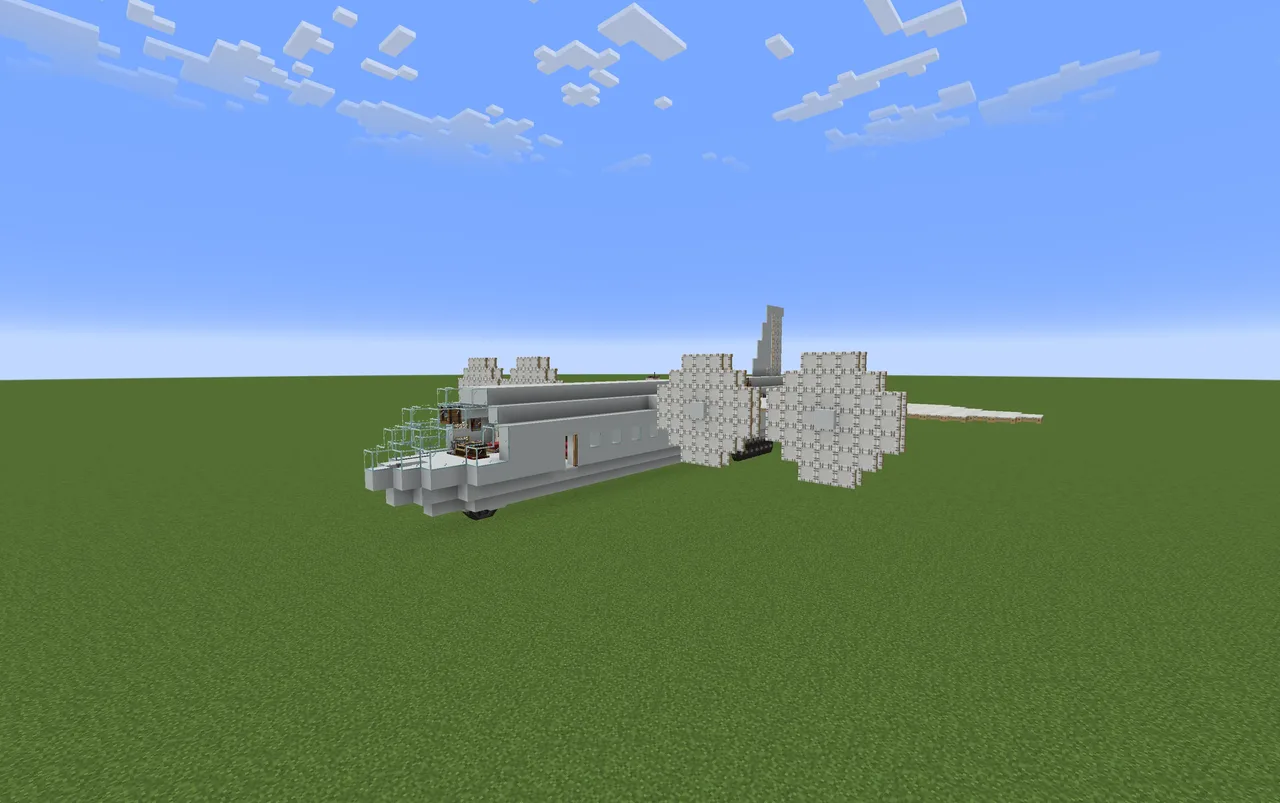 cool commercial plane1,963 blocks · Xrominours_77
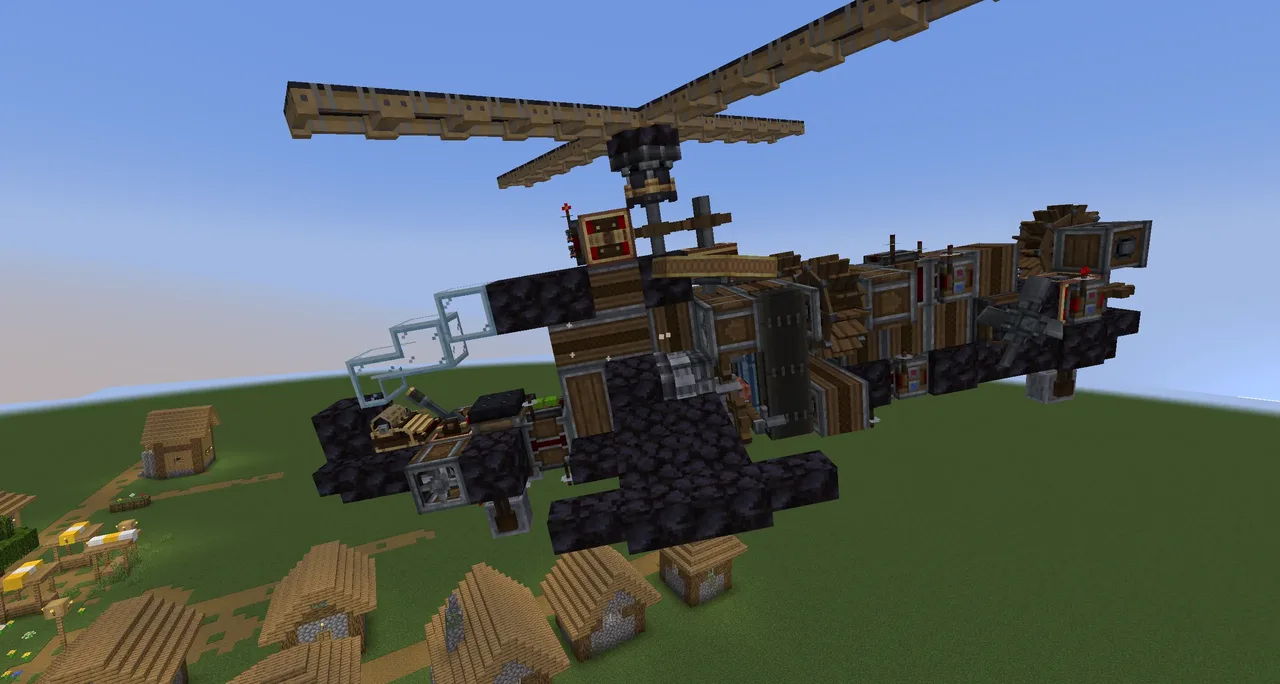 survival friendly helicopter150 blocks · Magisme
 Small Jet- Unpainted528 blocks · Seanagain