
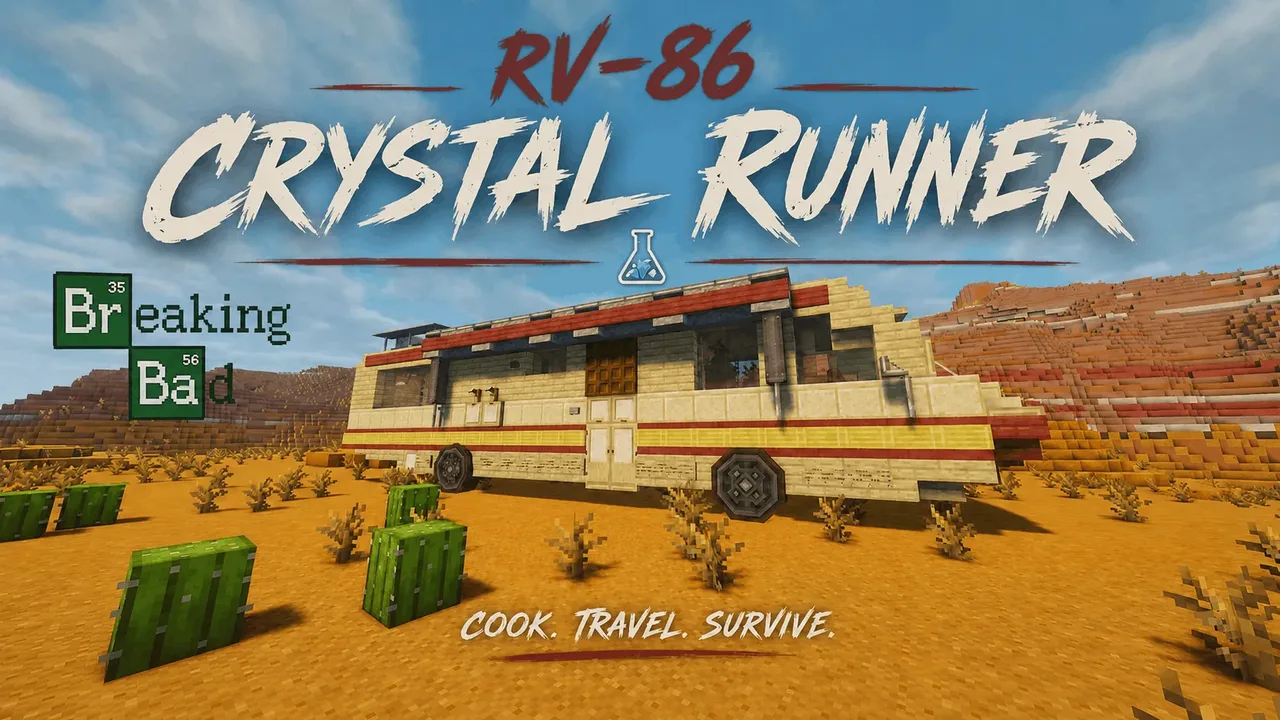
| Creator | Mr.eger |
|---|---|
| Category | Cars & Trucks |
| Size | 29 × 10 × 9 blocks |
| Blocks | 1,073 |
| Minecraft | 1.21.X |
| Create | 6.0.10 |
| Mods | Dndesires, Aeronautics, Offroad, Createdieselgenerators, Simulated, Createdeco, Bellsandwhistles, Createpropulsion, Interiors, Create, Copycats, Create connected, Create dragons plus |
| Downloads | 1,200 |
| Added | 2026-08-27 |
Schematic by Mr.eger, published on CreateMod.com. This page lists what it contains; download the file from the creator’s page.
RV-86 “Crystal Runner”
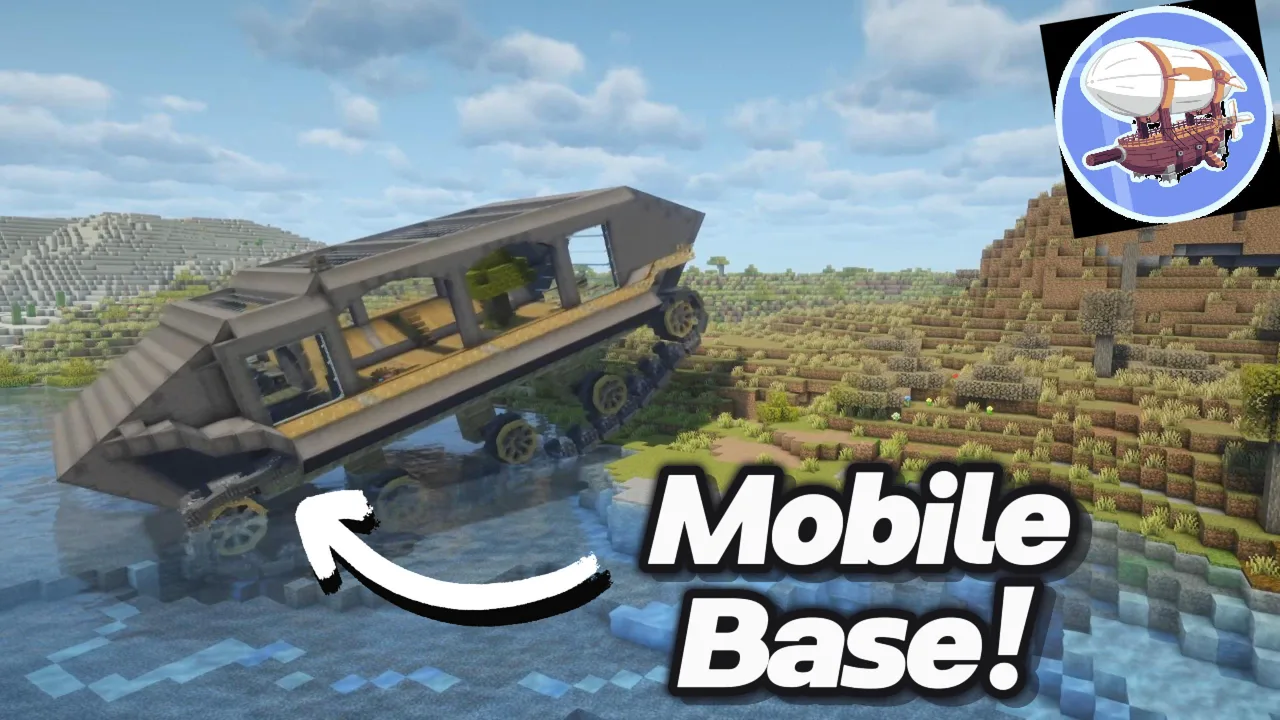
A rugged, road-ready survival RV built for long journeys, exploration, and hauling everything you need across the world. Inspired by a certain iconic desert RV, the RV-86 “Crystal Runner” combines a detailed interior and exterior with a functional transmission, fuel system, booster, and in-game dashboard.
The van is fully assembled and ready to use once you complete the short setup process below.
Assembly Guide
Step 1 — Place the schematic
Simply place the RV wherever you want to start.
Step 2 — Remove the orange wool
Remove all orange wool blocks used for assembly.
Step 3 — Fill it with fuel
Fill the vehicle's fuel system with gasoline.
Step 4 — Check the Start/Stop switch
Make sure the Start/Stop switch at the front of the van is turned OFF before starting the setup.
Step 5 — Prime the pumps
Underneath the van, there is a small engine.
Throw one piece of coal into it to run the pumps once and prime the fuel system.
Step 6 — Set up the Neutral display
On top of the RV, you'll find the technical setup for the displays, including two Nixie Tubes.
When looking at the RV from above with the front of the van facing forward, use the Nixie Tube on the right.
Place a Name Tag inside it and name the Name Tag:
N
This is required for the Neutral gear indicator to display correctly. ;)
Step 7 — Reconnect the displays
⚠️ IMPORTANT: After assembling, the displays on the left side may no longer be connected.
Unfortunately, this is a problem related to Create: Aeronautics. Simply break and place the displays again to reconnect them.
And then...
🏁 You're ready to hit the road!
Controls
W — Drive forward
S — Drive backward
A — Steer left
D — Steer right
Spacebar — Activate the booster
The lever on the right side controls the gearbox.
N = Neutral
Move through the gears up to 15 to increase your speed. The current gear is displayed on the dashboard, so you can always see which gear you're currently using.
⚠️ Important Notes
The RV-86 is a heavy vehicle, so don't expect it to accelerate like a sports car. It can feel a little slow, especially at lower gears.
However, the Spacebar booster gives it a significant speed boost when you need some extra power.
The Crystal Runner is primarily designed for roads and relatively smooth terrain. Small bumps and uneven ground are fine, but it isn't intended for extreme off-road terrain.
Take it on the road, shift through the gears, hit the booster, and enjoy the ride. 🚐💨
and 41 more block types
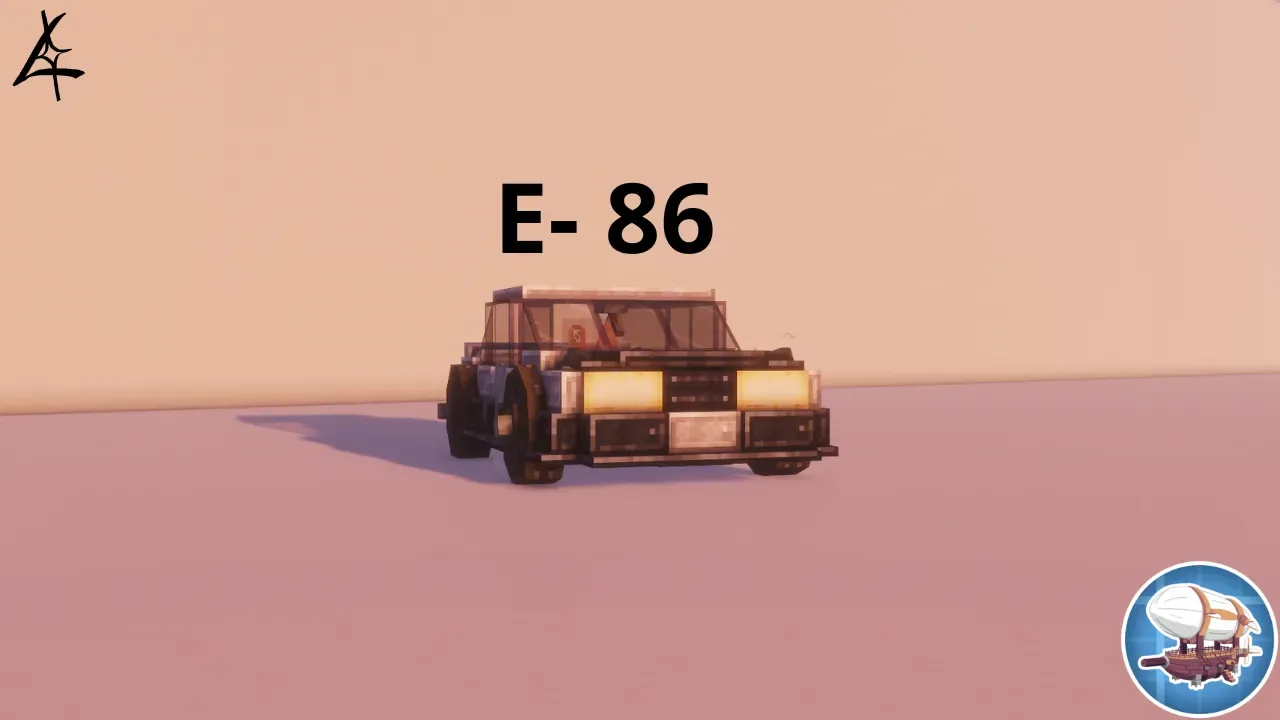 Car - Lokheed Achtung E-86105 blocks · Dominiko
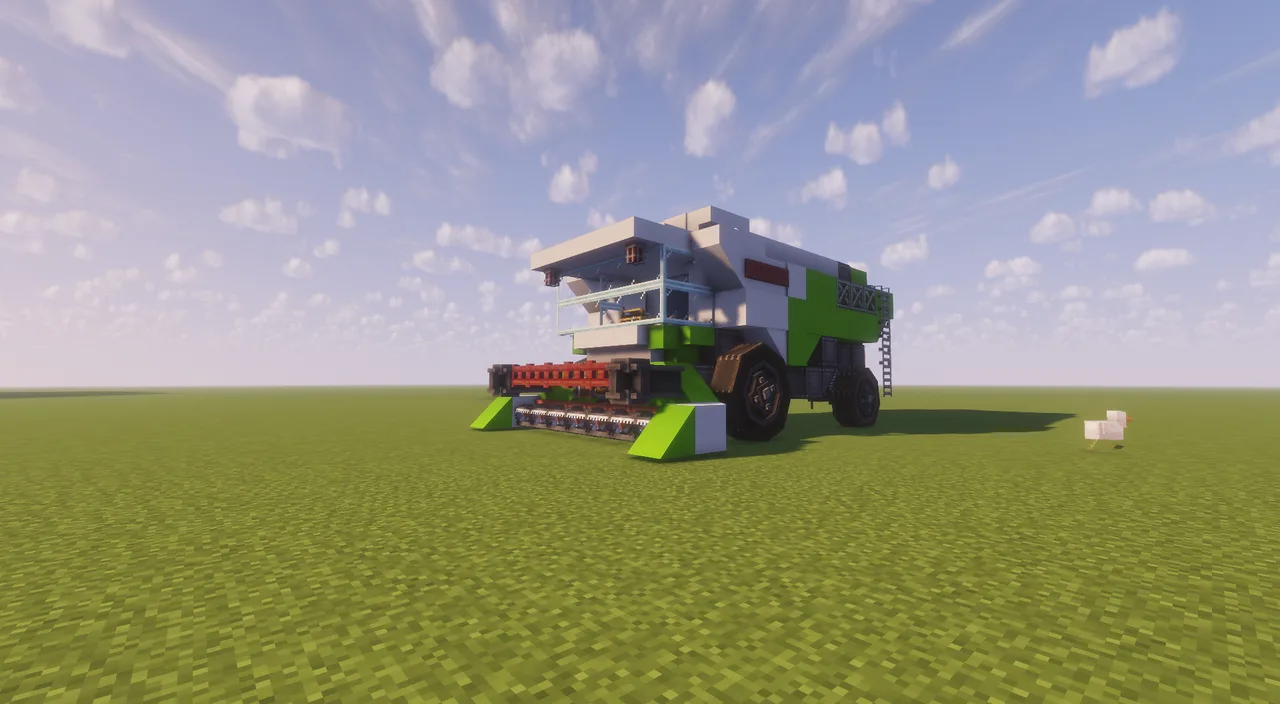 Harvester423 blocks · Mc_builder=)
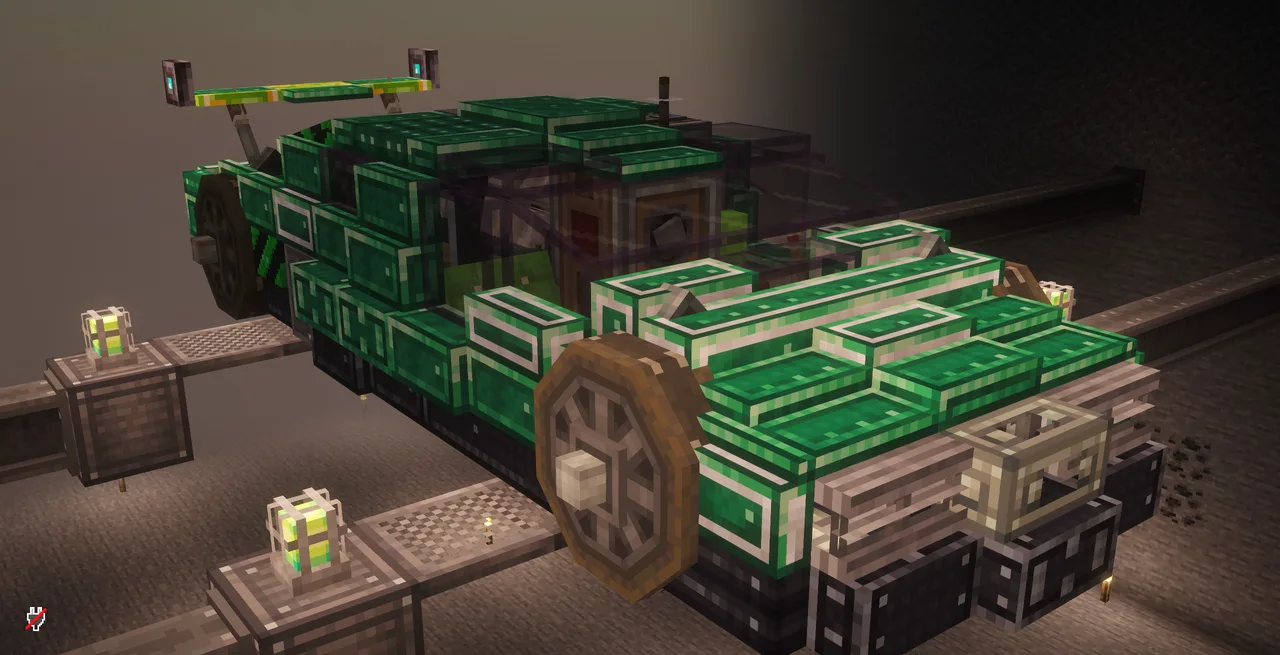 Working Hypercar with Create:Aeronautics123 blocks · Notrichtiger
 Bike "Kaneda"24 blocks · Mikasher
 Atlas Gecko Trike — Compact Adhesion Platform50 blocks · Kandona
 Hover Survival Friendly102 blocks · _Lsants_
 Create Aeronautics F1 Car77 blocks · Kindlebubbledump
 Road Car - 1960 Muscle Car173 blocks · Nobody
 Tank164 blocks · Brotan
 Red car / Red truck133 blocks · Ilmmory
 Aeronautics Tunnel Bore | Terreneitor, by NeSu565 blocks · Nesu
 Tank/Mobile Base3,802 blocks · Icyknightgaming