
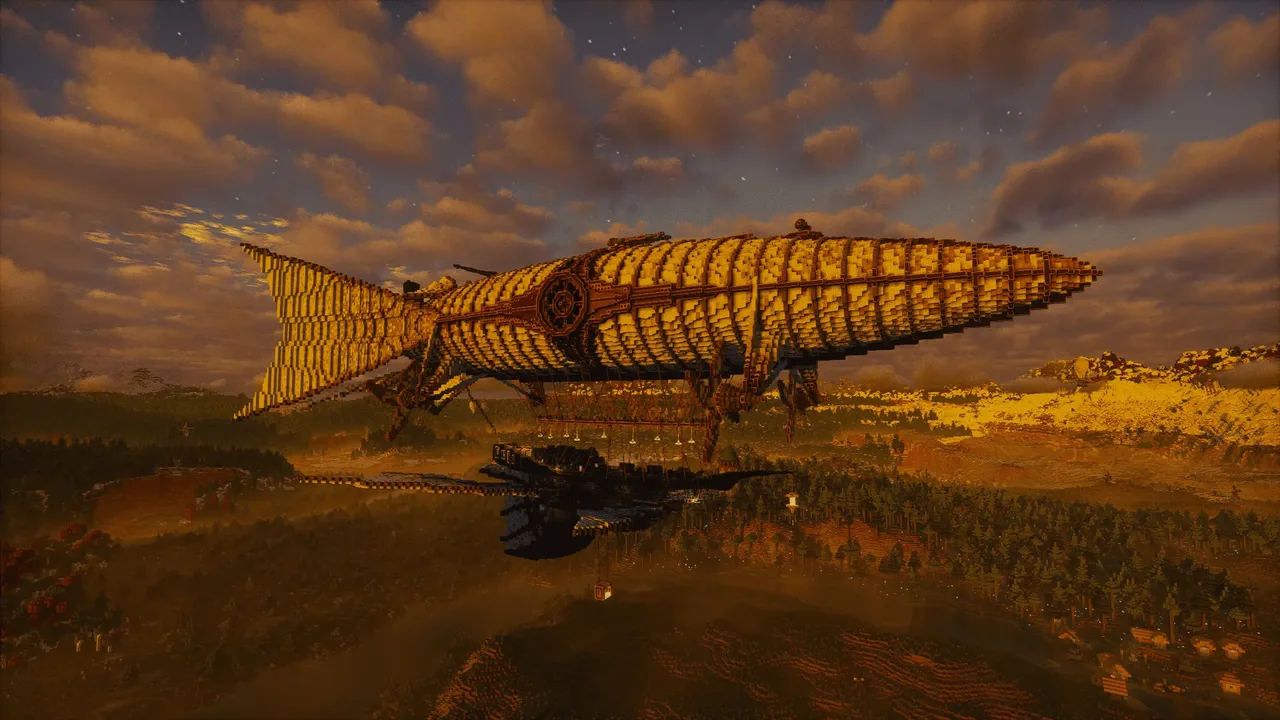
| Creator | Bit |
|---|---|
| Category | Flying Machines |
| Size | 101 × 121 × 261 blocks |
| Blocks | 98,863 |
| Minecraft | 1.21.X |
| Create | 6.0.10 |
| Mods | Furniture, Dndecor, Createaddition, Create connected, Createframed, Handcrafted, Farm and charm, Interiors, Create, Chipped, Createprism, Mcwwindows, Mcwfurnitures, Create things and misc, Camping, Herbalbrews, Createpropulsion, Diagonalwindows, Candlelight, Chisel, Mcwpaths, Createcasing, Walllanterns, Cluttered, Simulated, Farmersdelight, Meadow, Createdeco, Aeroworks, Dustydecorations, Aeronautics, Copycats, Refurbished furniture, Cavwb, Tfmg, Diagonalfences, Createbigcannons, Brewery, Rechiseled, Connectedglass, Mcwlights, Beautify, Createthrusters |
| Downloads | 755 |
| Added | 2026-07-10 |
Schematic by Bit, published on CreateMod.com. This page lists what it contains; download the file from the creator’s page.
⚠️ IMPORTANT: PLEASE READ BEFORE LOADING THE SCHEMATIC
Crucial Step: Before doing anything else, make sure to read this entire description carefully. Setting up this airship requires a specific assembly order, mod calibrations, and a few manual fixes to work correctly without breaking the physics engine or causing crashes.
S.S. The Golden Aurelia
📊 Ship Specifications
Maximum Flight Altitude: ~144 blocks
Maximum Speed: 11 m/s
Variable Weight Block - Bow (Front): 60,000 (60k)
Variable Weight Block - Top Deck: 15,000 (15k)
⭐ Rate This Build
If you enjoy the scale, detail, and engineering of S.S. The Golden Aurelia, please take a brief moment to leave a rating! Your feedback and star ratings are highly appreciated and help keep this project visible for other builders in the community.
⚠️ Important Notice & Mod Stability
Creative Only: This airship was built entirely in Creative mode as a purely aesthetic and architectural project.
Fabric & Compatibility: It relies heavily on several Fabric mods running through Sinytra Connector. Some of these mods (specifically custom lanterns, furniture, and decorative blocks) can be highly unstable.
Performance Note: Due to the massive scale and detail, the ship can cause some lag. If you want to reduce lag, you can assemble all the pieces together as a single grid, though please note that doing so will likely cause the elevator to stop functioning.
Elevator Glitch: Please note that after assembling the ship, the elevator might occasionally glitch or get stuck when re-entering the world. You are completely free to widen or clear more space around the elevator shaft/hallway to your liking, as this usually fixes the collision issue.
Armor Stands Bug: Please be aware of a physics glitch where Armor Stands might fall off the ship once the vessel is assembled.
Container Inventory Glitch: There is a known bug where wardrobes and other storage blocks may lose their contents and appear empty upon loading or assembly. Avoid storing valuable items in them.
Flight Behavior: When reaching maximum propulsion/speed, the ship tends to tilt slightly backward due to the physics configuration. This is normal behavior for the build.
Troubleshooting & Disclaimer: If you experience crashes or performance issues, you can safely disable the decorative mods without breaking the core structure of the ship.
Recommendation: Always keep a backup of both the schematic and your entire world save before making any major modifications or assembling the ship. The physics engine can cause severe, unrecoverable world crashes. I am not responsible for any broken or corrupted save files.
🎨 Design Credits & Inspiration
Community Inspiration: The design of this vessel was heavily inspired by various incredible airship builds already existing within the Minecraft and Create modding communities. While the block layout, interior scaling, and logic wiring are my own, credit goes to those creators for sparking the original concepts.
⚙️ Assembly Guide & Order (Recommended)
To prevent physics issues and ensure everything loads correctly, assemble the ship components in this specific order:
First, assemble the front light.
Next, assemble the big circle around the ship.
Then, assemble the elevator.
Finally, assemble the main ship itself.
💡 Scenic Effect: You can connect the burners on the main circle with redstone if you want to add a cool cinematic effect. Note that the schematic does not provide this link pre-made; you will have to wire it yourself.
⚔️ Weapons Note
Decorative Cannons: Please note that the cannons on the deck are purely cosmetic and non-functional. They are meant for display purposes only to fit the aesthetic of the ship.
⚖️ Physics & Balancing (Crucial Calibration)
To correctly balance the physical grid of the airship, I used the Variable Weight Block mod.
How to calibrate: Once you assemble the ship, it will naturally begin to tilt downward. You must immediately interact with the variable weight blocks to scroll and adjust their weight values until the ship is perfectly level.
Recommended Tool: It is highly recommended to use the Creative Physics Staff to manage and monitor the ship's grid during this process.
There are exactly two of these blocks hidden on the ship:
One is located in the bow (front) of the vessel and needs to be set to 60,000 (60k).
The other is near the large cannon on the top deck and needs to be set to 15,000 (15k).
🗺️ Navigation & Waystones
The ship does not come with pre-placed waystones. However, if you wish to use them, you can easily navigate and move the ship using the Waystones mod combined with the Sable fix.
🕹️ Flight Controls
The controls are straightforward and standard for Aeronautics:
W: Forward
S: Brakes / Reverse (the ship automatically engages reverse gear when completely stopped)
A / D: Turn Left / Turn Right
Strafe: The ship can strafe sideways, but only when it is completely stationary.
SPACE: Ascend (Up)
LEFT SHIFT: Descend (Down)
🔌 Redstone & Setup Required
The Balloon: All major redstone circuitry and controls are housed inside the main balloon.
Language: The internal signs are in Italian. They essentially warn you not to tamper with the machinery unless you know what you are doing.
Connections: Upon pasting or loading the ship, the display links and Rope Pulleys must be manually reattached to the main control room. Please refer to the provided screenshots for the exact setup, as I do not plan on making a video tutorial for this.
Rope & Connector Guide: When reattaching the ropes, pay close attention to the positioning of the connectors on the big circle blocks:
Connectors located on the bottom face of the circle blocks must be wired to the lower part of the ship.
Connectors located on the top or side faces of the circle blocks must be wired to the upper part of the ship.
Redstone Links Glitch: The Redstone Links might occasionally malfunction or disconnect upon loading the schematic. To fix this behavior, simply double right-click the affected Redstone Links to reset and re-sync them.
Blaze Burners Note: After pasting the schematic, you will need to manually feed Blaze Cakes to the Blaze Burners again to get them running.
Paintings Bug: Please note that paintings do not copy or transfer correctly through the schematic file. You may need to manually re-place them in their respective frames or spots after pasting the ship into your world.
Captain's Quarters Customization: Inside the Captain's room, there is a designated area where you can place and display your own custom in-game world map.
📸 Media & Screenshots Note
Except for the very first picture, all provided screenshots show the ship in its unassembled state. This is intentional, as active shaders tend to glitch or bug out when the physics engine assembles the grid.
Mini-game: The last image shows a size comparison between the massive scale of the ship and a single tiny villager. Try and find him if you can!
🐛 Support & Feedback
If you encounter any bugs or need help with the setup, please leave a comment below. I will try my best to help you out!
(P.S. You are more than welcome to modify and customize the ship to your liking, but please give credit where credit is due!)
Description made with the help of AI.
and 223 more block types
 Peregrino: Sky Explorer237 blocks · Patchedgolem
 Orange Scout || Helicopter86 blocks · Dizzertier
 Bell Boeing V-22 Osprey1,777 blocks · Enmgame
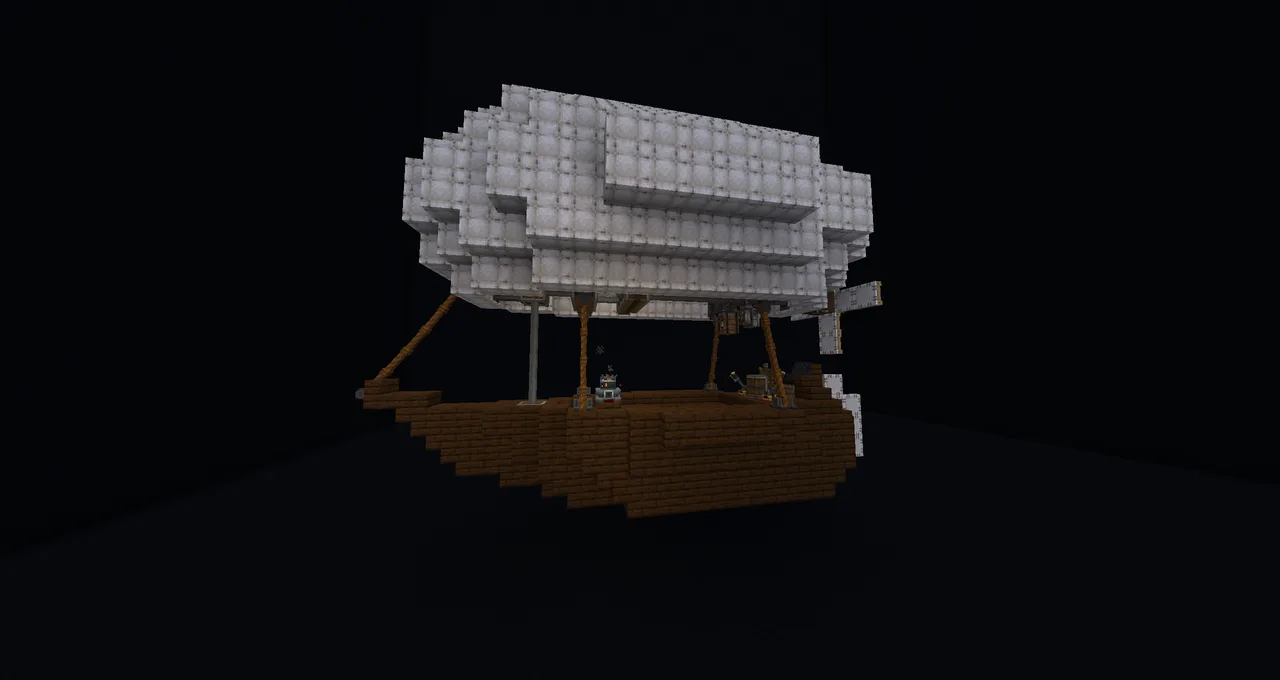 Easy and Survival Friendly Airship598 blocks · Nesu
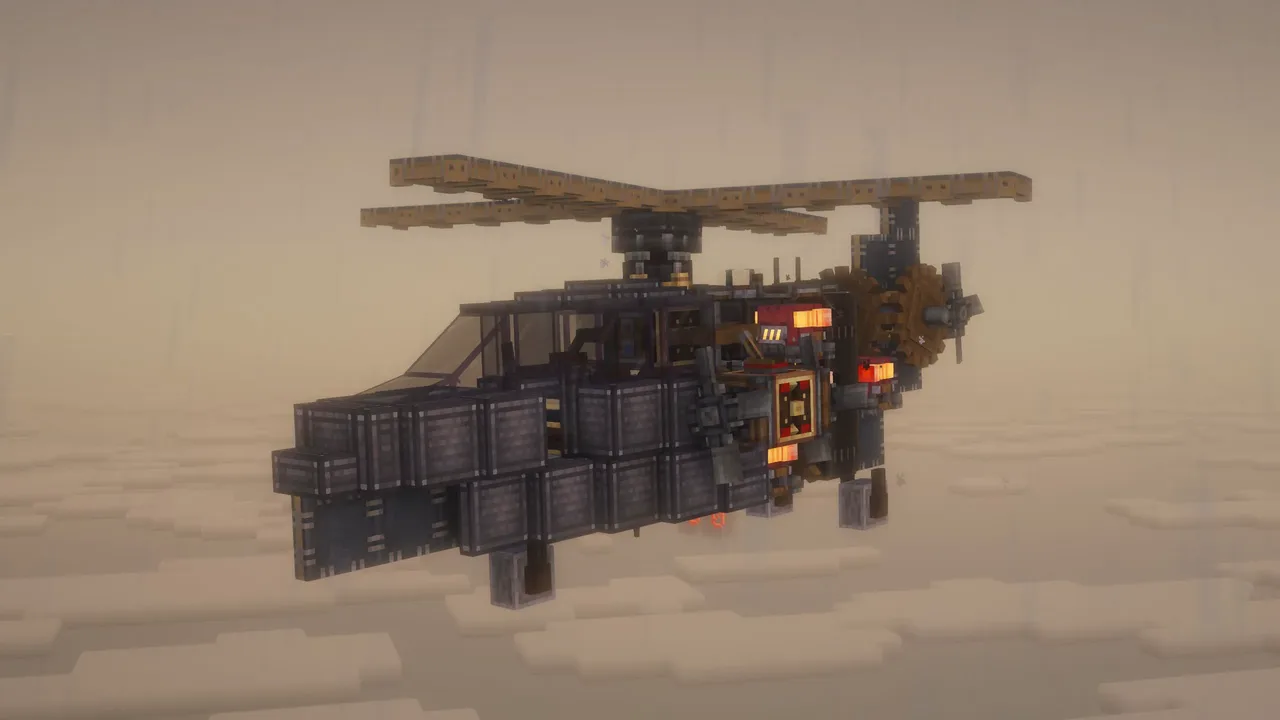 HELICOPTER140 blocks · K1tik
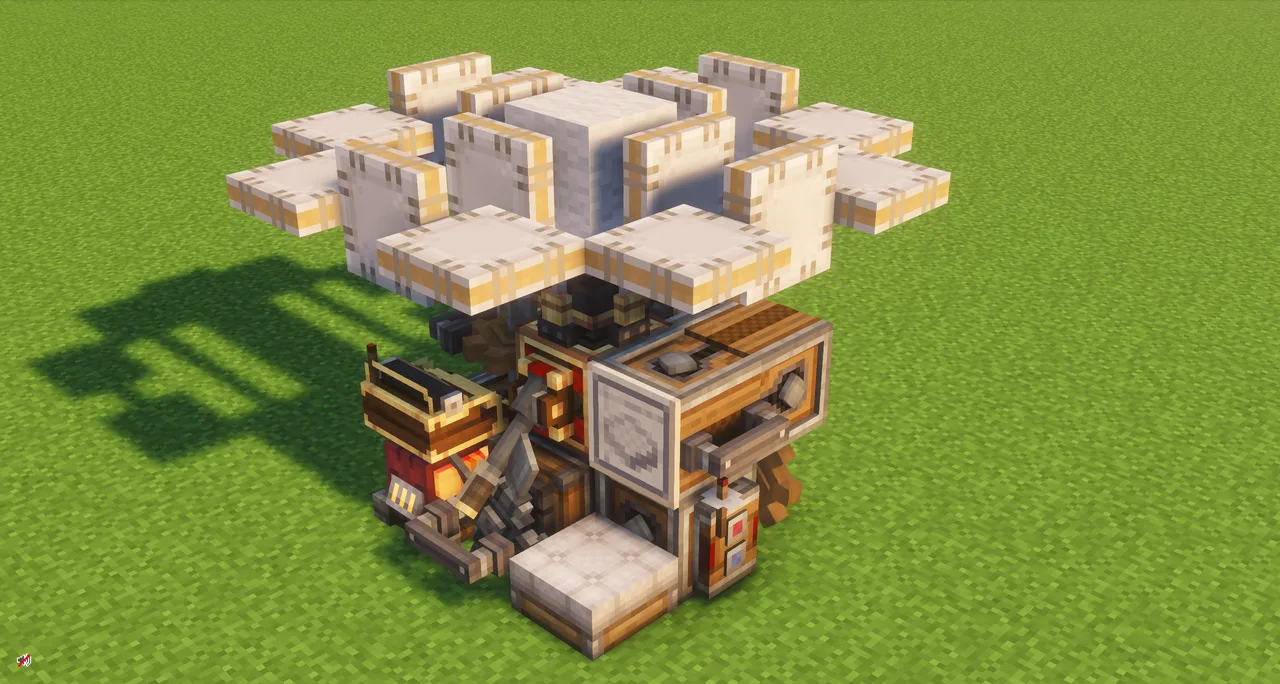 Simple Helicopter (Survival Friendly)43 blocks · Maxpowa
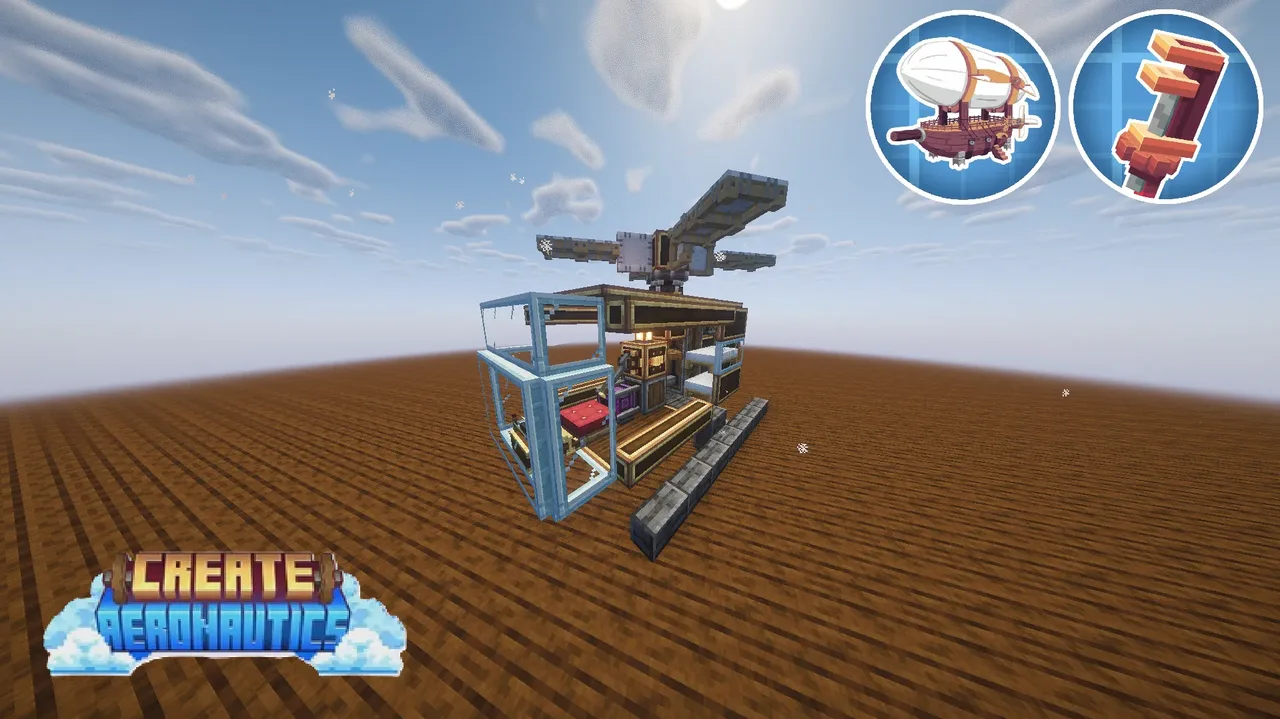 mini_helicopter141 blocks · Kumajpn
 Atlas airship947 blocks · Creeperhunter402
![[SURVIVAL] Cargo Baloon with levitite](/a/c7/c7c3d7e9ea3da74.webp) [SURVIVAL] Cargo Baloon with levitite4,168 blocks · Modeus
[SURVIVAL] Cargo Baloon with levitite4,168 blocks · Modeus The Sky Chaser18,217 blocks · Scifox
 "Skimmer" Hovercraft926 blocks · God's Hr Rep
 Airship by Migz19,758 blocks · Uberswe