
| Creator | Nunyaneige |
|---|---|
| Category | Vehicles & Contraptions |
| Size | 19 × 12 × 29 blocks |
| Blocks | 613 |
| Minecraft | 1.21.X |
| Create | 6.0.10 |
| Mods | Create connected, Railways, Createdeco, Create, Copycats, Aeronautics, Aeroworks, Simulated, Dndecor, Dndesires, Hotstuff, Createcasing, Createframed, Offroad, Bits n bobs |
| Downloads | 150 |
| Added | 2026-07-04 |
Schematic by Nunyaneige, published on CreateMod.com. This page lists what it contains; download the file from the creator’s page.
WARNING, YOU NEED THE Create Aeronautics: Portable Engine Liquid Fuel MOD TO BE ABLE TO USE THIS VEHICLE AS IT IS INTENDED, YOU WILL ALSO NEED A DATAPACK TO ALLOW SPECIFICALLY BIOFUEL, I HAVE MADE THE BAREBONES DATAPACK OVER ON THE DISCORD DISCUSSION FOR THIS VEHICLE: CLICK HERE FOR THE DATAPACK, Scroll up if you can't find the file
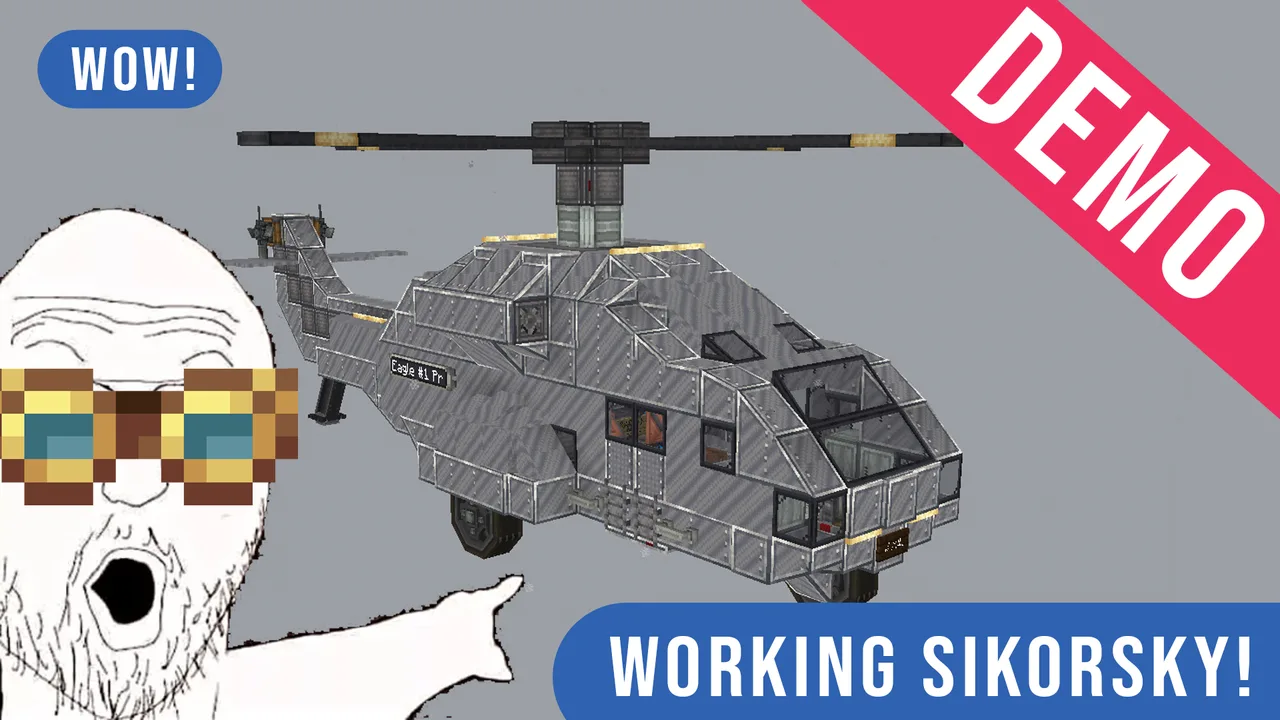
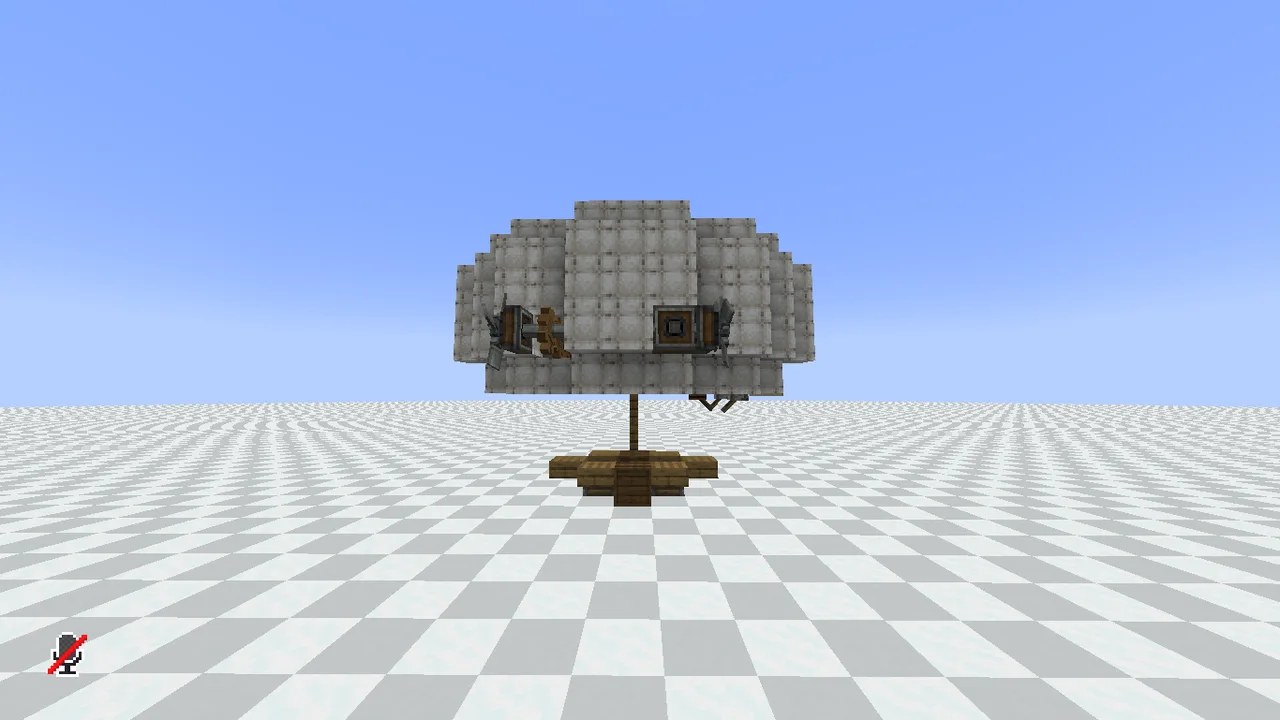
This is my attempt at making a realistic-adjacent swashplate helicopter, swashplates are nigh-impossible to work with in aeronautics contraptions in a reasonable size, so I have chosen to have an entire rotor bloc that tilts 30 degrees to all 4 cardinal directions and their combinations.
it's really easy to also add the aeroworks joystick to work with this for more precise movement, but I personally prefer the current key mapping.
TO USE THE SCHEMATIC (SURVIVAL):
paste it in as normal via schematicanon, (after making sure you have all the mods mentioned)
go into the back of the helicopter, behind the rotor, on the ground, there is a glass block. replace the glass block with some sort of fluid storage with bio fuel in it, such as an endertank, a sophisticated backpack with tank upgrades is what I used, so that's what I recommend.
TO USE THE SCHEMATIC (CREATIVE):
after pasting, replace the aforementioned glass block with a creative fluid tank, fill it with a fuel, biofuel if you have the recommended datapack.
IMPORTANT FOR BOTH SURVIVAL AND CREATIVE:
for the automatic engine fuel intake to kick in, you need to right click 2 buckets of biofuel, one in each fluid hatch (above the red seats)
CONTROLS:
W - disables forward gyroscope as well as tilting the rotor forwards, allowing the helicopter to tilt and gain speed, you will lose height due to the nature of the helicopter while moving forwards, beware.
A - D, engages the back rotor to change the heading to left or to the right, does not affect the main rotor, the swashplate, or the gyroscope.
S - tilts the rotor backwards, to pull the helicopter back, does not disengage the gyroscope, could/would, but I chose to not add that, it can be added with just 1 redstone link.
1 - Increases engine throttle, you can see your current engine "gear" next to the typewriter (the nixie tube), 14 is highest gear, 15 is braking.
2 - Decreases engine throttle, you can see your current engine "gear" next to the typewriter (the nixie tube), 14 is highest gear, 15 is braking.
SPACE - disables the rotor gyroscope while allowing the hull gyroscope to continue working, allowing the entire helicopter to tilt into whatever direction the rotor is pointed towards, more than the allowed amount
Left Alt - Opens the doors when held, tapping or letting go of the key closes the doors.
Arrow keys, intended for landing:
↑ (Arrow Up) - tilts the rotor forwards without disabling the gyroscope
← → (Arrow Left & Arrow Right) - tilts the rotor left / right without disabling the gyroscope
↓ (Arrow Down) - functionally the same as S, tilts backwards, here for parity reasons, does not disable gyroscope.
you can ping me on the discussion mentioned above if you feel there are improvements to be made or you have encountered a problem when pasting the vehicle in (MAKE SURE YOU HAVE CRAFTS AND ADDITIONS INSTALLED FOR THE BIOFUEL, if you need help with making your datapack for a different fluid, you can contact me on the same discussion)
Levitite is purely optional, it just helps with the tilt.
and 13 more block types
 PETERBILT249 blocks · Goose2217
 Boat29 blocks · Boogerlow
 Tracked missile launcher164 blocks · Spinmaster96900
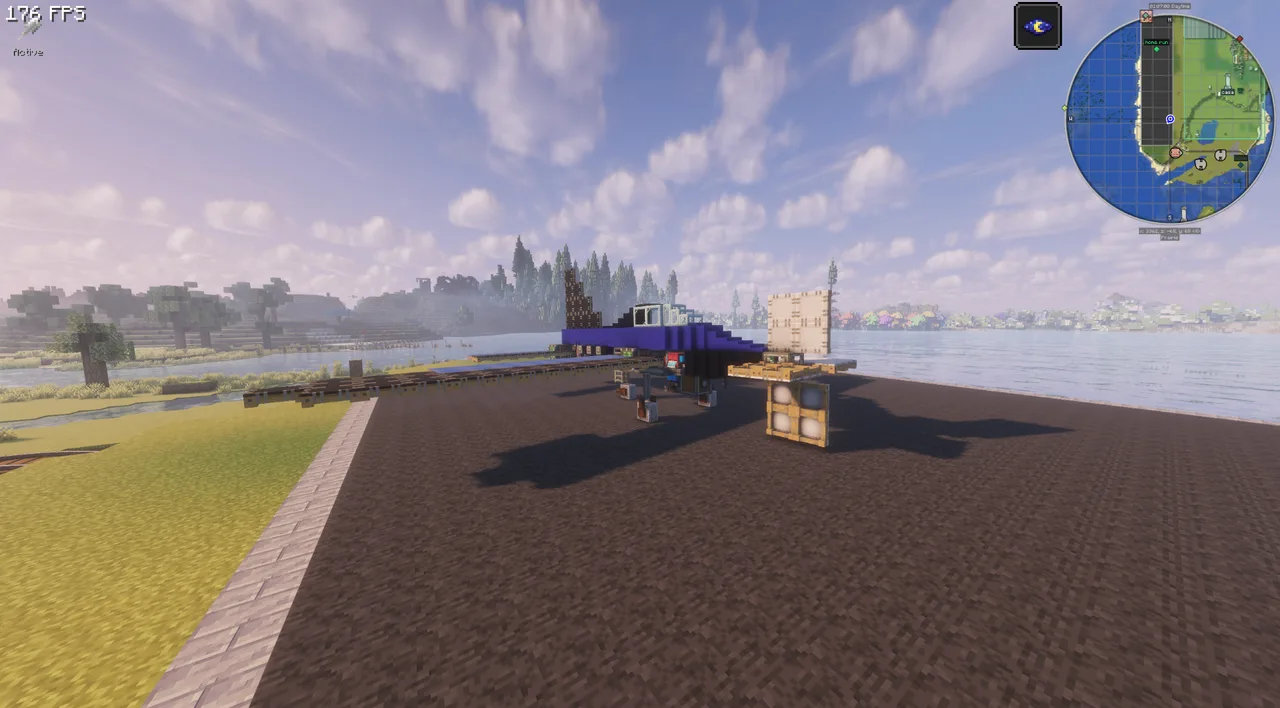 Good Survival Plane237 blocks · Kkold
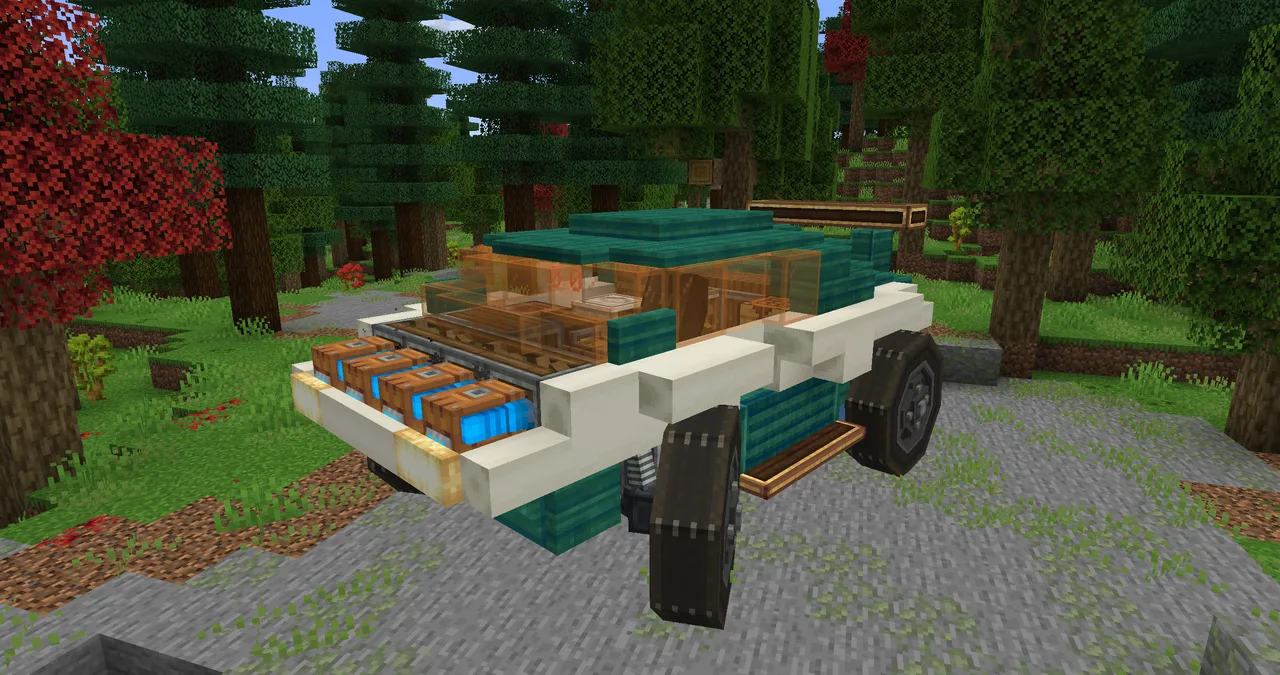 DRIFT Car - SJE219 blocks · Sir_james_ender
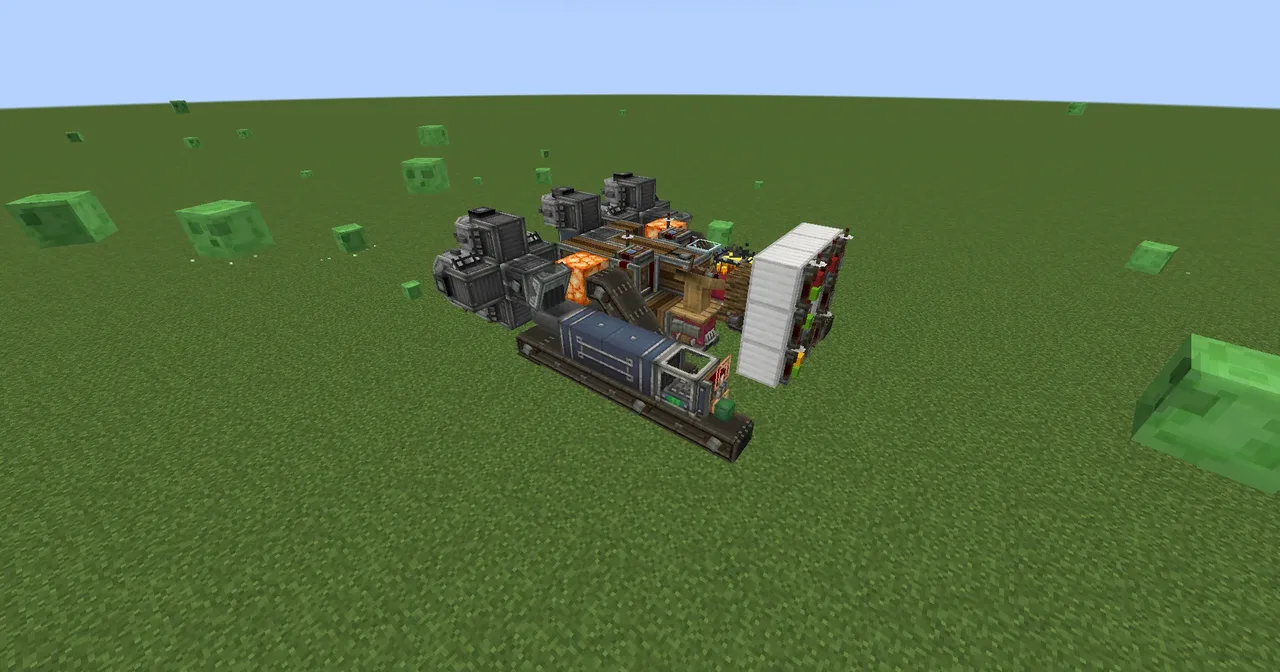 A big drillbore81 blocks · Danilo123456
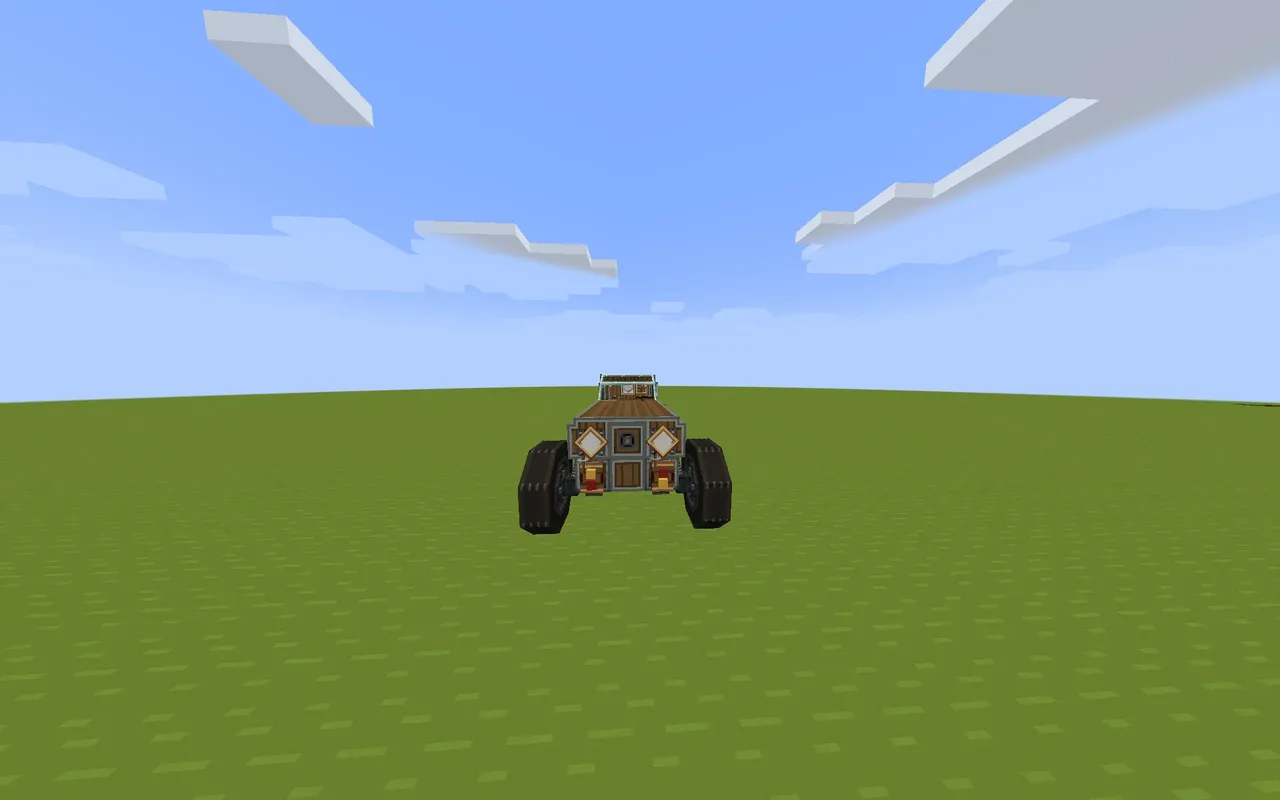 Springfield I. Chill Riding Car: TFMG Edition171 blocks · Two_friends Inc.
 Vanilla Hovercraft125 blocks · Malladios
 Mini potato tank 2.049 blocks · Potato125737
 Mini potato tank67 blocks · Potato125737
 Rocket Design for Aqua Space Administration2,246 blocks · Aquacrafter1324
 ARSP-2/0.25 - LIL' GUY163 blocks · Victoriapulsar