
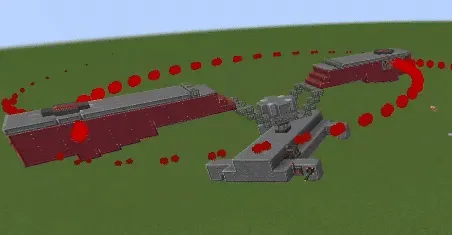
| Creator | Securitymechanism |
|---|---|
| Category | Other Contraptions |
| Size | 18 × 9 × 35 blocks |
| Blocks | 424 |
| Minecraft | 1.21.X |
| Create | 6.0.10 |
| Mods | Railways, Copycats, Create, Simulated, Createpropulsion, Createaddition |
| Downloads | 9 |
| Added | 2026-09-19 |
Schematic by Securitymechanism, published on CreateMod.com. This page lists what it contains; download the file from the creator’s page.
Alright, here's the Teleporter schematic, but you have to set up the teleporter contraptions and link to the redstone links yourself.
1. Get 2 teleporters, only one is included in this schematic
2. Feed Creative blaze cakes to both engines within the teleporter and both engines on the teleportation contraption.
3. There is 2 you should link the link controller to, the redstone link with 2 breads, and the redstone link that is empty. The redstone link with 2 bread just triggers the topmost sticker on the teleportation contraption only, attaching to any simulated blocks in contact with it, it is important to ensure that simulated contraption you want to teleport is stuck to it, otherwise It will not work. And the redstone link that is empty triggers the teleportation by sending a redstone signal to the sequenced gearshifts, flipping the sticker facing up, down and the sticker facing down, up. However, Teleportation is only possible after following step 4.
4. Now, ensure the buttons located below the stickers on the teleportation contraption is working as intended and place the teleportation contraption (after assembling it) under the teleporter, and hit the button on the sticker that is currently facing upwards, after that, push the teleportation contraption up until you hear a slime noise, which means the sticker has successfully attached to the teleporter. Then, hit the key you linked to the linked controller that triggers the sequenced gearshift and repeat step 4 for the other teleporter. Once it is done, you should be able to start teleporting by hitting the same key.
Credit to @combustiblereal on youtube for this build as I followed the instructions on their video to get this working.
Also the analog level controls the ion thruster.
Watch the video if my instructions suck ass, should give some visualisation which makes your life easier
 Dump Truck Bin366 blocks · Eeebsiekat
 easy teleporter!14 blocks · Chelikkk (4Elik)
 fire in water stage10,941 blocks · The Fox
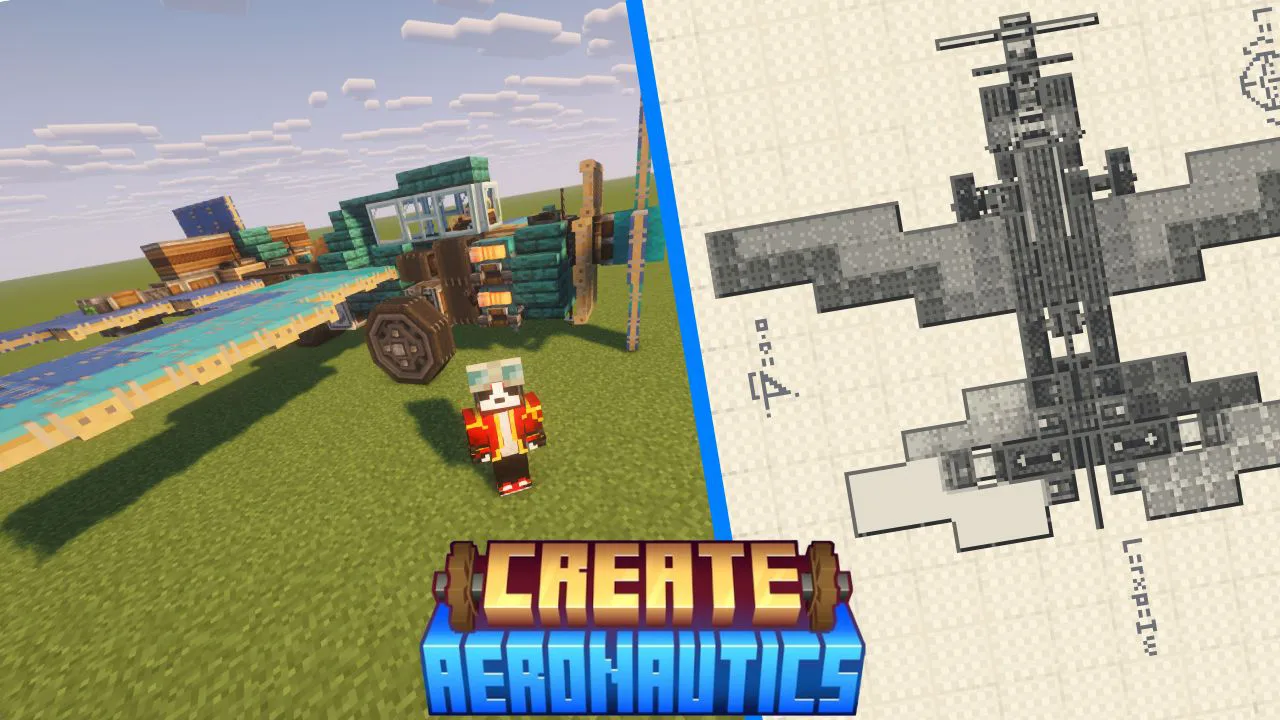 create aeronautics plane from Trailer214 blocks · Redpanda
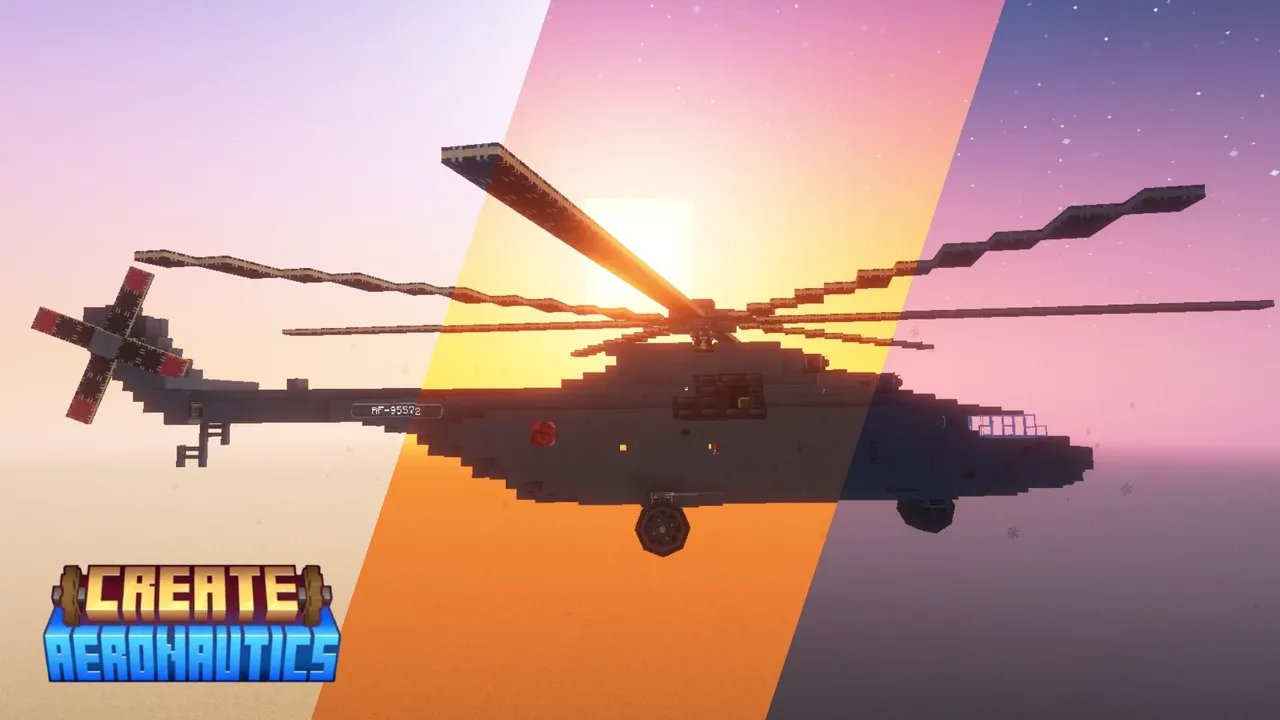 Mil Mi-26 (survival-friendly)953 blocks · Matigamer1400
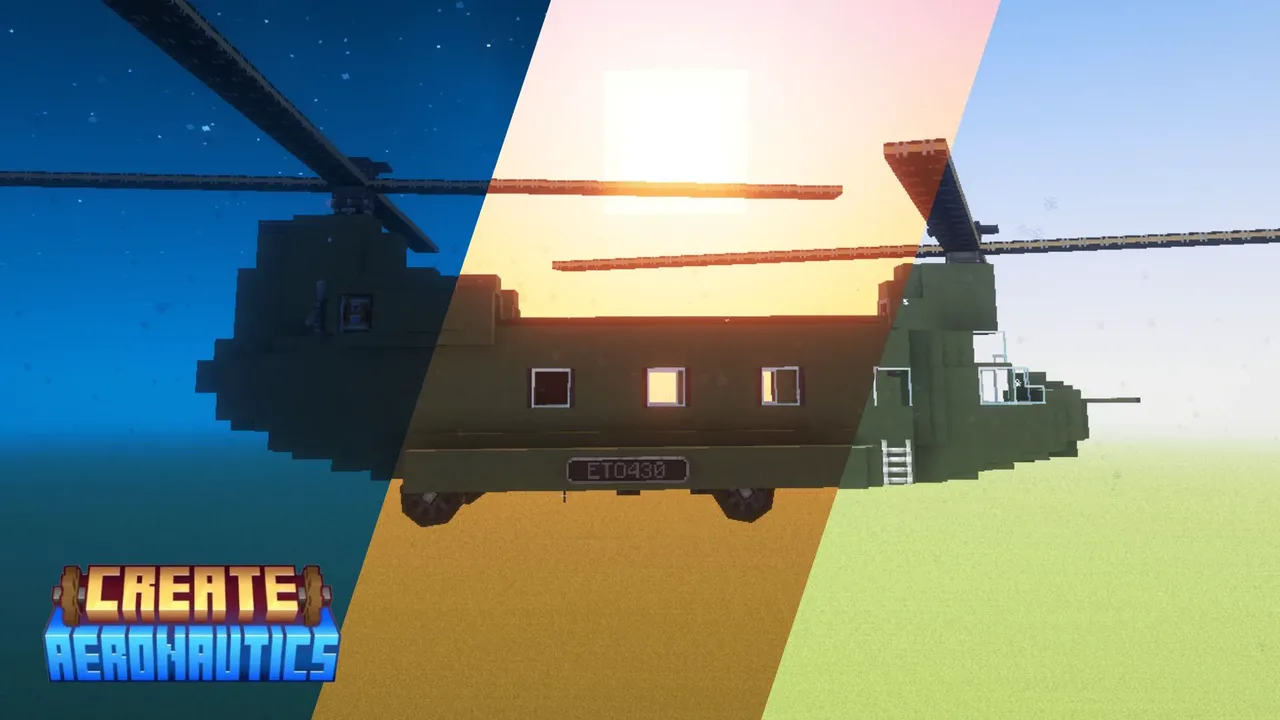 Boeing CH-47 survival-friendly787 blocks · Matigamer1400
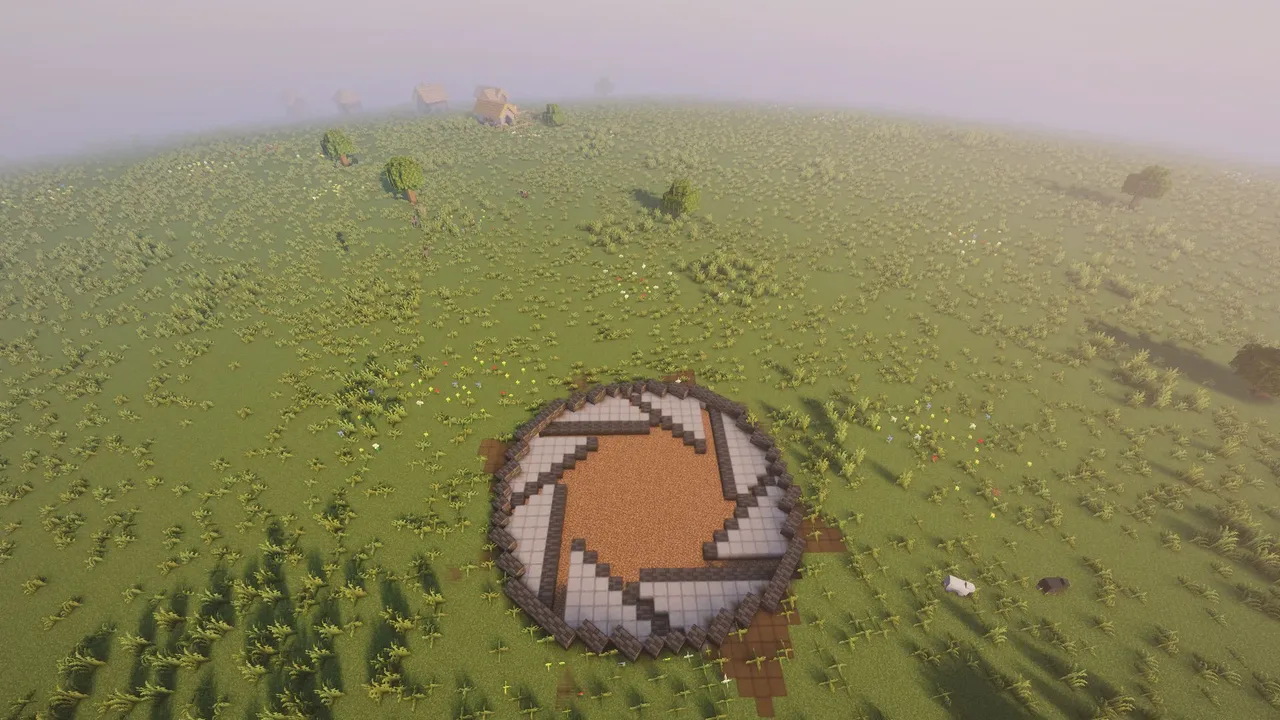 Survival Friendly Horizontal Iris Door718 blocks · Bigstink
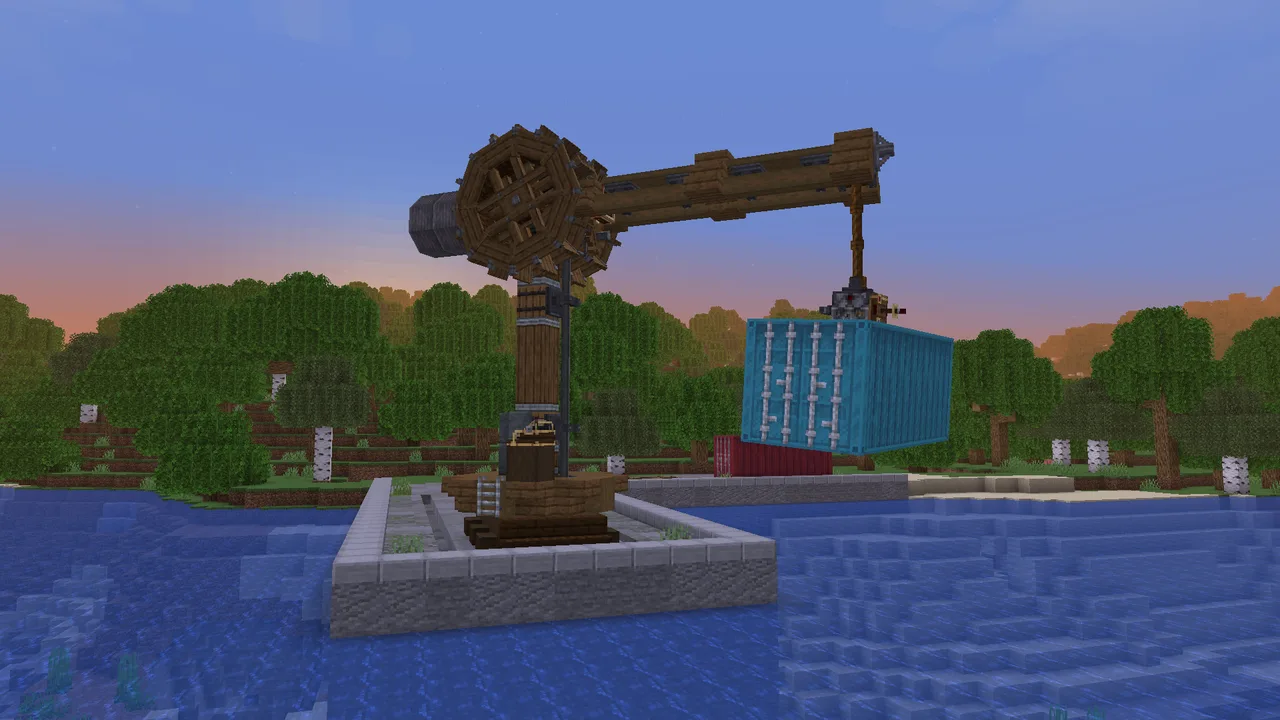 Cargo Crane228 blocks · Sketmen
![Survival Friendly Mechanical Arm [Create: Aeronautics]](/a/37/3713e819ce11828.webp) Survival Friendly Mechanical Arm [Create: Aeronautics]197 blocks · Itsmekirbo
Survival Friendly Mechanical Arm [Create: Aeronautics]197 blocks · Itsmekirbo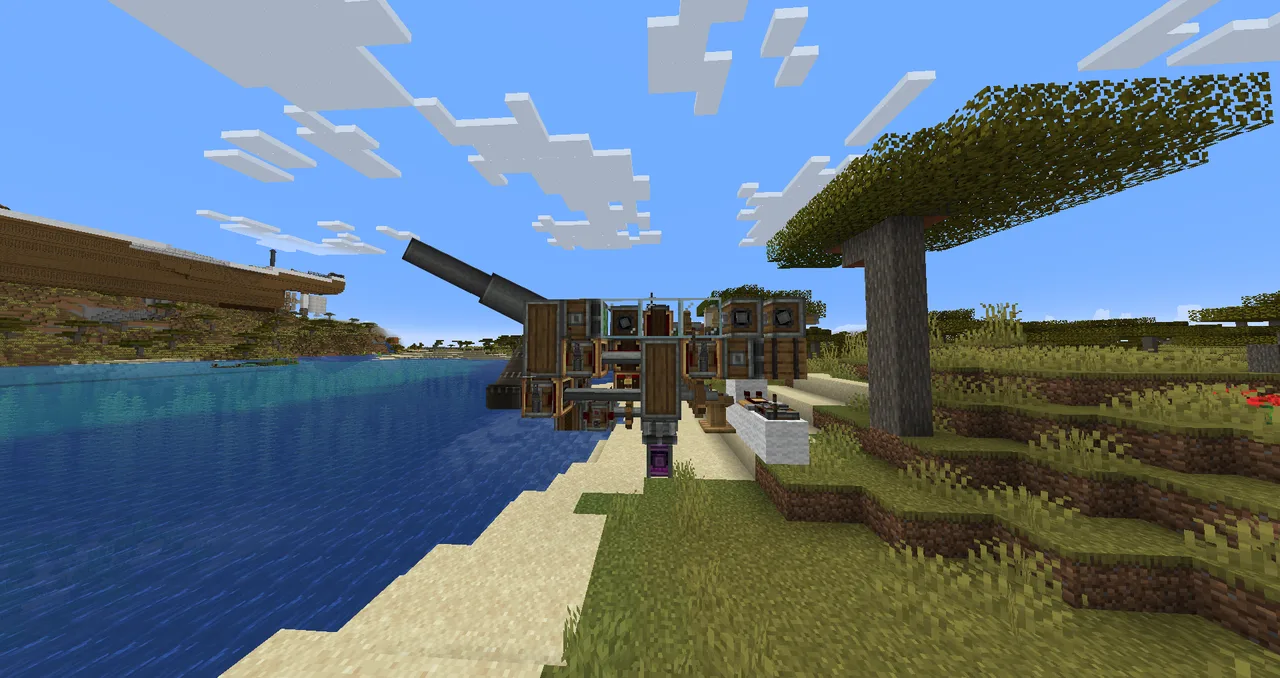 Cannon+Auto loader75 blocks · Bigmanblastoise
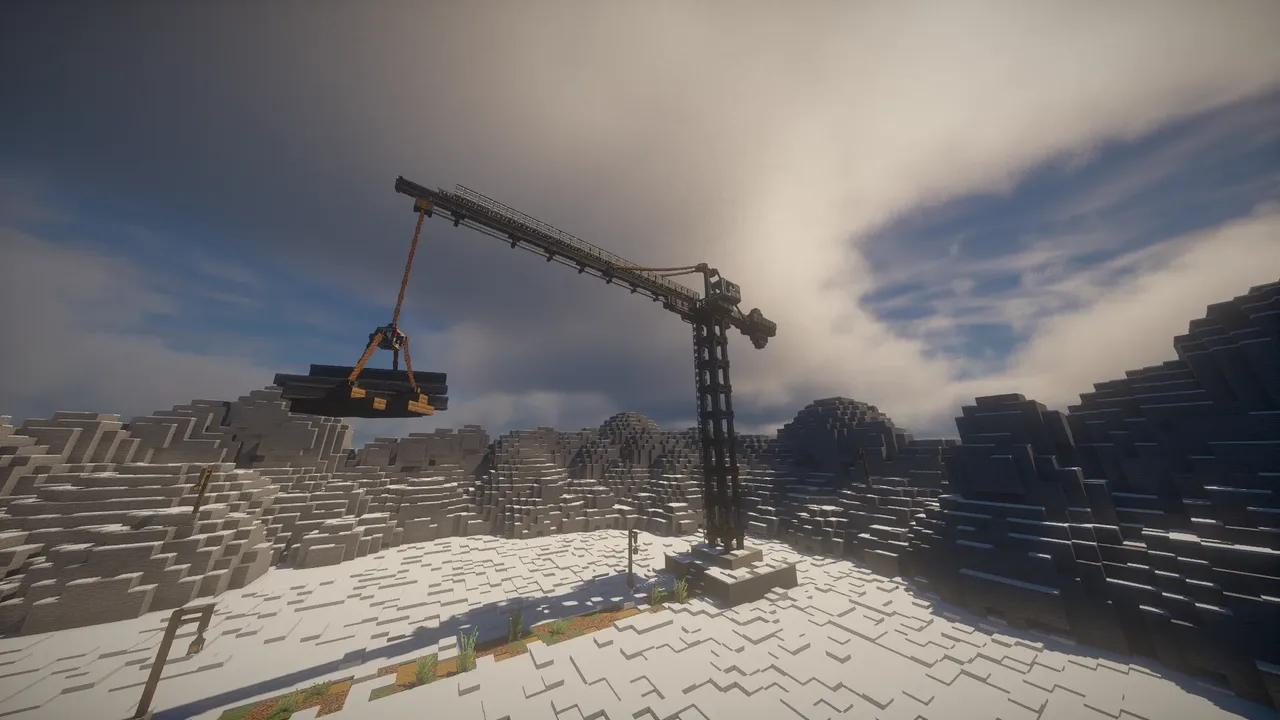 Simple Tower Crane639 blocks · Lackoflov
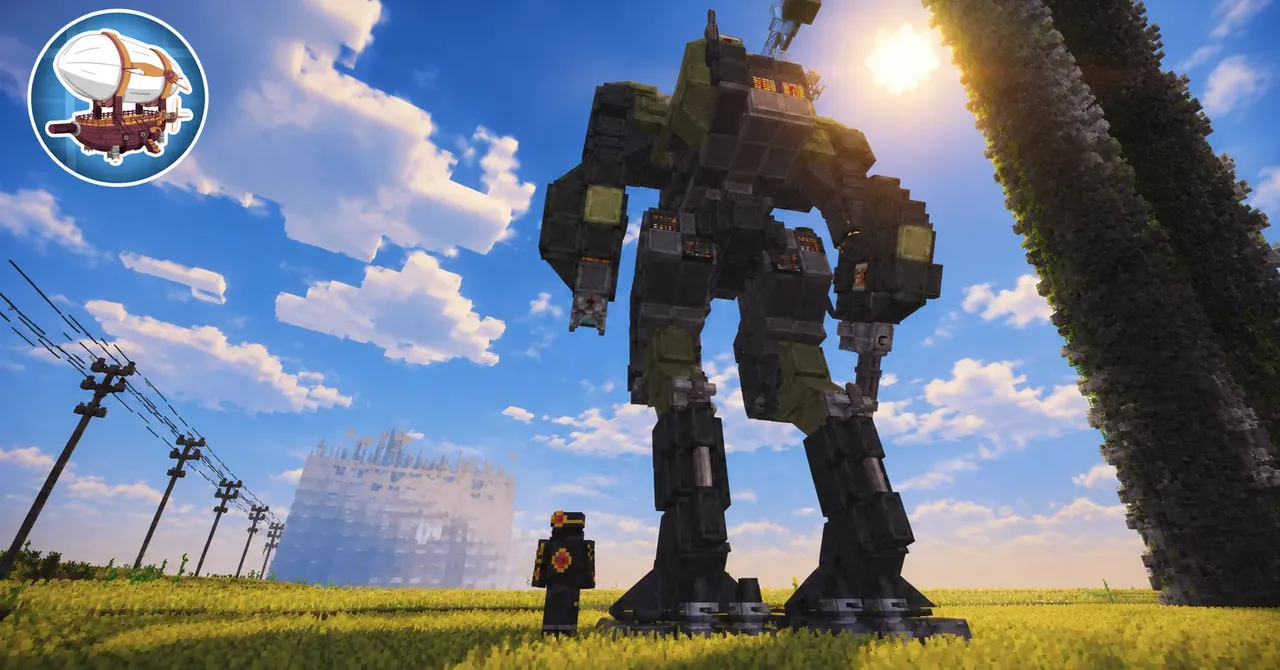 Mechs era has begun in create : aeronautics minecraft390 blocks · Flex4y