
| Creator | _Foxxs |
|---|---|
| Category | Cars & Trucks |
| Size | 6 × 5 × 13 blocks |
| Blocks | 230 |
| Minecraft | 1.21.X |
| Create | 6.0.10 |
| Mods | Copycats, Create, Offroad, Createdieselgenerators, Create connected, Simulated |
| Downloads | 379 |
| Added | 2026-05-24 |
Schematic by _Foxxs, published on CreateMod.com. This page lists what it contains; download the file from the creator’s page.
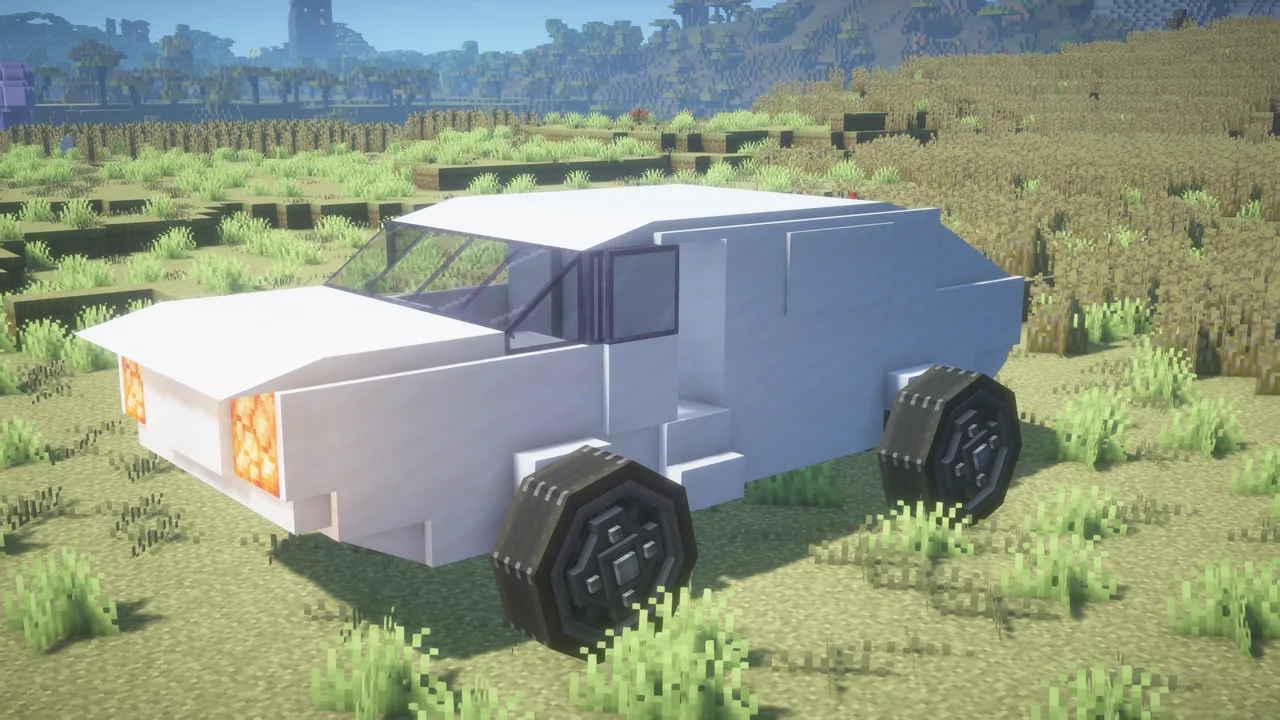
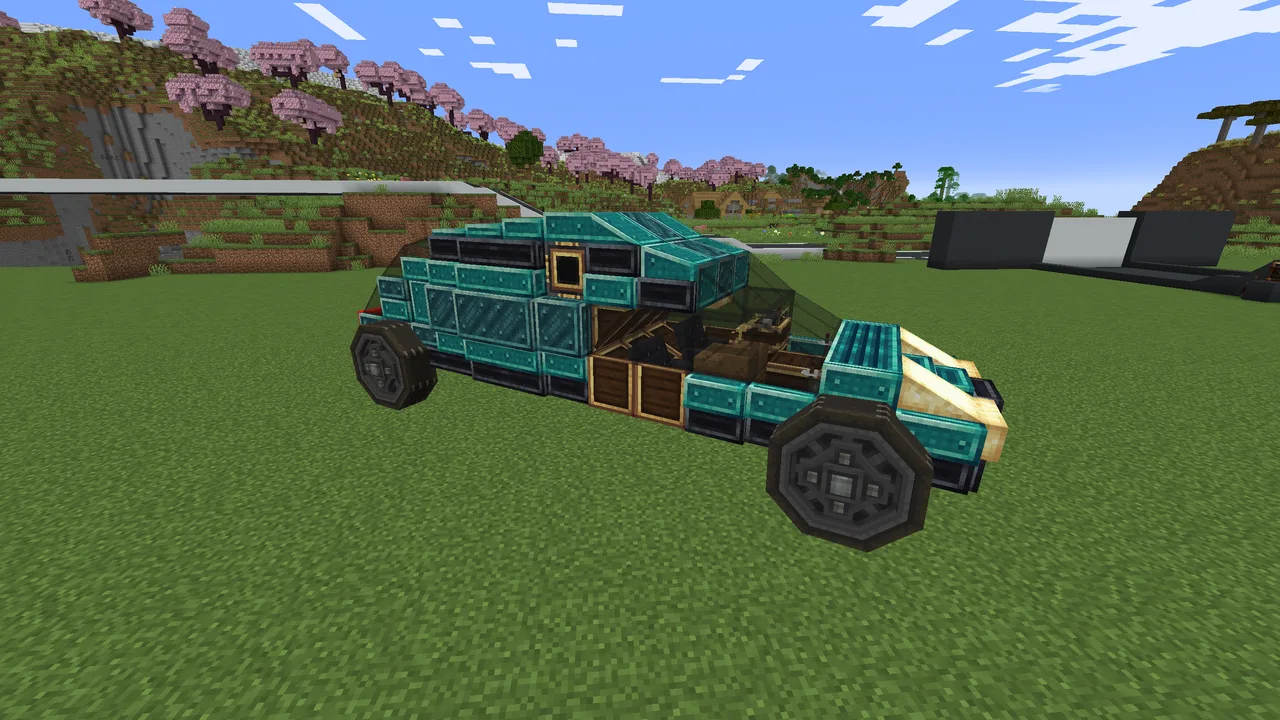
A fully functional, sleek modern hypercar built for Create Aeronautics and packed with advanced, realistic engineering mechanics!
The Quartz Cruiser features an aerodynamic, clean white body, giving it a seamless and premium look. With its gorgeous contrast between the bright bodywork, dark accents, and tinted windows, this vehicle looks incredible with shaders and stands out in any world.
🚀 Features:
High-Torque Diesel Core: Fully integrated with Create: Diesel Generators for realistic engine power, driving physics, and that authentic heavy engine sound.
Luxury Cockpit Layout: Features an optimized, bright white interior that feels incredibly spacious despite its compact profile.
Smart Eco-Engine (Start-Stop System): To ensure minimum diesel usage, the car will automatically shut its engine off after idling for a while.
Self-Refueling System: The engines automatically refuel themselves while you are actively driving.
🔧 How to Start the Engine:
If the vehicle idles for too long, the engine will shut down. To start it back up:
Go to the quartz door inside the cockpit on the right side of the vehicle (assuming the schematic hasn't been mirrored).
Inside, locate the wheel crank on your right side.
Crank it manually for a few seconds until the engines roar to life.
You now have about 15 seconds to get into the driver's seat and start driving before the safety shut-off kicks in again.
Tip: Once you have driven the car for at least 10 seconds, the system registers you are on the road and it will take a lot longer before the engine auto-stops again!
When first assembling it, make sure the whole car is glued together.
To refuel the car (normally manually, but you can hook a pipe up to the fluid tanks it if you want to), go to the left side of the vehicle and there will be two trapdoors blended in the wall. Behind these are two fluid tanks for diesel.
If your forward and backwards controls are inverted, change them in the Linked Typewriter.
If when you assemble the car, a comparator drops, make sure that at the back of the car (there's two trapdoors, open the right one) there's a comparator reading the speedometer and facing into the scorchia block, you might need to add this yourselves.
🛠️ Requirements:
Create Aeronautics
Create: Diesel Generators
Create Connected
Create Copycats+
Drop a like if you enjoy the cruise, and happy driving!
 Fast Recon Vehicule from Helldivers 2122 blocks · Didanyan
 Road Car - Hot Rod109 blocks · Nobody
 Truck With Air Defense379 blocks · Paris
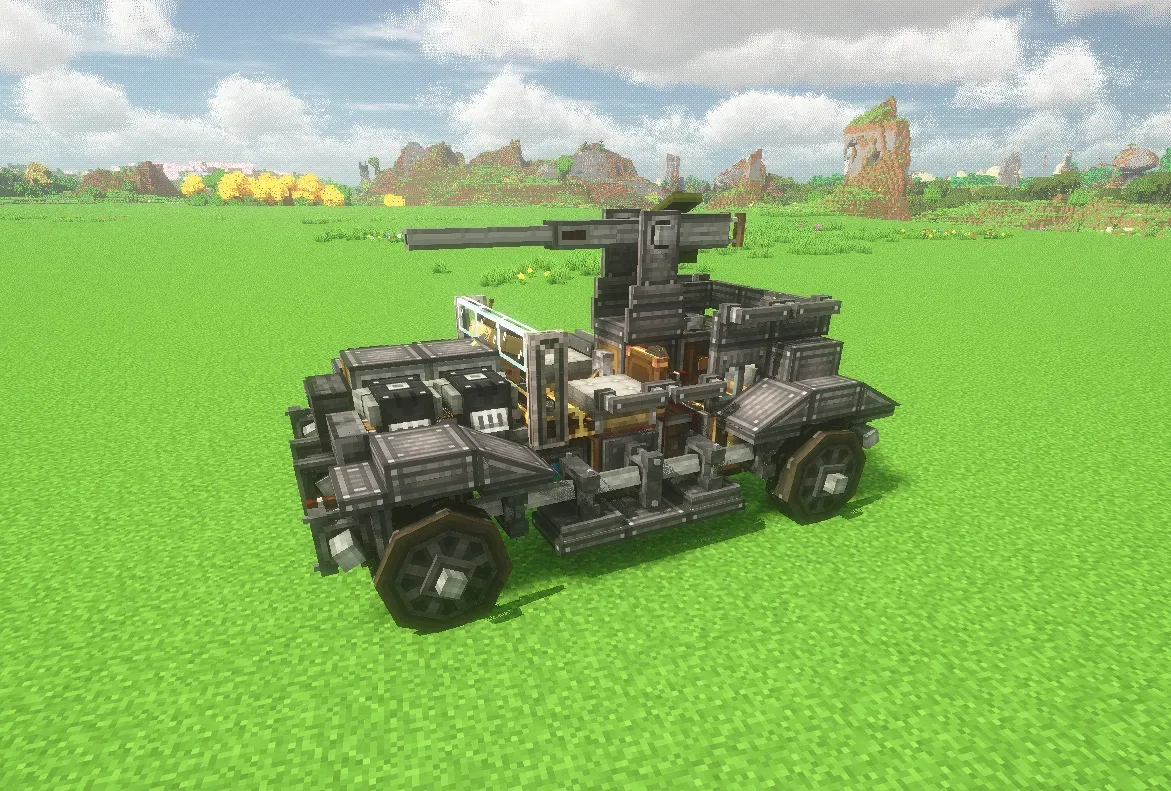 Sledoger_A&B The Armed jeep (Humvee-Tribute)120 blocks · Edgeworthmuzzry
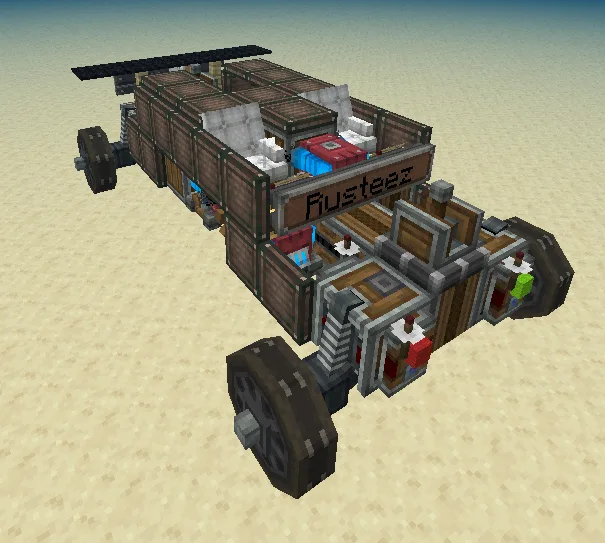 Rusty Car93 blocks · Mirci
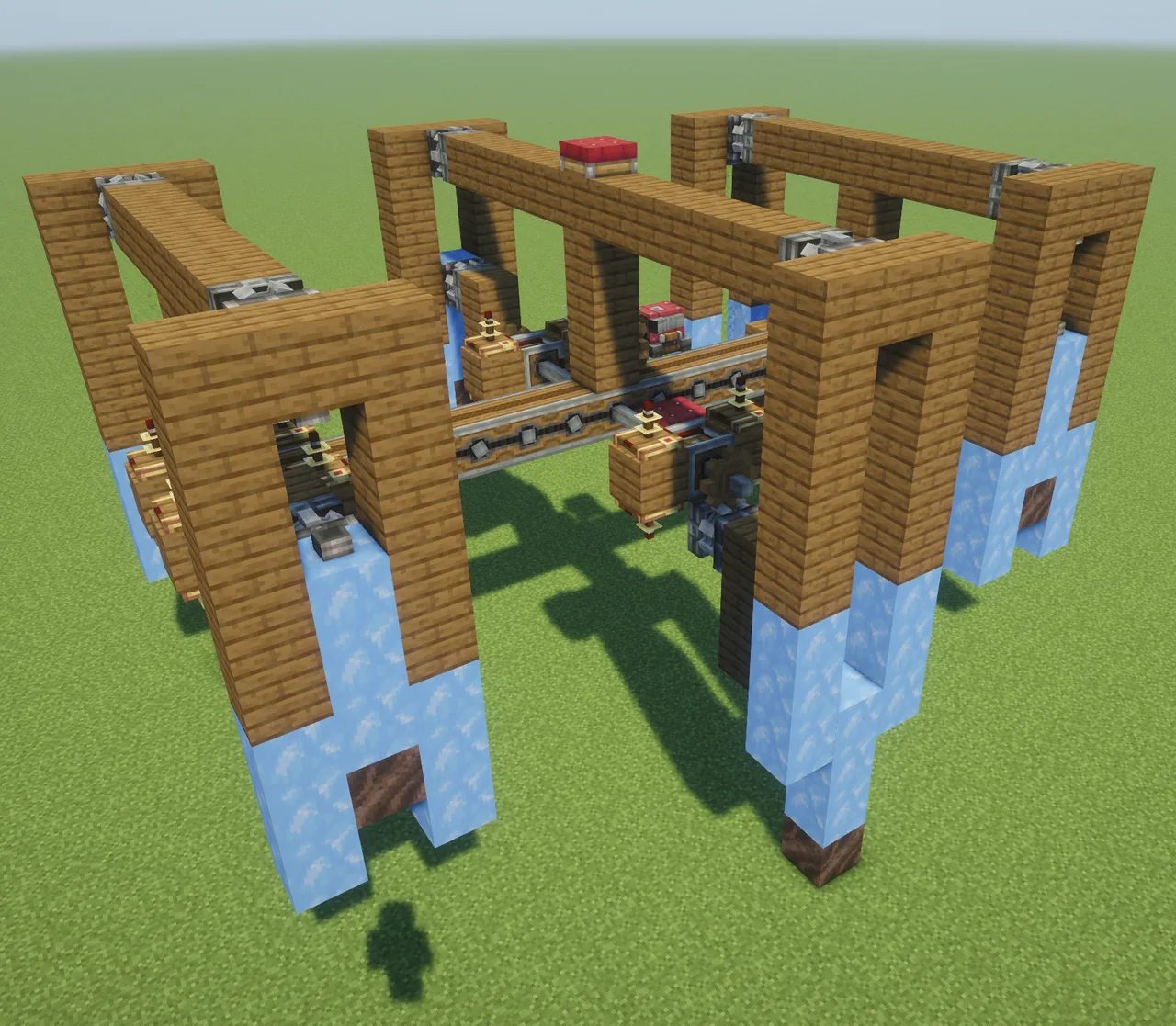 Aeronautics Crawler268 blocks · Icyknightgaming
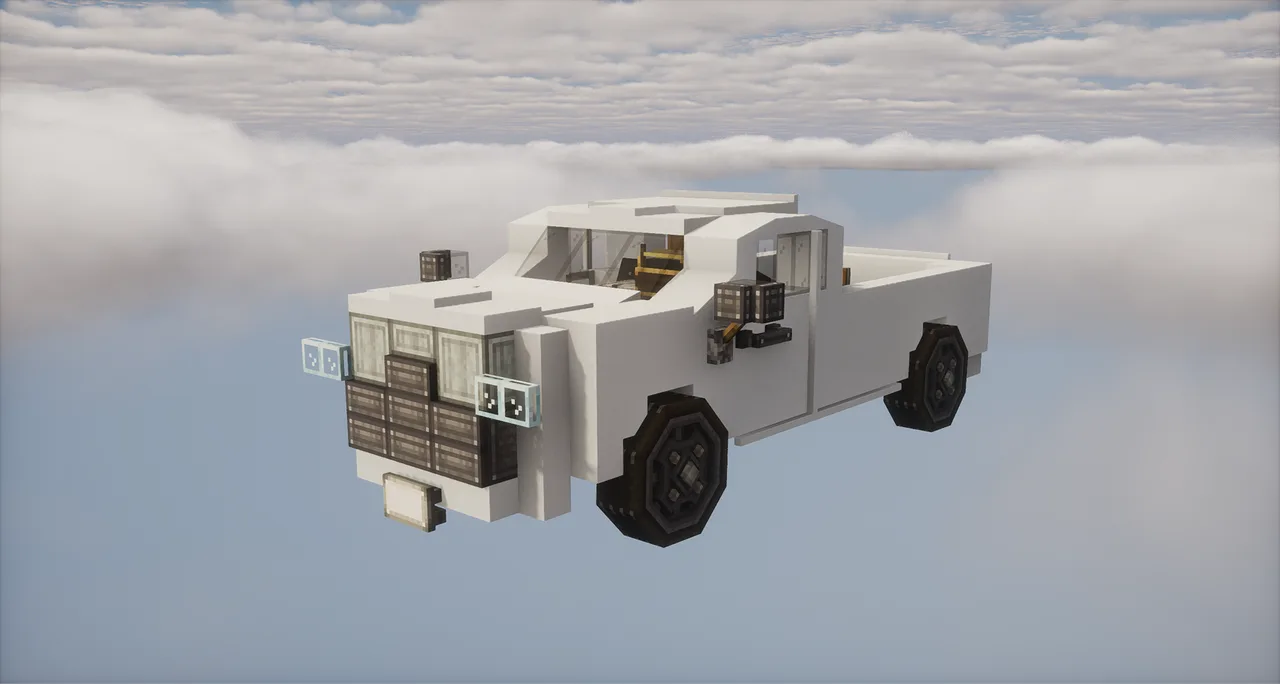 RAM 3500216 blocks · Sadvely
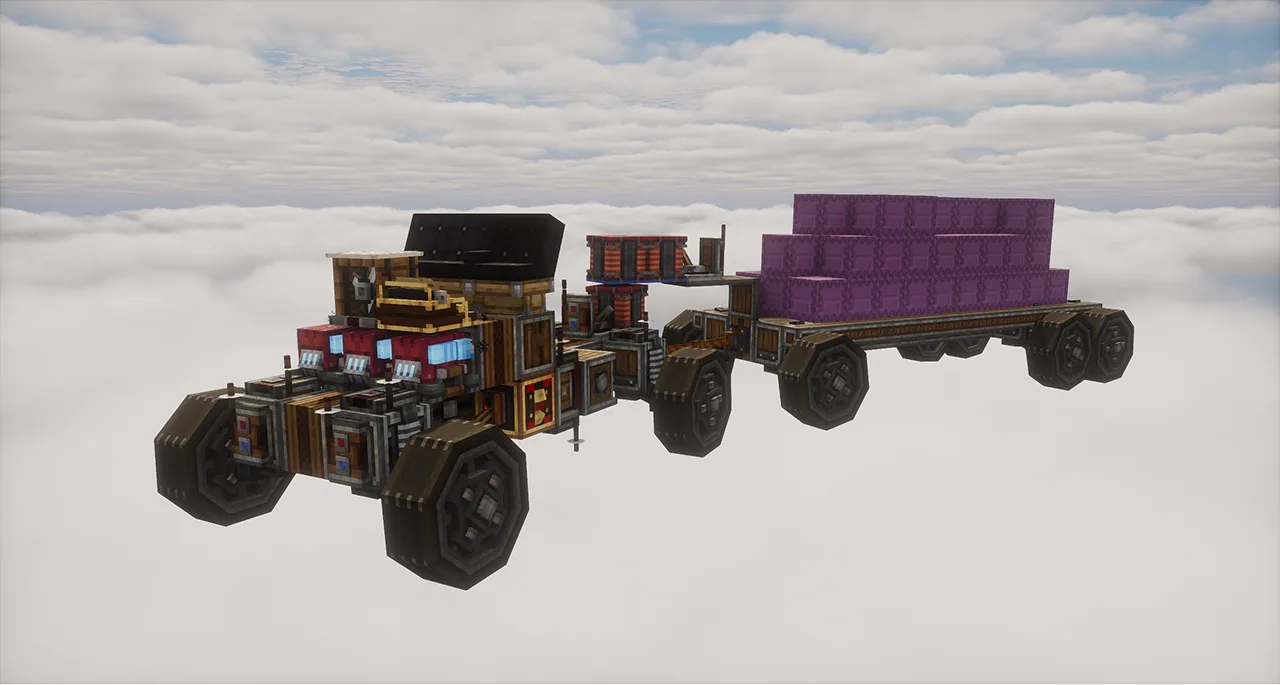 TRUCK & TRAILER BASE72 blocks · Sadvely
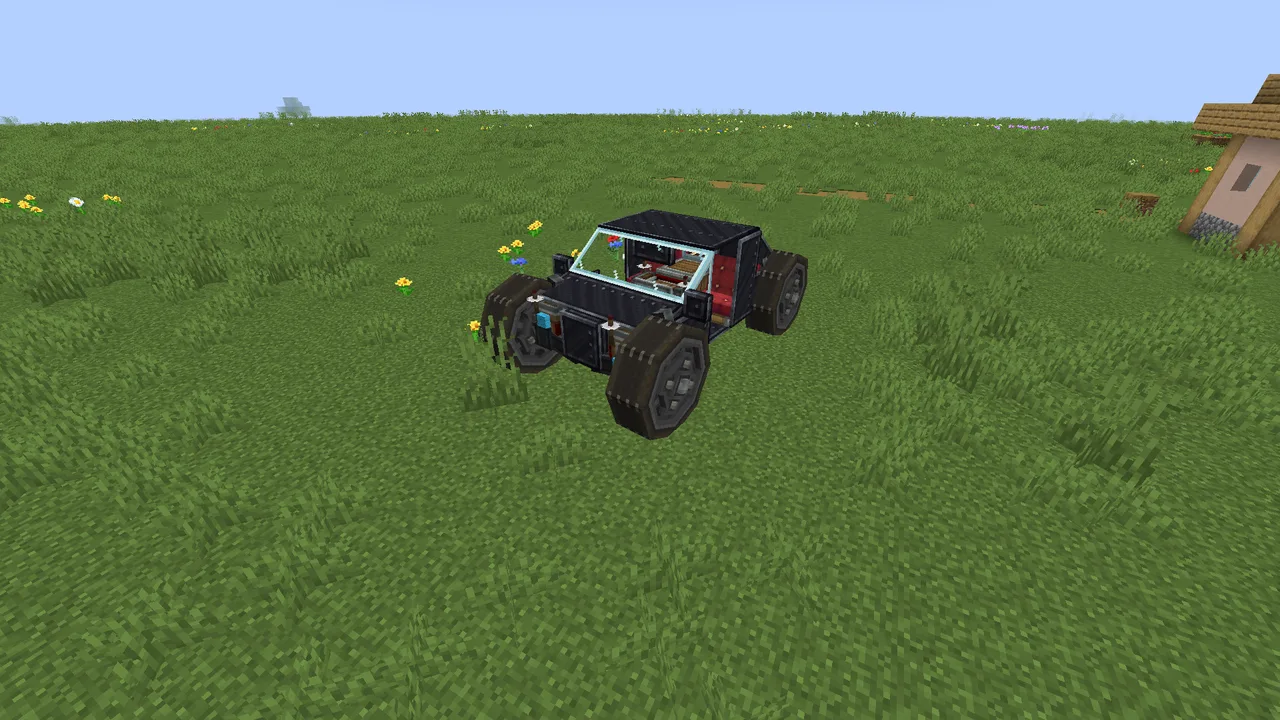 wasd simple black car62 blocks · Fatihhh
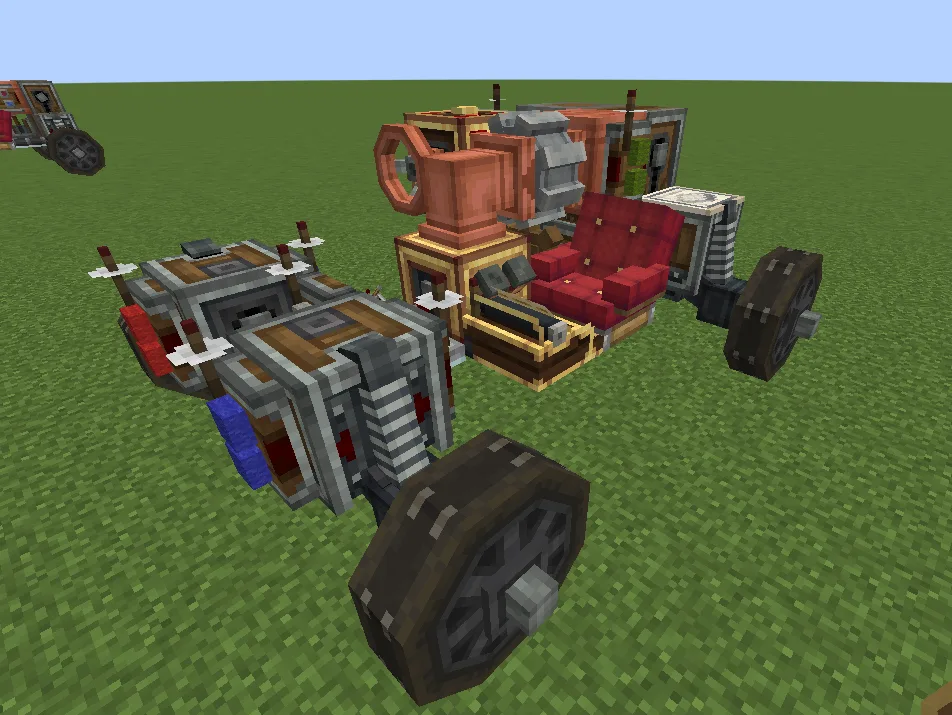 Car base(simple)30 blocks · Crimsonpaper
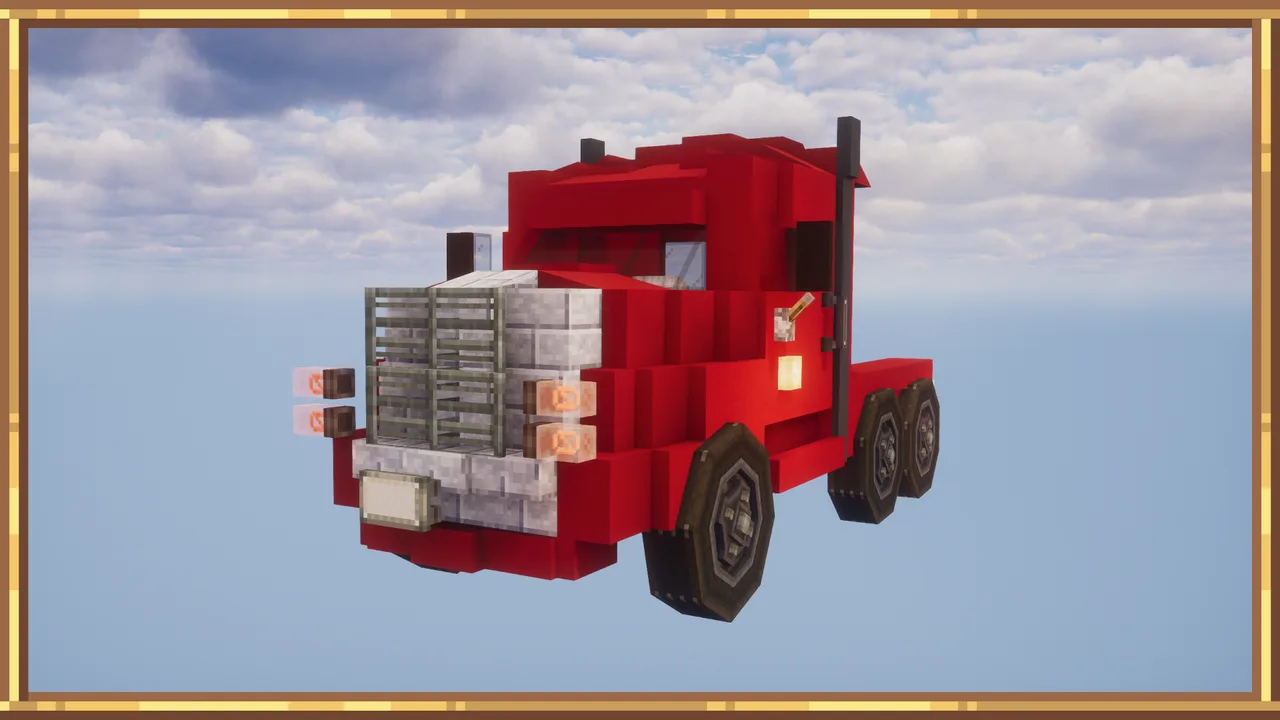 Red Truck257 blocks · Sadvely
 suv215 blocks · Ewr