
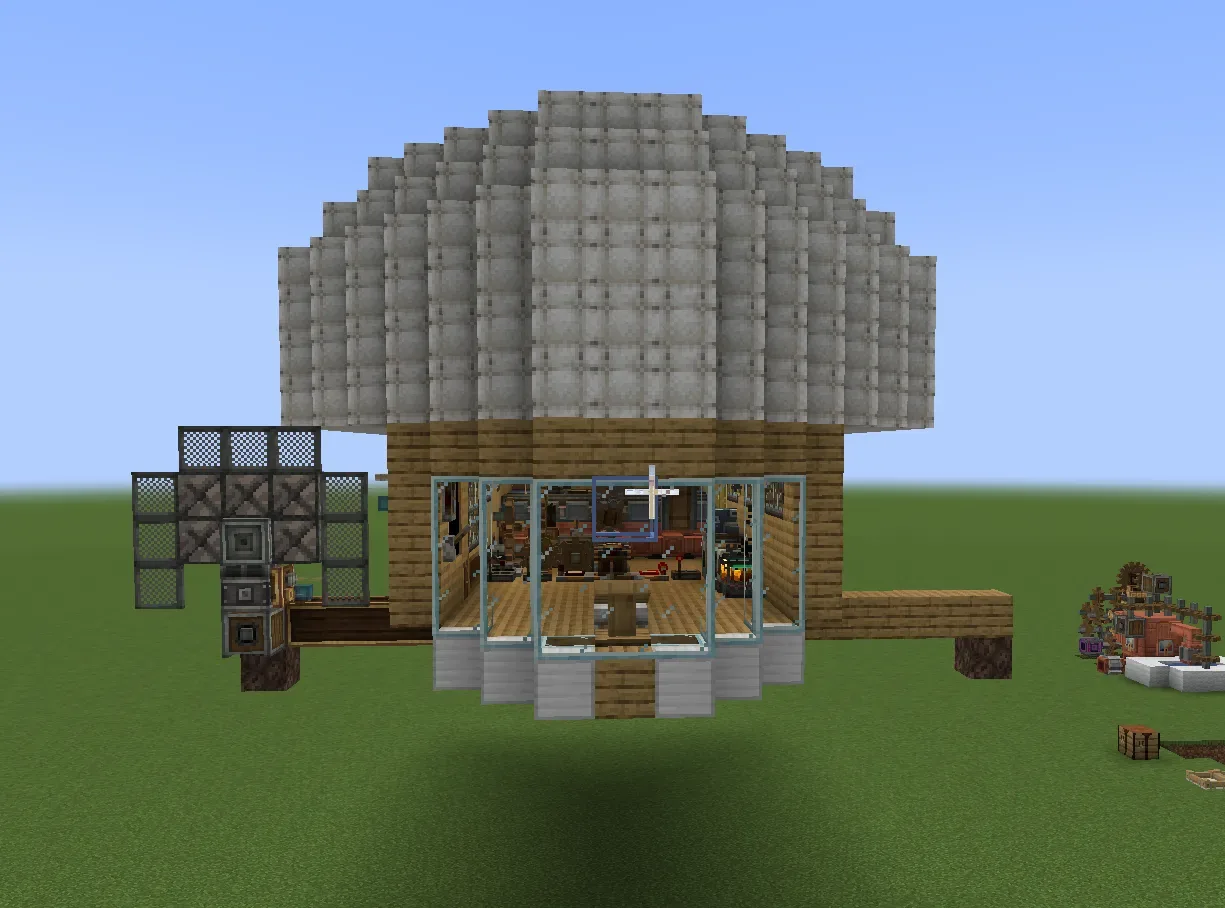
| Creator | Gianni262 |
|---|---|
| Category | Flying Machines |
| Size | 28 × 12 × 20 blocks |
| Blocks | 1,332 |
| Minecraft | 1.21.X |
| Create | 6.0.10 |
| Mods | Create, Create radar, Createpropulsion, Sophisticatedbackpacks, Create connected, Aeronautics, Simulated |
| Downloads | 12 |
| Added | 2026-09-19 |
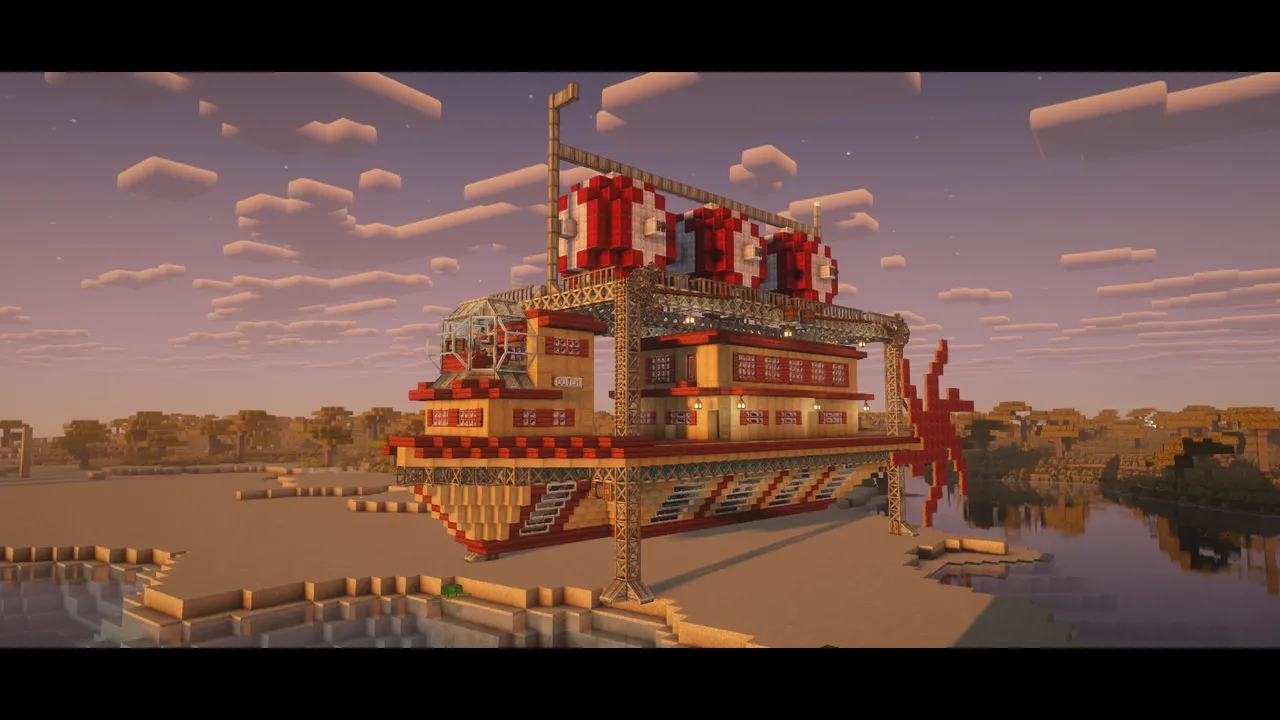
Schematic by Gianni262, published on CreateMod.com. This page lists what it contains; download the file from the creator’s page.
SET UP:
--FUEL:
you will need to give the backpack a tank upgrade(2 is recommended but 1 works too), fill it with a fuel(for example lava) and then place it in front of the pump in the center of the airship.
to refuel all you need to do is remove the backpack, fill it, and place it back
--AUTOPILOT:
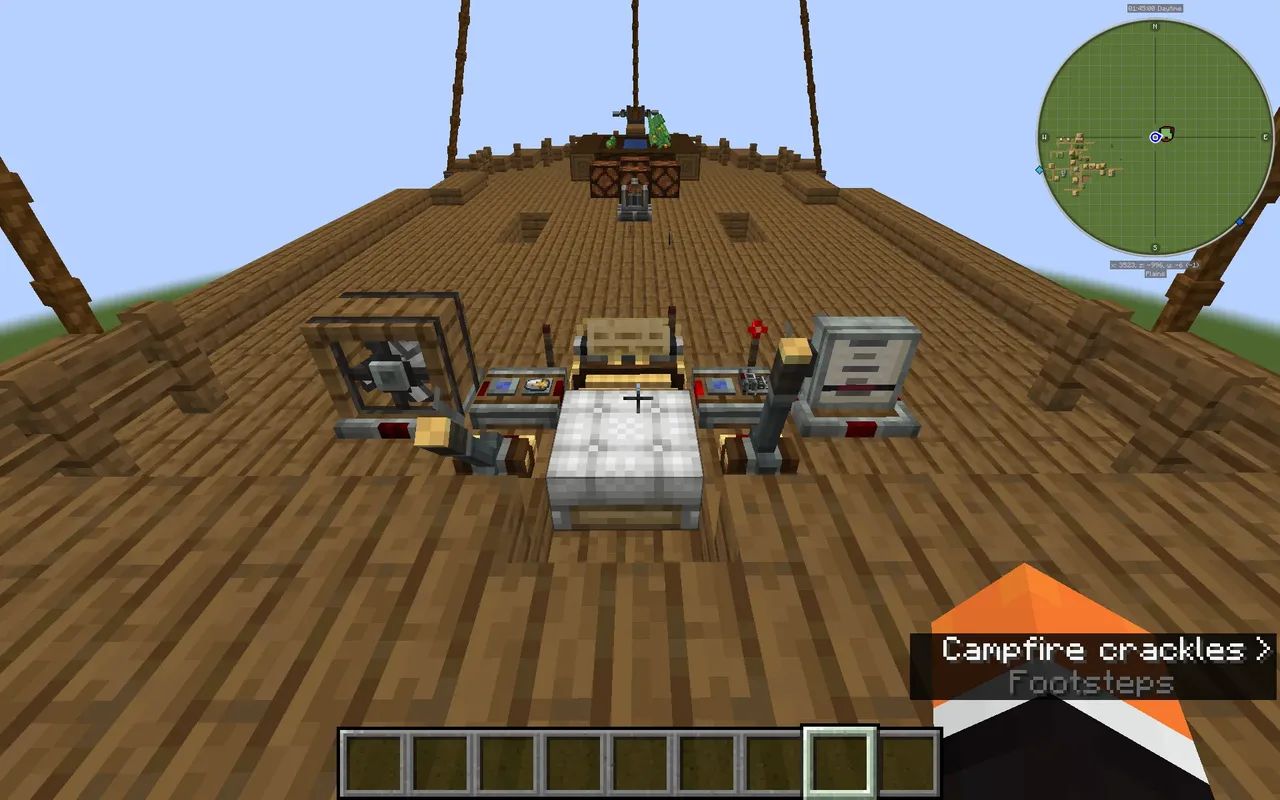
set the 2 sides(these will be left and right) of the navigator to a frequency on a redstone link
go to the back of the ship and give that frequency to one of the redstone links on one of the AND gates.
do the same for the other side of the navigator
give a frequency to the redstone link next to the radar monitor, also add this one to any key of a linked controller.
Fill out the remaining 2 redstone links on the back of the AND gates with this frequency.
--STEERING:
Choose a frequency for left and right on your linked controller.
Add these frequencies to the directional gearshift at the back.(looking towards the front: left=A, right =D)
place these frequencies on the front redstone link on the corrisponding AND gate.
--THROTTLE AND HEIGHT:
Pick a frequency for the throttle and place it in the redstone link below one of the front throttle levers
Do the same for the height.
Apply the throttle frequency to the redstone link on the analog transmission at the back
Apply the height frequency to the redstone links on the hot air burner(they are in the ceiling around the center of the ship)
--STARTUP/SHUTDOWN:
to start the airship, click the levers on the 2 clutches(they are near the pump) and use the handcrank until you see the engines start(or stuff in the back spinning)
to shutdown all you need to do is click the lever on the clutch that is in the middle of the ship, the engines will keep going for a while but they won't use any extra fuel.
MAKE SURE THAT THE ROTATION SPEED CONTROLLER IS SET TO NO MORE THAN 96 RPM OR IT WILL OVERSTRESS!
--STORAGE:
you may need to replace the frogports when loading in the schematic and when assembling/disassembling.
--RADAR:
you may need to replace the data links when loading in the schematic and when assembling/disassembling.
and 4 more block types
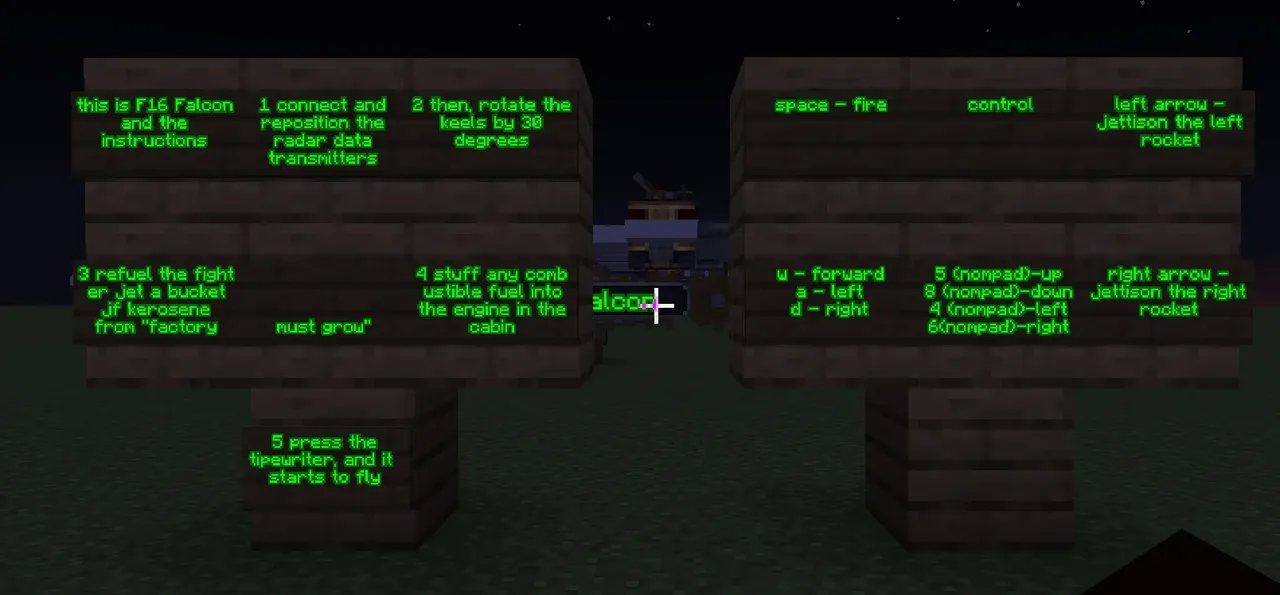 F16 - Falcon337 blocks · Timoha_sn
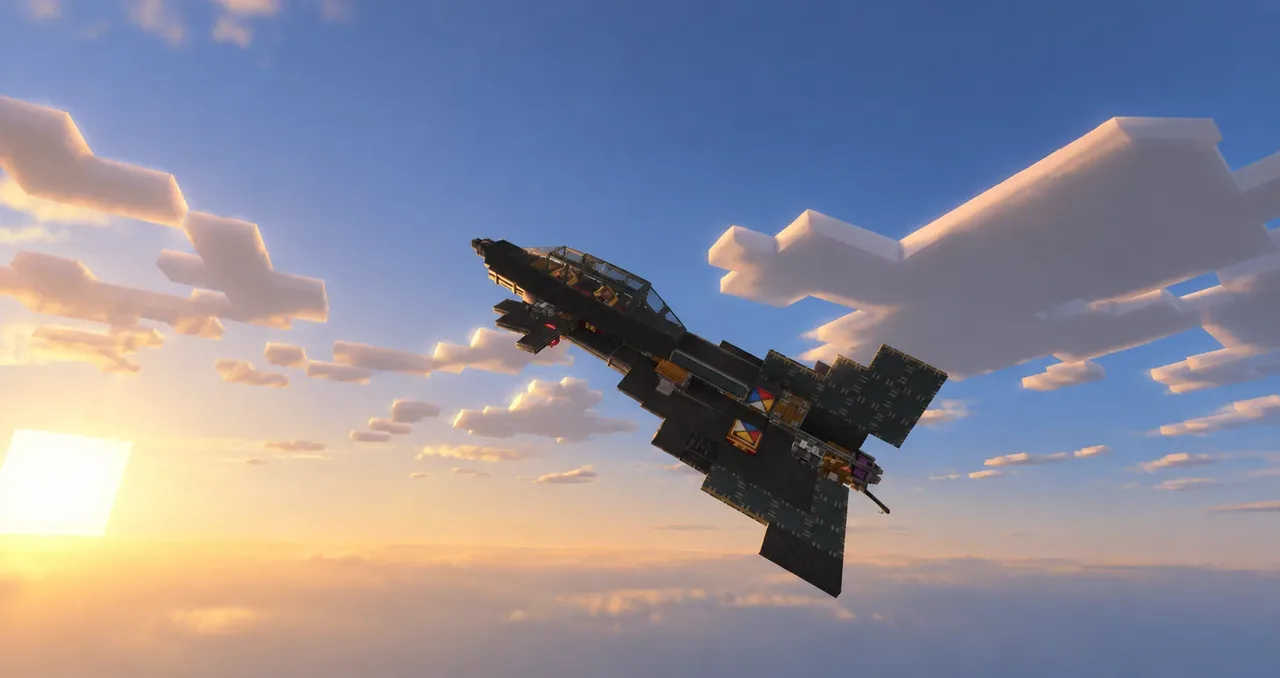 HA-2C Night Swan143 blocks · Loulou B
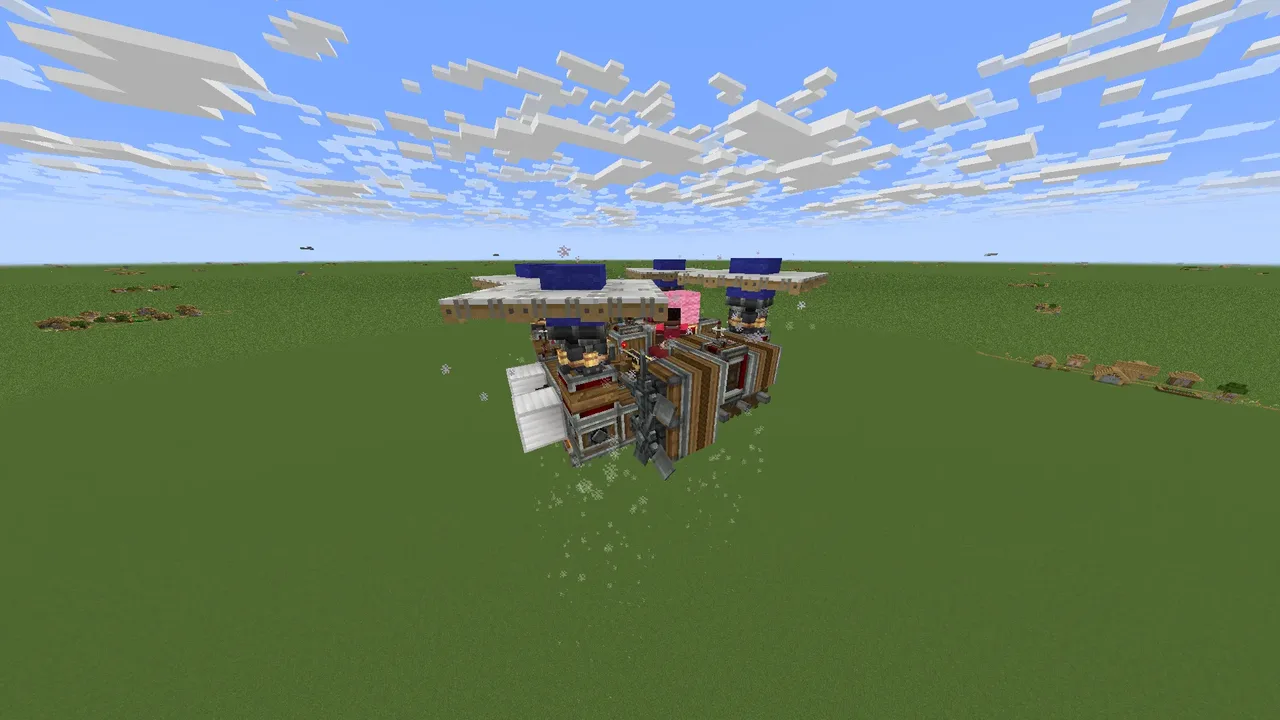 My first drone148 blocks · Darikkurov-Stack
 Starship1,464 blocks · Minoah
 Wicked Cool Hovercraft210 blocks · Pizzayum2026
 Flying Ship IG-26 "Kate" with dockports and magnets574 blocks · Irongoat012
 B-25 Mitchell(not survival friendly)1,067 blocks · Bueflare
 23m/s Easy Flight Belt Drone90 blocks · Notneuro
 tom on mars's u-55 orbital loadlifter resistance lifeboat made with create aeronautics733 blocks · Fwooph
 large diesel boat/airship/car2,477 blocks · Ayoung,Chilldude
 CA-47 Aero-Falcon107 blocks · Artem
 Zephyr MK.15,219 blocks · Tigama_yig