
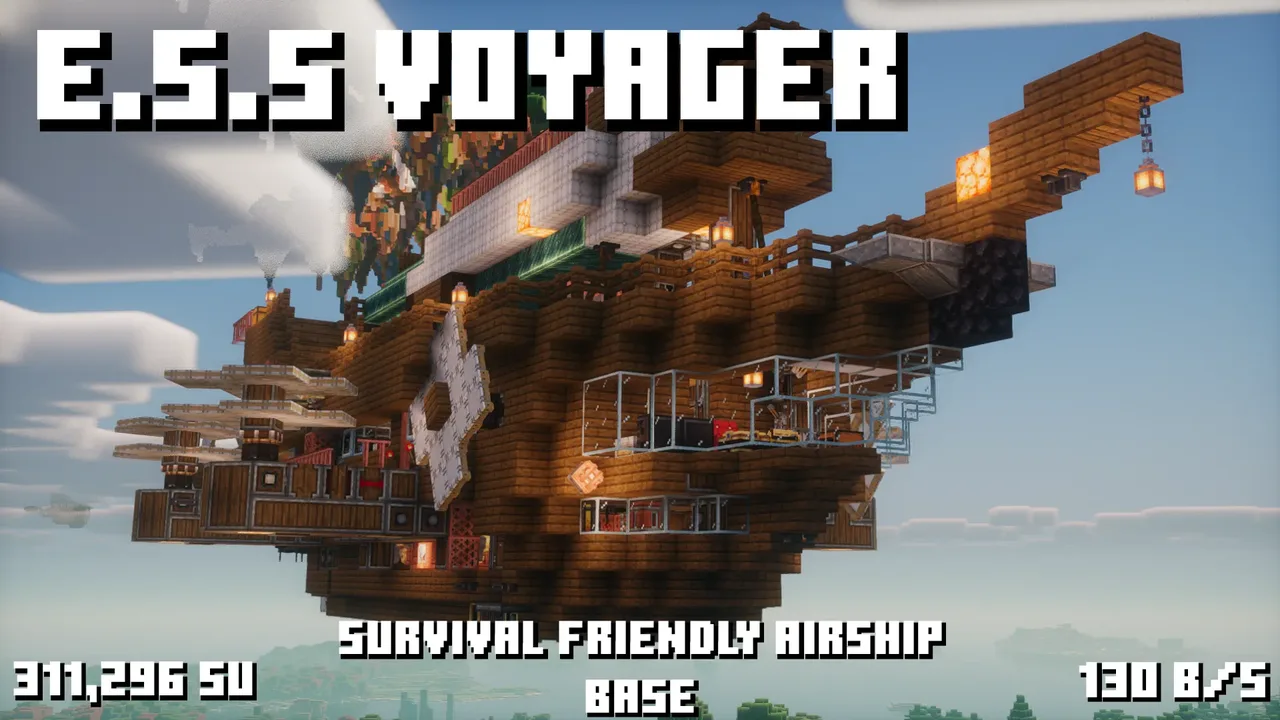
| Creator | Dizana |
|---|---|
| Category | Player Transport |
| Size | 29 × 22 × 56 blocks |
| Blocks | 4,523 |
| Minecraft | 1.21.X |
| Create | 6.0.10 |
| Mods | Create enchantment industry, Vsfluidlink, Createcasing, Create, Copycats, Chipped, Dndesires, Waystones, Mekanism, Simulated, Dndecor, Createpropulsion, Aeroworks, Create train parts, Irons spellbooks, Farmersdelight, Pipeorgans, Createaddition, Bits n bobs, Createdeco, Aeronautics, Create connected, Analogaudio, Quark |
| Downloads | 642 |
| Added | 2026-09-15 |
Schematic by Dizana, published on CreateMod.com. This page lists what it contains; download the file from the creator’s page.
EXPLORATION SKY SHIP VOYAGER.
Important information at the bottom of the description.
After being launched on the 3rd of March 2026, transferring across 3 separate SMPs, soaring onto aeronautics, breaking record after record, never slowing down or disappointing, always getting improved and built upon, faster, more powerful, more beautiful than ever, VOYAGER is now available to the public.
This ship is a survival friendly, compact, customisable, airship with capability to function as an entire base, almost every create process can be done with an interchangeable workshop area on the bottom level, 4 people can be housed on this ship at a time and fed thanks to the farming setup up top as well as the kitchen.
There is no limit to what purpose this ship can serve, whatever you want with her, she will not let you down, and i hope you find your experience with using the ship just as enjoyable as I have, Long live Voyager!
If you have any issues, please feel free to ping me in the aeronautics discord, preferably in Voyager's showcase channel post, but please read the description in full before doing that.
NOTE: this ship is NOT create beginner friendly, Voyager was originally never planned to be published and as such the systems were never designed to be obvious as to their function, nor easily repairable, i have tried my best to adapt her to user friendliness but I would still highly recommend you know what you are doing with create if you want to have the best experience with this ship.
Please view the attached images and very bottom of the description for instructions on how to operate the ship such as assembly/startup, Emergency passive flight, and cockpit controls.
SPECIAL THANKS TO: Amber, CursedEclipse, Novlikov, Brute11000, the_atmerek, Kaisen7887, Artmoby, ispiritapi, antekk, Idk, Myrna, and you <3
Controls for linked typewriter: (other cockpit controls are in attached images)
WS: forward and back
AD: steering
Leftshift: up
Leftcontrol: down
F: change gear
Y: whistle
Left and right arrow keys: strafe
MOD REQUIREMENTS
These are the mods the ship needs to correctly function, if your modpack already meets these requirements, you should be okay.
Mods with a (!) are things that only add one or a few small features or details to the ship, and it's not the end of the world if you cant get them to behave with the other mods, the ship will not be functionally impacted by the removal of these mods.
Mods with a (!!) Are REQUIRED for the ship to function, any version of them that is compatible with create 6.0.10 (and of course, each other) should work. However if you are missing any of the mods with this marker, the ship will be missing critical parts and may not work correctly, if at all!
Removing mods without a mark is at your own risk.
Create (6.0.10) (!!)
Create: Aeronautics (!!)
Create: Connected (!!)
Create: Crafts and additions (!!)
Create: Encased (!!)
Create: Enchantment industry (!)
Create: train parts
Farmer's delight
Analog audio (!)
VS Sable Hose connectors
Mekanism (!)
Create: Bits n' bobs
Create deco
Create: Design n' decor (!!)
Create: copycats+ (!!)
Chipped (!)
Create: sound of steam
Create: Aeroworks (!!)
Create: Dreams n' desires
Create: propulsion: simulated (!!)
Iron's spells n' spellbooks (!)
Quark
Waystones (!)
How to start the engines into passive once assembled:
1: make sure the kinetic batteries have at least some charge and are in the right orientation
2: the rotation speed controllers either side of the smart chute are the water pump controls, set the port side one to around 5 and the starboard one to 32, both on the bottom RPM track.
3: set the kinetic batteries to "discharging" with the lever between them and then hit the lever just infront of that one to toggle off the clutch and send the power into the system, if it overstresses, make sure the drivetrain switch is disabled.
4: when the starboard side engine is functioning, set the port side's pump controller to 130, wait for that one to spool up, then once it has, disconnect the kinetic batteries from the system again by flicking the clutch lever, do not flick the discharging lever until you have done that otherwise they will start pulling stress from the system and it will stop.
to bring the engines online fully, for flight:
1: make sure the ship has fuel (double chest above the pump controls)
2: hit the lever on the smart chute
3: when the first blaze burner is lit, set the starboard pump speed to 128
4: when the second burner is lit, it is safe to disengage the drivetrain switch, but wait until the ship has fully spooled up (~245,000SU) before attempting to control it
For emergency passive:
Set the speed of low gear to 6rpm
set the speed of the port side pump to 11 and the starboard one to 32
set the rpm of the lift props to 6 (outside catwalk)
open the drive prop access holes in the mess hall
start the engines but do not disengage the kinetic batteries when they are started
engage the cruise switch and change the settings of the drive propeller bearings to steer
when you're over where you want to land (hopefully to get more fuel), disengage the cruise mode and descend until landed.
:3
and 128 more block types
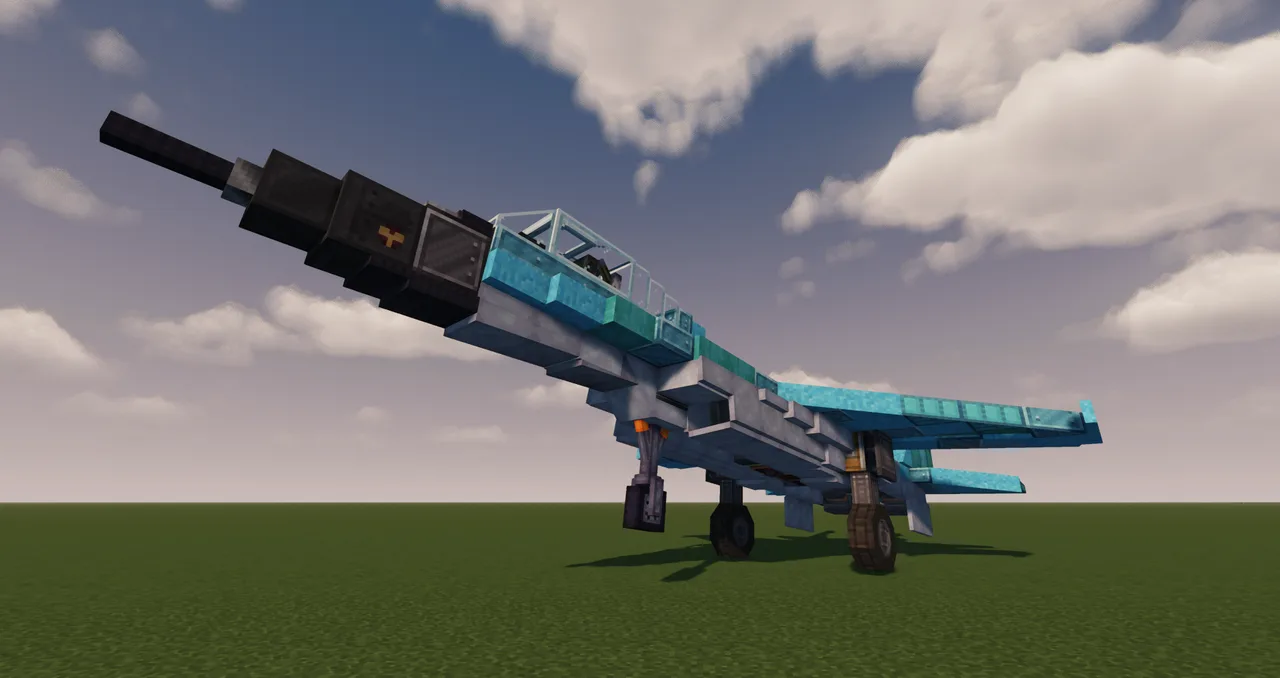 Mig-29 Jet fighter212 blocks · Loulou B
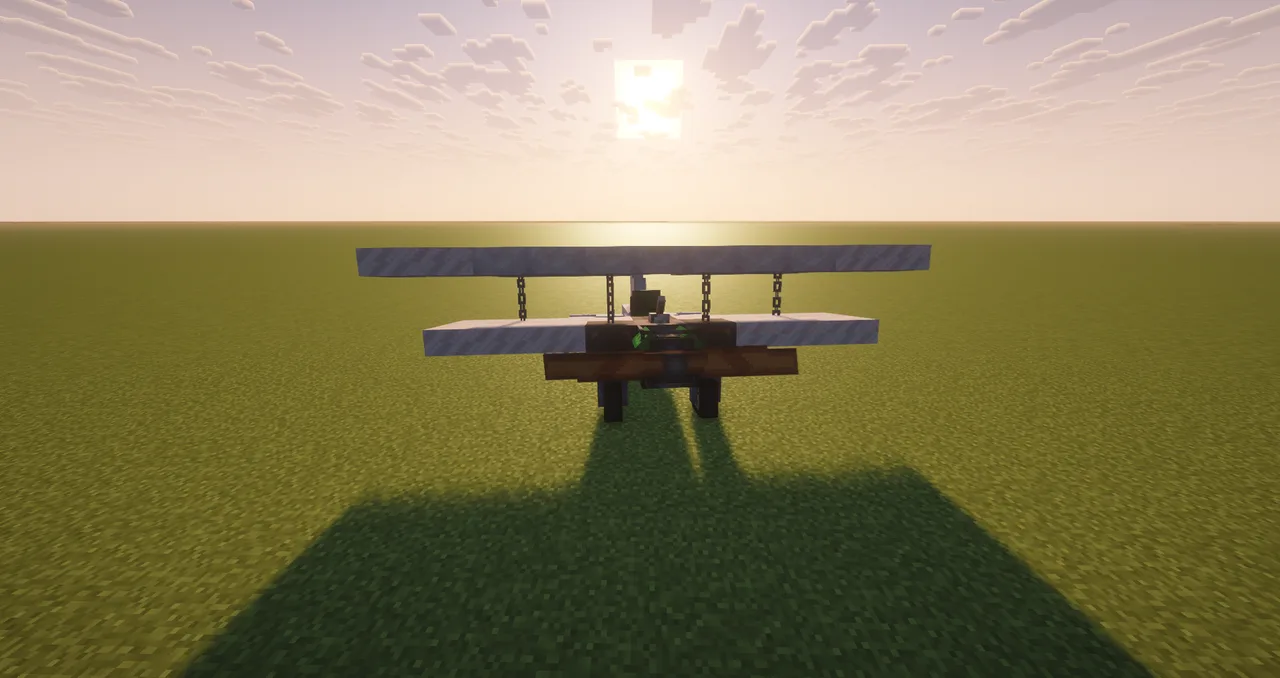 Plane71 blocks · Loulou B
![Coppersprey V-22 [VTOL] (A Faithful Osprey V-22 Recreation)](/a/77/77f6f361d7cb1c6.webp) Coppersprey V-22 [VTOL] (A Faithful Osprey V-22 Recreation)961 blocks · _Doruk
Coppersprey V-22 [VTOL] (A Faithful Osprey V-22 Recreation)961 blocks · _Doruk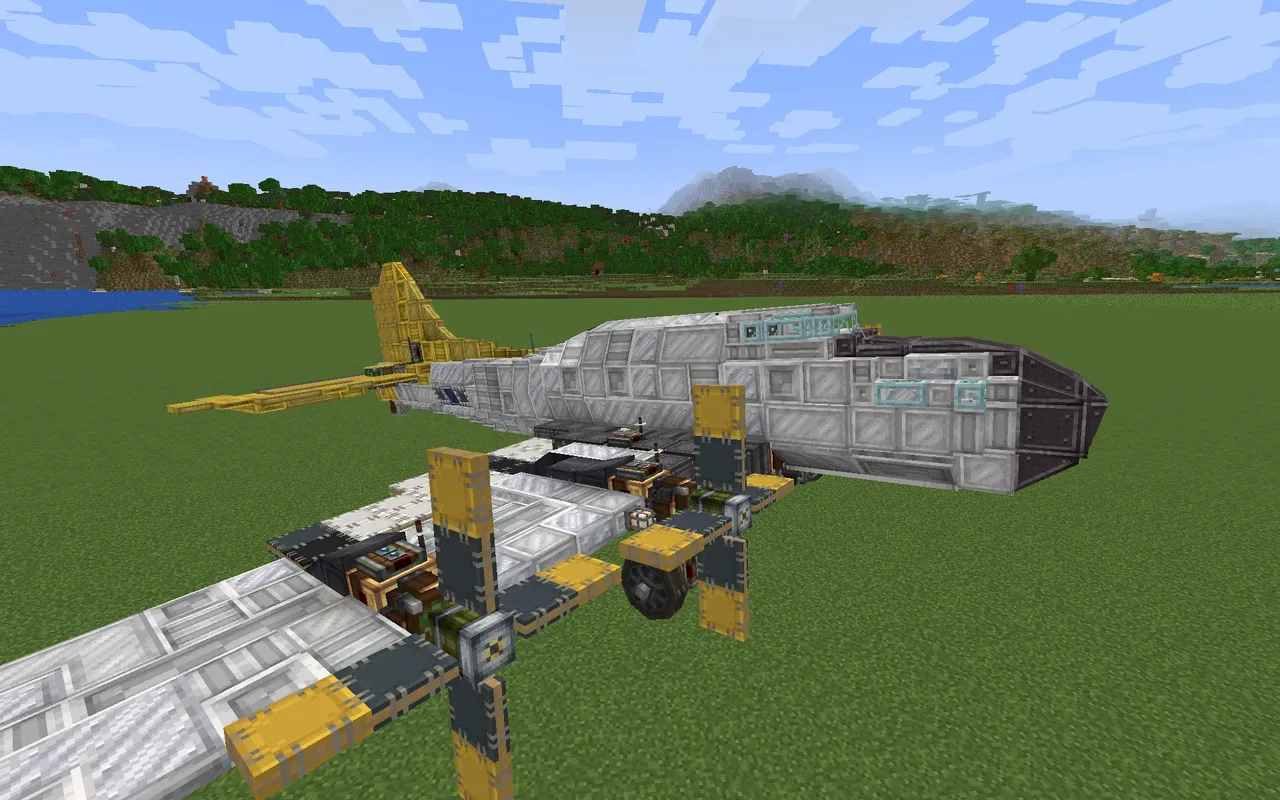 Boeing B17 Flying Fortress767 blocks · Wrego
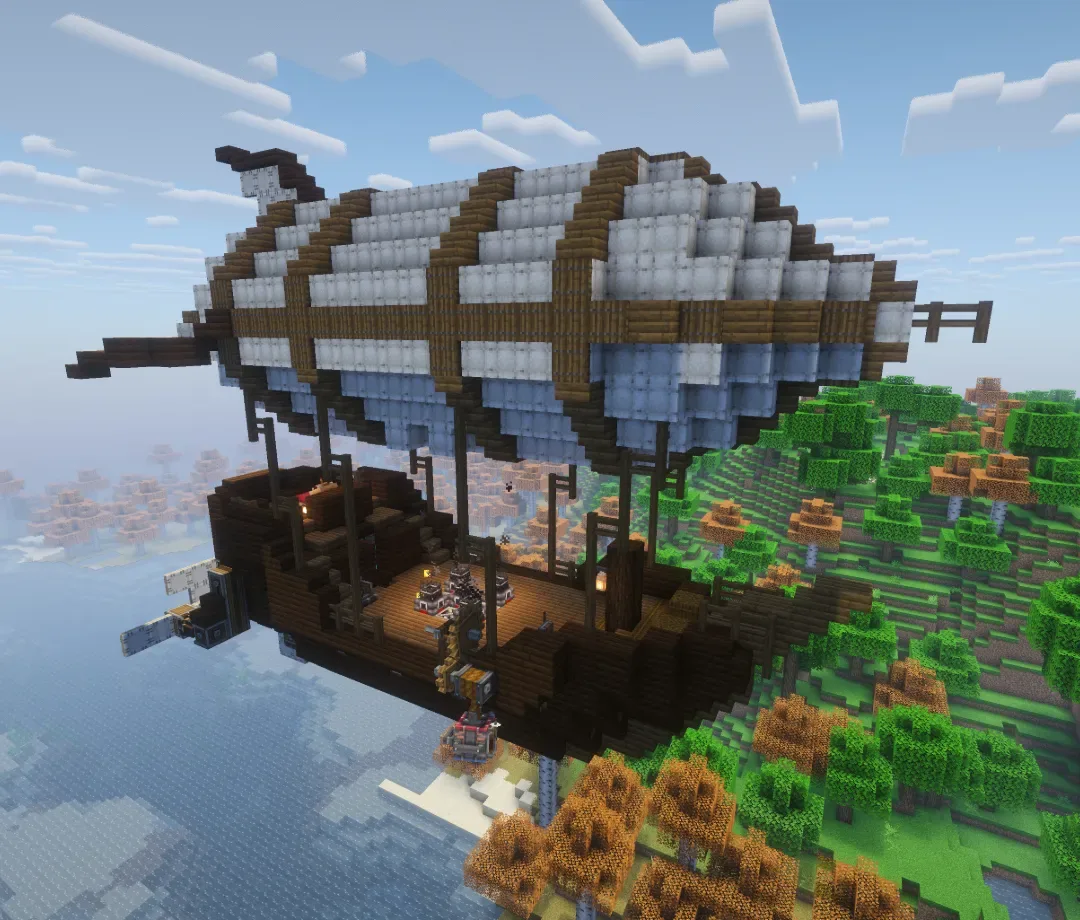 Repurposed shipwreck v2 survival friendly1,464 blocks · Blackjesus282
 Plane airframe59 blocks · Loulou B
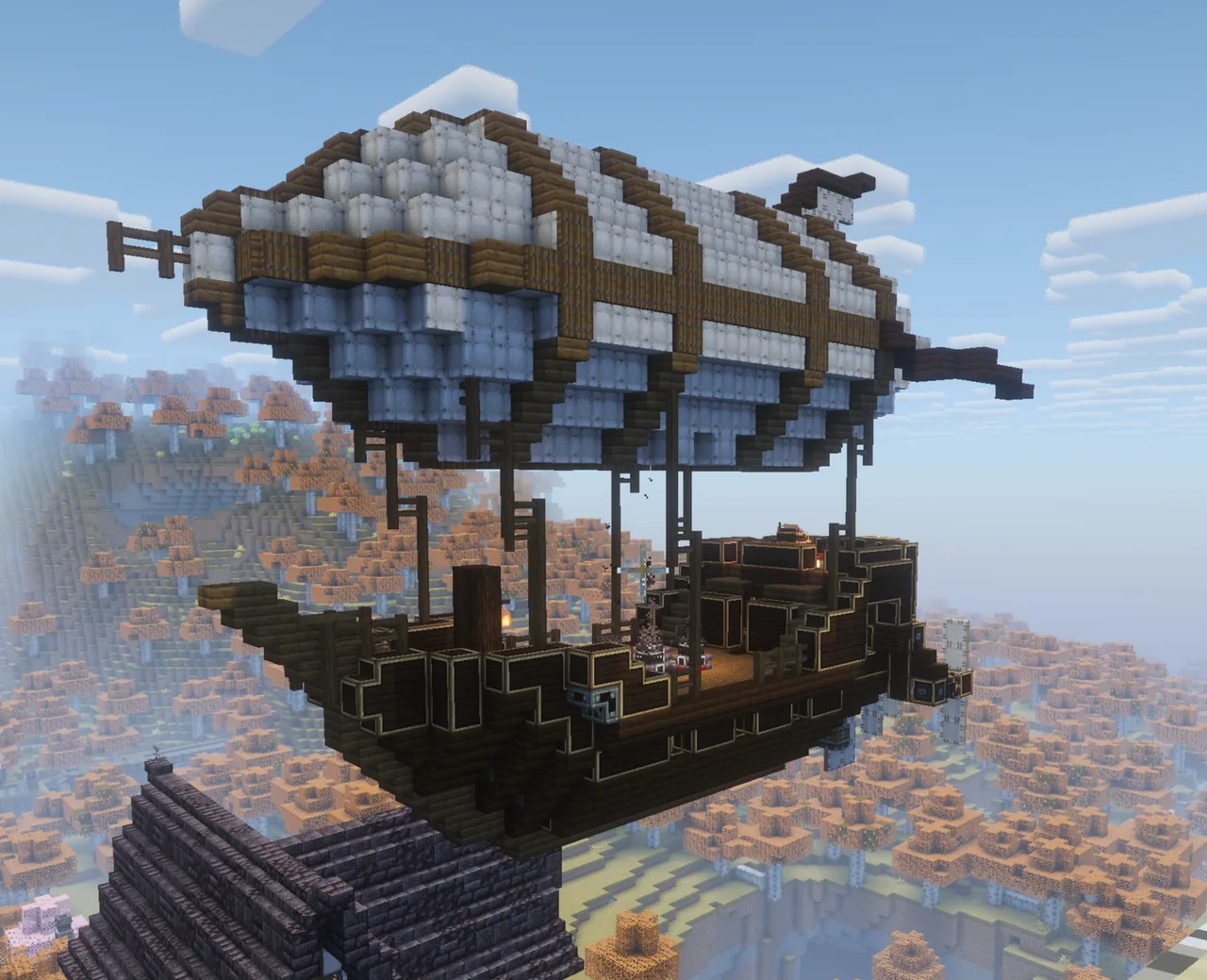 Repurposed shipwreck 100 days survival world1,510 blocks · Blackjesus282
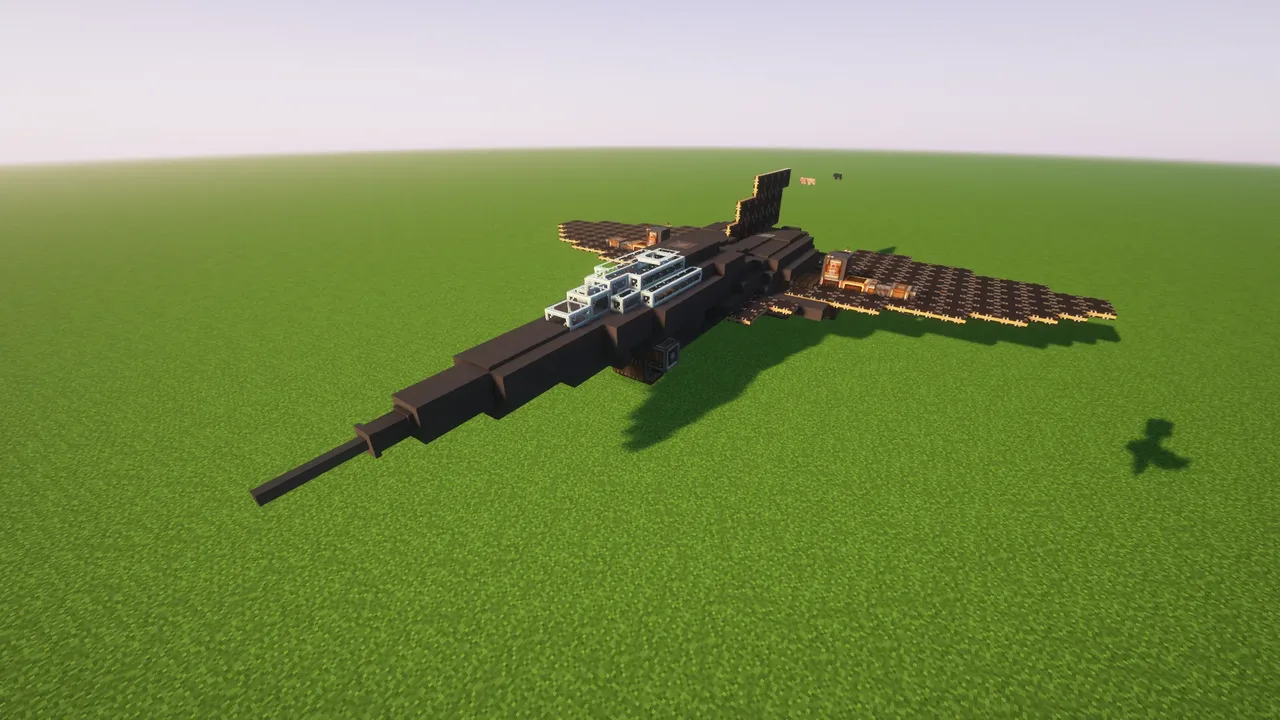 StarFox Industrie Whisper Fox574 blocks · Épicrenard
 Shallow Sea Explorer1,152 blocks · Dispicableduck2
 airship1,032 blocks · Foxers
 Tank V32,067 blocks · Yairth
 Medium airship base1,467 blocks · Oli-127