
| Creator | Scifox |
|---|---|
| Category | Vehicles & Contraptions |
| Size | 31 × 23 × 53 blocks |
| Blocks | 1,472 |
| Minecraft | 1.21.X |
| Create | 6.0.10 |
| Mods | Aeronautics, Createdieselgenerators, Supplementaries, Copycats, Simulated, Interiors, Createdeco, Createpropulsion, Aeroworks, Vsfluidlink, Simulatedcoasters, Create |
| Downloads | 74 |
| Added | 2026-08-21 |
Schematic by Scifox, published on CreateMod.com. This page lists what it contains; download the file from the creator’s page.
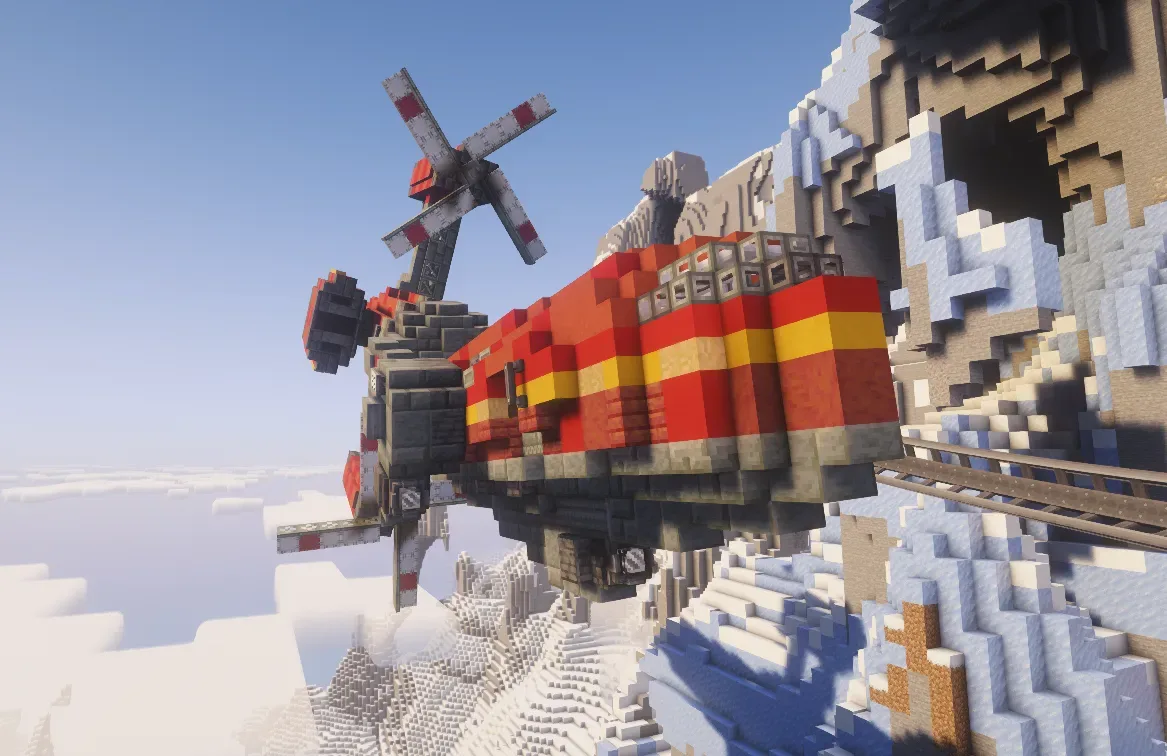
Designed to surpass the original Wall Runner, the Wall Runner can rotate on a second axis, thus allowing it to transport passengers over rougher terrain. To help the vehicle climb steep hills, the Mk2 is equipped with a thruster pod to supplement the propellors where extra power is needed.
Controls:
W/S: Propellors forward/back.
E/D: increase/decrease thrusters.
A: docking connector.
Q: lights.
Setup:
If in Creative, place the contraption over a track of your choice and remove the blue wool. do not rotate the model. Once the vehicle has been set up use a Physics Assembler on it and make sure to snaps to the tracks below.
Make sure the passenger cabin is glued together in its own sub grid, do the same for the mount that connects it to the engine module. Make sure the glue of these sections do not overlap.
Start by unlocking the passenger cabin by twisting the red valve handle located in under to trap door on the left mounting of the passenger cabin. Twist it one way and then reset its positions by twisting it the other way.
Enter the engine module hatch threw the trap door in front of thruster pod. Unlock the mount for the passenger cabin via the valve handle located at the engineering station. Do the same with this handle that you did with passenger cabin's handle. Make sure the Gimble Sensors are set to 90, and the Stepper servos are set to 6.
To fuel the vehicle, connect the Hose Connector on the underside to an external supply. To begin moving fuel into the vehicle either by connecting to an external motor via the Chain Connector near the Hose Connector or by feeding the Portable Engine located at the rear of the vehicle behind two trap doors.
To start the engines, enter the engine compartment and feed the Portable Engine one block of fuel and wait for it to stop. Once the Portable Engine has stopped, access the engineering console and right click to start the engines. Once the engines have started, set the Analog Lever to 6. The engineering console can be used to test the engines and gyroscopic features. W and S control the propellors, A or D control the thrusters and the arrow keys control the rotating sections of the vehicle (the left and right keys are inverted).
Before leaving the vehicle make sure to turn off the engine and set the Analog Lever back to 0. This prevents the Transmission from breaking every time the vehicle is reloaded.
and 43 more block types
 909 Field Artilery85 blocks · Create Freak
 Bare basics airship172 blocks · Ctpaxkota
 дрон для путешествия1,692 blocks · Hamster7812
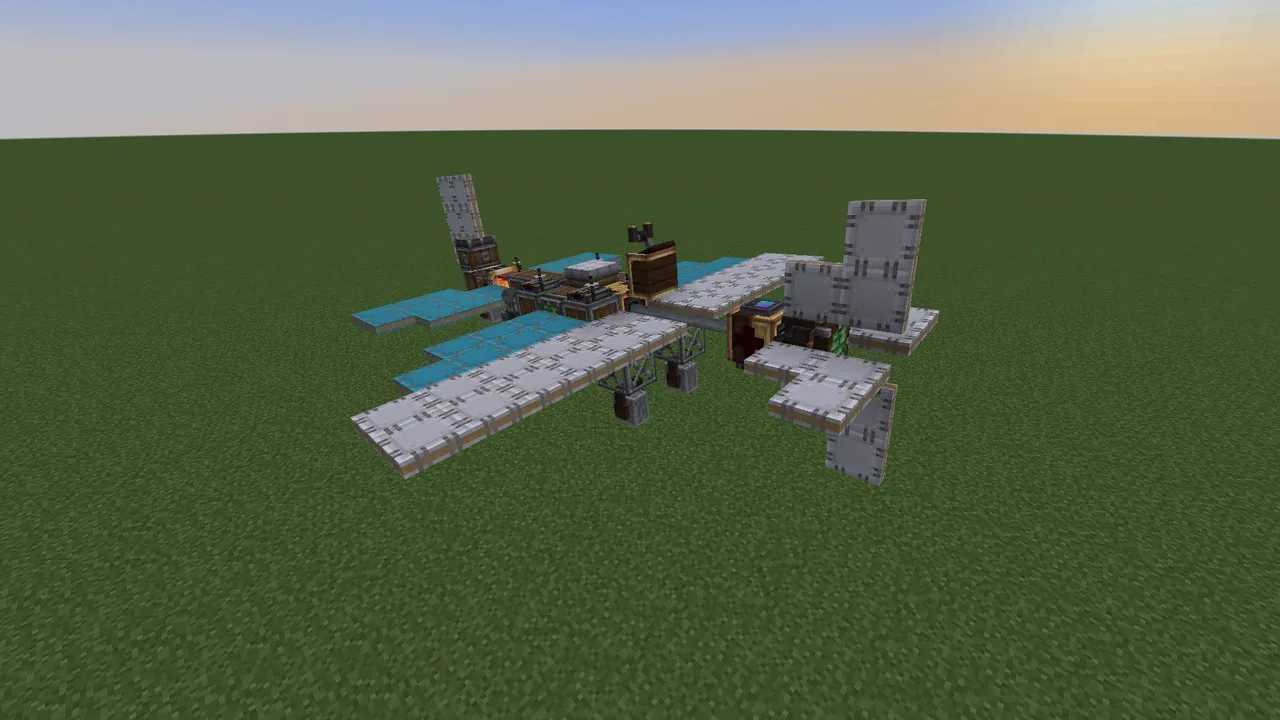 Responsive Plane117 blocks · Dapro2012
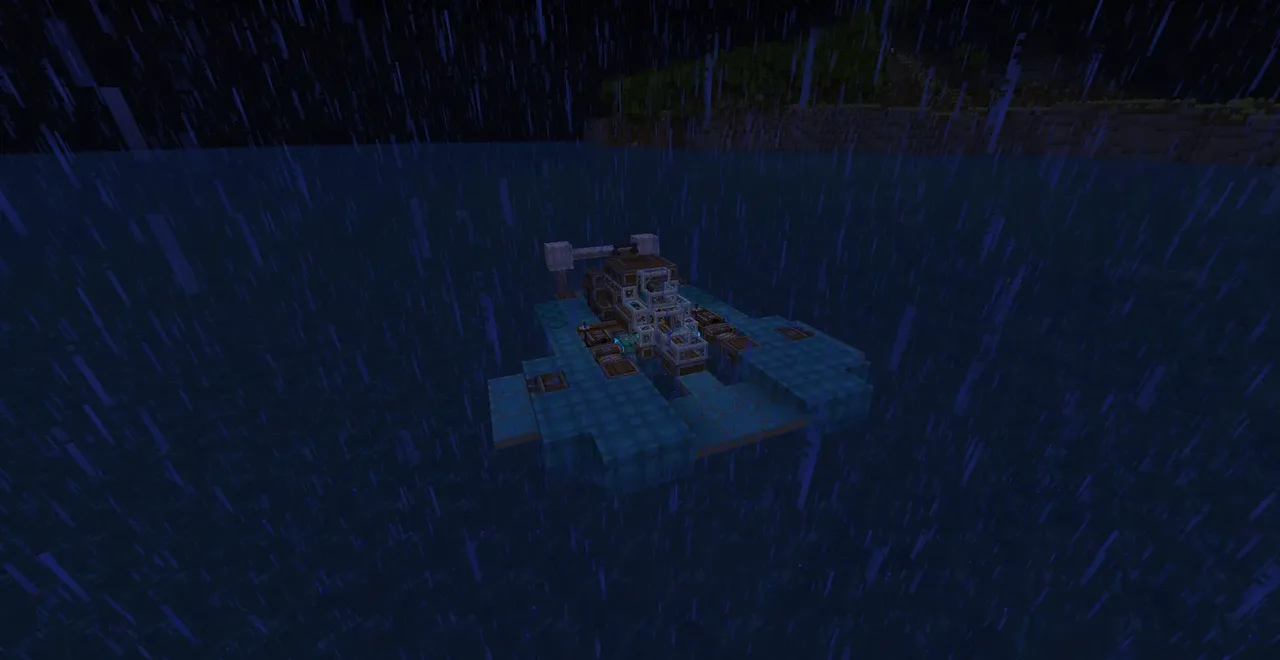 ss Ray151 blocks · Xeri-Sea
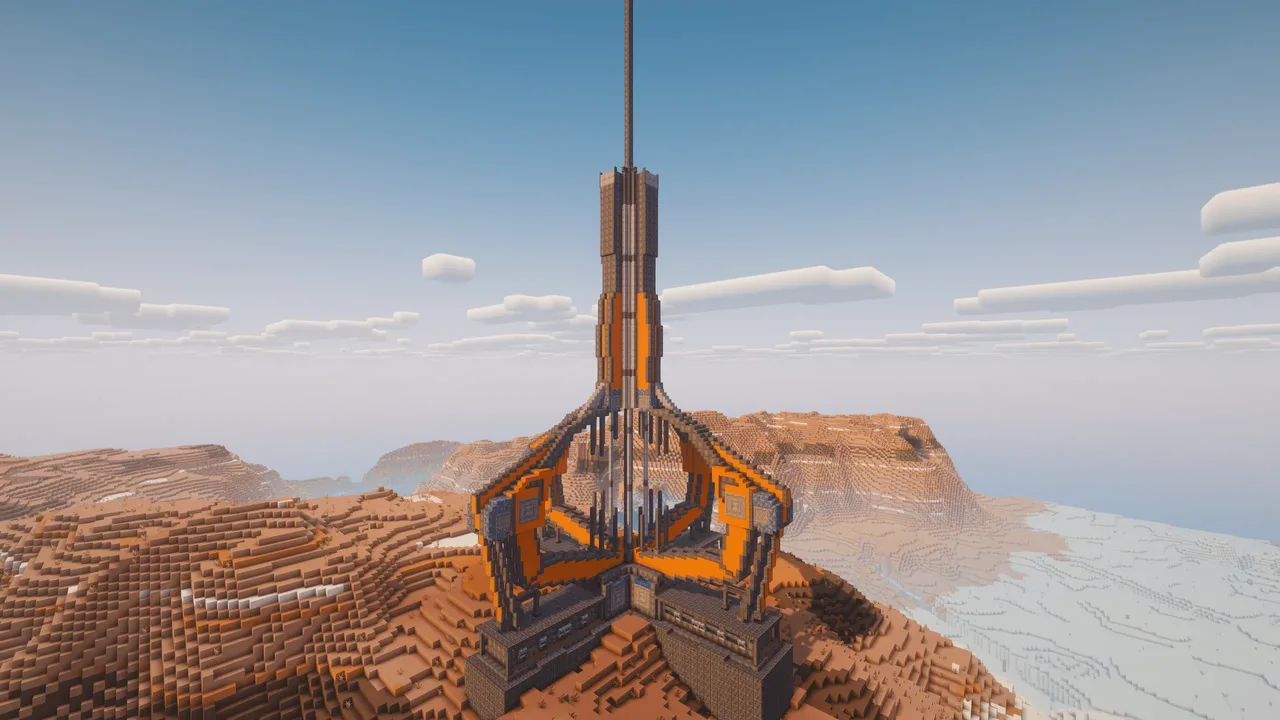 Space Elevator Aeronautics + Cosmonautics14,083 blocks · Dwtch
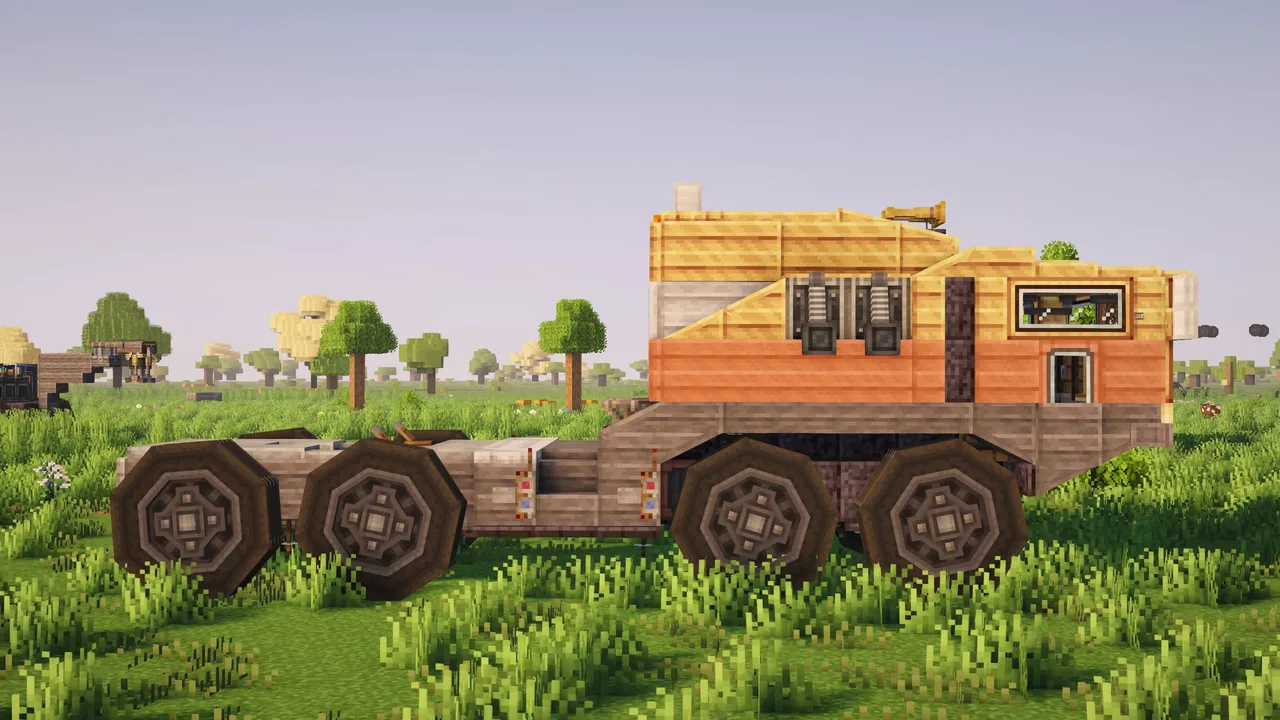 Jacks Kosh Truck | Land Train Hauler370 blocks · Jackatac98
 HMS Bedrock18,466 blocks · Karlxii
 Quad Plane6,731 blocks · Thehamburglar0
 Forklift Mini Mk4 | Cargo Handling Made Easy313 blocks · Jackatac98
 303 Field Cannon14 blocks · Create Freak
 CSS VIRGINIA6,050 blocks · Cementconcrete6215