
| Creator | Ex1r4 |
|---|---|
| Category | Flying Machines |
| Size | 65 × 15 × 43 blocks |
| Blocks | 2,170 |
| Minecraft | 1.21.X |
| Create | 6.0.10 |
| Mods | Aeronautics, Create, Railways, Copycats, Simulated, Createbigcannons |
| Downloads | 883 |
| Added | 2026-08-11 |
Schematic by Ex1r4, published on CreateMod.com. This page lists what it contains; download the file from the creator’s page.
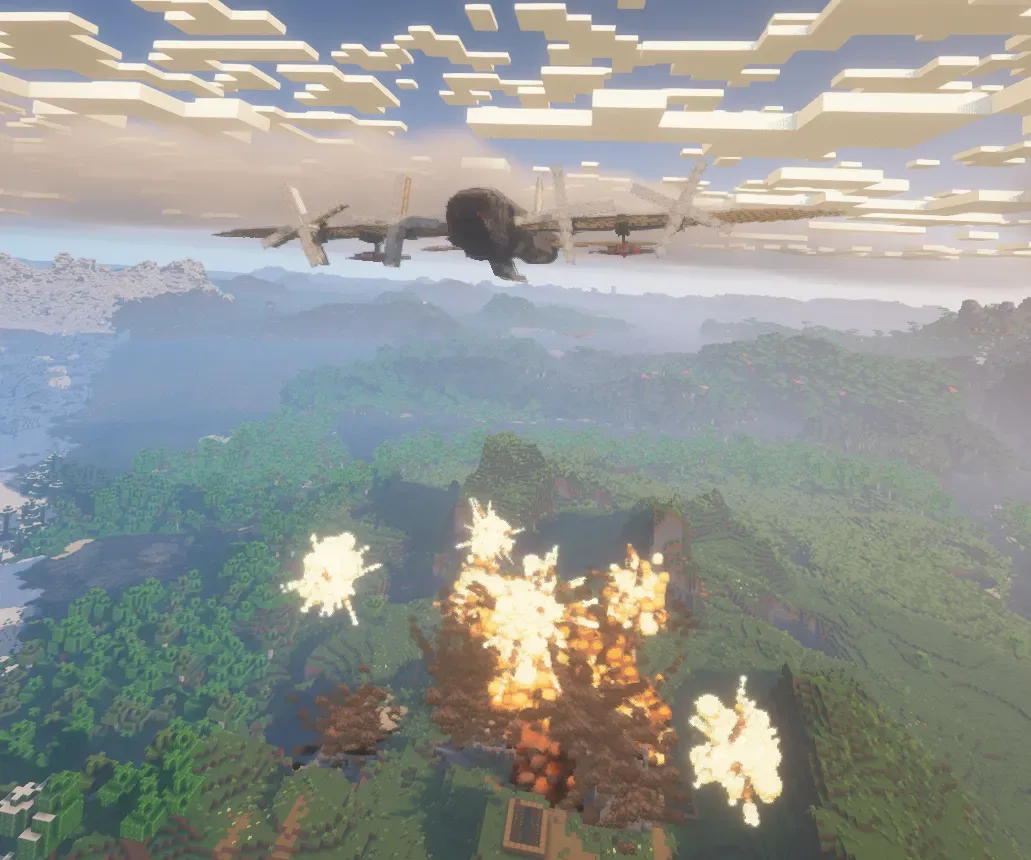
APB-4s-B is an improved bomber variant based on the APB-4s. It can carry up to 4 enlarged bombs (instead of 6 small in the original version), each with approximately 3x the payload of the standard bombs.
Compared to the APB-4s, this variant trades the number of bombs for greater destructive power per bomb, while retaining the same aircraft design and steam-powered engine.
Yes, stickers can be used to make a more compact bomb-loading system, but they have a major drawback: attaching a bomb to a sticker requires the bomb to be a separate assembled contraption that has to be carefully brought into position and attached to the sticker. Doing this while flying is impossible. That is why the APB-4s-B does not use stickers. With this system, bombs can be loaded and attached to the aircraft while it is still in flight, without having to land or stop.
The APB-4s-B also uses TNT as a detonator for the explosive rounds. High-explosive rounds with fuses can detonate on their own, but they only reliably explode when they hit the ground fuse-first. This makes it difficult to guarantee detonation when the bomb is mounted in flight, since positioning a shell with its fuse facing downward while flying is very difficult. TNT solves this problem because it detonates on impact regardless of its orientation and can also trigger the other explosive rounds inside the bomb
How to start:
Refill stairts with water(under the left wing; u can do this from the inside without breaking any block)
Feed blaze burners
Assemble aircraft
Turn the hand crank
How to reload bombs:
Click on mechanical bearing which controls the bomb bay (If you're in flight, you need to click on the mechanical bearing after jumping onto the torsion spring from the stairs)
Click on all swivel bearings
Place bombs
Controls:
W/S - pitch
A/D - roll left/right
Q/E - yaw
SHIFT/CTRL - Increase/Decrease Lift strength
B - open bomb bay
H - open/hide landing gear
1,2,3,4 - selective bomb drop
X - drop bombs from wings
G - toggle auto-stabilization (gyroscopic assist) (automatically levels the aircraft when it starts to bank)
Arrow keys - ground steering (wheel control on the ground)
Max speed: <60m/s
Note: Assemble all landing gear before controlling the aircraft on the ground with the arrow keys.
CHANGELOG:
v4.1: released version
v4.2 added signs
v4.3 fixed gyroscopic assist
If you run into any problems, message me on Discord (@ex1r4) or leave a comment
and 1 more block types
 "Crimsair" - Create Aeronautics Airship - Mobile Starter Base1,283 blocks · Azureblue
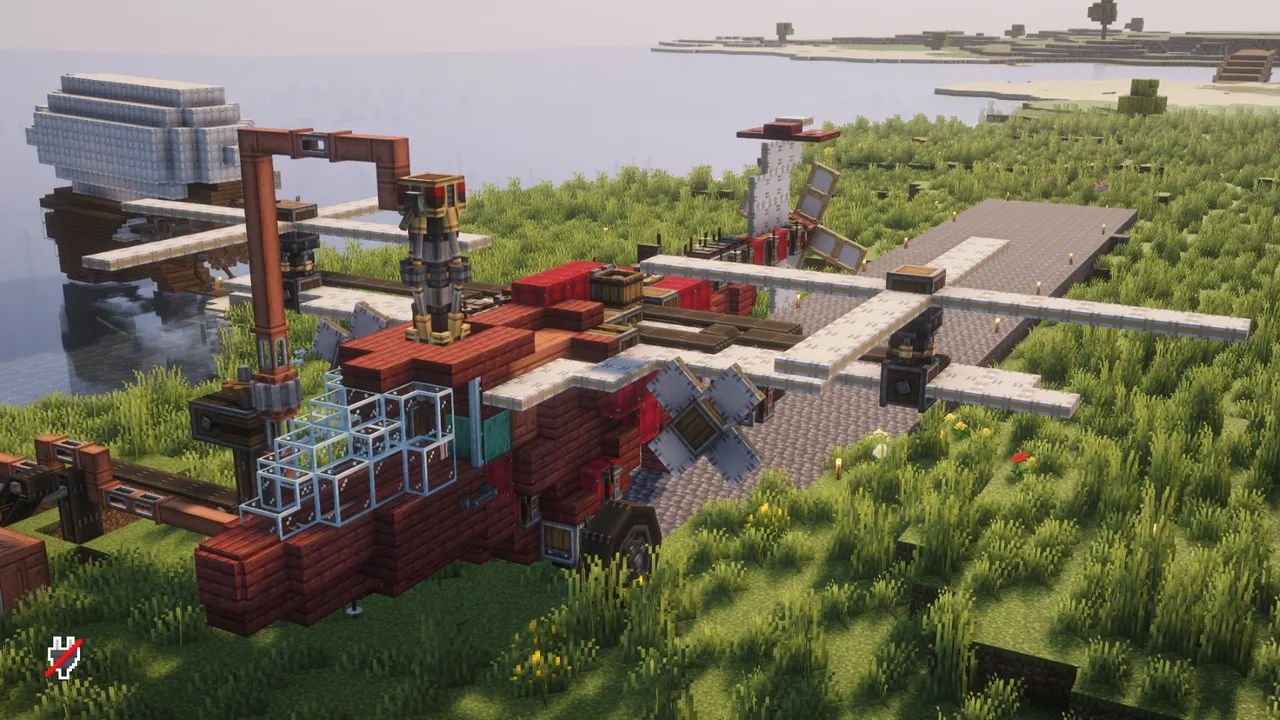 Heavy Lift Helicopter (REDDAWG)490 blocks · M4tty
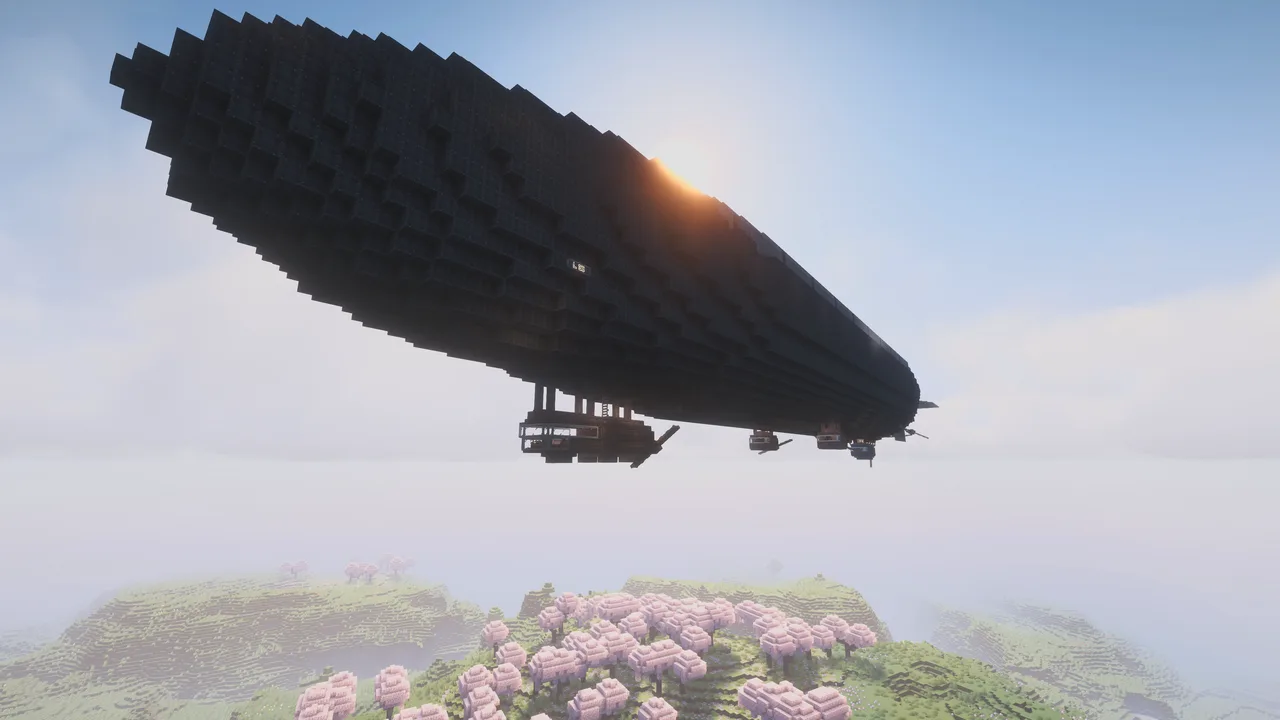 Zeppelin L 3017,114 blocks · Tigerjaeger131
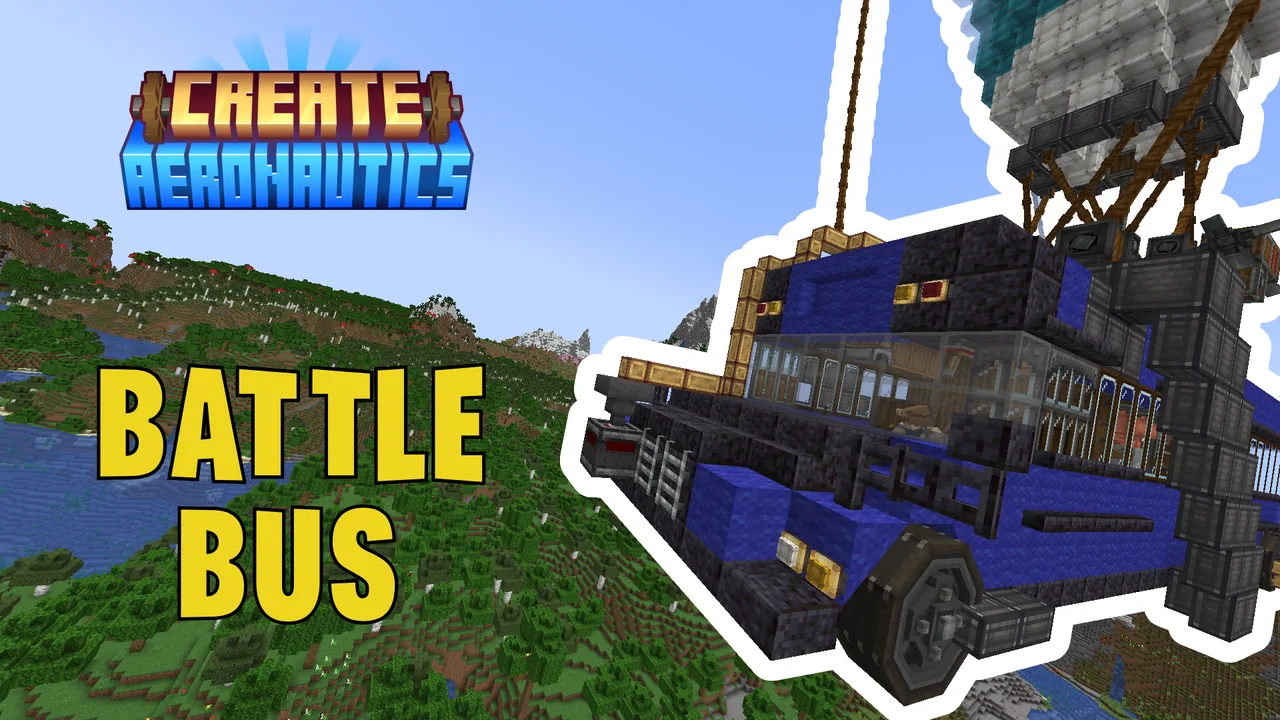 Battle Bus - milopossum2,689 blocks · Milopossum
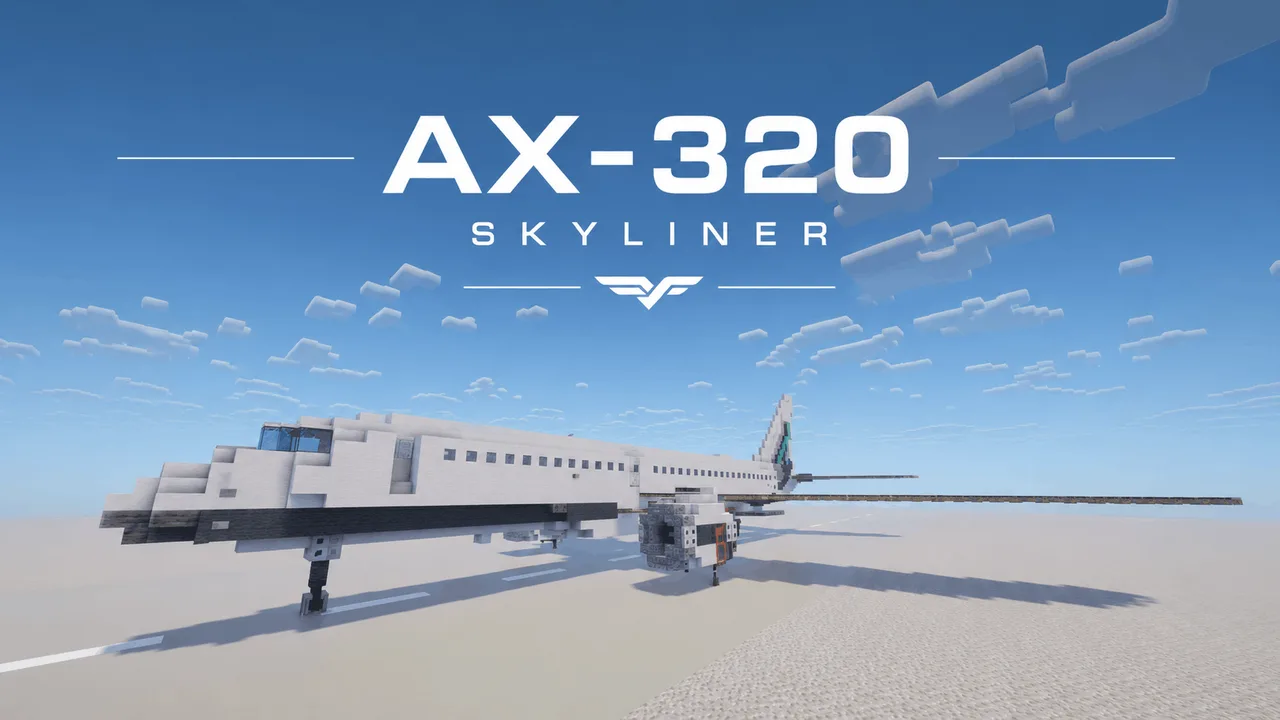 AX-320 "Skyliner"1,865 blocks · Mr.eger
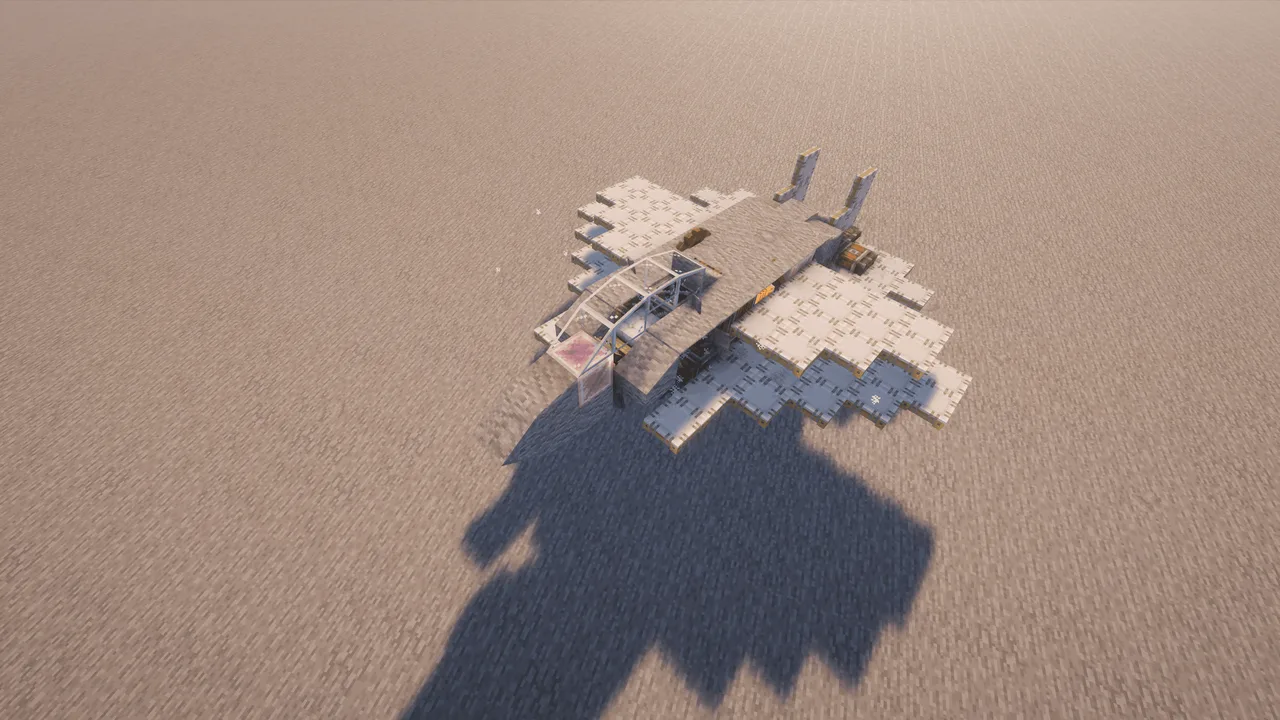 FIGHTER JET V3197 blocks · Attention
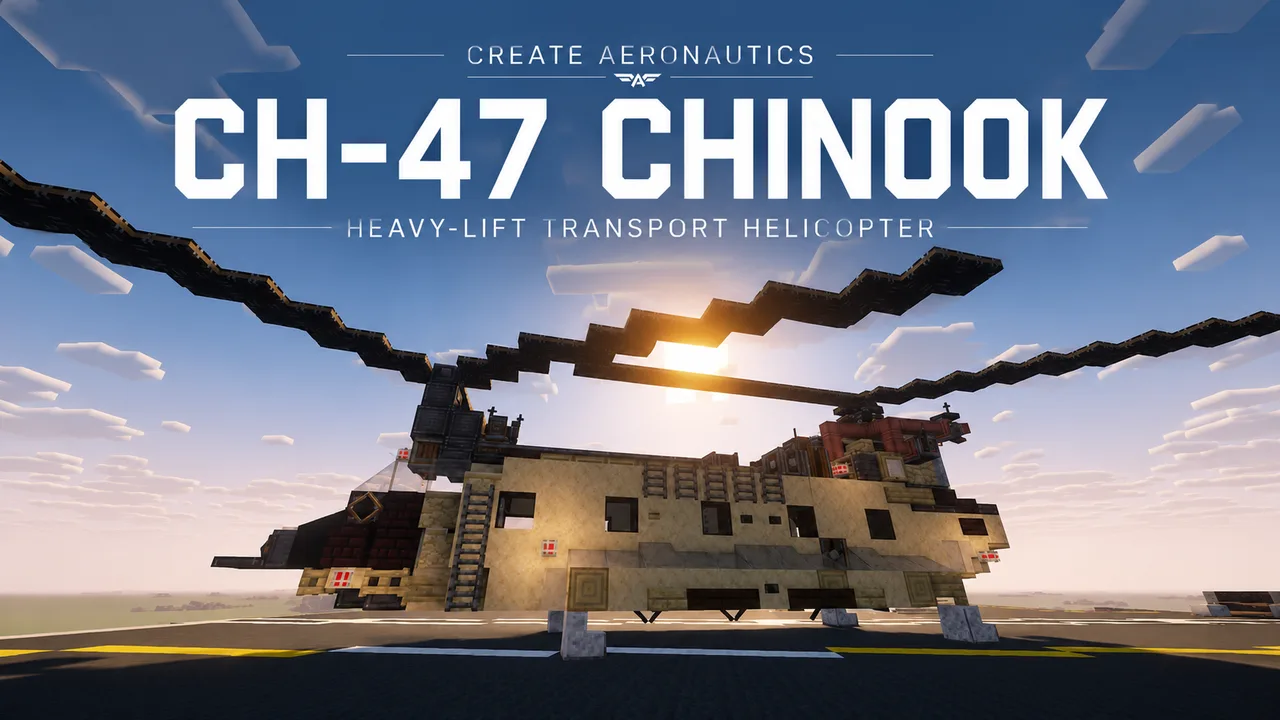 CH-47 Chinook773 blocks · Mr.eger
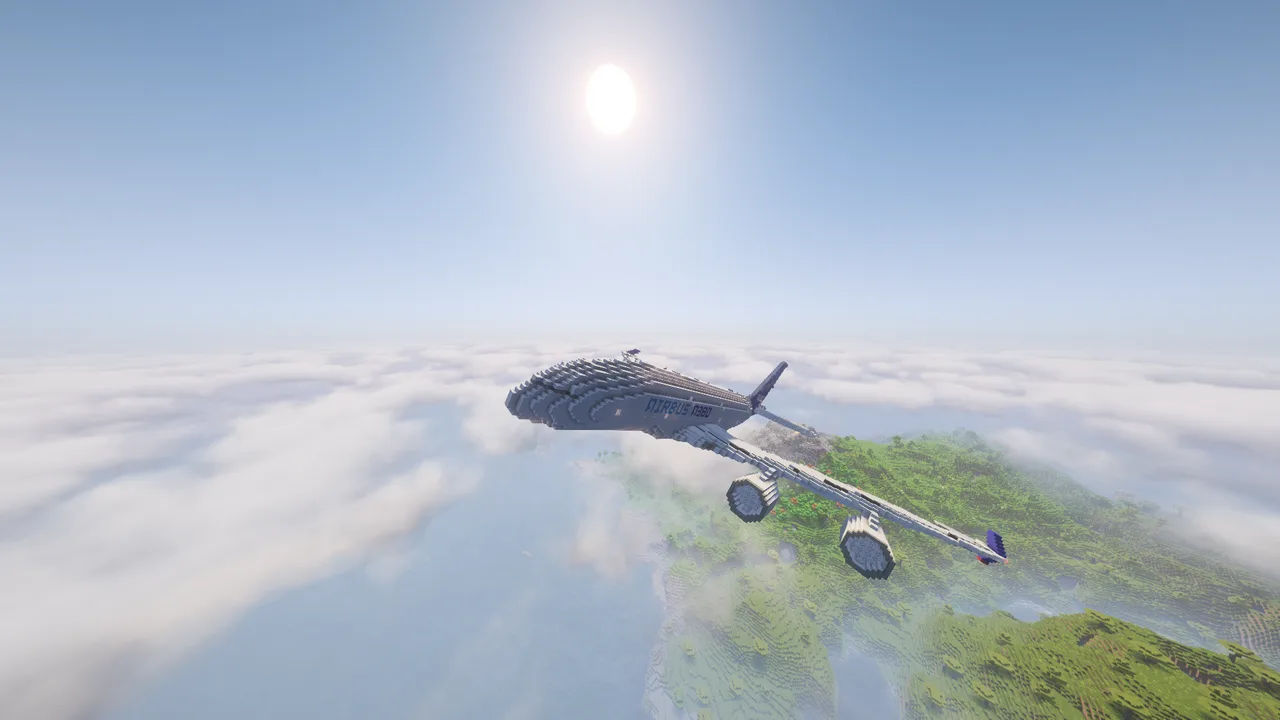 Airbus A380-80016,083 blocks · Eliot_z
 Cargo Helicopter245 blocks · Ludendorf
 Necron Aircraft | Warhammer 40k46,458 blocks · Designjx23-Oss
 True hover bike60 blocks · Jessthepest
 Flying Fox Mark 27,099 blocks · Scifox