
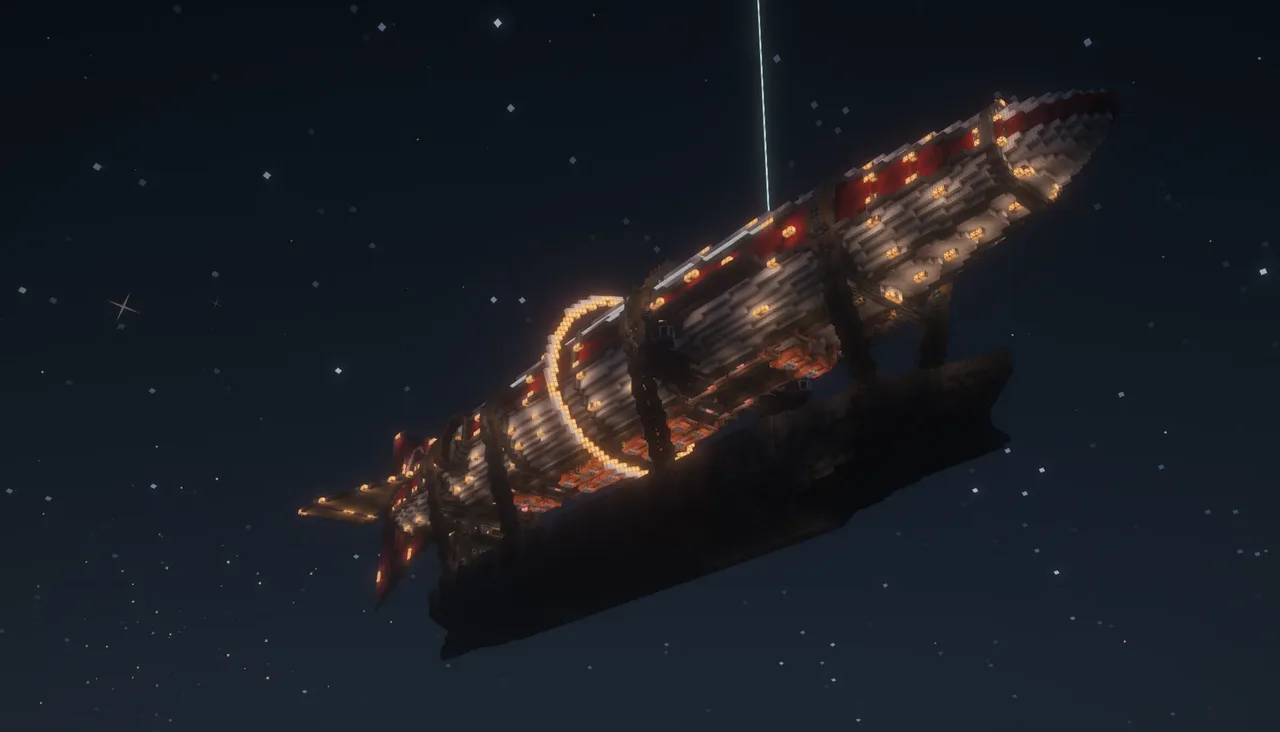
| Creator | Berkcan90 |
|---|---|
| Category | Flying Machines |
| Size | 247 × 80 × 67 blocks |
| Blocks | 52,288 |
| Minecraft | 1.21.X |
| Create | 6.0.10 |
| Mods | Aeronautics, Create, Copycats, Simulated, Createaddition, Hotstuff, Dndesires, Createdieselgenerators, Toms storage, Aeroengineering, Create radar, Create connected, Createcasing, Tfmg, Aeronautics utility objects |
| Downloads | 2,020 |
| Added | 2026-09-22 |
Schematic by Berkcan90, published on CreateMod.com. This page lists what it contains; download the file from the creator’s page.
🚢 Ship Overview & Specifications
Max Speed: 93 m/s
Normal Speed: 60 - 61 m/s
Features:
1 internal elevator
Dedicated storage and engine rooms
Automated night lighting
Central gimbal balance system (using a swivel bearing)
2 cranes on each side
⚠️ CRITICAL REQUIRED MOD (NOT SHOWN IN THE TAGS BELOW): Create: Dreams & Desires — Make sure to add this manually to your mod list! The engine room relies on Omni-Speed Controllers from this mod to drive the water pumps. If you paste the schematic without this mod installed, those controllers will vanish, the water pumps won't work, and the boilers will get stuck at Level 3!
⚠️ FIX FOR "TOO MANY BLOCKS" ERROR WHEN ASSEMBLING: Because this is a massive ship, it exceeds Create's default block limit. Before assembling, go to: Create Menu (Goggles icon) ➡️ Configure ➡️ Gameplay Settings ➡️ Kinetics ➡️ Contraptions ➡️ Max Blocks Moved and set it to a much higher number (or edit create-server.toml in your world's serverconfig folder).
⚠️ Create Menu (Goggles icon) -> Configure -> Gameplay Settings -> Kinetics -> Contraptions -> Max Blocks Moved and set it to a much higher number (or edit create-server.toml in your world's serverconfig folder).
⚙️ Main Engines Startup Procedure (Cold Start)
(Note: The water pumps are powered by the engines themselves. You MUST follow these steps, otherwise the boilers won't get enough water to go past Level 3!)
Go to the front of the engine room.
Flip the switch on the starter engine.
Put 1 coal block in each and wait until the engines reach normal speed.
Be fast: Go to the second switch (which controls only the steam engines).
Turn OFF the starter clutch.
Turn ON the main engine switch.
Wait: The engine room is now self-sustained and makes 1M stress units (SU), just wait a moment until all boilers reach Level 9.
🕹️ Controls
Typewriter Controls:
Q: Rudder left
E: Rudder right
A: Propeller turning left
D: Propeller turning right
Seat Levers:
Middle lever: Speed control
Front right lever: Front gear
Front left lever: Reverse gear
Top Levers (Side of the balloon):
Middle top levers: Go up and down
Left front lever: Pitch up
Right front lever: Pitch down (Note: The ship has auto-leveling, so use these only for minor adjustments at high speeds.)
🛠️ Troubleshooting & Technical Maintenance
Crane Rope & Lever Setup
Objective: Connect the crane controls to make the ropes move up and down.
Tool Required: Andesite Universal Joint Rod
Connection Steps:
The connection points on the ship are already prepared.
Right-click two joint heads with the Andesite Universal Joint Rod to create a linkage between them.
Use this tool to link the ready connection points directly to the lever on each of the 2 cranes.
Once linked, the lever on each crane will fully control the up and down movement of the ropes. (Tip: If you target the wrong point, Sneak-Right-Click with the rod to clear the target. Keep in mind the maximum connection range is 15 blocks.)
If Redstone Links Vanished:
Q: Red signal ➡️ Chain conveyor
E: Blue signal ➡️ Chain conveyor
A: Red signal ➡️ Spruce wood | Blue signal ➡️ Chain conveyor (next page)
D: Red signal ➡️ Chain conveyor | Blue signal ➡️ Spruce wood
Display Boards & Radar:
Radar screen: Needs to be replaced every time so the datalink is linked again.
Display boards: Check every display board to ensure they work properly.
Fix: If they do not work, use this mod before assembling the ship: https://www.curseforge.com/minecraft/mc-mods/aeronautics-display-link-fix
⚠️ Golden Rules
Do not put speed all the way down to fastest at the start. You can flip the ship and lose balance.
Hope u guys enjoy it!
and 86 more block types
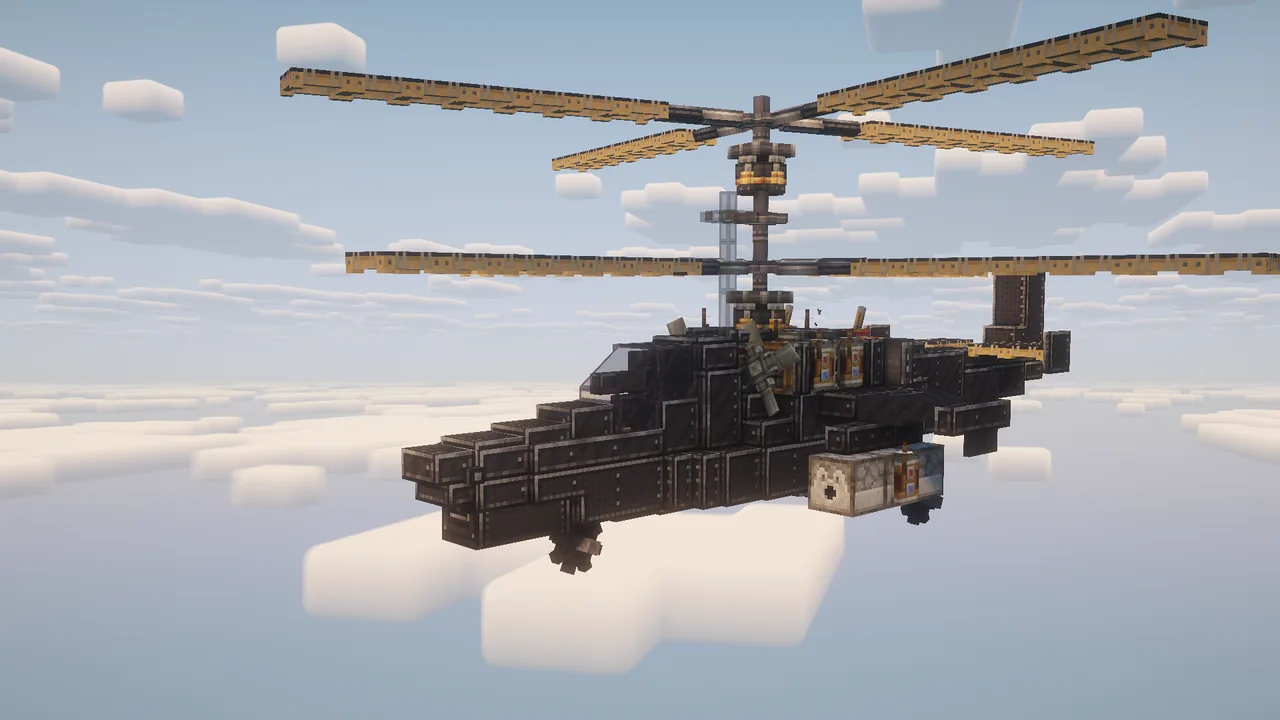 KA-50 Black Shark / Survival Friendly282 blocks · Niko Beniko
![[Savy's] Survival Friendly - Small Plane](/a/17/172c1b1031f60dd.webp) [Savy's] Survival Friendly - Small Plane126 blocks · Savy
[Savy's] Survival Friendly - Small Plane126 blocks · Savy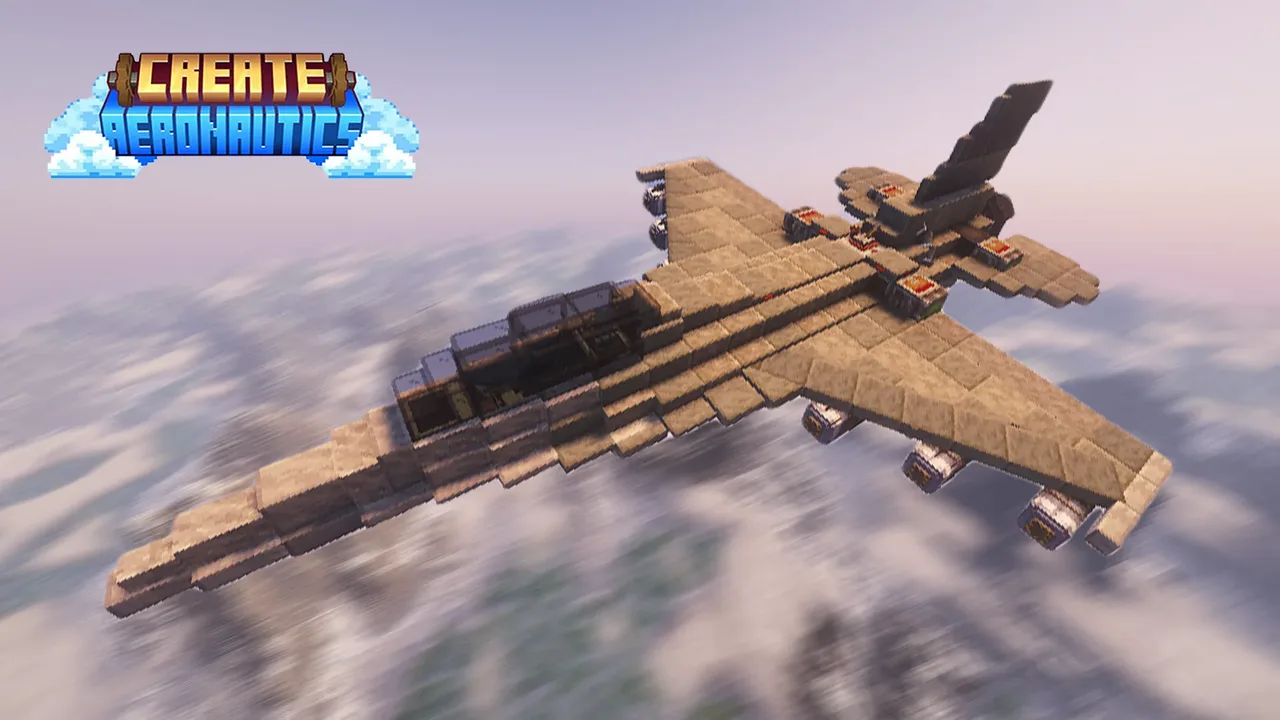 F-16 Fighting Falcon279 blocks · Skulk Works
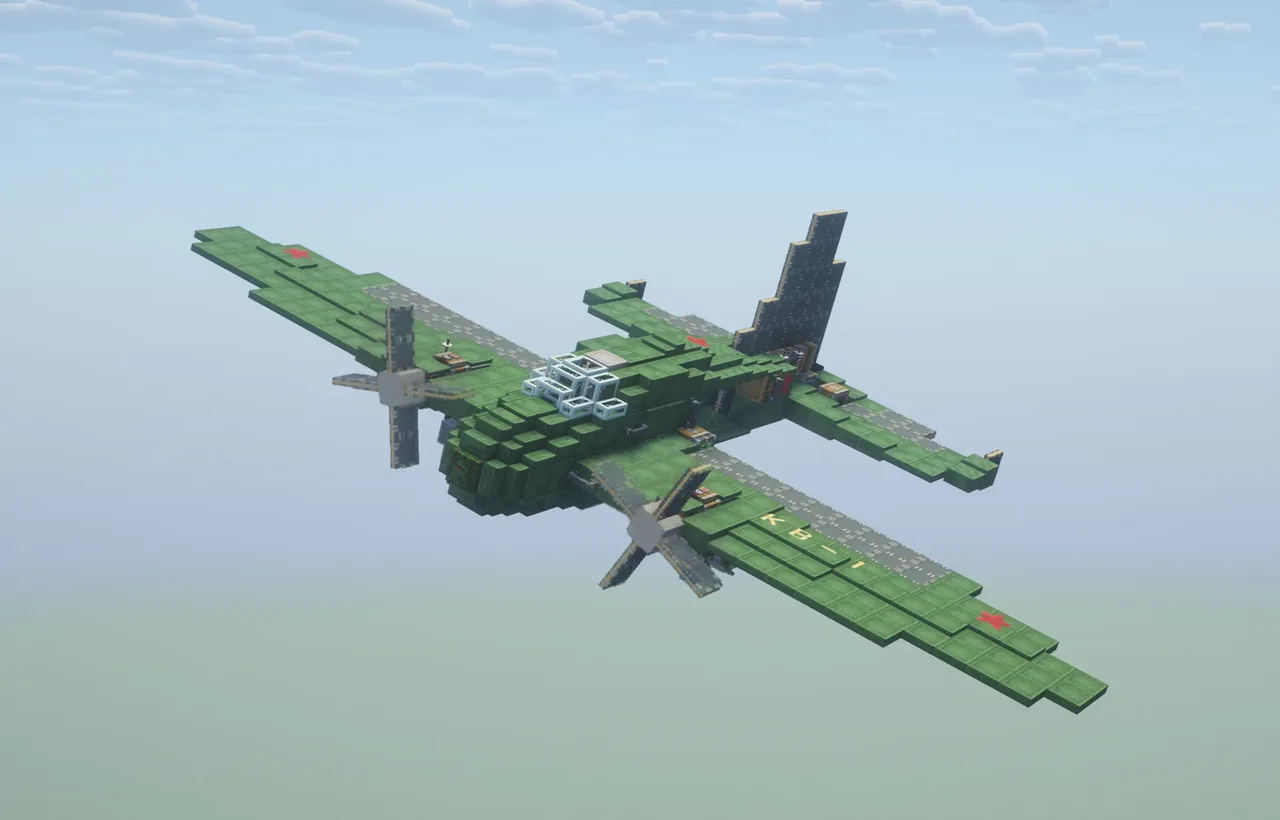 simple bomber461 blocks · Kramix
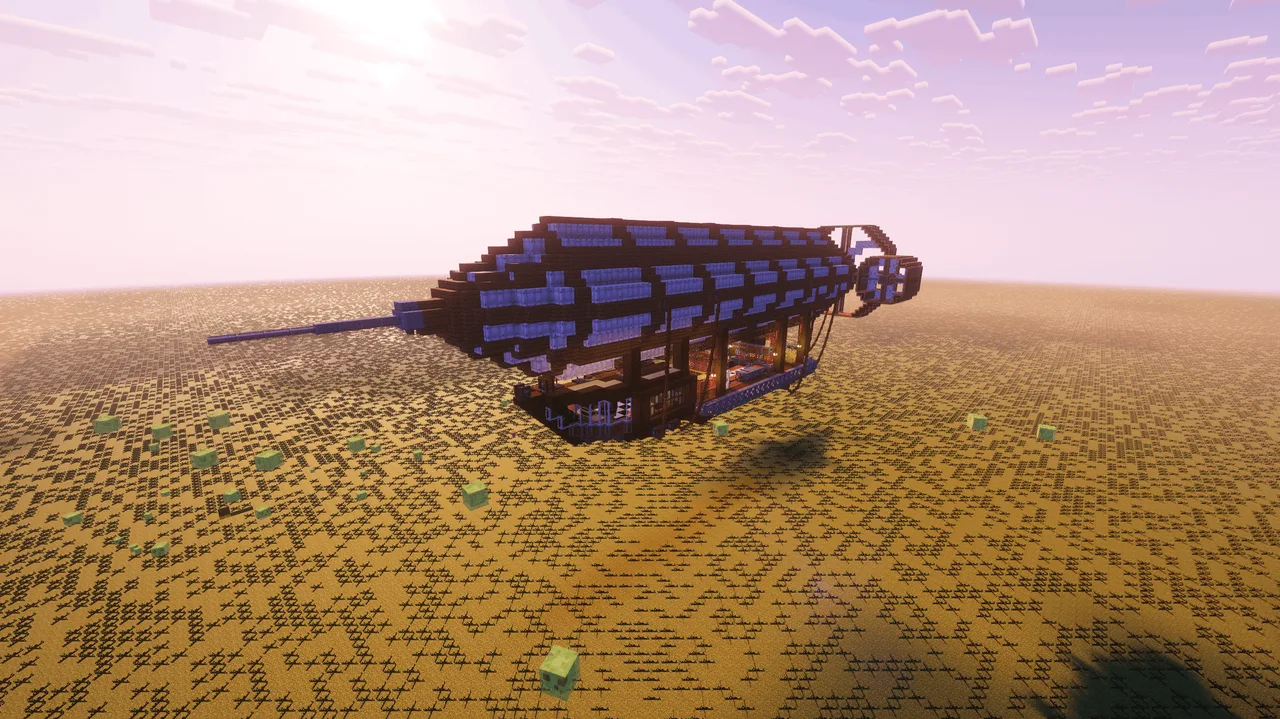 The Umpire V14,196 blocks · Carbontanker25
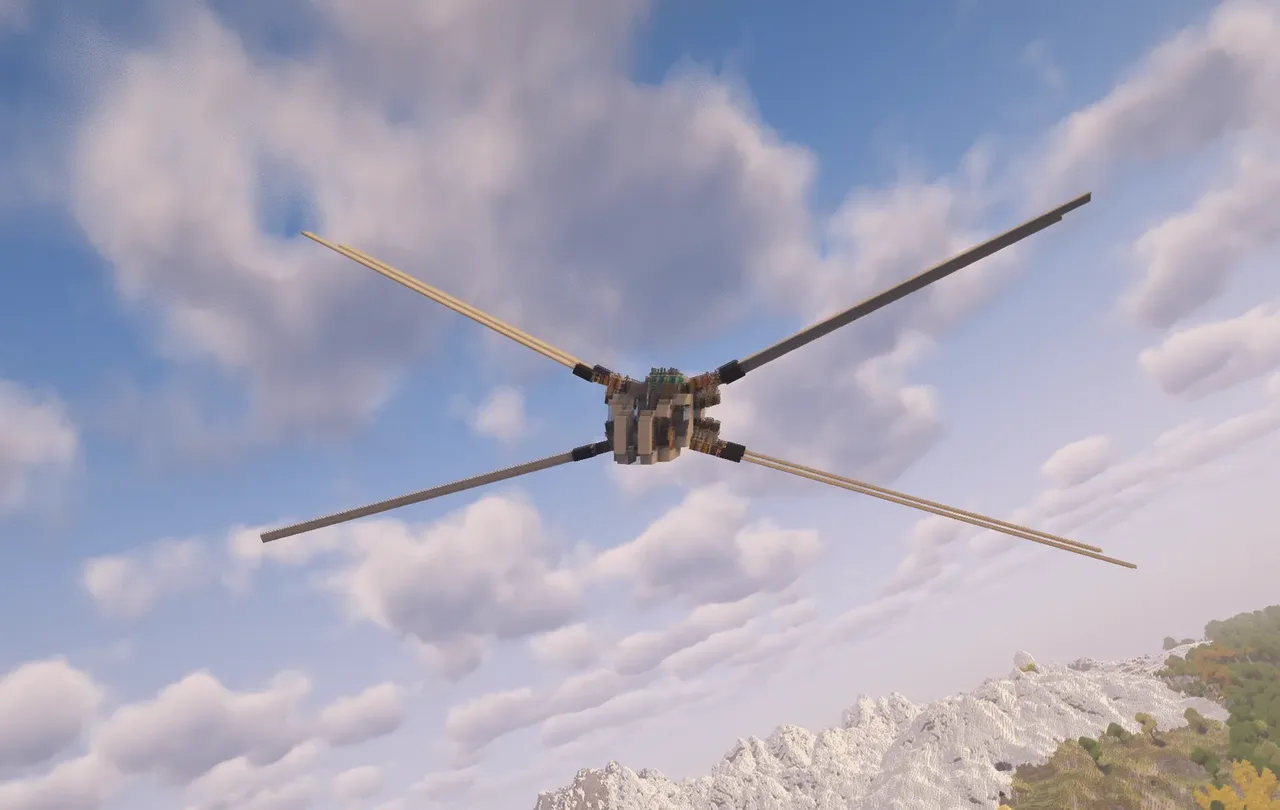 Shai Hulud Prototype V2 - Improved & Near Survival Ready Ornithopter1,172 blocks · El Gato
![[1.21.1] (Update) Jumbo Green Airplane v3](/a/52/5276c90d55b6b82.webp) [1.21.1] (Update) Jumbo Green Airplane v3824 blocks · Koba
[1.21.1] (Update) Jumbo Green Airplane v3824 blocks · Koba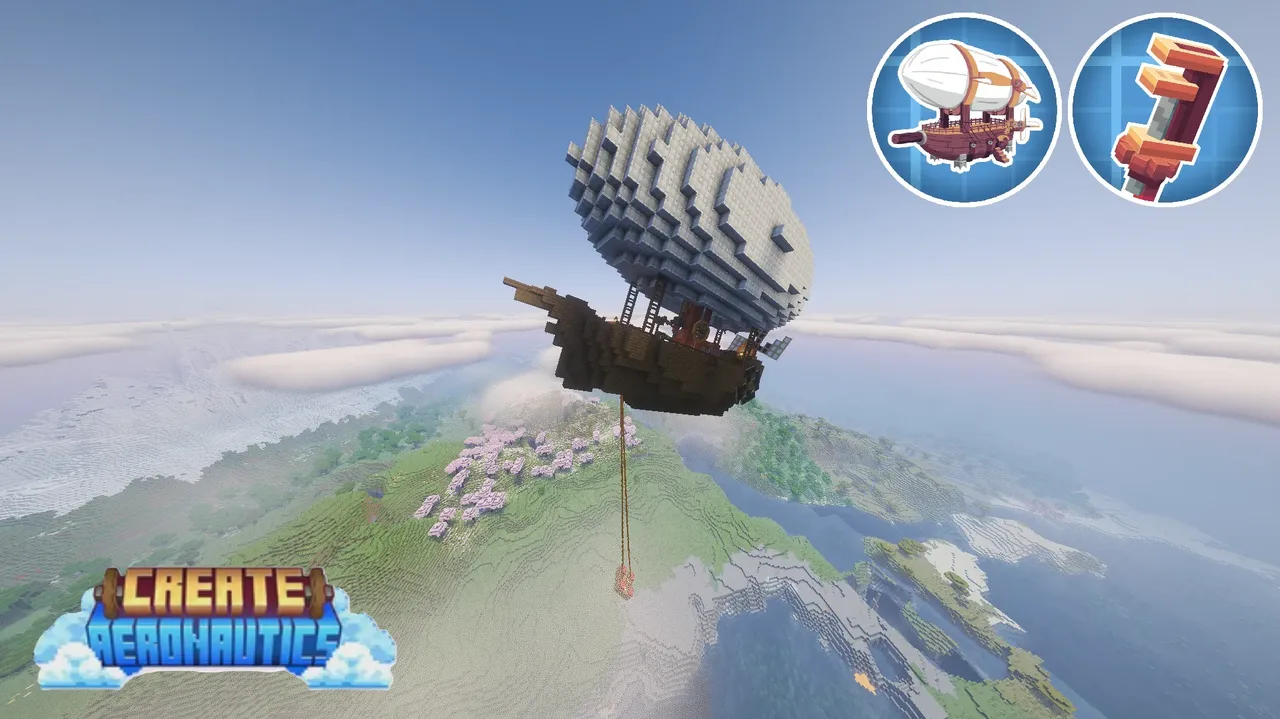 survival airship3,138 blocks · Kumajpn
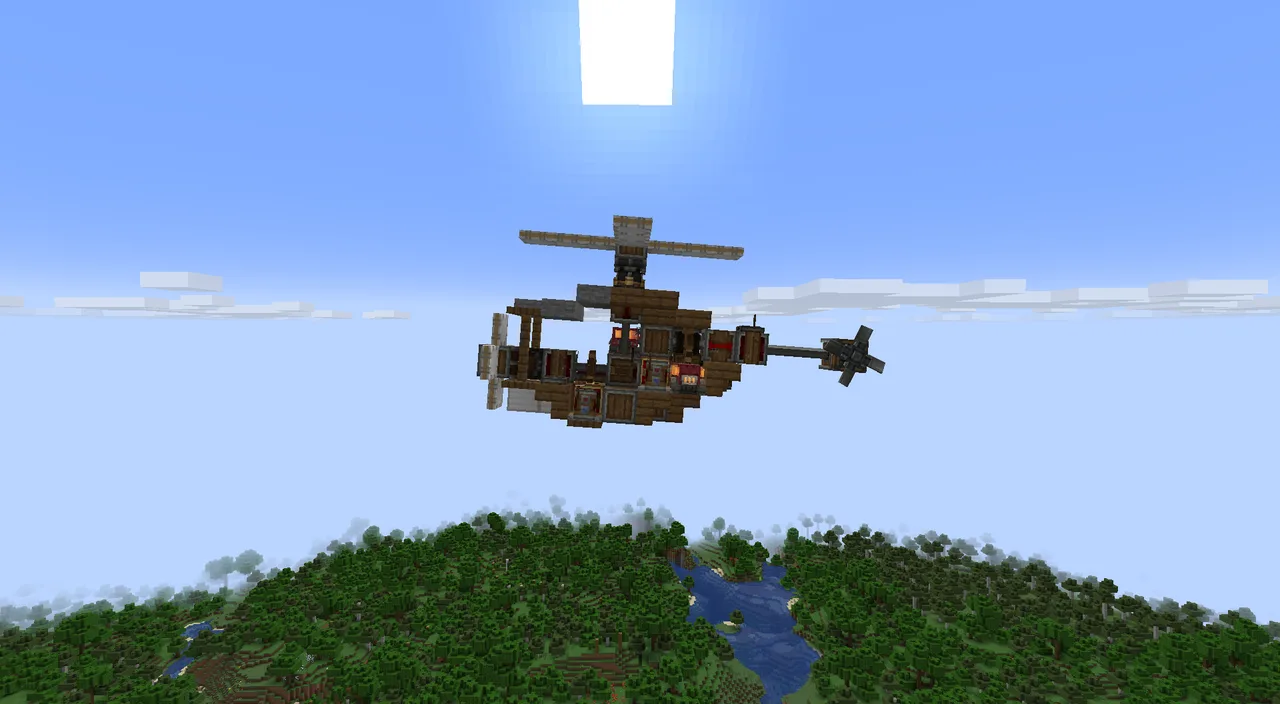 Small aeronautics helicopter94 blocks · Grain
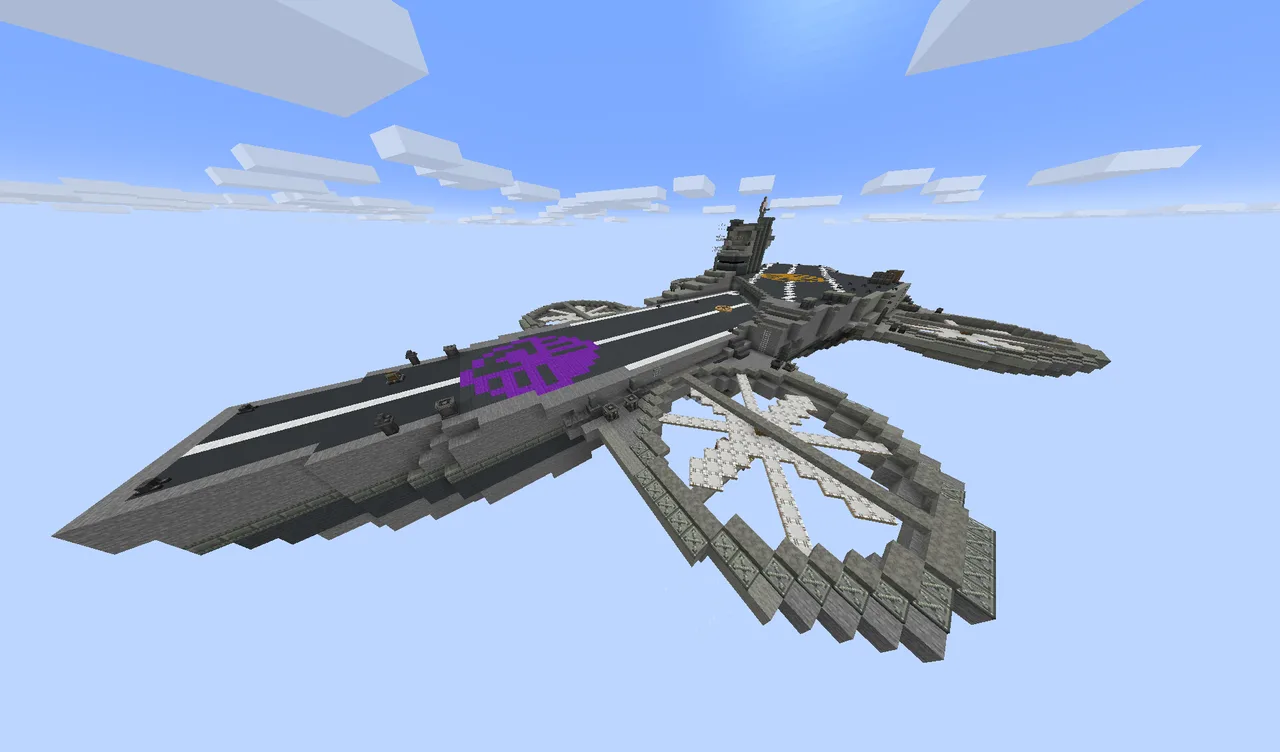 Helicarier13,734 blocks · Larsx648
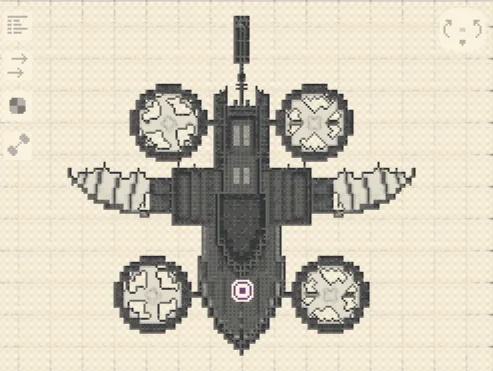 «Стальной Рассвет»6,131 blocks · Dramodal
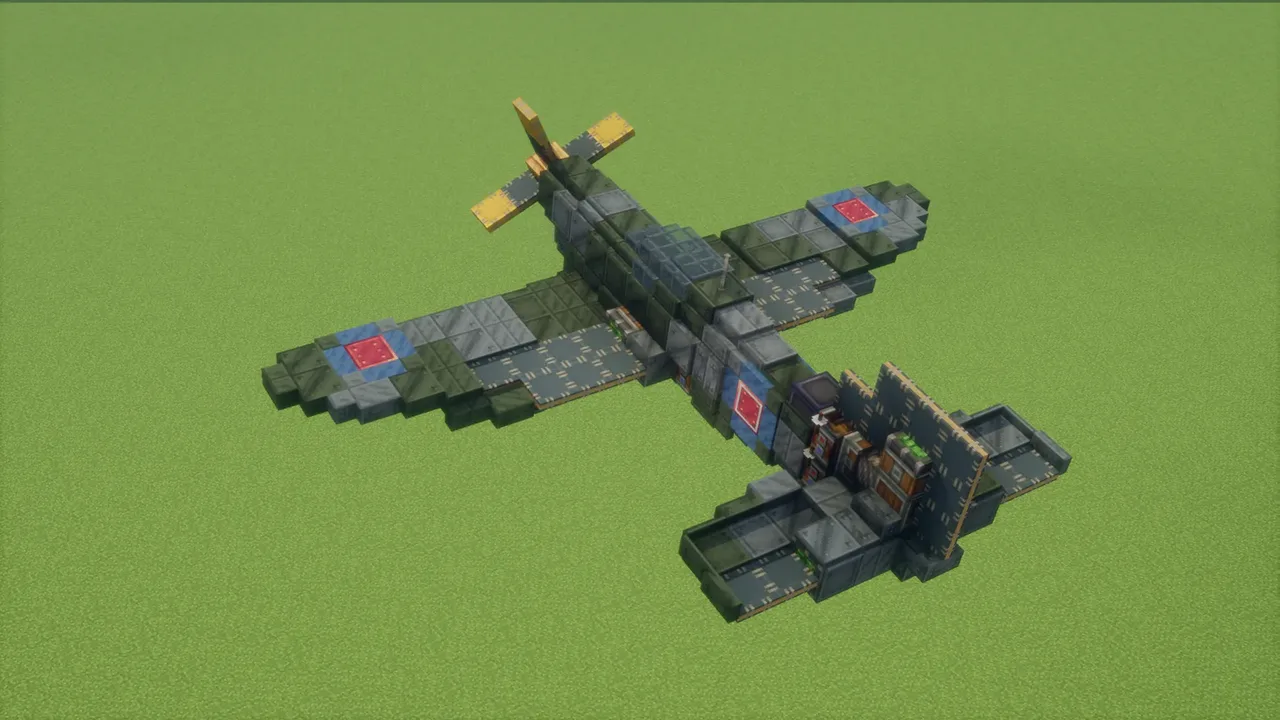 Supermarine Spitfire271 blocks · Saurolab