
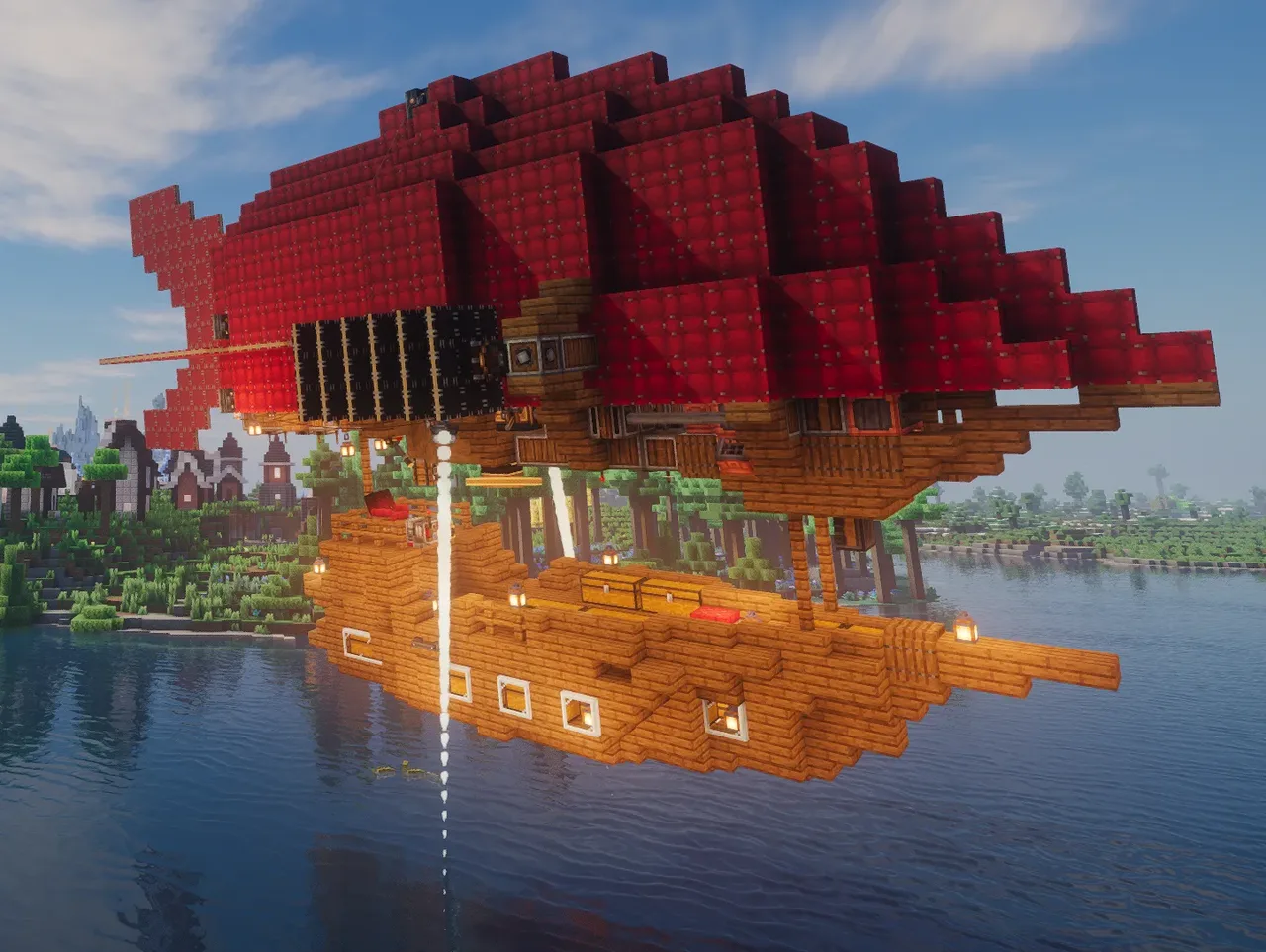
| Creator | Mizuiro |
|---|---|
| Category | Flying Machines |
| Size | 37 × 22 × 15 blocks |
| Blocks | 1,467 |
| Minecraft | 1.21.X |
| Create | 6.0.10 |
| Mods | Aeronautics, Copycats, Createaddition, Createpropulsion, Createdieselgenerators, Create dragons plus, Aeroworks, Interiors, Simulated, Create, Vsfluidlink, Create connected |
| Downloads | 235 |
| Added | 2026-08-25 |
Schematic by Mizuiro, published on CreateMod.com. This page lists what it contains; download the file from the creator’s page.
The case was taken from Qwsxlt
(https://createmod.com/schematics/airship-akis)
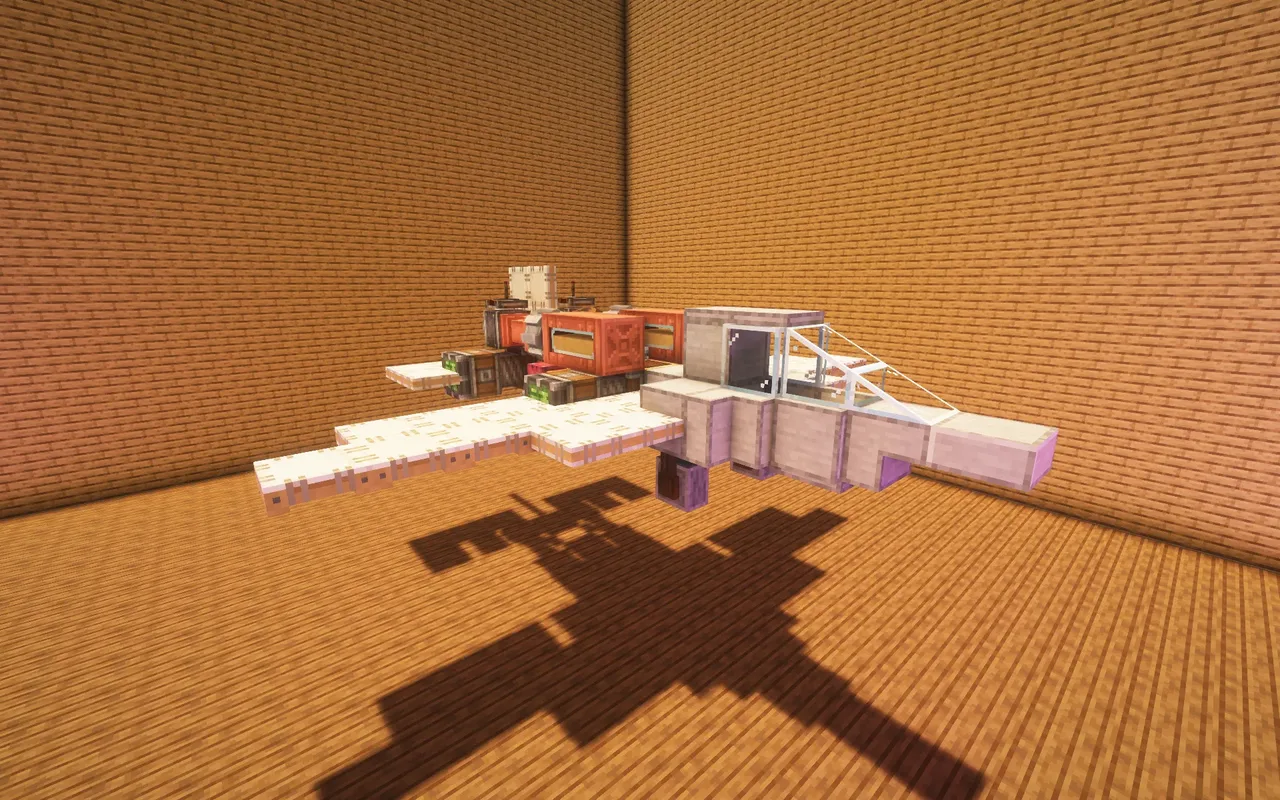
This is a small airship designed for exploration, adventure, or fast movement between bases.
The airship can reach speeds of up to 55 m/s with the propellers turned on, up to 65 m/s with the propellers and jet thrust, and up to 68 m/s with the climb, jet thrust and propellers turned on. Due to the balloon, it takes off to about 200 altitude, higher heights can be achieved by jet thrust.
The airship uses 5 large diesel engines. The engines consume 7,200 mb per hour +- which is enough for about 20 hours of continuous operation with a full tank.
To assemble, you will need to set up the levers as shown in the video and connect the connectors with wires. (I forgot to show in the video that you also need to set the value 1 on the lever directly under the typewriter, this will allow the airship to hover in the air at a high altitude and not move. I took a screenshot of its location. this is the second picture)
Before starting, do not forget to install a turbocharging engine upgrade! To start the engines, you need to fill them with fuel in some way, it is better to use a fluid hatch for this. As soon as the engine starts, you can refuel it using the hose connector.
Controls:
W - Foward
A- Backward
S - Left turn
D - Right turn
Arrow -> turn to the right on the spot
Arrow <-turn to the left on the spot
Shift - Activate reactive thrust
ctrl - Use the jet engine to fly higher
left throttle lever - speed control
right throttle lever - high control
Mid lever - turn off/on engines (It allows you to save fuel, but keep in mind that jet propulsion is powered by a large battery, which is charged in idle mode from the engines.)
You can use the altitude sensor to set the value above 200 at which the ship will stay permanently, use the difference of 20 so that the ship hovers approximately in the middle between the upper and lower values. Or pull both sliders up to disable this feature.
P.s I'm also currently building an even faster airship of the same size, but its features are causing me problems, so I'll probably download it later.
and 11 more block types
 Diesel Plane (95 m/s!)400 blocks · Phishykid
 Small Biplane118 blocks · Grigri5454
 Gigantic Flying Base8,546 blocks · Grigri5454
 Hovercraft160 blocks · Nil48f
 Modular 2x2 thruster65 blocks · Catman31
 Tilt Rotor Dropship239 blocks · Siem-Pro-Gamer
 Liquid Transport Helicopter293 blocks · Matigamer1400
 Samson SA-2237 blocks · Husky5410
 ufo v22,350 blocks · Bapbap2815
 Sikorsky S-64 Skycrane by amiya1219765 blocks · Amiya1219
 Simple and Practical Airship370 blocks · Wanroyse
 jet fighter91 blocks · Fufik