
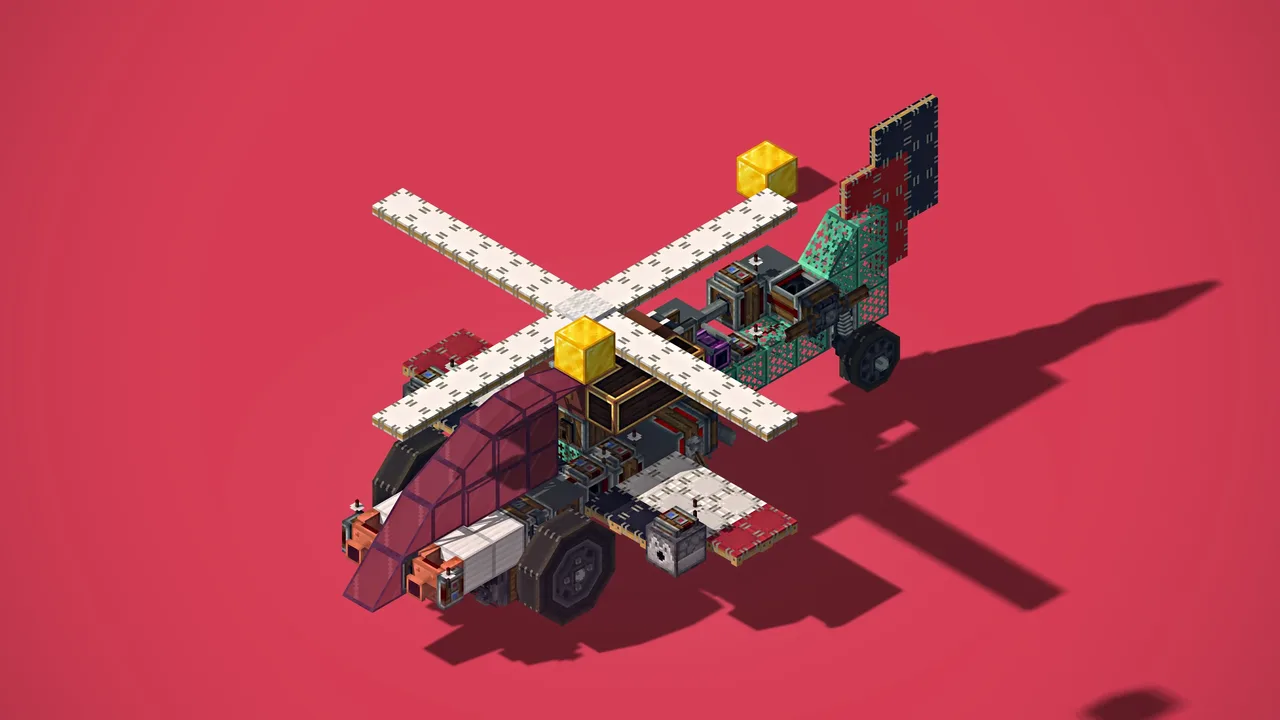
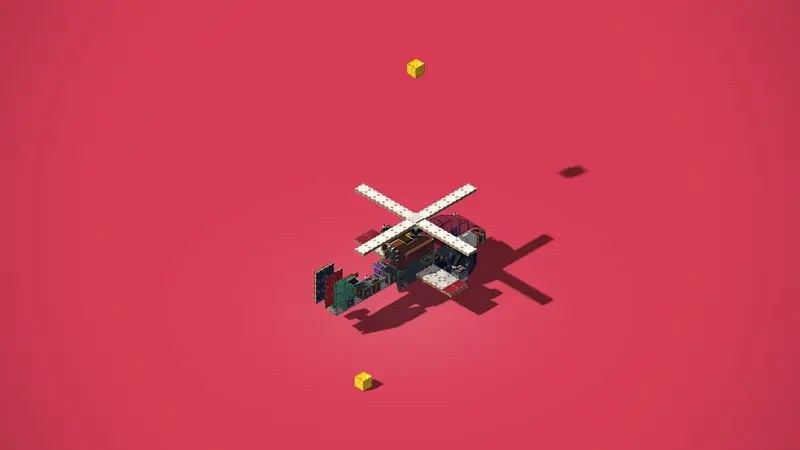
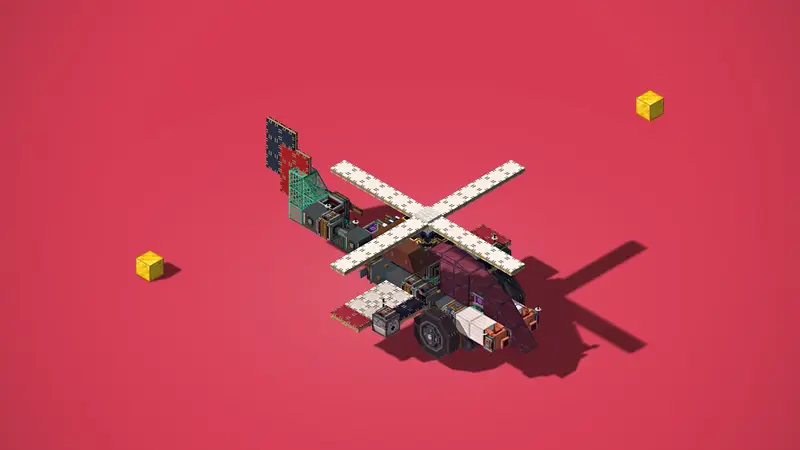
[EN] Custom Functional Military Helicopter Schematics - Made by galaczimiln232
Hello everyone! I am proud to present my latest Minecraft project: a highly detailed, beautiful, and fully functional military helicopter built completely by myself, with 100% solo work and absolutely no external help or guides!
The main goal of this design is to provide a sleek, fast, and safe vehicle to reach high-altitude places in total security. Around 5 to 10 hours of hard work, planning, and precise building went into this project (with short breaks, of course) to make sure every single block, weapon, and circuit functions perfectly.
⚠️ CRITICAL & HIGHLY DANGEROUS WARNING: To make the vehicle fly and function as a physics object instead of regular stationary blocks, you must enable it using the Physics Assembler! While you are on the ground, NEVER press the H key! Dropping a TNT while landed will immediately blow up and destroy your own vehicle! Only use the bombing system when you are high up in the air!
⚠️ USAGE RULE: Only use the specific keys, buttons, and systems listed in this guide. Do not mess with other hidden configurations, parts, or unlisted mechanics, as doing so might break the helicopter's functionality.
🎮 Flight Controls & Ground Driving
A unique feature of this helicopter is its versatile mobility—it can drive around on the ground using its wheels, fly solo, or be controlled in a 2-Player Co-op mode!
💡 Handling Tip: Due to the heavy weight and realistic build mechanics of this aircraft layout, turning or moving left can feel a little bit harder than usual. This is completely natural and part of the vehicle's unique physics!
🕹️ Solo Pilot Controls:
Takeoff & Ascend (Up): Sit in the pilot seat, hold down your Left SHIFT key, and click the Analog Lever 2–3 times. This will lift the vehicle into the sky.
Descend & Land (Down): Without holding the Shift key, very slowly and carefully click the Analog Lever to gradually descend back to the ground.
Move Forward (Ground & Air): Press the W key.
Move Backward (Ground & Air): Press the W and S keys together.
Turn Right: Press the CTRL and SPACE keys together.
Turn Left: Press just the SPACE key alone.
👥 2-Player Co-op Mode:
Player 1 (Front Seat - Main Pilot): You control all horizontal navigation. You steer the vehicle forward, backward, left, and right wherever you want to go.
Player 2 (Back Seat - Co-pilot): This player manages vertical flight. They are responsible for controlling the up and down movement or maintaining a perfectly level, straight altitude while Player 1 does the steering!
⚙️ Speed Adjustment
You have manual control over your horizontal speed limits:
Behind the Typewriter, you will find a fast gear, followed directly by a purple motor.
You can interact with this purple motor to adjust how fast the helicopter moves forward and backward.
⚠️ Recommendation: It is strongly recommended to keep the motor set to the exact speed lane/configuration I left it on, as it is perfectly tuned for the weapons and stability!
💥 Built-in Weapons & Visual Systems
✨ Bottom Laser Light: There is a beautiful laser light mounted on the very front-bottom of the helicopter, which provides an incredible visual look during night flights!
🔥 Fire Charge Launchers: There are 2 rapid-fire dispensers mounted on the sides of the helicopter. Load them up with Fire Charges, sit in your seat, and press the O key to unleash fireballs at your targets!
🥔 Potato Cannons: Mounted on the front are 2 destructive Potato Cannons. Go up to them and long-click them with potatoes in your hand until they are fully loaded. Sit back in your seat and press the G key to fire. These weapons have absolutely no recoil, keeping your flight completely steady while shooting!
💣 TNT Bomber System: Load the dispenser located underneath the helicopter with TNT. Once you are high in the air, press the H key on the Typewriter to drop bombs!
📦 Strictly Required Mods (You absolutely need all 12!)
For this schematic to load correctly and function without missing blocks or crashing your game, you must install all 12 of these mods on Minecraft 1.21.1 (NeoForge):
CC: Tweaked (v1.21.1-forge-1.119.0)
Copycats (v3.0.9+mc.1.21.1-neoforge)
Create: Avionics (vneoforge-1.0.0)
Create Radar (v5.0.3-1.21.1)
Create (v1.21.1-6.0.10)
Create: Aeronautics (v1.21.1-1.3.2)
Create Better Targeting (v1.1.0)
Create Big Cannons (v5.11.7+mc.1.21.1)
Create Propulsion (v1.1.5)
Design 'n' Decor (v1.21.1-2.0.2)
RitchiesProjectileLib (v2.1.2-mc.1.21.1-neoforge)
Sable (vneoforge-1.21.1-2.0.6)
Download Info: You will find the working schematic file for the helicopter at the end of the download pack. If you enjoy using my creation and want to support the hours of solo effort put into it, please drop a Diamond / Like and leave a comment down below, use TypeWriter to use the vehycle!
Enjoy the flight, and fly safely!
- galaczimiln232

 Y Flyer (Compact Swivel Bearing Flyer)22 blocks · Bitsmc
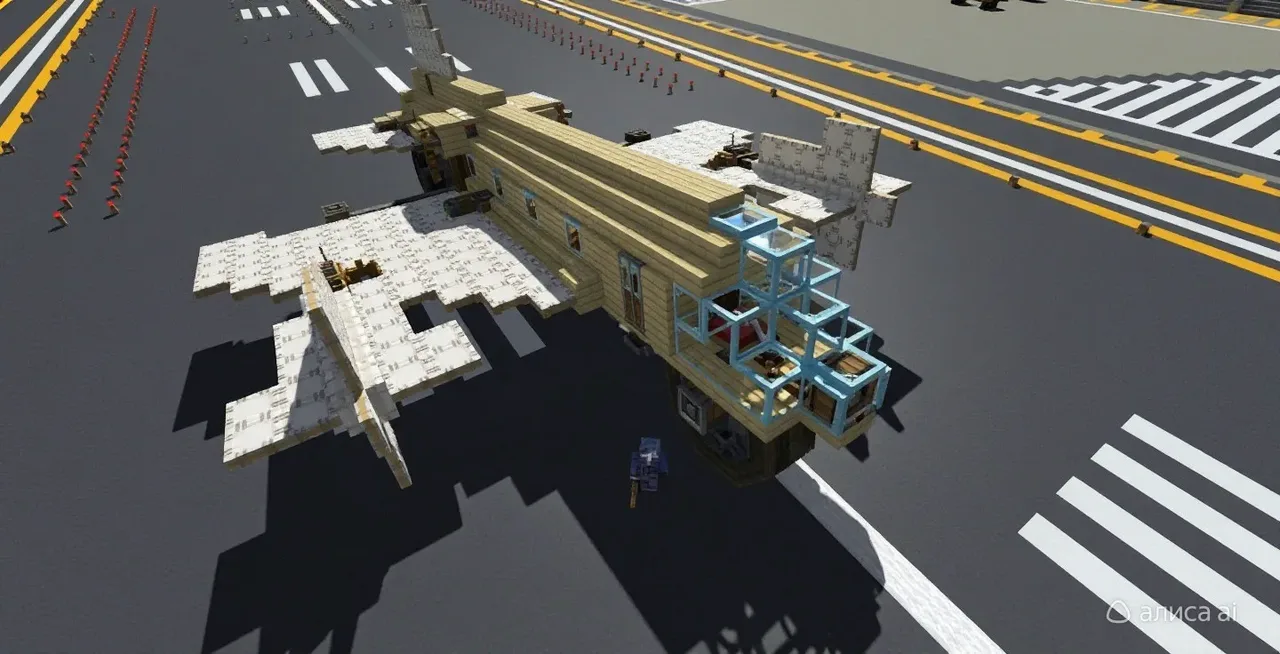 Lixan_1_0 — A Reliable Passenger Aircraft Designed for 6 Passengers.697 blocks · Artem
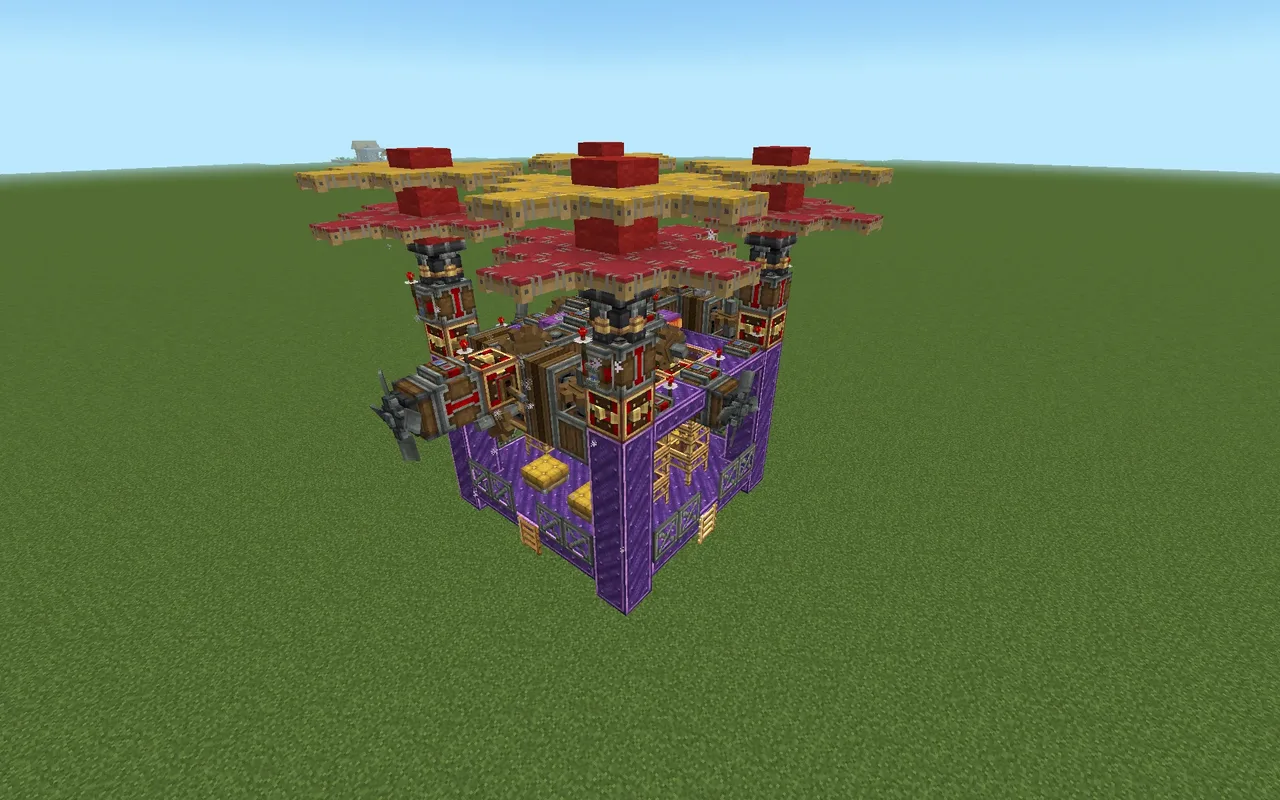 Auto-Pilot Drone "BOX"335 blocks · N0el1e
 SU-57 Fighter Jet Create Aeronautics489 blocks · Skulk Works
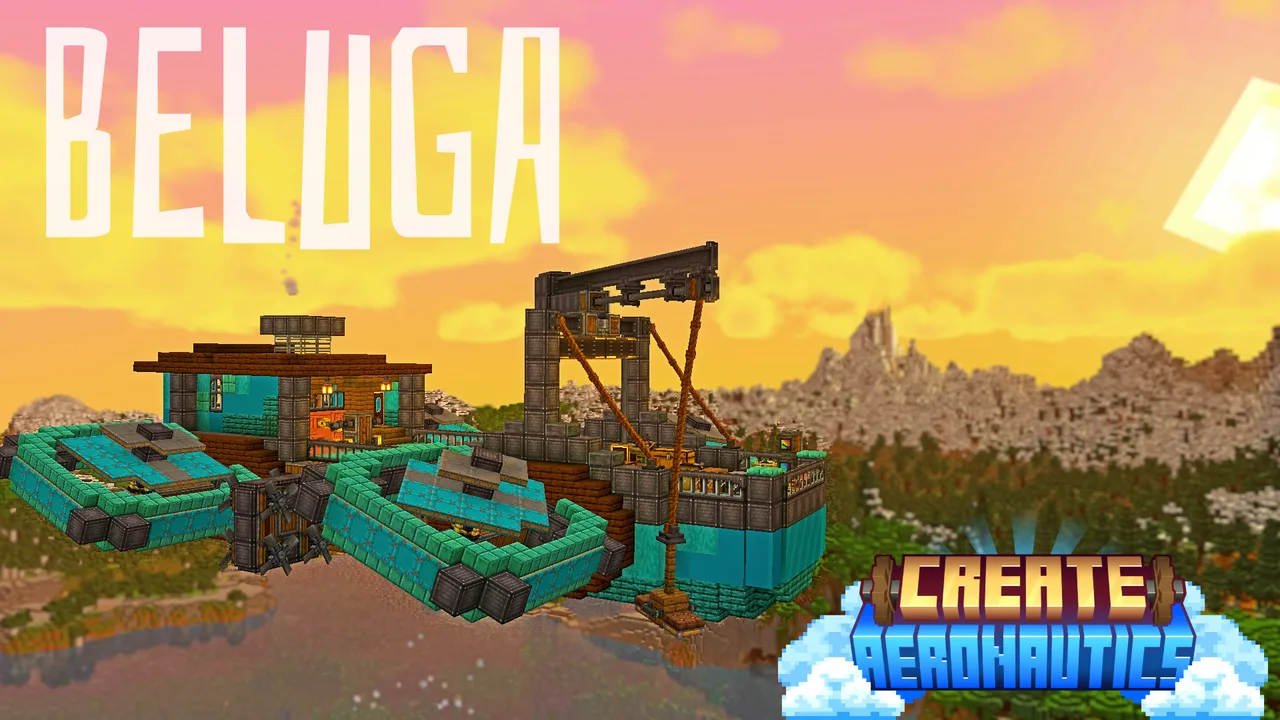 Beluga Quadcopter2,443 blocks · Mysda
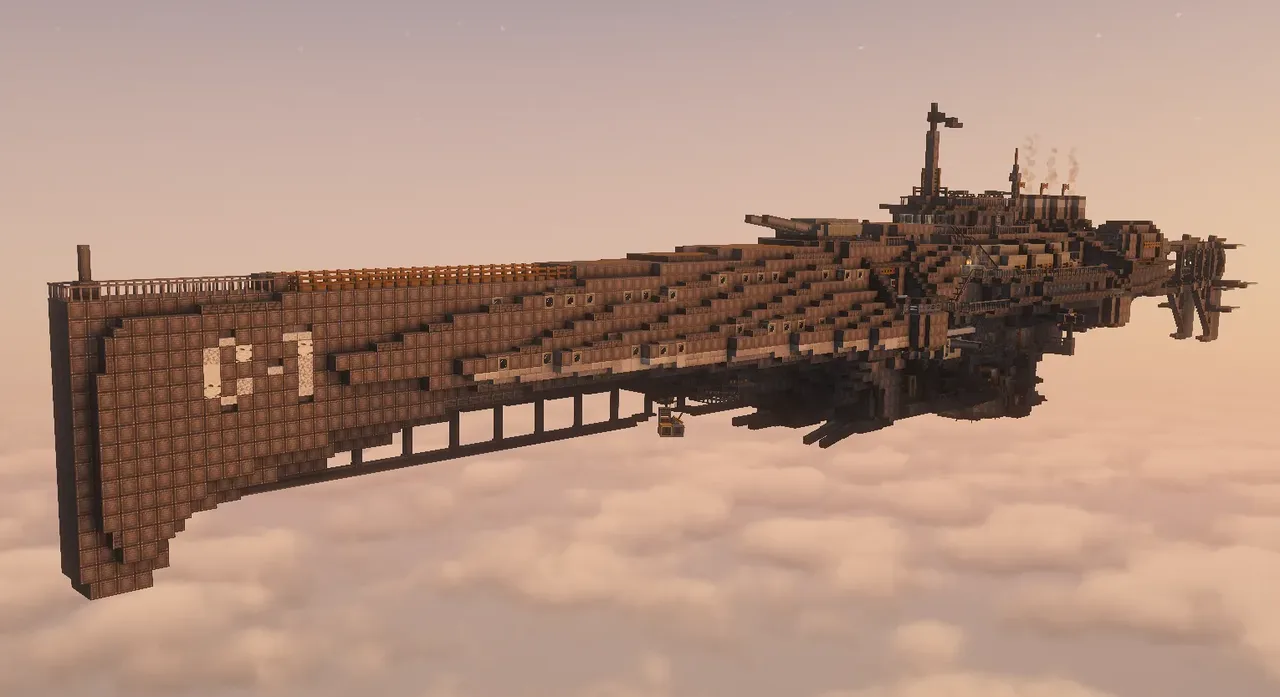 Culverin-Class Air Cruiser20,659 blocks · Jirek0623
 B-2 Spirit Bomber V22,115 blocks · Skulk Works
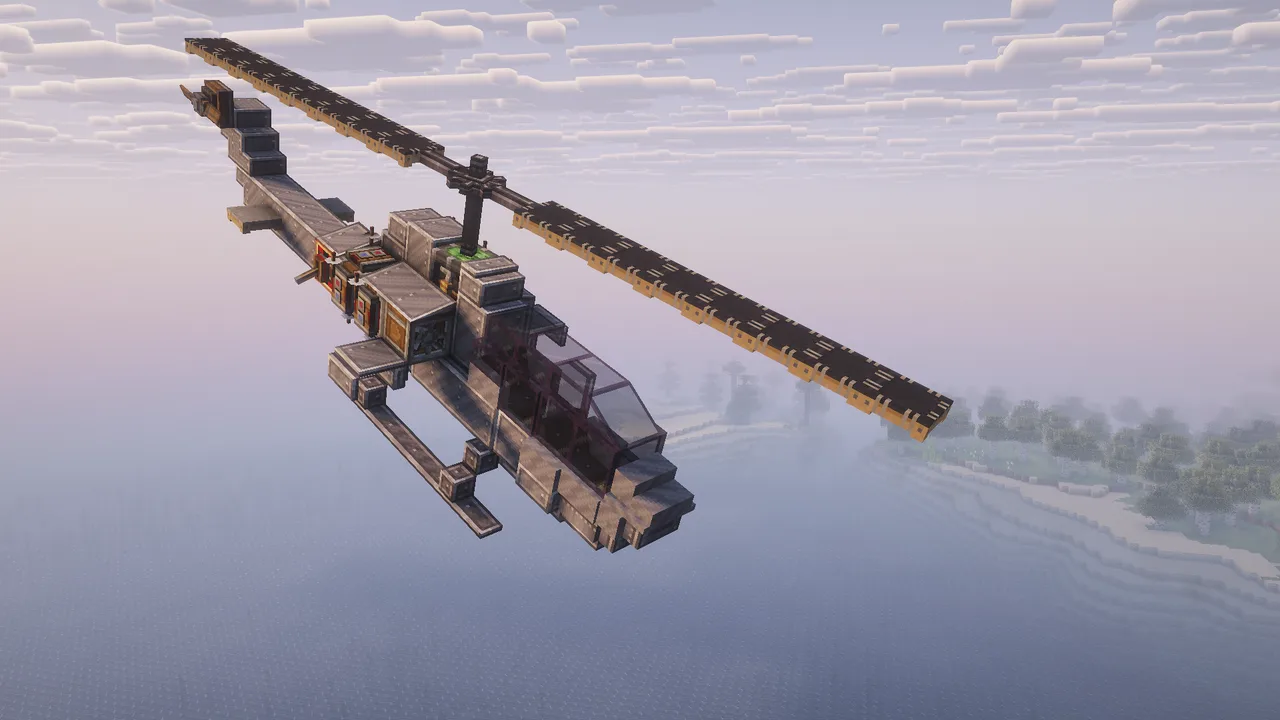 AH-1W Super Cobra Helicopter / Survival Friendly146 blocks · Niko Beniko
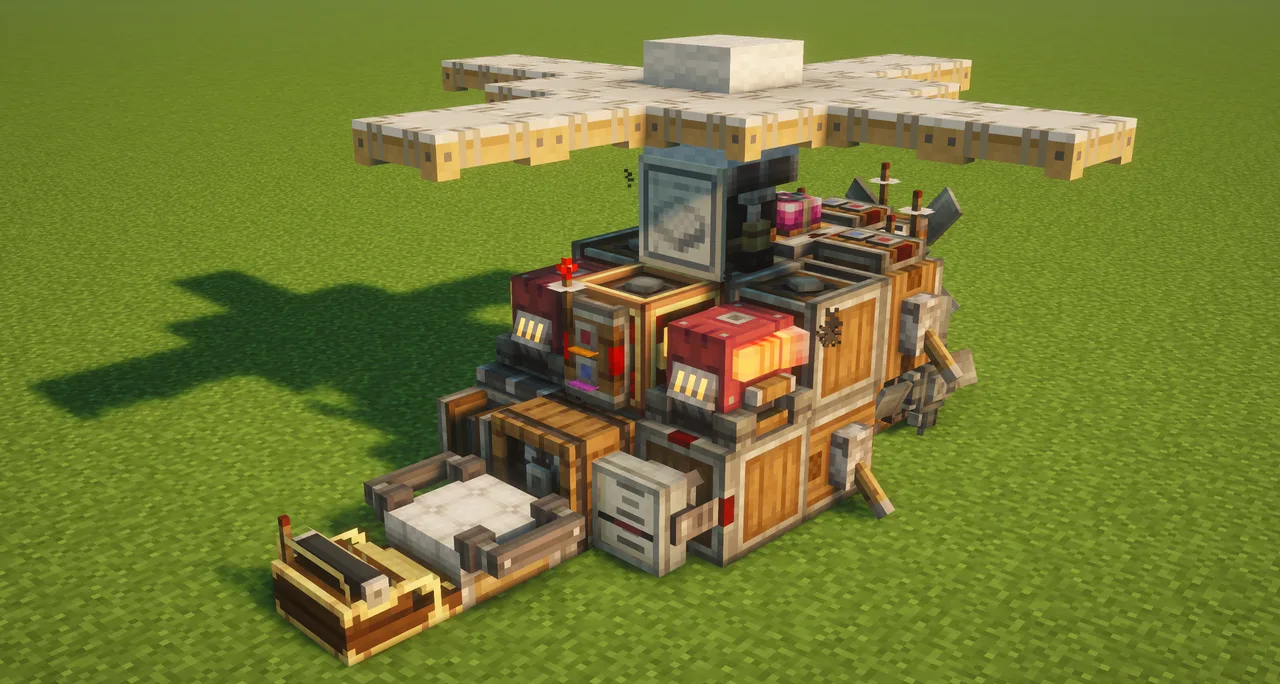 Easy Helicopter V2 (Survival Friendly)59 blocks · Maxpowa
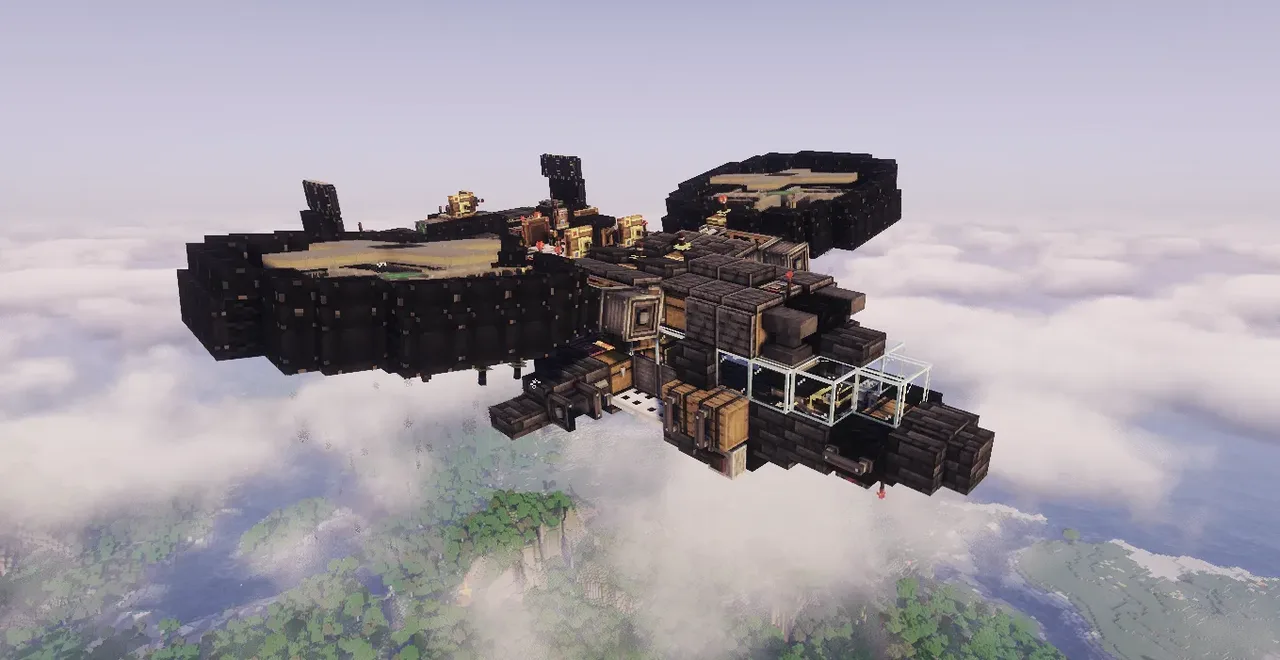 Tilted Tiltrotor646 blocks · Jirek0623
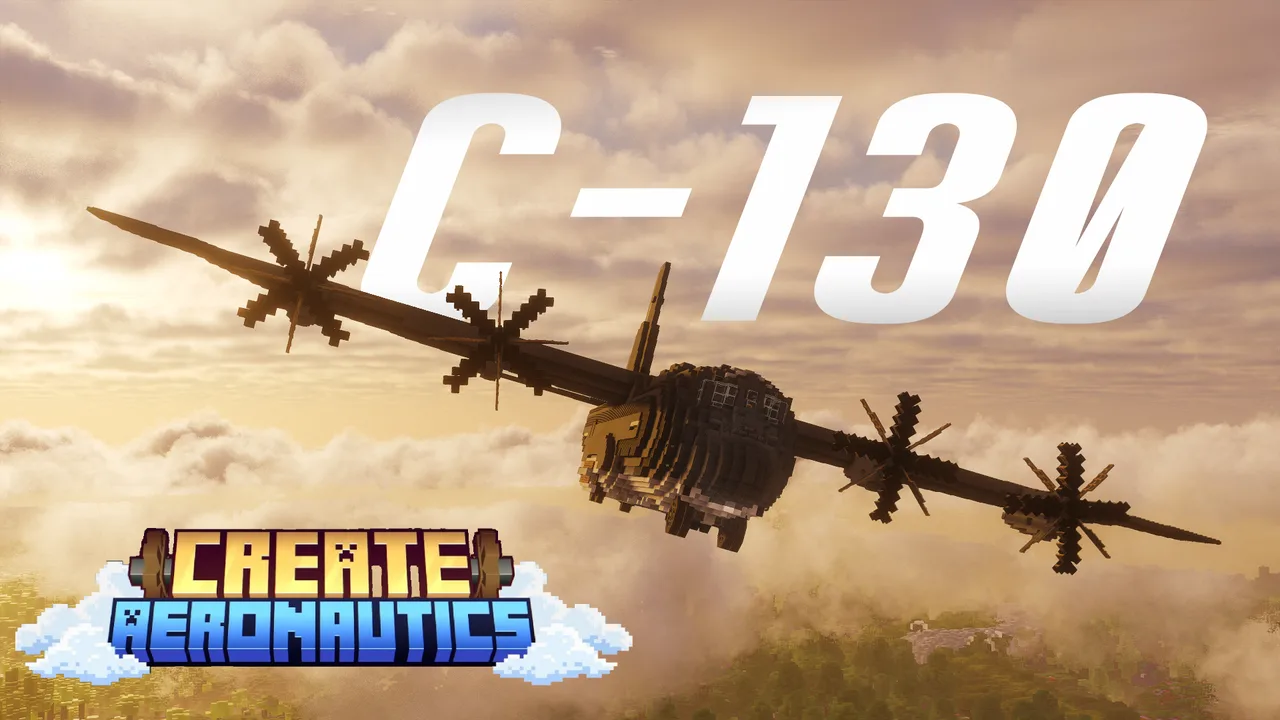 C-130 Hercules19,973 blocks · Thebluetaco
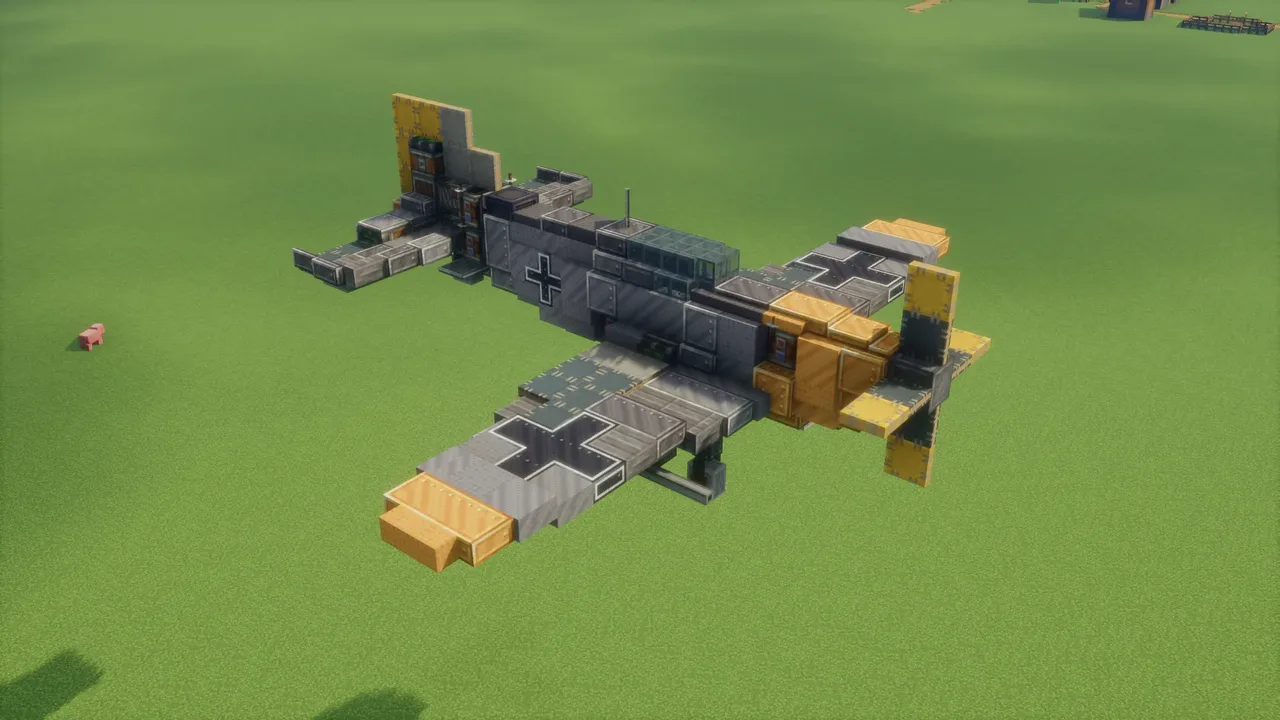 Messerschmitt Bf 109273 blocks · Saurolab