
| Creator | El Gato |
|---|---|
| Category | Flying Machines |
| Size | 60 × 9 × 89 blocks |
| Blocks | 1,349 |
| Minecraft | 1.21.X |
| Create | 6.0.10 |
| Mods | Aeronautics, Createdieselgenerators, Create connected, Simulated, Railways, Copycats, Create |
| Downloads | 1,398 |
| Added | 2026-08-17 |
Schematic by El Gato, published on CreateMod.com. This page lists what it contains; download the file from the creator’s page.
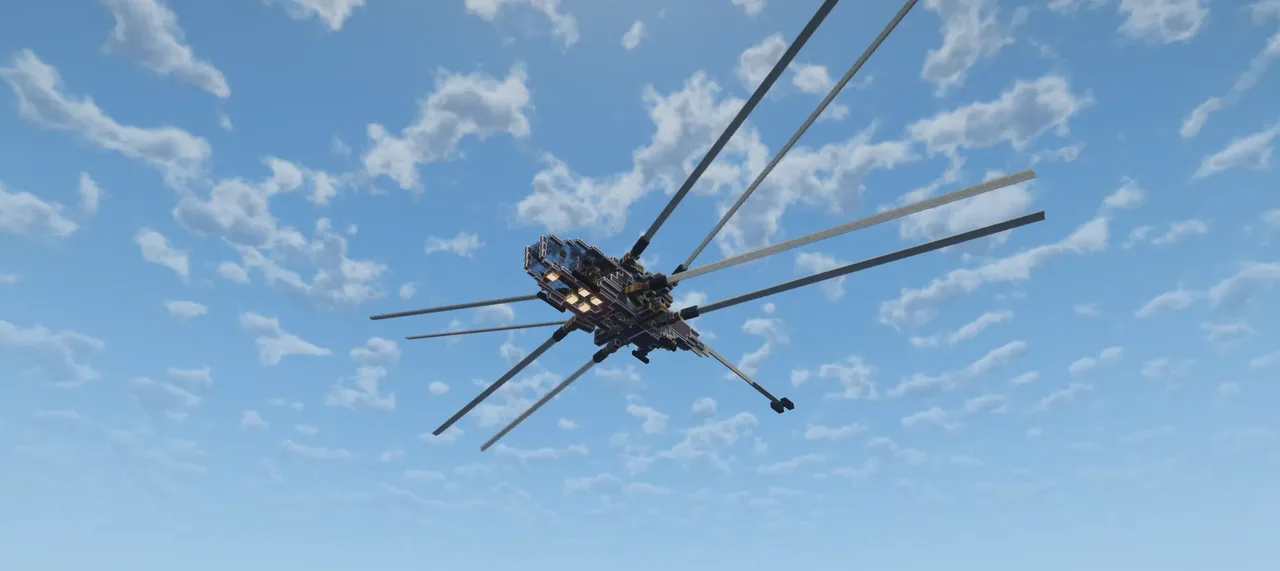
Welcome to the Shai Hulud V3, a finalised version of the previous Shai Hulud Prototype V2 and Shai Hulud Prototype.
With a redesigned internals and fully copycat ready hull. The Shai Hulud is fully ready for survival and customisation. It boasts a top speed of ~110m/s in the standard configuration, with potentially more if customised to have a more aggressive set of wing tilt, and a maximum flight ceiling of 300 blocks.
Notable changes from the Prototype V2:
Redesigned engine bay, it is now cleaner and uses fewer modular engines to avoid excess fuel wastage. Diesel Fuel is required. Fuel tank has been reduced by 9 blocks as the previous version was grossly over-sized.
Adjusted redstone link placements to reduce clutter and allow for a sleek hull design
Fine tuned levitite placement & usage. Now uses fewer levitation blocks, and the levitite chambers are designed for easy casting in survival, no scaffolding blocks needed.
A large vault has been added to the rear, a stock keeper is used to access the item via a packager and items are inserted via a funnel.
=== Usage Instructions ===
To build the Shai Hulud, first print the schematic without applying any rotation or mirroring. Make sure to provide the Schematic Cannon with both slime glue and honey glue for the glue zones to be correctly applied in survival. You may want to verify the following:
The entire craft body (up to the propeller bearings on either side) is encased in Honey Glue.
The wings are all individually encased in Slime Glue
The Powertrain Quadrants are all individually glued.
If for some reason the glue zones failed to print for you, please reach out via the comments, but generally they should print without issues. You may also paste the schematic in a creative world to inspect them in detail.
For use in survival, remember to also cast the two Levitite sections. One located above the engine bay (22 blocks) and a smaller one located near the tail (2 blocks). Both sections are accessible via the vertical sails at the top of the vehicle. scaffolds are built into the vehicle so you simply need to fill the enclosed volumes with levitite before casting them.
Then, simply assemble the craft by attaching a physics assembler to the cockpit area and activating it.
After assembly you may want to verify the following:
The swivel bearings assemble correctly and are all set to "Always Locked"
The propeller bearings assemble correctly
The speed controller inside the cockpit (next to the mechanical belt) is set to 128 RPM clockwise (you will need to break one of the Modular Diesel Engines to access its interface)
You may need to replace the 3 display links located at the rear of the cockpit and re-link them to the dashboard next to the pilot seat. The nixie tubes indicate the current Engine Brake level for the propellers.
Finally, please apply Turbo Chargers to all of the diesel engines. Using a turbo charger on one engine will apply to every engine in its row. There are 3 rows of engines.
Engine Fueling and Start Up
At the bottom rear of the vehicle, you can find a docking connector with a hand crank and lever on either side. You may use the lever to activate the docking connector and link it to a source of Diesel (other fuels will not provide sufficient SU when used). Use the hand crank to start up the fuel pump engine. Do not hold shift while cranking as the incorrect rotation may break the diesel engine. Once the engine starts running, you may let go. It will self-siphon fuel while pumping, and shut off after the fuel supply is disconnected.
To start up the main engine, first make sure the engine shut-off lever next to the pilot seat is OFF, Then, access the engine bay via the doors inside the cockpit and turn the hand crank on the starter engine. Do not hold shift while doing this. Once the handle begins turning rapidly, the system will begin to self fuel and you will not need to crank the engine again unless it has fully run out of fuel. To shut off the engine in the future, use the shut-off lever in the cockpit.
Important, before flight, please manually activate the swivel bearings located in the floor and ceiling of the engine bay (the F3 menu will indicate their assembly state). These are the vertical pivot bearings and the redstone transmissions at the rear of the powertrain quadrants may break if the vertical wing pivot function is used before assembling these bearings.
Controls
The Shai Hulud uses the same control scheme as the Prototype V2:
WASD for Forward, Reverse, and Yaw
QE for Roll
RF for Pitch
Left Shift for Lower Wing Pivot (rotates them down)
Space for Upper Wing Pivot (rotates them up)
P for parking mode, tucks wings in and disables thrust
Up/Down Arrows for wing throttle control
The Shai Hulud is generally fairly stable in flight but does have some passive roll instability. It can be easily compensated for by light Roll inputs.
IMPORTANT REMARKS
While the Shai Hulud itself is very easy to fly and performs fairly well. The issue of Swivel bearing clang must always be considered until the Aeronautics team fixes it.
If the propellers ever becomes misaligned in their resting positions, or the powertrain quadrants begin to spasm, the issue can be resolved by manually resetting the swivel bearings linked to the misbehaving wing/quadrant.
My experiments have found that the spasms are generally caused by slightly drifted swivel bearing/torsion spring pairs, and the drift is generally less likely to occur if repeated short inputs are avoided (such as spamming keys to "wiggle" the wings).
Parking
To prevent the swivel bearings from glitching when the Shai Hulud is loaded/unloaded, please ALWAYS SHUT DOWN THE ENGINE AFTER LANDING and DISASSEMBLE THE SHOULDER SWIVEL BEARINGS (located on the floor and roof of the engine bay on either side).
Taking off
If you have parked your Shai Hulud correctly, the shoulder swivels will be disassembled when parked. Before taking off, you must re-assemble them again by either clicking on all the swivels or using the Shift/Space keys to activate the shoulder rotations once each WHILE THE ENGINE BRAKE IS ON MAX (props not spinning).
In-flight jitters
Sometimes, the shoulder joints will shake and jitter aggressively while in flight due to some physics glitch. The shaking can be temporarily resolved by extending the affected shoulder joints (usually the bottom pair, hold Shift). The proper solution is to reset the affected swivel bearing pair by clicking them with a bare hand twice. This can be done in flight as long as the vehicle is mostly flat (so you can walk into the engine bay).
Shai Hulud is not the most idiot proof aircraft due the tendency for physics freak outs if it is not respected. However, it is also my favorite aircraft to fly in a survival server. Once you master its controls and learn to work with its swivel bearing quirks, you will enjoy one of the most fun and smooth flying experiences ever.
and 2 more block types
 Create Aeronautics Airplane167 blocks · Jonast02
 "Aerostar" airship, create aeronautics13,467 blocks · Poisonbull4806
 REDLINE plane(Easy to Build)120 blocks · Zavl_
 Simple Plane144 blocks · Mardy3182
 The Strato Express26,492 blocks · Scifox
 Mitsubishi A6M Zero270 blocks · Saurolab
 Flying island12,407 blocks · Be3uh4uk
 Sailfin - Super Easy Survival Helicopter807 blocks · El Gato
 HALCON-GOLDV3,413 blocks · Juansebastiancg
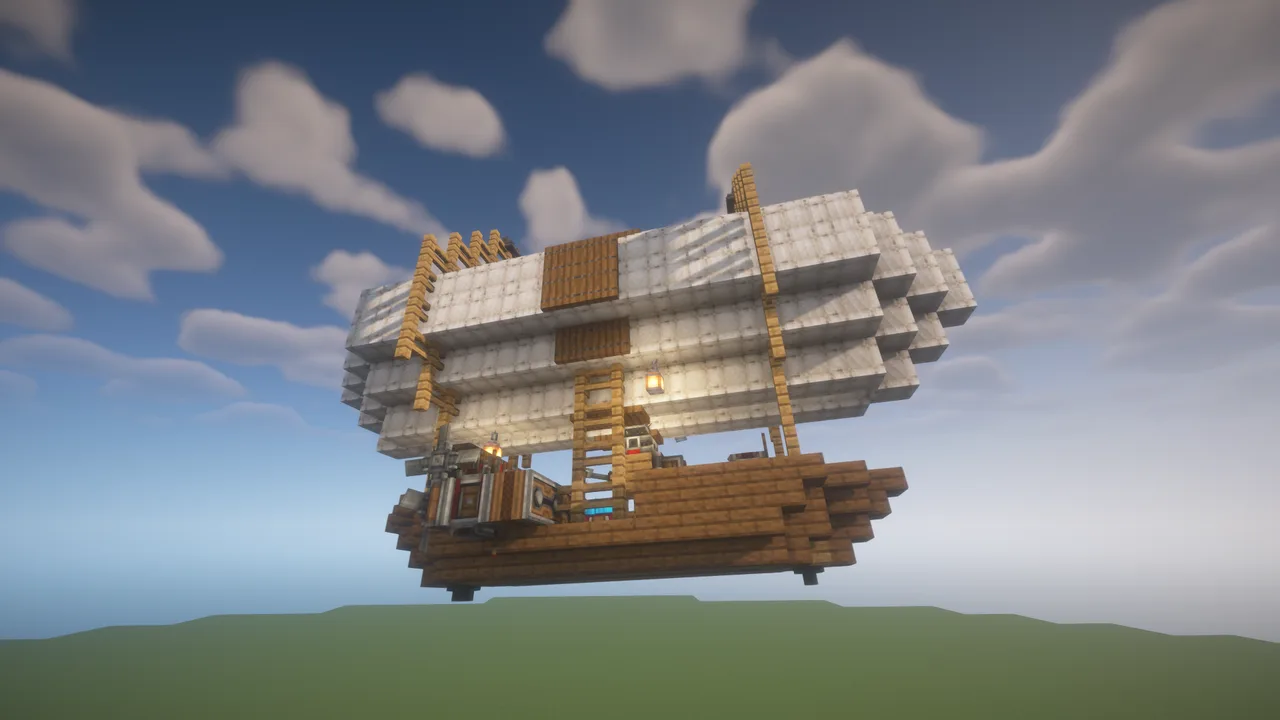 self control airship. Create Aeronautics446 blocks · Erikson123455
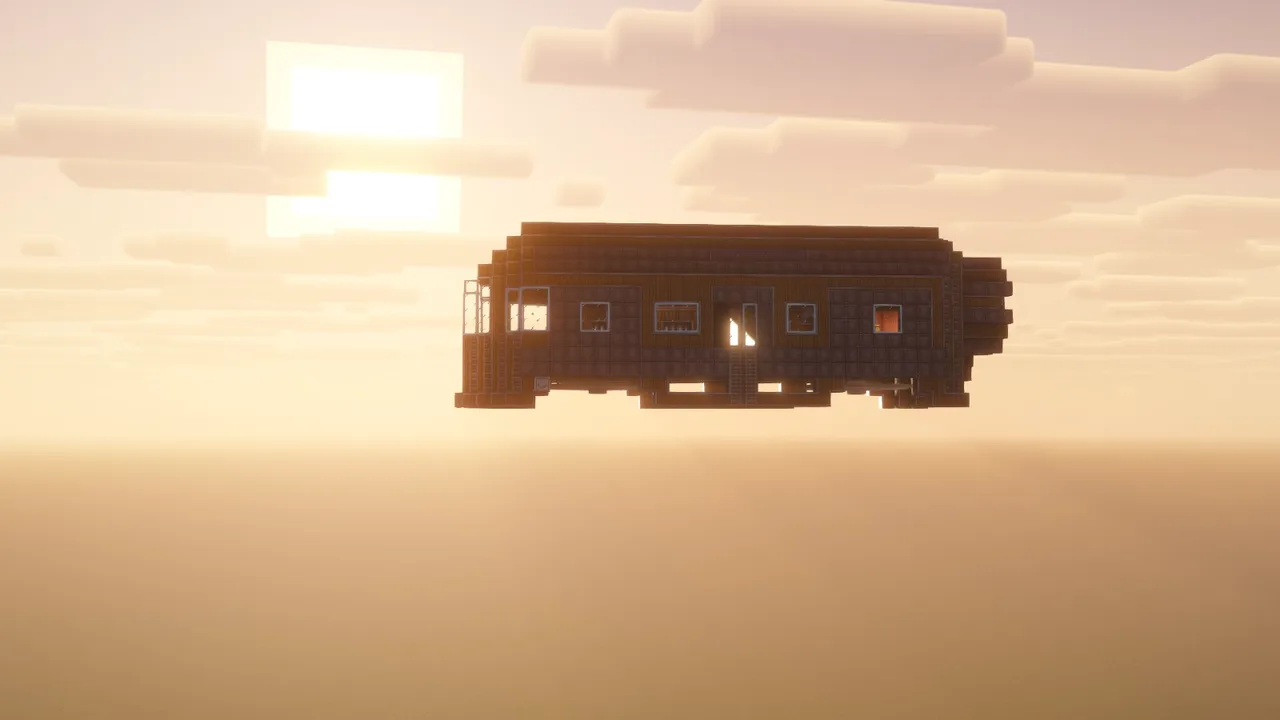 Flying base3,063 blocks · Redpanda
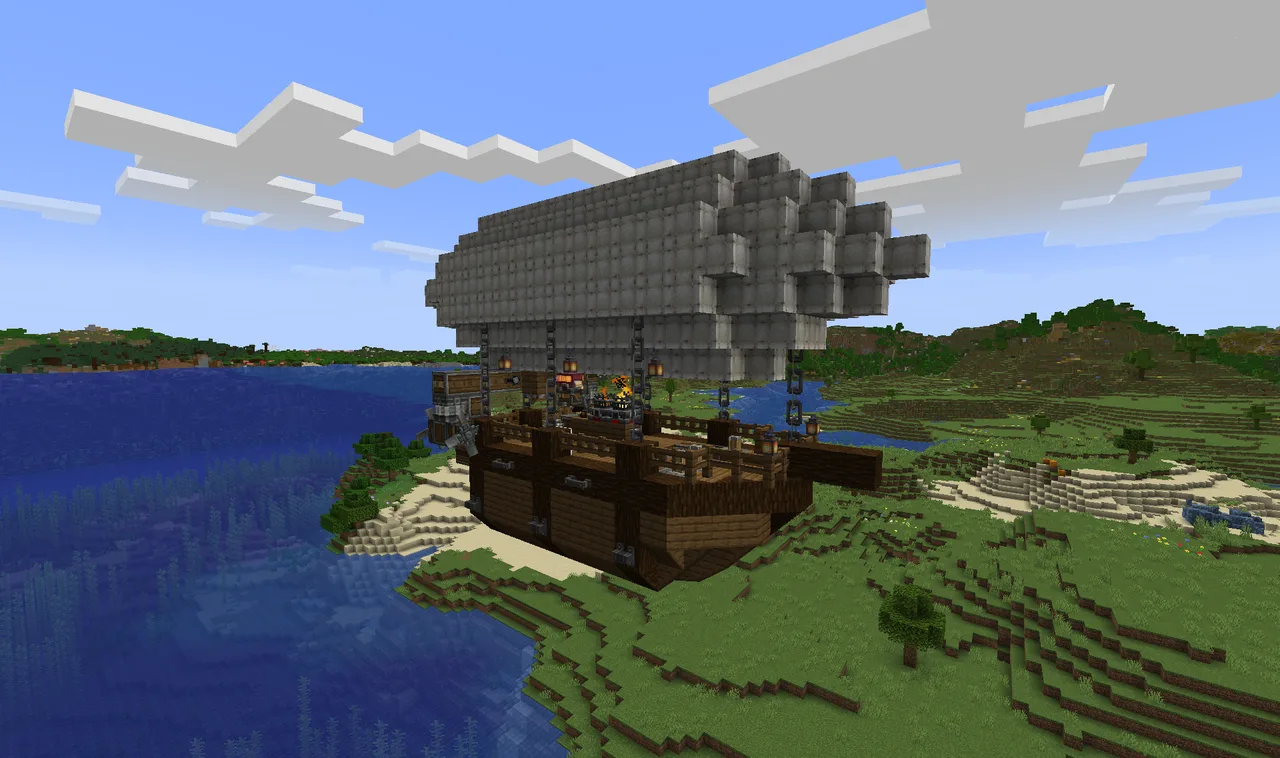 The Early Survivor706 blocks · Industrial Dragon