
| Creator | Wolfska213 |
|---|---|
| Category | Builds |
| Size | 79 × 42 × 329 blocks |
| Blocks | 75,920 |
| Minecraft | 1.21.X |
| Create | 6.0.10 |
| Mods | Create, Copycats, Offroad, Interiors, Simulated, Dndecor, Createdeco, Aeronautics |
| Downloads | 292 |
| Added | 2026-07-17 |
Schematic by Wolfska213, published on CreateMod.com. This page lists what it contains; download the file from the creator’s page.
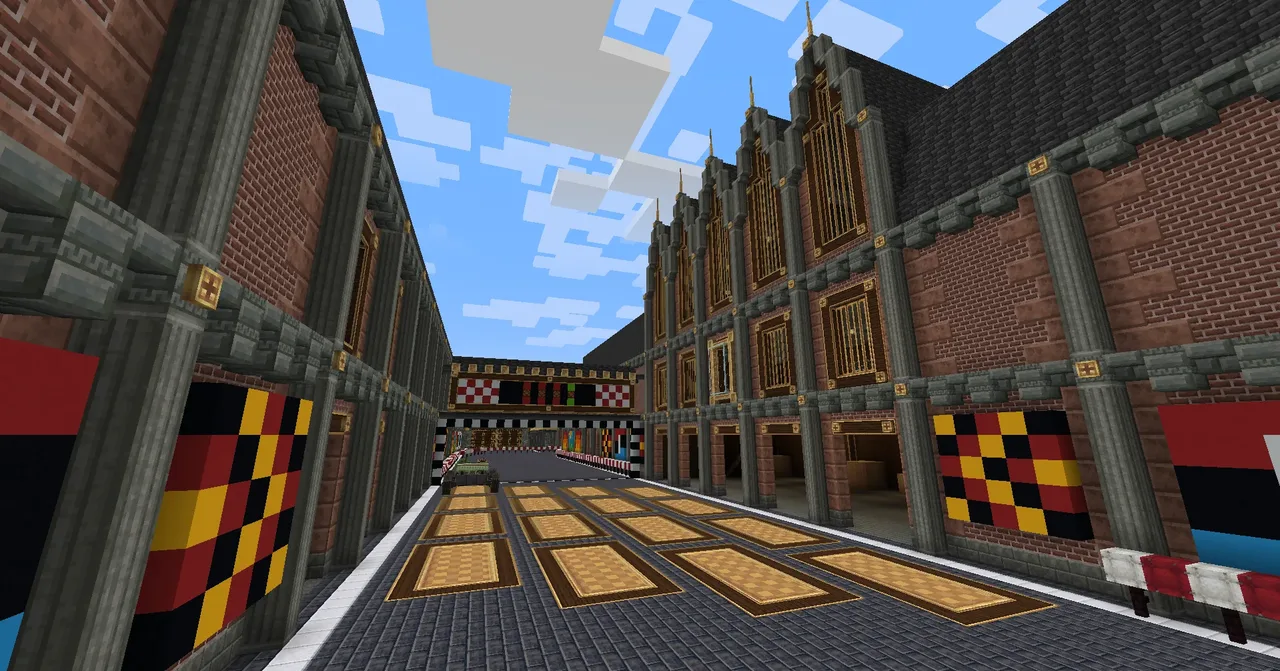
TRCC1 Factory Tour Racetrack
Racetrack submission built for the TRCC1 racetrack building competition.
Features:
Moving obstacles on the track.
Moving cranes and factory decor.
Control room for operating moving parts and the race.
Setup:
Make sure to turn mobspawning off.
You cannot load in the schematics without increasing the maximum total schematic size in the Create Server Config tab. Expect very long waiting times for some schematics to load on the schematic table! - I highly recommend loading in all schematics at once on seperate schematic tables to save yourself the time.
This is an absolute beast to place down. Download all four schematic files and piece them together to form the racetrack. The images attached should help with piecing together, they only fit in one way so it shouldn't be too hard. Any biome can work but Plains is preferred. - These are very large schematics so it may lag while trying to place.
After the map is placed, remove all the floating terracotta blocks that were used for creating the schematics.
Make sure that any oddities that may have occurred on the borders of the schematics, such as window panes not connecting properly, are fixed.
Make sure to place any train track turns that may be missing.
Replace the redstone links inside the Control room control panel to make sure that they work. + any other redstone links that may be bugging out.
Start the trains at their train station and name the following 4 stations (station names don't save in schematics):
Station on the Left track with the train: "Start L"
Station on the Right track with the train: "Start R"
Station on the Left track without the train: "End L"
Station on the Right track without the train: "End R"
Create two different train schedules and fill them with the scheduling in the attached image (train schedules don't save in schematics either). - Give schedule 1 to the blazeburner train conductor on the right-sided train and give schedule 2 to the blazeburner train conductor on the left-sided train. If done correctly they should start moving with the "Moving Obstacles" switch turned on in the Control Room.
Turn on the blazeburners of the two steam engines in the interior factory section of the track, these can be accessed from under the floor either by breaking a few blocks or flying under it. creative blazecakes required. - Then turn on the two steam engines by temporarily placing a creative engine (at 64 RPM) connecting to the stressometer at the front of the engine housing.
Controls and Switches:
None of the switches are necessary for racing and can thus be activated based on your own preferences.
Main control room has 3 switches:
Moving Decor - Turns on the decorative cranes in the container section with numbered doors. Note: These cranes may be finnicky. Just in case it is needed, both cranes have manual controls if you need to unstuck them from a wall. These can be accessed in survival mode via access doors, one door is in the Control Room and the other door is on the decorative exterior scaffolding besides the first corner of the track.
Moving Obstacles - Turns on the trains that will then start randomly moving on the track.
Start Race - Starts a countdown for the race to begin with lights and noteblocks, as a fun little gimmick.
A seperate switch for moving decor can be found in the interior factory section of the track. The switch is placed against one of the two chimneystacks. Image attached. - These turn on some factory machinery that was out of range for the Control Room (these won't function without the steam engines being on). - Make sure to replace the redstone link inside this switch aswell, as you have done with the ones in the control room previously, it is quite well hidden inside the bricks of the chimney.
Credits:
WolfSka213: Built most of the map and decor.
Kesike: Helped build the train track system and the self-opening door. Built the most important part of all: Cat
and 60 more block types
 The King in Yellow19,926 blocks · Ez_y5
 create big cannons autoloader, no other mods, 6 second firing, no risk of failure, light and compact78 blocks · Zeep_zorp
 Casa SteamPunk V14,431 blocks · Anadinn
 Torpedo7 blocks · S1v1a1n1t1e1
 Tower of Doom7,119 blocks · Corntheconqueror
 Blackhawk Helicopter550 blocks · Karkkitehti
 TRCC1 - Saltstone Gulch103,980 blocks · Bobbertcanuck
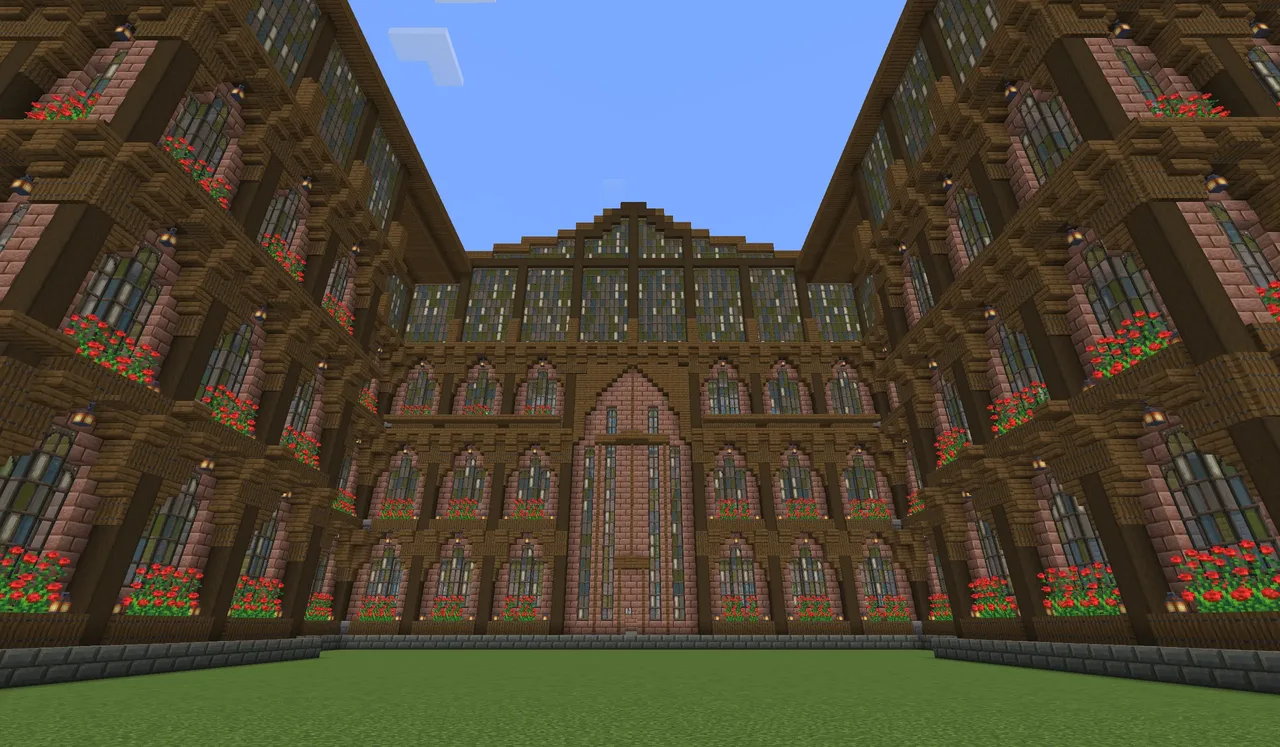 Steampunk Factory design - empty44,613 blocks · Anacai07
 Sugarcane Farm and Book Creation Building2,818 blocks · Timasius
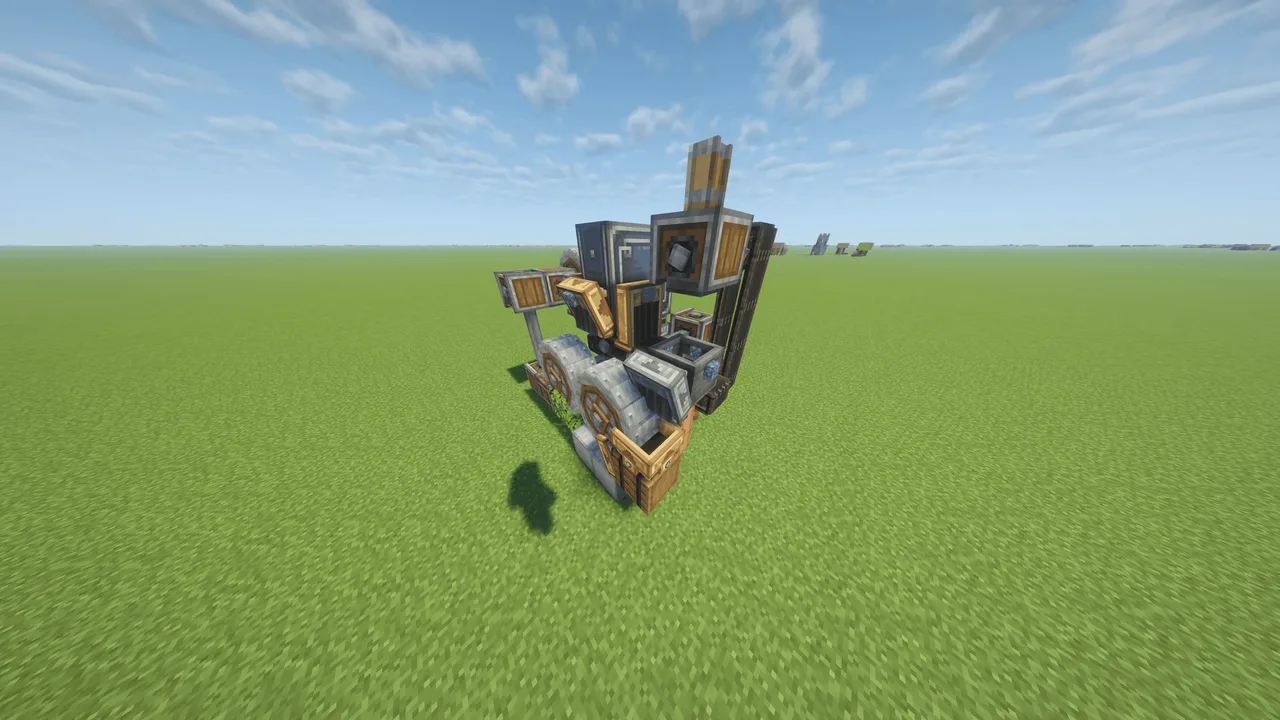 Automatic Gunpowder Generator59 blocks · Classicsniper75
 Leopard 2a7457 blocks · Mystic
 Cafe1,408 blocks · Invaility