
| Creator | _Doruk |
|---|---|
| Category | Flying Machines |
| Size | 41 × 12 × 33 blocks |
| Blocks | 1,022 |
| Minecraft | 1.21.X |
| Create | 6.0.10 |
| Mods | Copycats, Create, Createpropulsion, Createdieselgenerators, Offroad, Aeronautics, Aeroworks, Simulated, Create connected, Createaddition, Railways, Dndesires |
| Downloads | 7,448 |
| Added | 2026-06-02 |
Schematic by _Doruk, published on CreateMod.com. This page lists what it contains; download the file from the creator’s page.
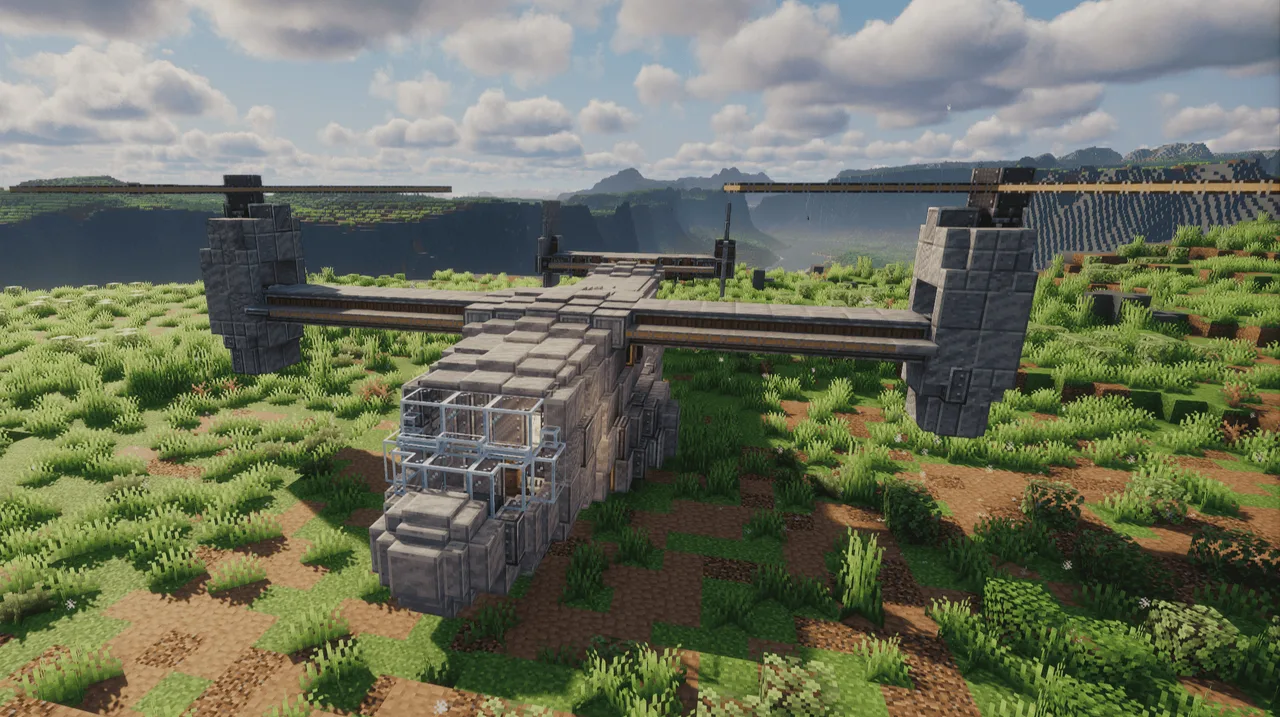
A very faithful recreation of the real life boeing v-22 osprey in minecraft using create aeronautics, plus its survival friendly! It's a VTOL meaning it can switch between 2 modes of flight: a vertical take off and landing mode and a horizontal plane-like flight mode. It has a small cargo bay for transporting small vaults, fluid tanks or even tiny vehicles. It can also transport up to 3 players at a time.
VERSION UPDATES:
v1.1:
- fixed the way the elevators were turning to roll (e/q) (i didnt realise i made them wrong the 1st time)
- added a docking port at the bottom for docking and fueling it up automatically
- made the lever on the right side of the cockpit seat be an engine on/off switch (now you can switch the engines off so it doesnt keep consuming fuel until it runs out)
- added a lever on the left side of the cockpit seat for toggling the docking port
- moved the engine kick start lever to the top right of the portable engine in the cockpit
- added a button to open the cargobay from behind to open it (there was practically no way to enter it unless you had jump 2 or built up to enter from the front cockpit trapdoors)
The showcase, detailed guide on it's setup <- (outdated now, read the setup and engine startup process below) and control keybinds are all in the linked video, but if you dont want to watch that here they are;
CONTROLS:
Space and Left Shift - adjust rotor turn speed
Z - toggle vertical or horizontal nacelles (rotors)
W/S - tilt down and up
A/D - turn left and right
Q/E - roll left and right
R/T - sharp turn left and right (moves the nacelles in opposite directions)
G - cargo bay (push to keep open)
SETUP:
Assemble the aircraft into a physics contraption then get either 6 gold or electrum spools to connect the connectors in the aircraft to each other and that's it. If you have any questions regarding the setup please watch the linked video before asking them, it shows the setup process in great detail! <-- outdated after v1.1 release just read the setup + engine startup here
ENGINE STARTUP SEQUENCE:
To get the engines going you must have the platinum tanks at the front bottom exterior of the aircraft filled with diesel or a similar fuel source (you can fill it up using the item drain inside the cockpit or using the docking connector at the bottom of the aircraft keep reading for more on how to use docking connector) and then do the following: get in the cockpit, flick the lever above the portable engine next to the contraption diagram (to be powered on) then right click the typewriter and hold shift for 5-10 seconds (to make sure the rotors arent powered) and finally feed the portable engine a single coal. The diesel engines will keep themselves going after you start them up. You can stop the fuel consumption and turn the engines off by flicking the lever on the right of the seat in the cockpit and you can extend the docking port below the aircraft (to fuel) by flicking the lever on the left of the seat in the cockpit (ps. you need to have the engines on (engine lever powered off) to fuel the aircraft you can turn the engines off once fueling is complete).
Incase the mod dependency list on the website page is wrong here's the list for that:
create connected
create crafts and additions
create copycats+
create dreams and desires
create diesel generators
create aeroworks
create propulsion simulated
create copycats+ aeronautics weight <- (recommended but not required)
and 8 more block types
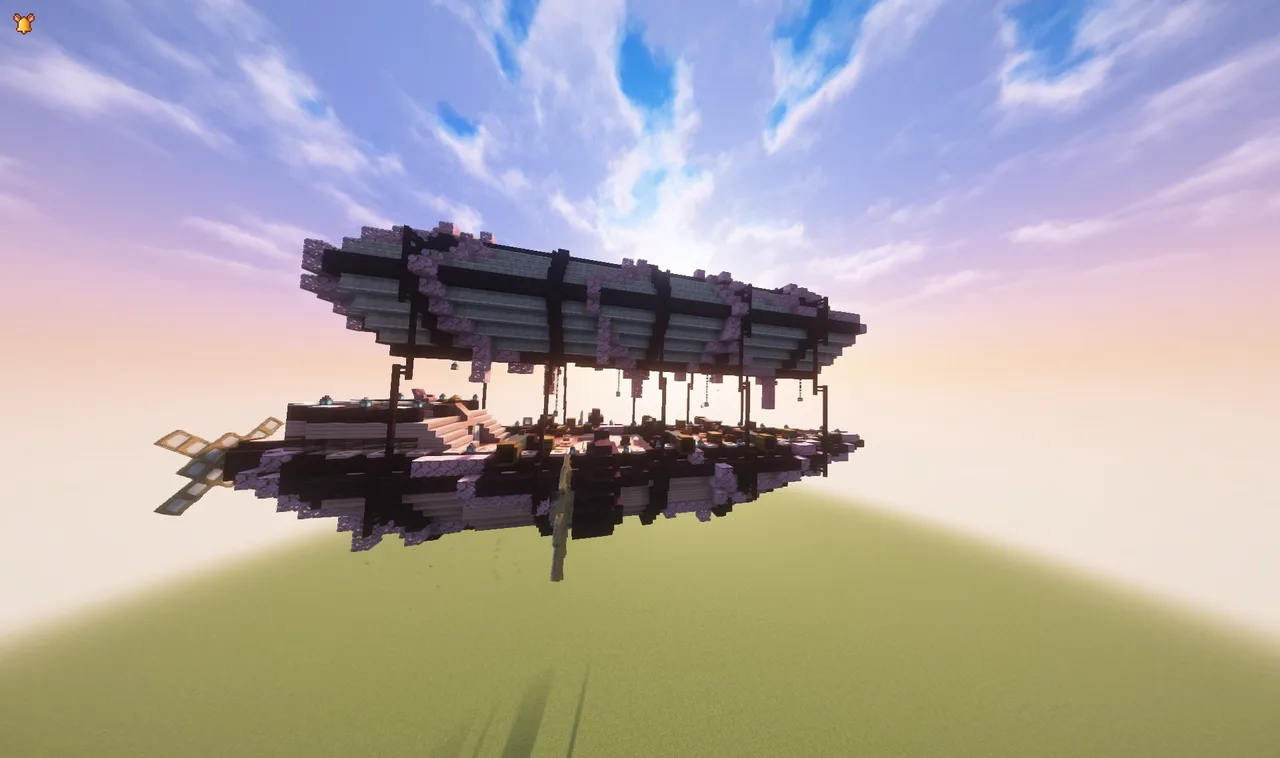 Dionis Airship4,433 blocks · Sageshaula_
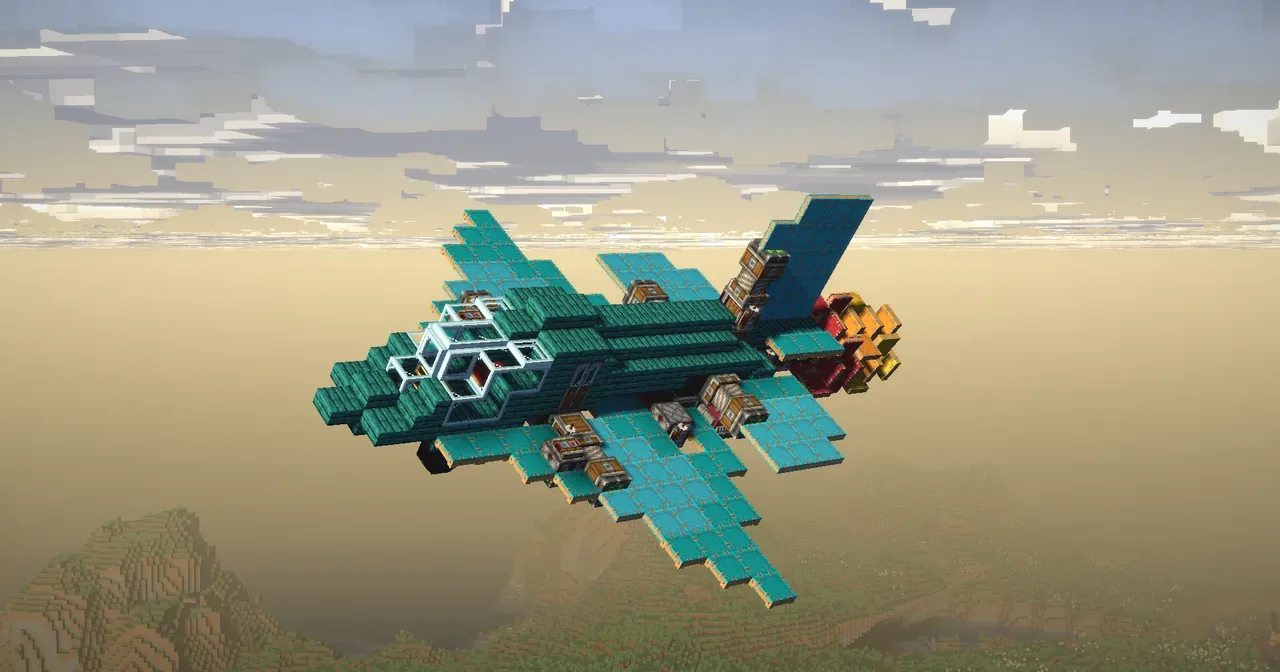 Bomber plane TB-4329 blocks · Shedovsky
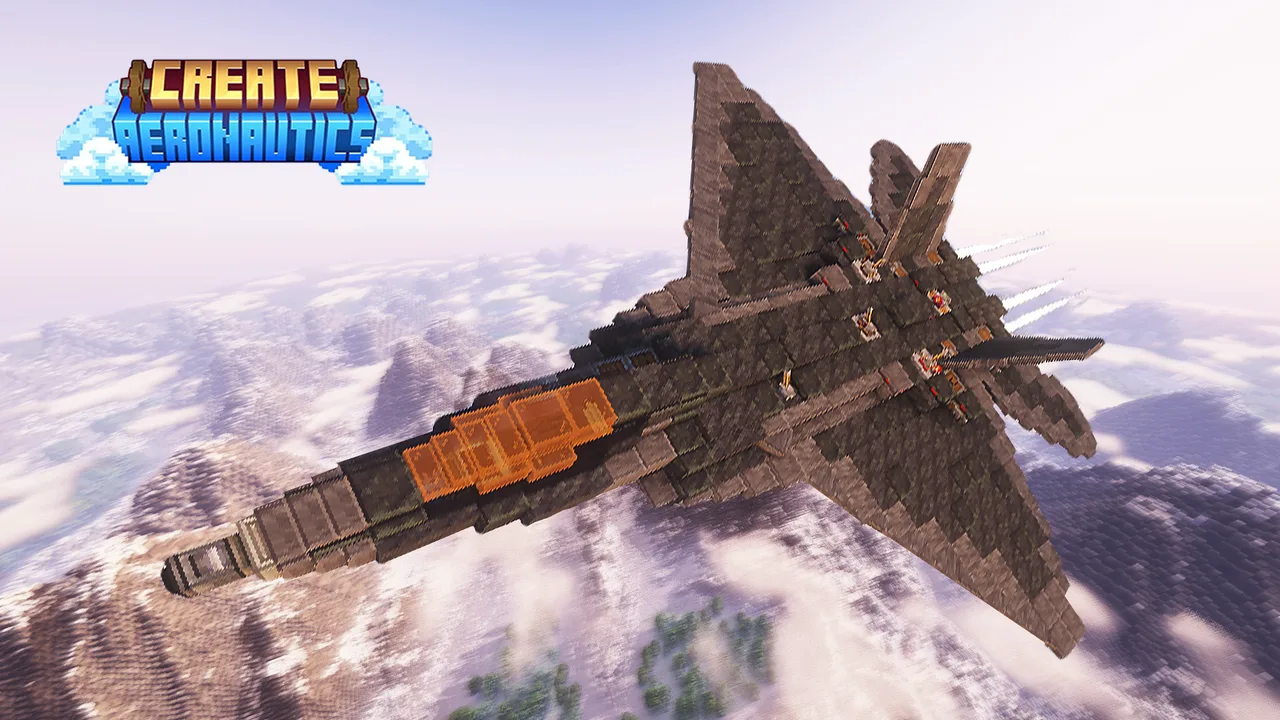 F-22 Raptor Blockheed Martin V2633 blocks · Skulk Works
 Large Airship5,662 blocks · Ladendieb
 Rosemary - Small Fast Airship359 blocks · Gragma
 F-14 Tomcat Foldable wings (Two-seater)549 blocks · Skulk Works
 AT-99 Scorpion Attack helicopter354 blocks · Schokobaer006
 F-22 Raptor Fighter Jet (survival friendly)594 blocks · Rekt_38998
 Ari-3 : fast-helicopter107 blocks · Ryukireii
 Aeronautics super compact tunnelbore/drill60 blocks · Grain
 create aeronautics fighter jet345 blocks · Redpanda
 Avengers SHIELD Helicarrier (Survival Friendly)25,915 blocks · Smokeyblade