
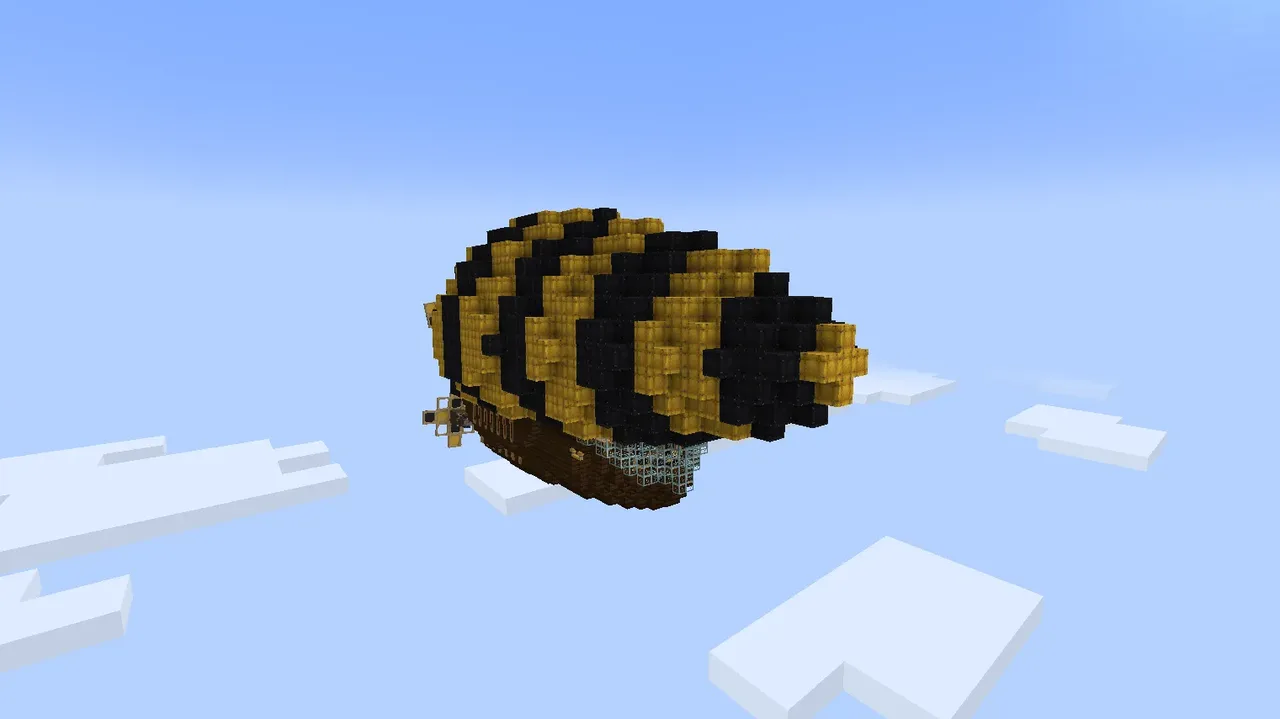
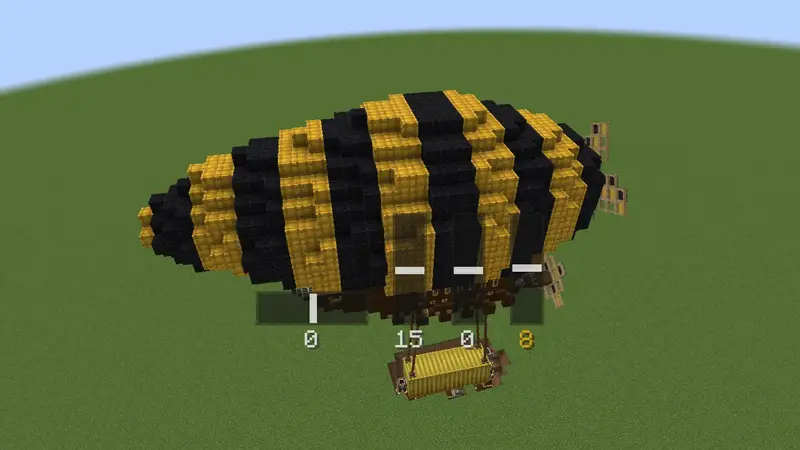
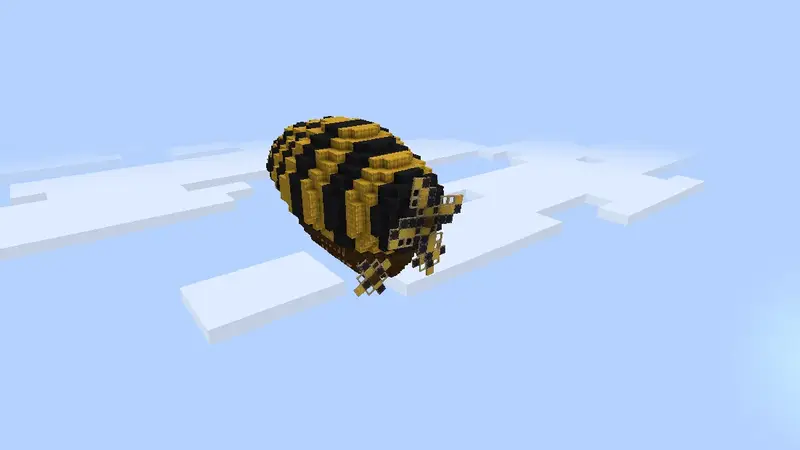
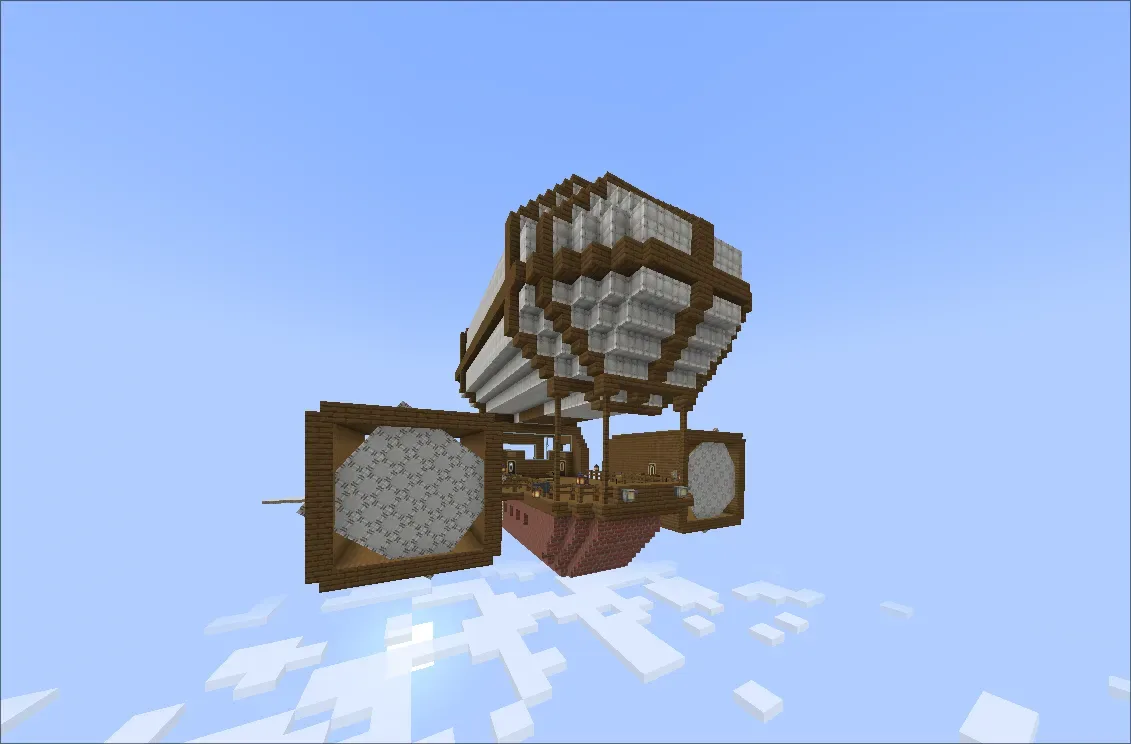
A small, midgame airship with a drill. It has a magnet motor and a control panel instead of a typewriter finer controls. Drill is in the linked schematic.
Setup:
Print both schematics. The airship needs to be placed over the drill.
Coat the airship and drill with honey glue seperatly.
Make your way into the airship through the door at the side and then the trapdoor in the cieling.
Go up the small staircase behind the magnet motor on the other side to where you came out.
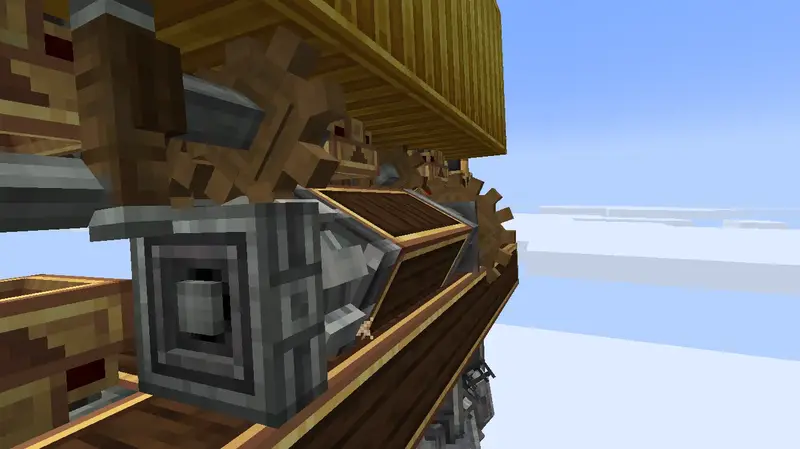
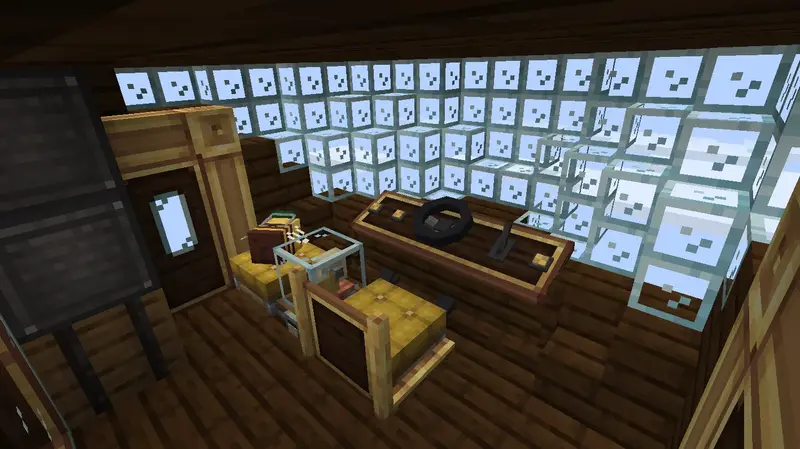
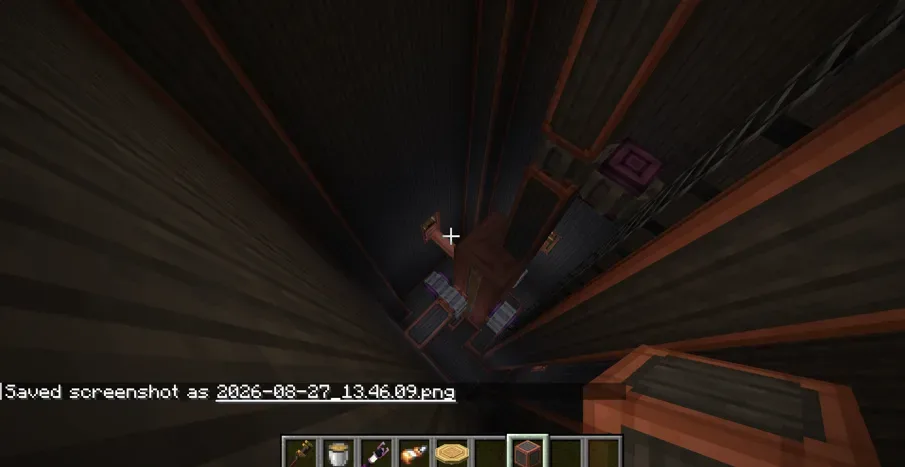
You should see 2 grey pixels behind the rotational speed controller (Check images). Right-click them with an empty hand.
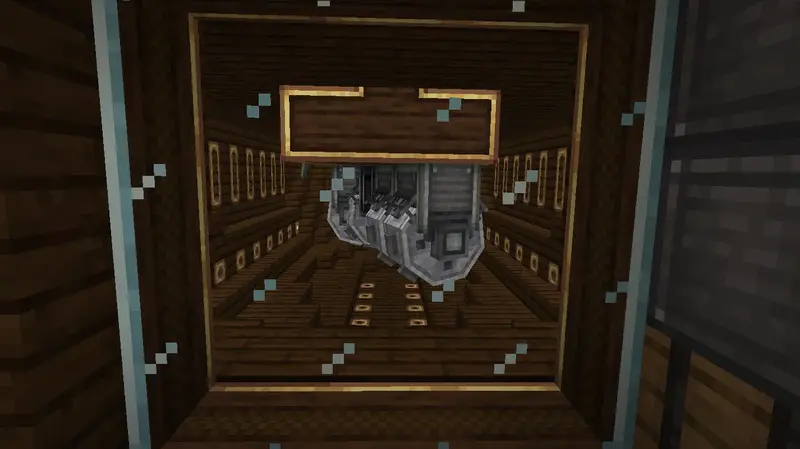
Go towards the back of the balloon. (Caution: The planks past the trapdoor consist entirely of ghost blocks. Keep to the side.)
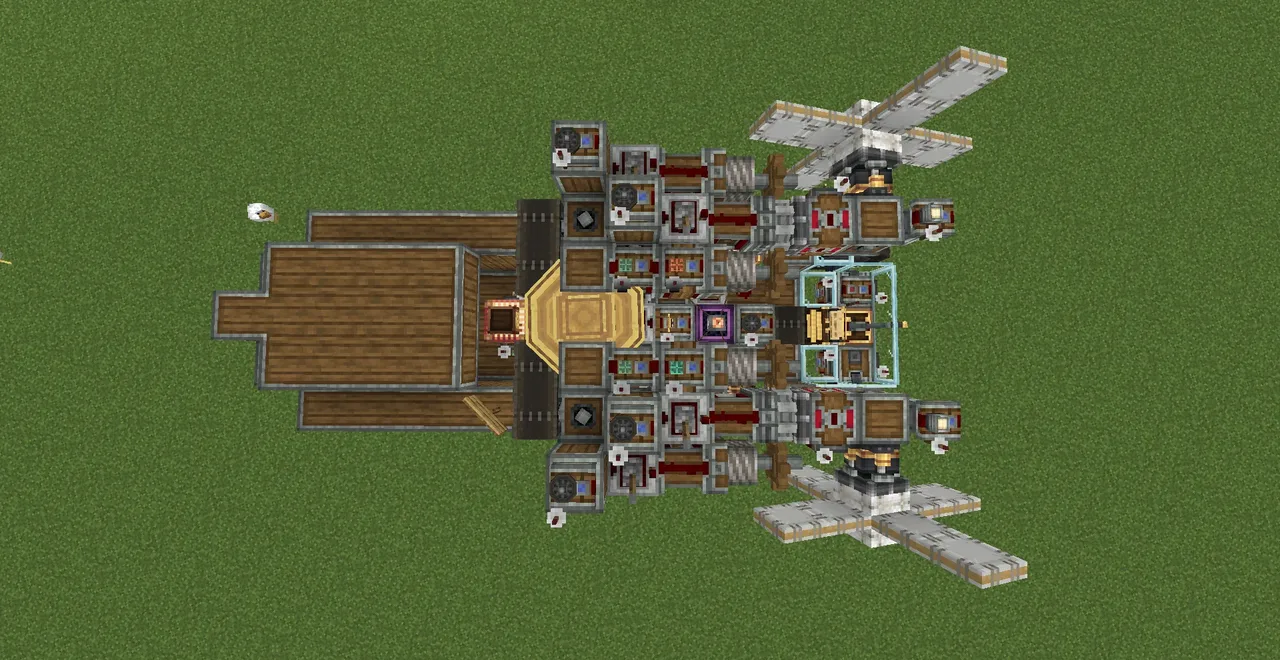
You should see 2 universal joint rods from Create: Transmission and Linkage (Check images). Connect them to the joints on the back of the small propellors outside, on the corresponding side.
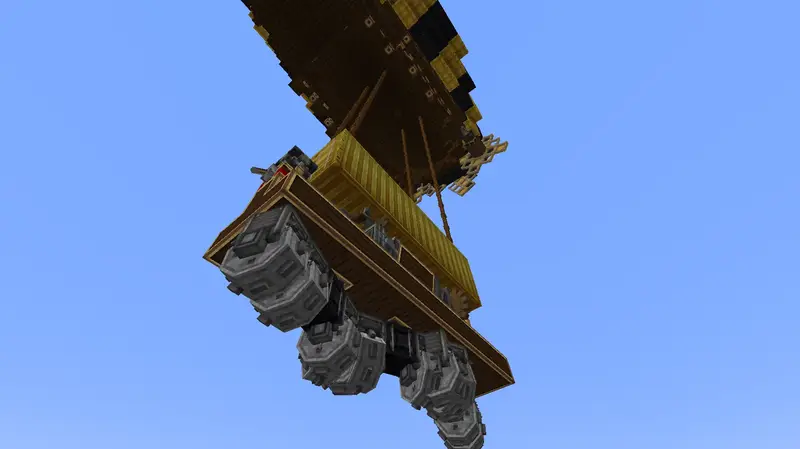
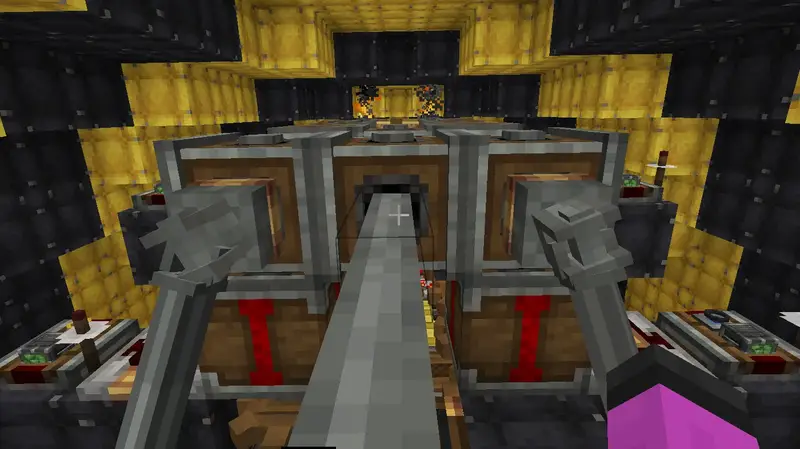
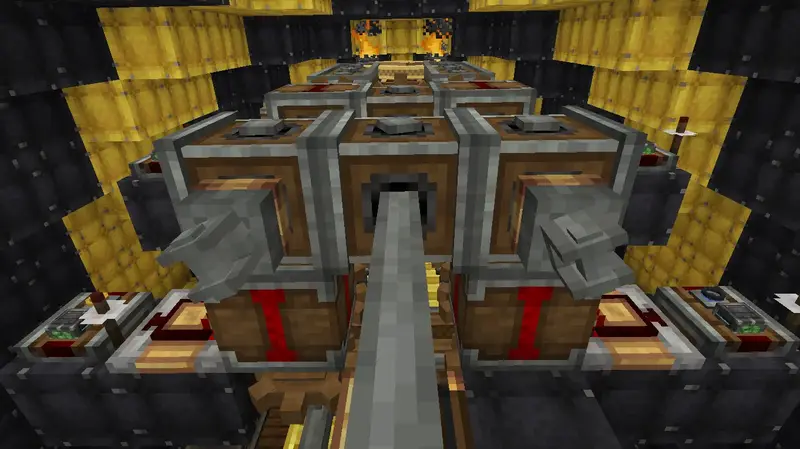
Go down to the drill. Right-click the hand crank a couple of times, so that the swivel bearing and kinetic conversion bearing are offset (Check images).
Glue the two bearings together with a slimeball.
Turn the hand crank. The motor should become self surficient.
Assemble the Drill.
Go back into the airship. Press Q on the control panel to open the hatch on the bottom of the ship.
Link the rope connectors on the drill to the rope winches inside the balloon.
Go to the control panel on the airship, press V twice.
Press F to reel in the drill. It might get stuck a bit trying to get onto the docking connectors. If this happens, lower it using R and try again.
Close the hatch with Q
Assemble the ship and fly.
Controls:
Standard WASD controls.
Gain height: Space
Lose Height: Ctrl
Lower Drill: R
Raise Drill: F
Activate Drill: V (Toggle)
Open hatch: Q
How to use:
Rather than a cargo ship with a tunnelbore inside, the drill is designed more like an anchor. You hover over where you want to drill, turn the drill on, then lower the drill into the ground.
I hope you enjoy this one! I was having trouble getting any kind of drill into the space, so if anyone has any ideas feedback or problems, let me know.
Safe travels!


 Floater (Aeronautics, Flying Ship, Small Base)3,955 blocks · Alfix
 Flying Car251 blocks · Molni__
 Rocket Ship V11,254 blocks · Glitch918
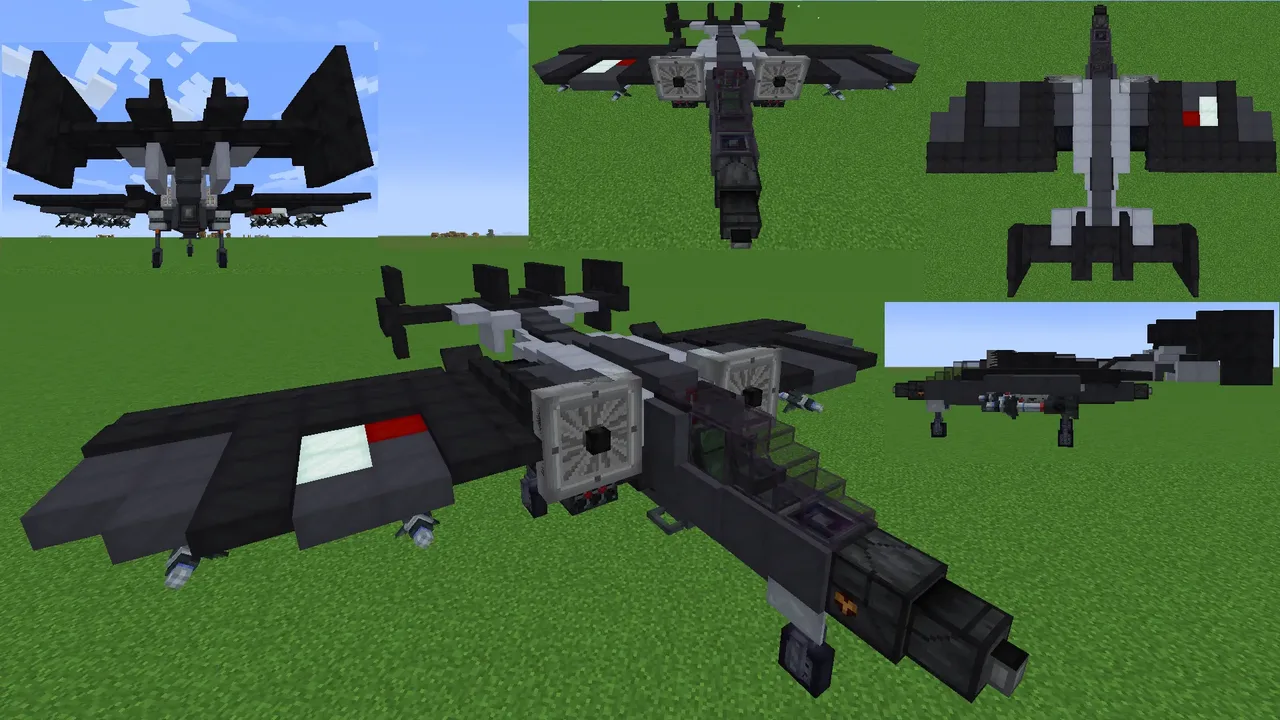 ATS "Hussar" V1286 blocks · Apextech Systems
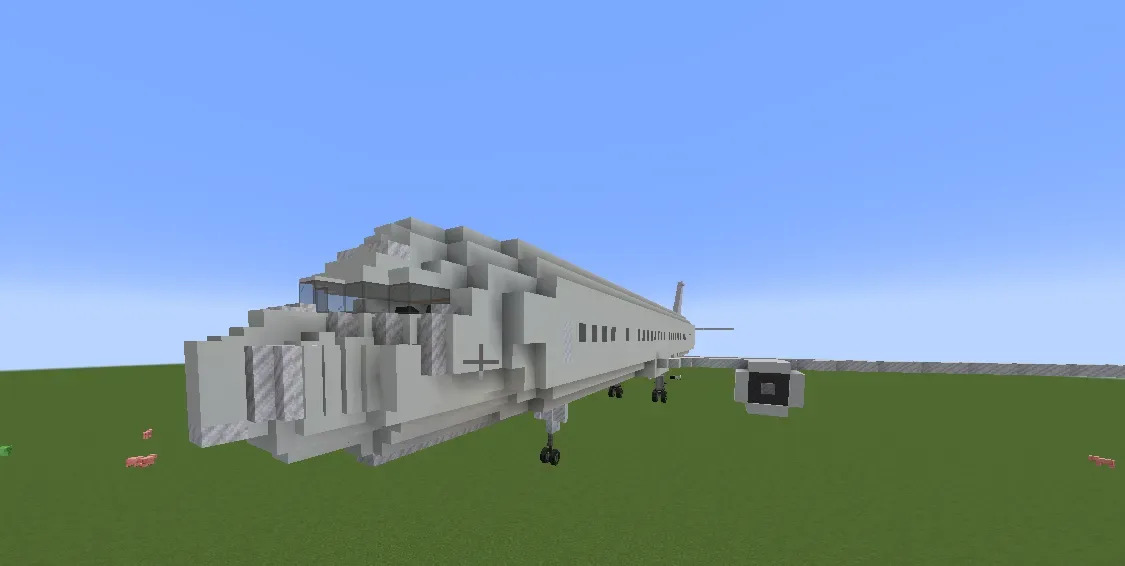 Passeger Plane (Long)6,092 blocks · Yuvu
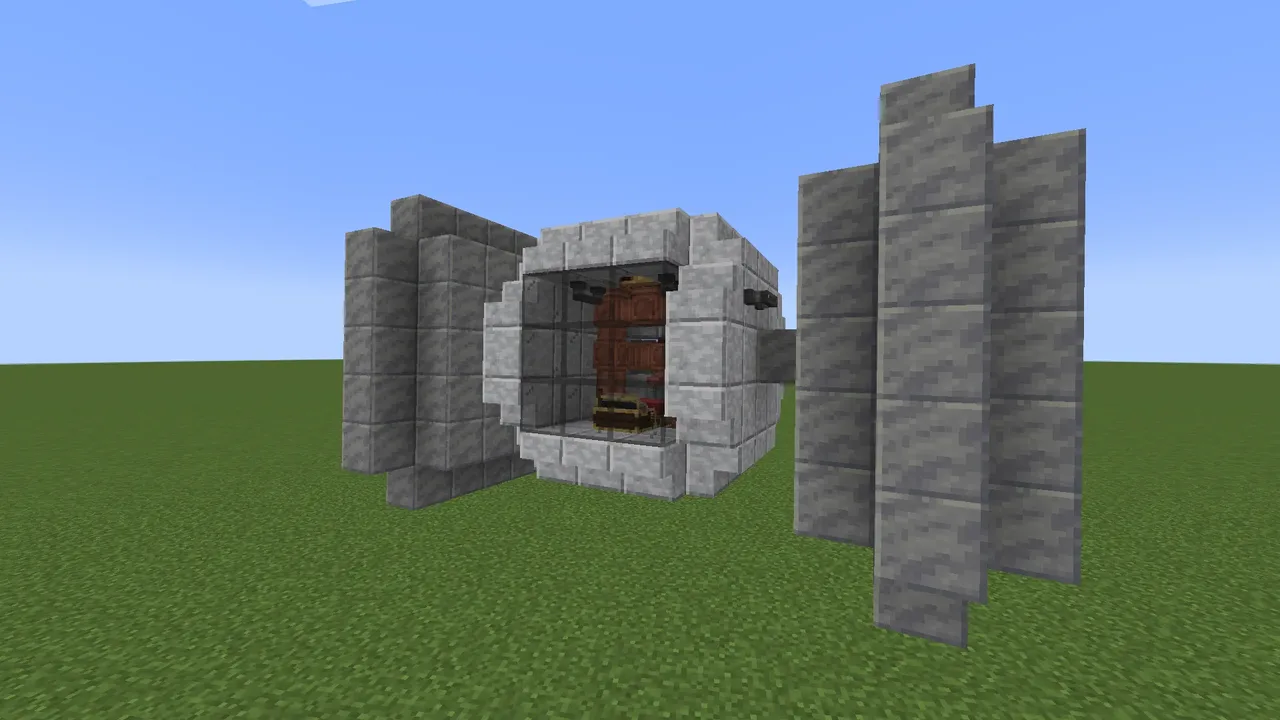 Star Wars - TIE-Figher286 blocks · Henzle
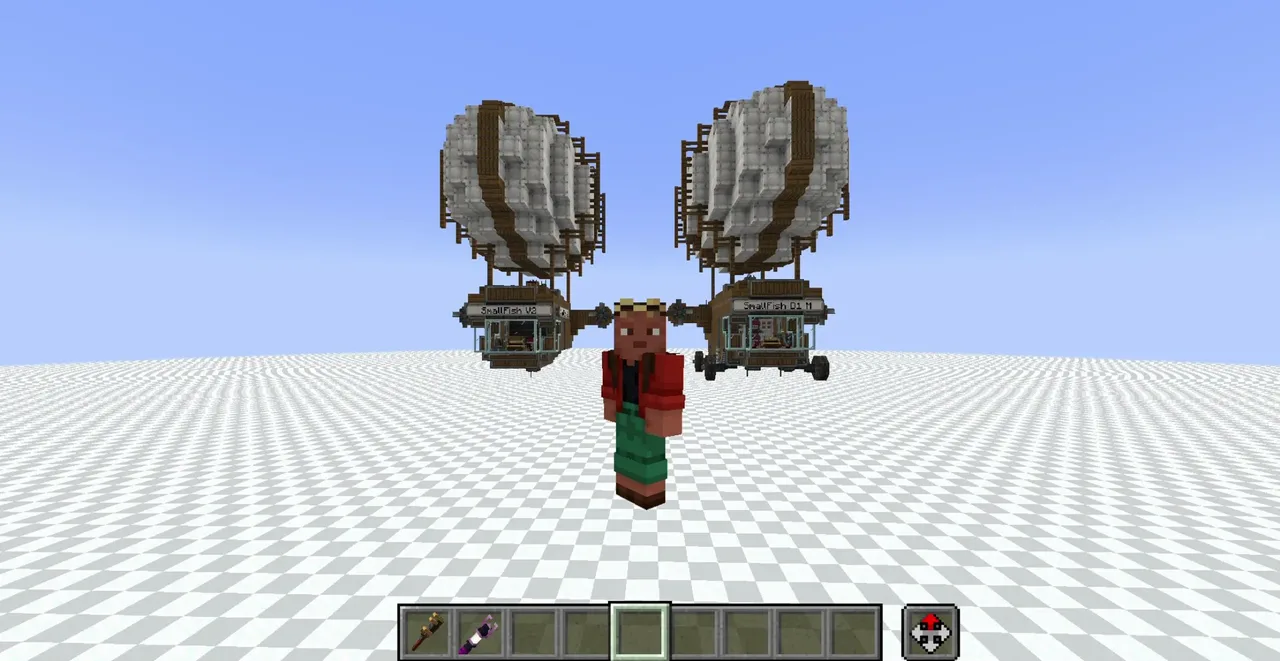 SmallFish D1M872 blocks · Денис
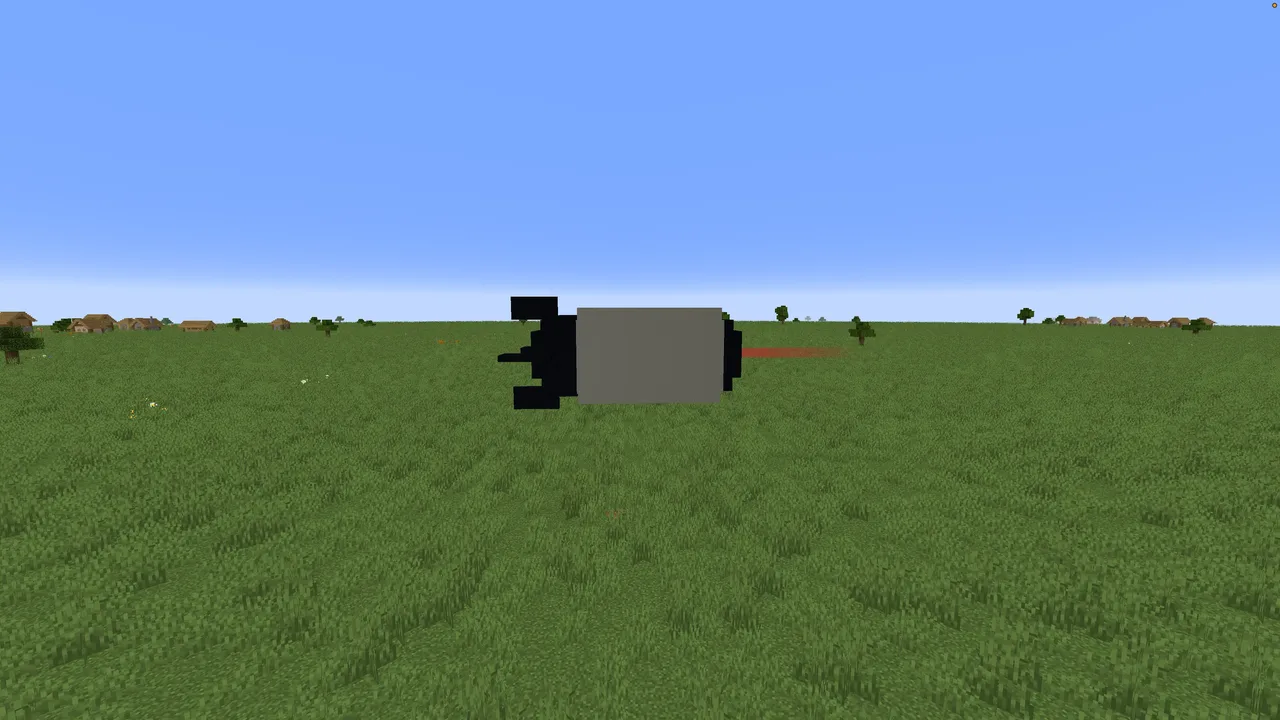 TSAR BOMBA171 blocks · Xrominours_77
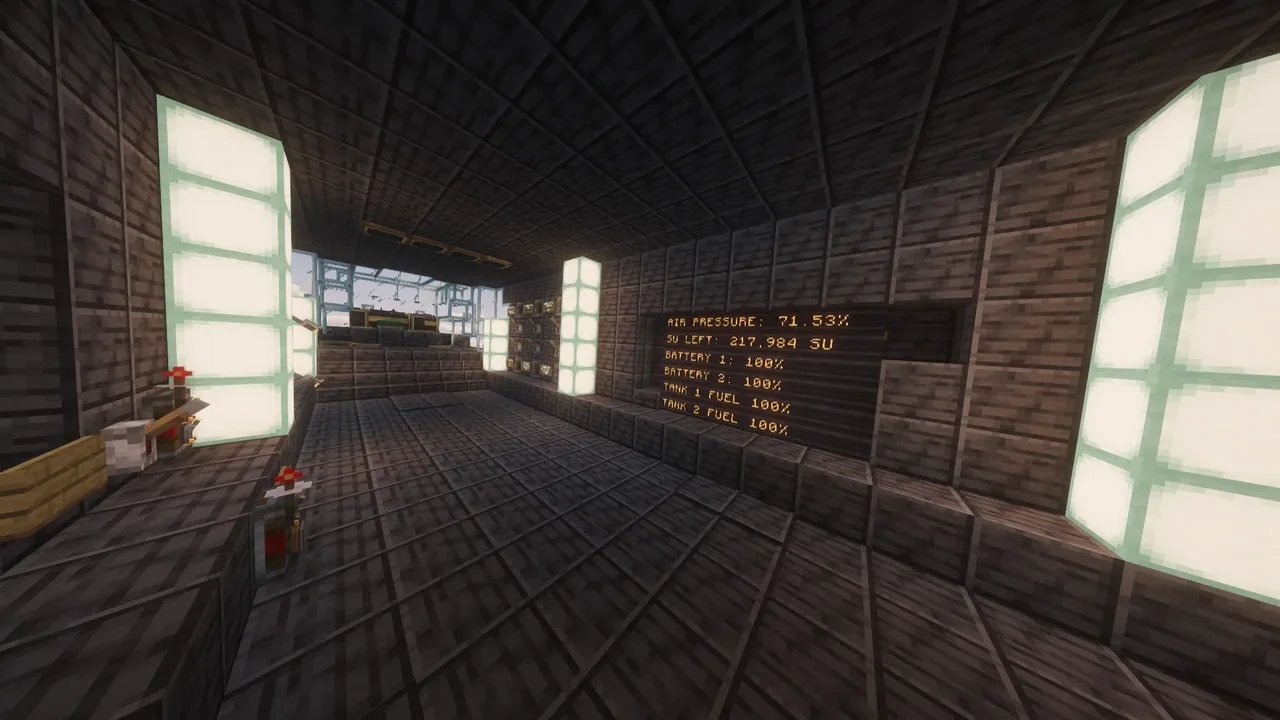 CV-22 Osprey / GTA V Avenger. Spacious Interior, Survival Friendly3,363 blocks · Zaejsk81
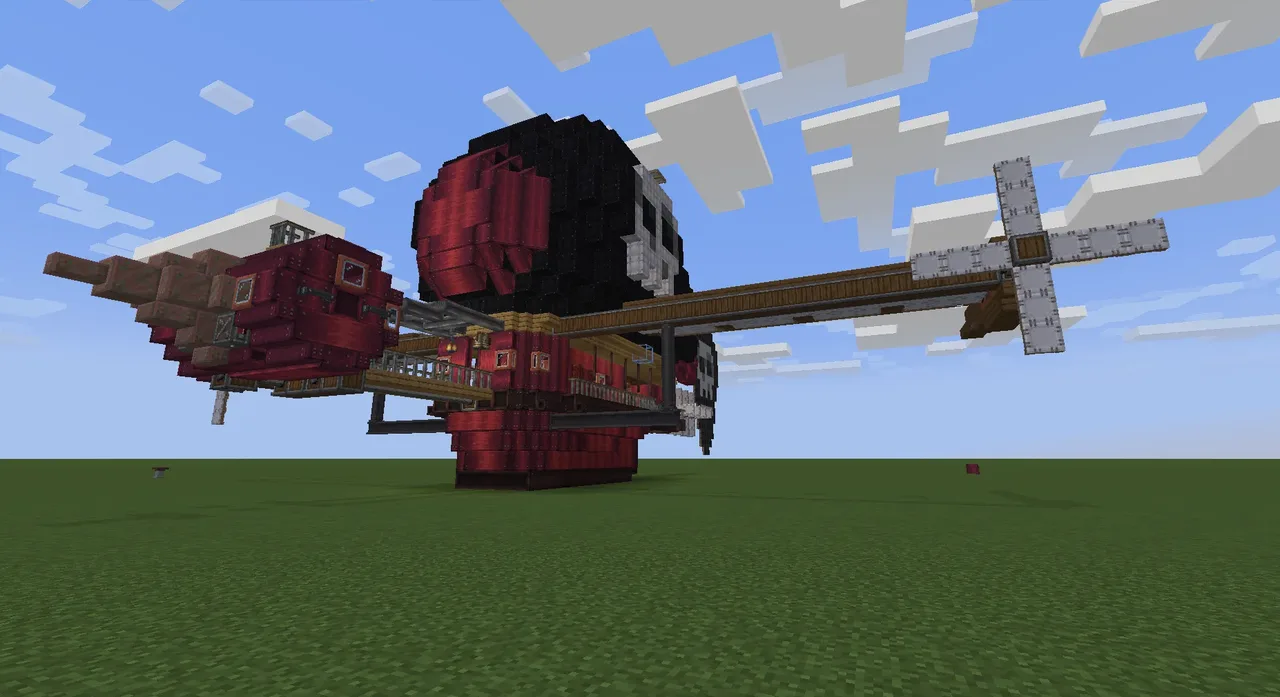 Tiger Moth3,507 blocks · Ponchio
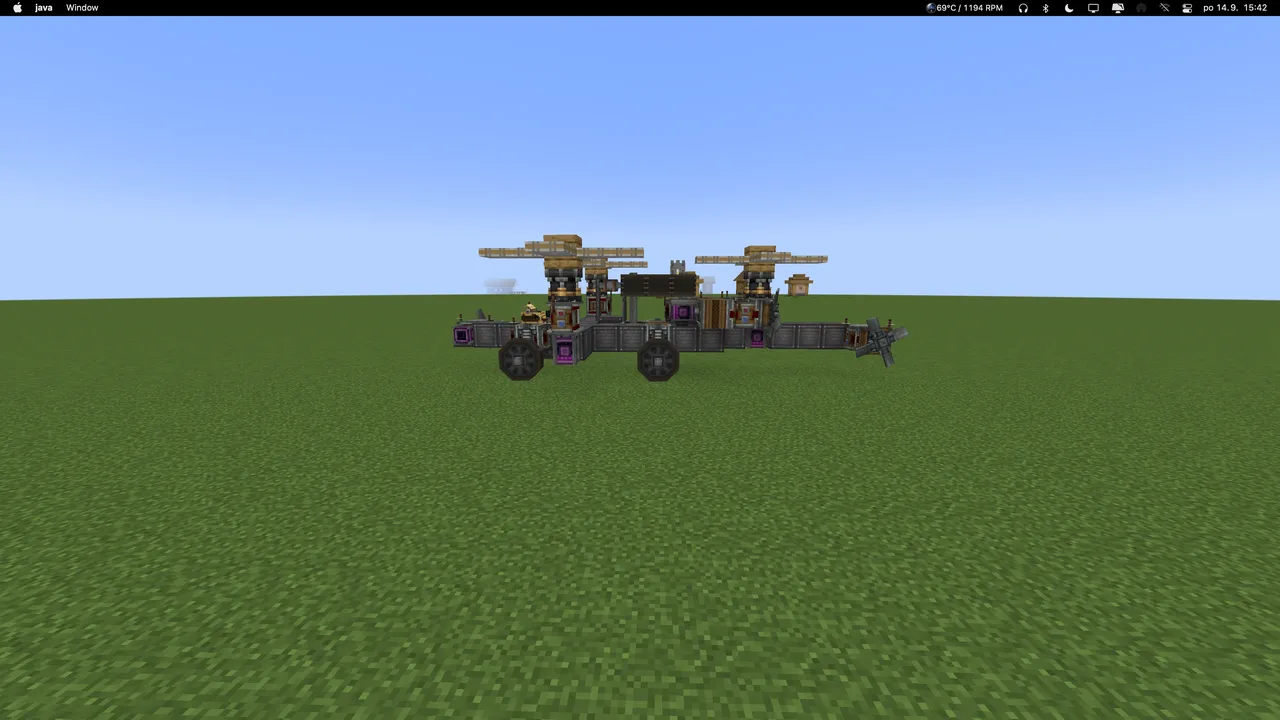 Aero-Car87 blocks · Matesakkk
 Il-2516 blocks · Molysk